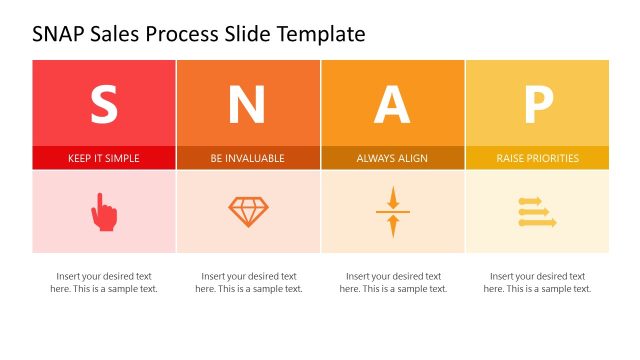
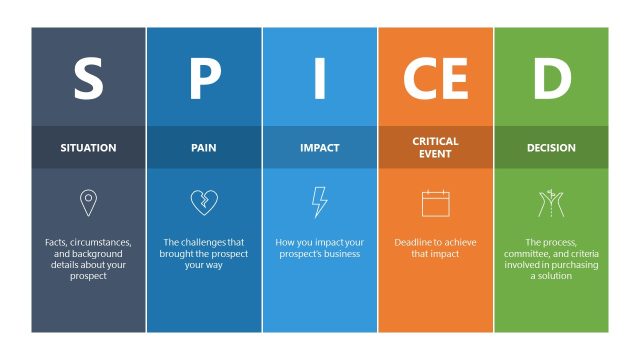
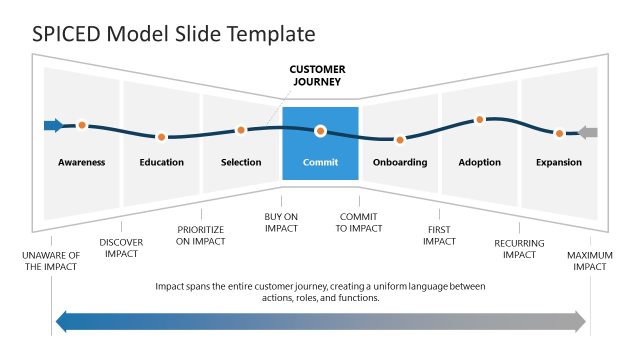
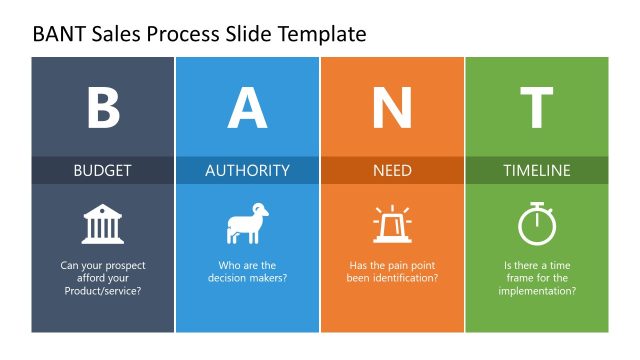
Customize the SPIN Sales Process PowerPoint Template with editable column diagrams for your sales & marketing presentations. SPIN is a well-designed framework for developing a B2B sales methodology. The four letters represent the SPIN selling questions that help brand representatives understand and deal with their client queries in more detail. In contrast to the SNAP selling process, which is much more efficient in action, the SPIN selling questions require time for discussion and prospecting the individuals to buy your product or service. The SPIN stands for Situation, Problem, Implication, and Need Payoff. As their names indicate, the four phases involve asking the client about the situation in which a particular issue exists, describing how a product or service can resolve their problem, giving an implication statement, and finally, suggesting your solution to rectify their issues.
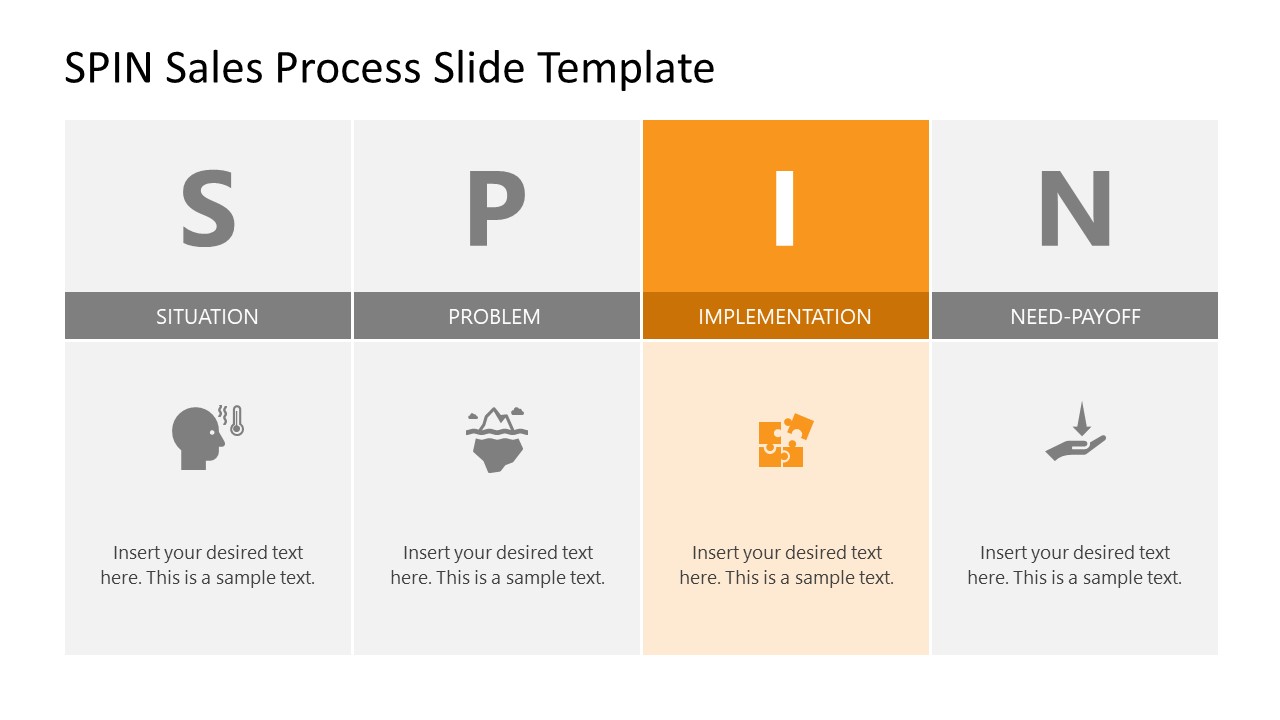
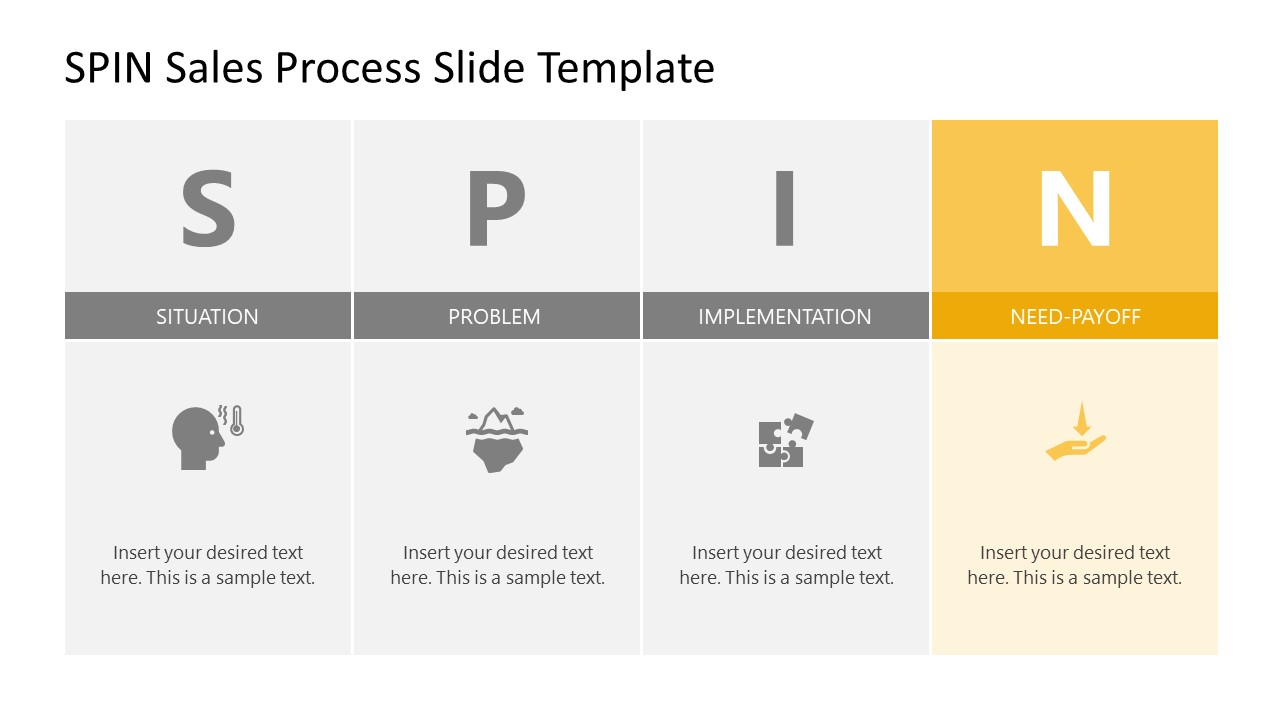
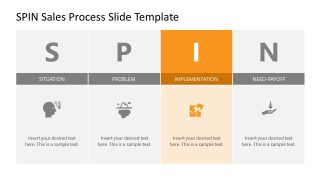
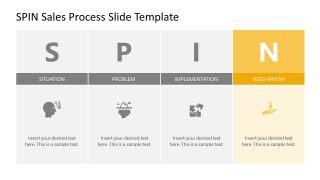
This SPIN Sales Process PowerPoint Template begins with a colored column slide, where each segment represents the individual phases of the SPIN process. These sections have distinct colors and are divided into dark and light-colored parts. The upper segment indicates bold letters S, P, I, & N. Below are the meaningful graphical PowerPoint icons. Users can change the colors, fonts, and infographic icons to re-purpose the slides. The slide also provides editable text boxes to insert relevant information. After the first slide, our SPIN model PowerPoint template carries slides that individually color highlight the columns while greying others. This effect can help users explain all aspects in detail. It also keeps the users engaged when the topic progresses on the slideshow. Presenters can also use this SPIN sales slide template for their business, academic, or marketing models presentation. All slides are 100% editable and are compatible with PowerPoint, Google Slides, and Keynote.
What’s inside this template
Example presentation scenarios
- A sales enablement lead can train new account executives on discovery calls by starting with the full SPIN overview diagram and then explaining each highlighted phase slide.
- A sales manager can align a B2B team before pipeline reviews by using the Situation and Problem focus slides to clarify what information reps should gather from prospects.
- A marketing strategist can explain buyer pain discovery to campaign teams by using the Problem and Need-Payoff columns as a shared framework for message planning.
- A business development presenter can coach client-facing teams on consultative questioning by using the repeated icon panels and text boxes to add sample questions for each SPIN stage.
Features
- 100% editable presentation template
- Compatible with Microsoft PowerPoint and Google Slides
- 16:9 aspect ratio slides
- Scalable vector shapes, icons and illustrations
- AI-Ready for Microsoft Copilot and Claude
- Instant access and download
Frequently asked questions
Q: How should a presenter explain the SPIN method with this deck?
A: Start with slide 1 to establish the complete SPIN sequence before discussing any single stage. Then move through the highlighted slides in order, keeping each explanation limited to the active column. Replace the sample text with one or two coaching prompts, such as discovery questions or examples of buyer responses.
Q: Who is this template best suited for?
A: This template fits sales trainers, sales managers, and B2B marketing teams that need to explain consultative selling in a short session. It is best when the audience already understands the sales context but needs a clear questioning framework for discovery, problem framing, implementation discussion, and value payoff.
Q: Why does the deck repeat the same four-column structure?
A: The repeated grid keeps the SPIN acronym in the same position while the active column changes color. That visual pattern reduces reorientation between slides, so the audience can focus on the meaning of the current stage. The gray inactive columns also show that each step belongs to one connected process.




SPIN Sales Process PowerPoint Template
5-slide SPIN sales process presentation template with four-column diagrams and phase highlight panels
This is a 5-slide SPIN sales process presentation template for mapping consultative sales questions in Microsoft PowerPoint and Google Slides. It includes a four-column SPIN diagram, color-highlighted phase slides, icon panels, and editable text boxes for sales trainers, marketing teams, and B2B account managers.
- Category
- Diagrams
- Rating

 Loading...
- Aspect ratio
- 16:9
- Item ID
- 21782-01
- Colors
 Microsoft PowerPoint
 Microsoft Copilot
 Claude for PowerPoint
Other formats supported
Subscribe today and get immediate
access to download our PowerPoint templates.