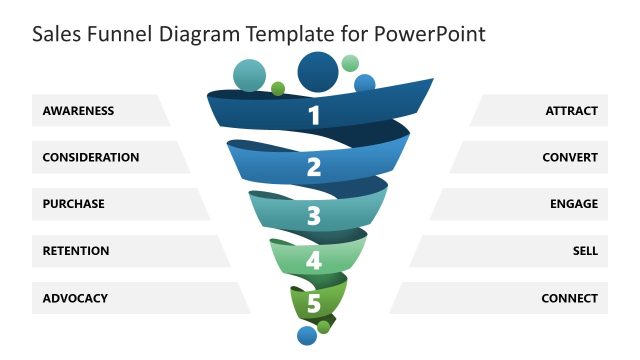
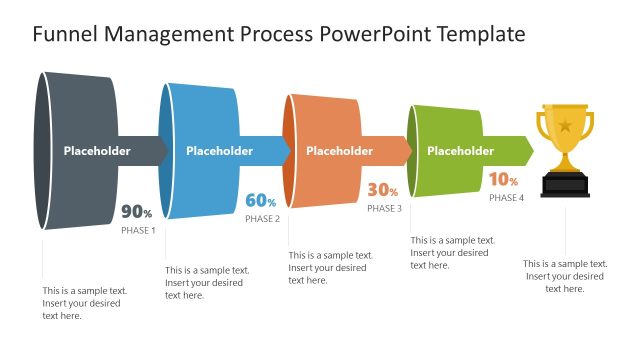
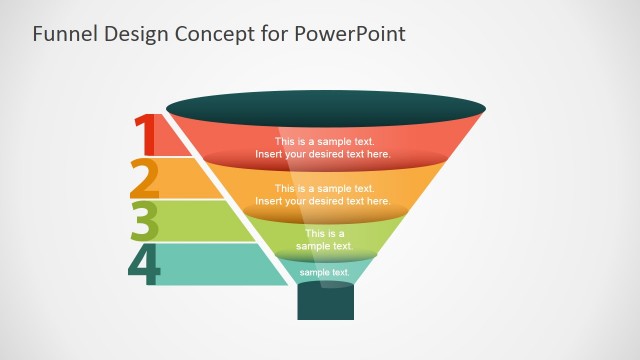
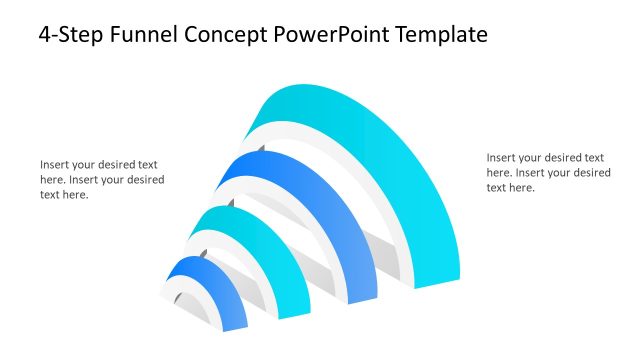
Customize our Sales Funnel Management Slide Template for PowerPoint to creatively showcase the stages of your customer purchase process. A purchase funnel or sales funnel is a step-wise approach to map the customer’s journey. This sequence of events starts from brand awareness for the layman and ultimately converts him into the final customer. This process mostly has four steps:
- Brand Awareness
- Lead Generation
- Prospecting
- Sales Generation
The companies undergo various marketing advertisements to create a brand identity and spread awareness about the company’s products. In the second stage, the organizations collect the data from users to follow up with them again. A qualified lead is considered a prospect who makes the final purchase in the next step. Professionals can download our unique and modern diagram template to present the aspects of sales funnel management. They can showcase how they deal with the target audience to make sales. Users can edit the template with Google Slides and Keynote. Moreover, users can change the template’s elements to fit their needs. They can modify the color scheme and change the company’s fonts, shapes, or other attributes based on their requirements.
The Sales Funnel Management Slide Template for PowerPoint has a single slide with a segmented funnel diagram. On the right side are editable textboxes with bullet points so presenters can display their relevant information. In the center are four arrows with a downward direction, illustrating the final stage of loyal customers at the end. The colors of the textboxes and funnel section correspond to each other. Professionals can demonstrate each sales funnel step in a clear and understandable format to their audience. Download our sales funnel template and use it in your business presentations! Also, check our complete collection of diagram PowerPoint templates and sales funnel presentations.
What’s inside this template
Example presentation scenarios
- A sales manager can use the segmented funnel to explain how awareness, leads, prospects, and sales connect during a pipeline planning meeting.
- A marketing lead can use the color-coded activity callouts to show which campaigns, squeeze pages, follow-ups, and offers support each funnel stage.
- A consultant can use the chevron process to guide a client discussion about brand building, content creation, and conversion actions.
- A startup founder can use the loyal customers outcome bar to connect early marketing activity with customer acquisition goals in an investor or team briefing.
Features
- 100% editable presentation template
- Compatible with Microsoft PowerPoint and Google Slides
- 16:9 aspect ratio slides
- Scalable vector shapes, icons and illustrations
- AI-Ready for Microsoft Copilot and Claude
- Instant access and download
Frequently asked questions
Q: How should a presenter explain the sales funnel without overloading the audience?
A: Start with the large funnel on the left and describe the customer movement from awareness to sales. Then move to the chevron process and right-side callouts to explain what the team does at each stage. Keep each text box limited to one or two actions so the audience sees progression, not a task list.
Q: Who is this sales funnel slide best suited for?
A: This slide works best for sales, marketing, and business development presenters who need to align people around a shared conversion process. It is useful in campaign planning, pipeline reviews, onboarding, and client advisory sessions because it connects audience stages with concrete actions such as squeeze pages, follow-ups, and offers.
Q: Why does the funnel metaphor improve the message?
A: The funnel shape makes narrowing audience volume visible, while the downward arrows and loyal customers bar show the intended outcome. The parallel chevron column adds an action path beside the customer path, so the audience understands both what customers experience and what the business must do to move them forward.


Sales Funnel Management Slide Template for PowerPoint
1-slide presentation template for sales funnel stages, lead progression, and customer conversion
Sales Funnel Management Slide Template for PowerPoint is a 1-slide diagram template for explaining customer conversion stages. It shows a segmented sales funnel, a vertical chevron process, color-coded activity callouts, and a loyal customers outcome bar for sales, marketing, and business teams using Microsoft PowerPoint or Google Slides.
- Category
- Diagrams
- Rating

 Loading...
- Aspect ratio
- 16:9
- Item ID
- 22469-01
- Colors
 Microsoft PowerPoint
 Microsoft Copilot
 Claude for PowerPoint
Other formats supported
Subscribe today and get immediate
access to download our PowerPoint templates.