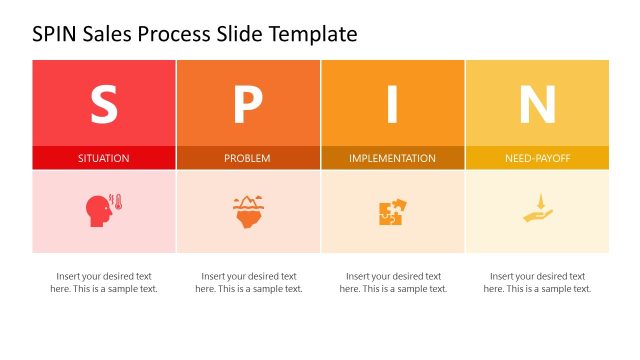
The SNAP Sales Process PowerPoint Template features a modern graphical slide deck to present the SNAP selling process. SNAP is an efficient selling methodology for busy clients and doesn’t offer much discussion & questions like the SPIN sales technique. The SNAP is an acronym for the steps included in this technique:
- Keep it Simple: A to-the-point introduction of the proposed solution is more effective when the client doesn’t agree to invest much time.
- Be Invaluable: This point indicates offering the user an invaluable product or service and helps you stand out from competitors.
- Always Align: In your compelling communication with the customer, it is suggested to align with the requirements. It can help you achieve better results in a shorter time.
- Raise Priorities: Focusing on the client’s priorities increases conversion rates.
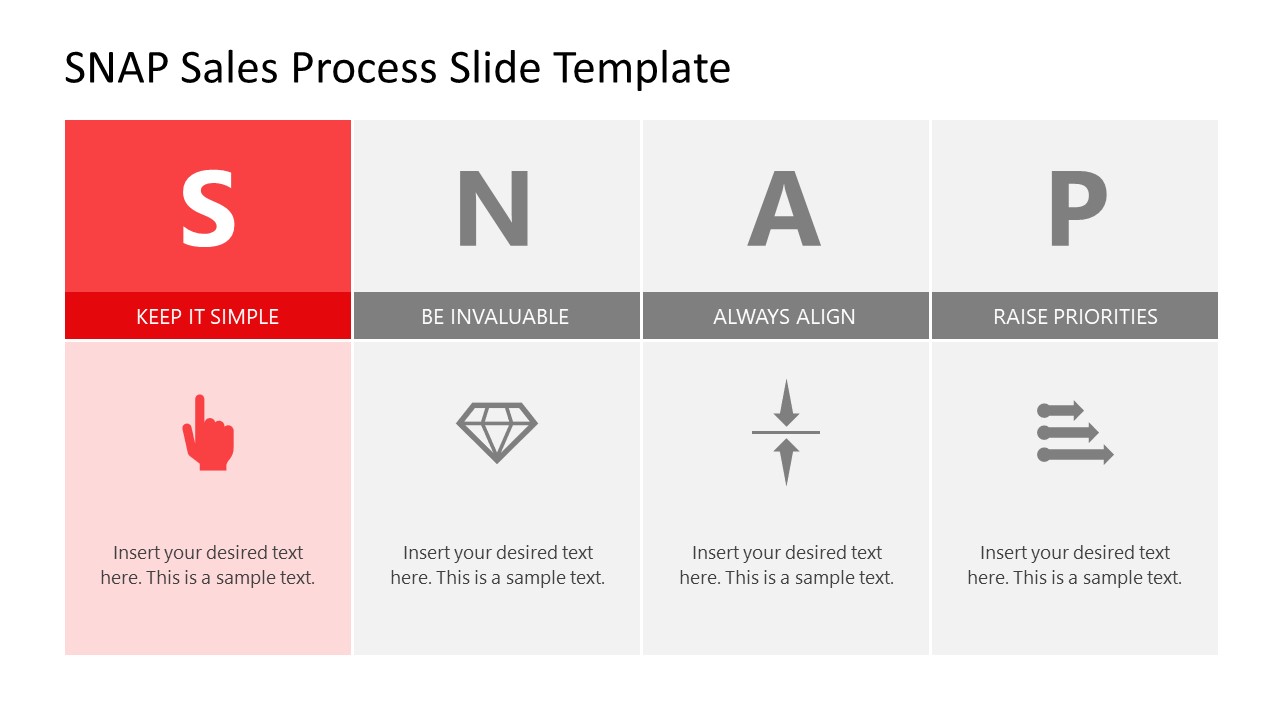
Professionals can use this SNAP sales process PowerPoint template for their sales and business presentations. It can also help in training the sales teams. The first slide of our SNAP sales slide template is a four-column design, each segment representing a phase of the SNAP process. These columns have two parts: the upper one carries a bold first letter, and the lower part has meaningful graphical PowerPoint icons. Using the editable text boxes, presenters can conveniently add relevant data points. All four segments are differently colored on the first slide; however, each column is highlighted one by one on the following slides. This spotlight effect enables the users to discuss each part of the SNAP model PowerPoint template in more detail.
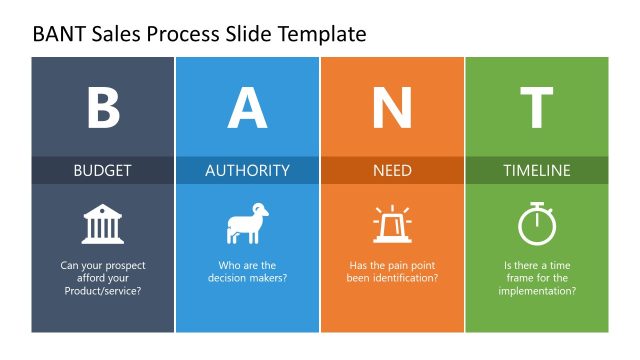
Presenters can also re-purpose our SNAP Sales Process PowerPoint Template for presenting other models such as SPIN methodology, AIDA model, OODA, BANT sales process, or similar concepts. Users can make any change to the design, fonts, color scheme, and formatting. So, download and try customizing this 100% editable SNAP selling process slide template now!
What’s inside this template
Example presentation scenarios
- A sales trainer can use the four-column overview to introduce the SNAP acronym before coaching representatives on each behavior in a workshop.
- A sales manager can use the highlighted S, N, A, and P step slides to align a team around concise customer messaging before a new campaign.
- A business development lead can use the icon-and-caption panels to explain how a sales approach should match client priorities during an internal strategy review.
- A consultant can repurpose the acronym column layout to present a comparable four-step sales model, keeping the same overview and one-step spotlight sequence.
Features
- 100% editable presentation template
- Compatible with Microsoft PowerPoint and Google Slides
- 16:9 aspect ratio slides
- Scalable vector shapes, icons and illustrations
- AI-Ready for Microsoft Copilot and Claude
- Instant access and download
Frequently asked questions
Q: How should a presenter explain the SNAP method with this template?
A: Start with the full four-column overview so the audience sees the complete acronym and the order of the method. Then move through the four spotlight slides, using one short example per column. Keep each text placeholder brief so the large S, N, A, and P letters remain the main navigation cues.
Q: Who is this template best suited for in a sales organization?
A: This template fits sales leaders, enablement managers, and trainers who need to teach a compact selling framework without a long lecture deck. The one-overview and four-step structure works well for kickoff meetings, onboarding refreshers, or sales playbook explanations where the goal is shared language and quick adoption.
Q: Why does the repeated column layout help explain the process?
A: The deck keeps the same four columns on every slide, then changes color emphasis to direct attention to one step. That repetition reduces orientation time for the audience. The icons act as quick memory cues: a hand for simplicity, a diamond for value, alignment arrows, and priority arrows.



SNAP Sales Process PowerPoint Template
5-slide sales process presentation template with SNAP acronym columns and step spotlight icons
This 5-slide SNAP Sales Process PowerPoint Template presents the SNAP selling method through a four-column process overview, step spotlight slides, icon-and-caption panels, and acronym letter blocks. It is built for sales leaders, trainers, and business teams explaining Keep It Simple, Be Invaluable, Always Align, and Raise Priorities in Microsoft PowerPoint or Google Slides.
- Category
- Process Diagrams
- Rating

 Loading...
- Aspect ratio
- 16:9
- Item ID
- 21783-01
- Colors
 Microsoft PowerPoint
 Microsoft Copilot
 Claude for PowerPoint
Other formats supported
Subscribe today and get immediate
access to download our PowerPoint templates.