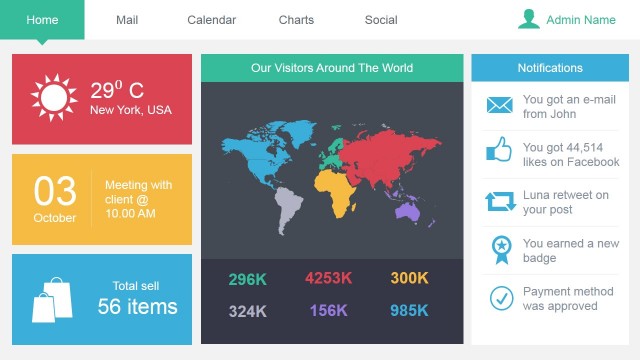
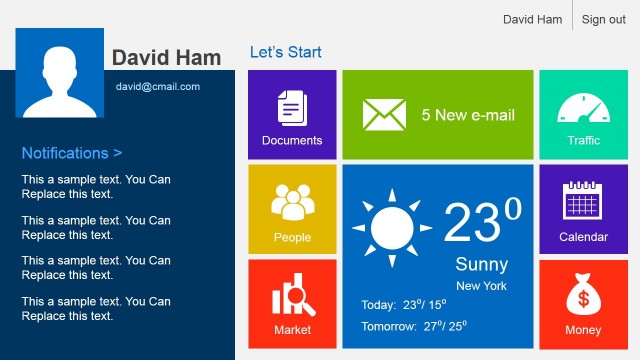
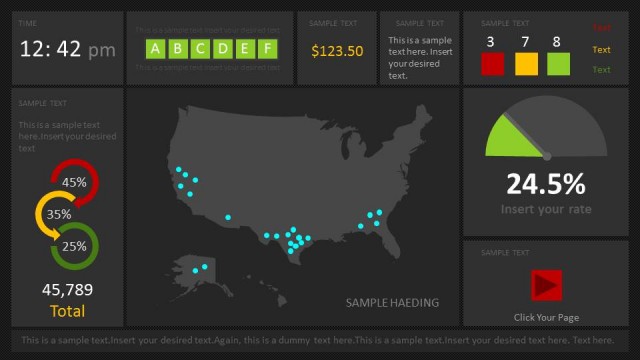
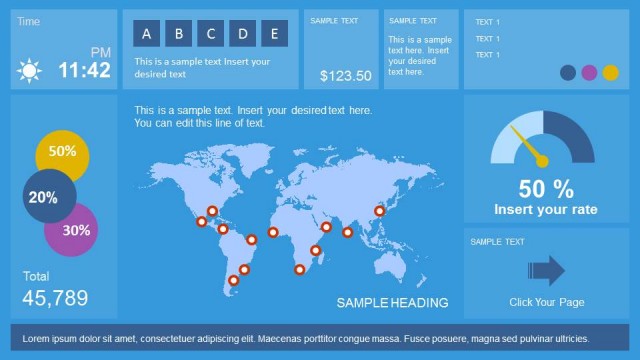
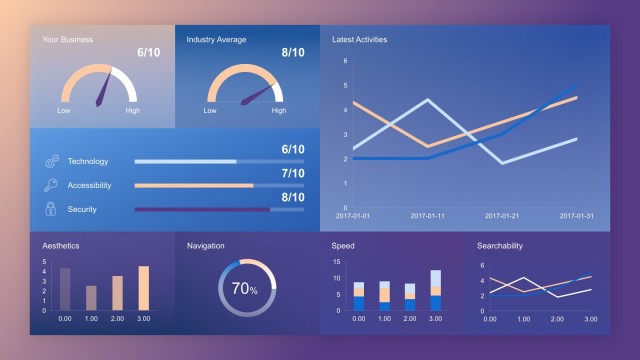
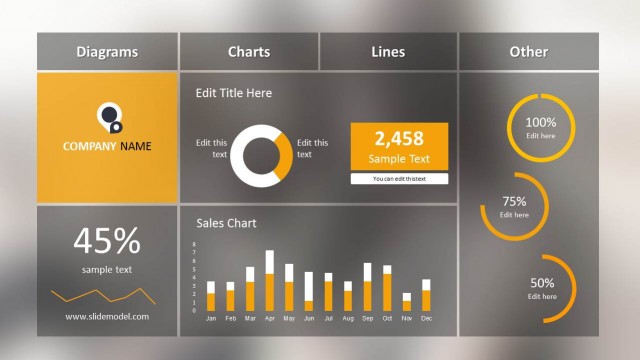
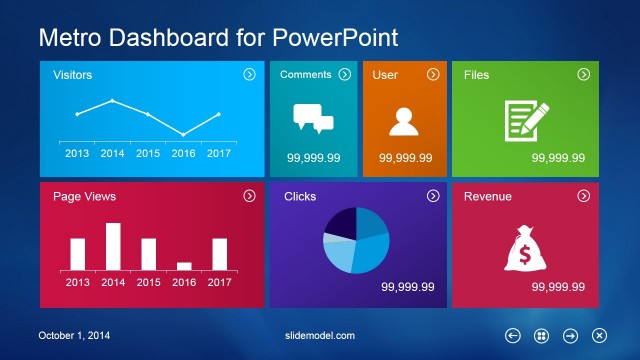
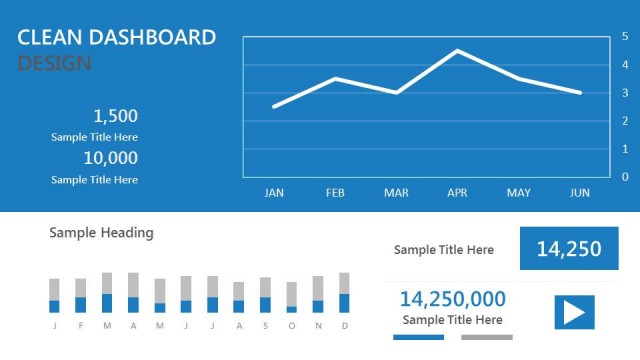
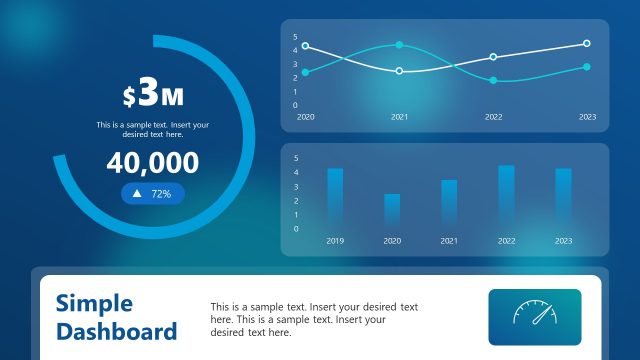
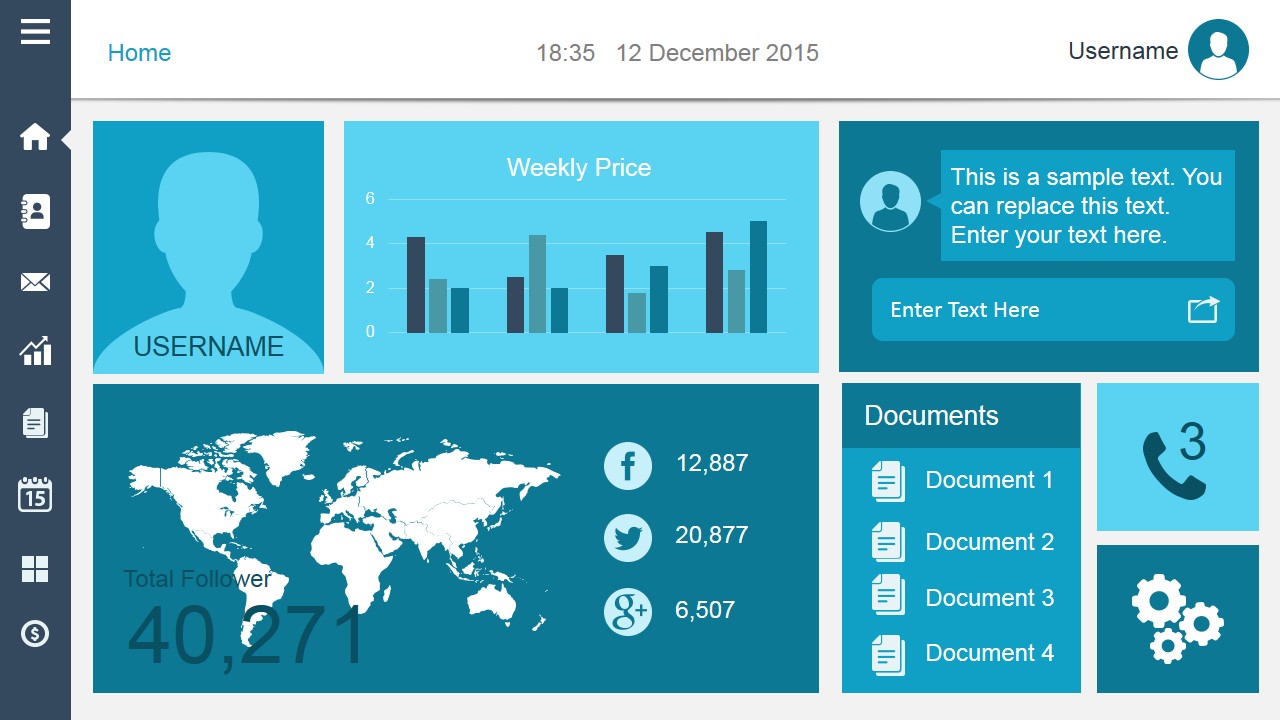
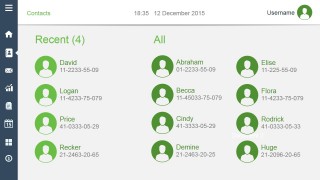
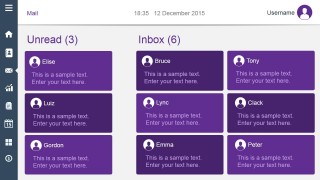
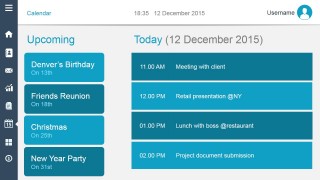
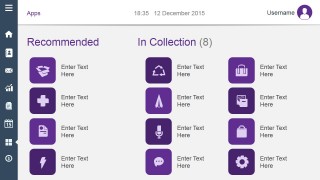
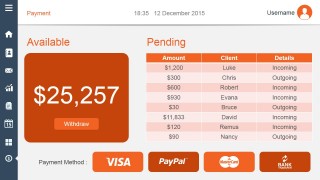
Smart Dashboard PowerPoint Template is a presentation design template for Microsoft PowerPoint that you can use as a metaphor of a computer dashboard like those available in an web application back-end. This dashboard template contains several slide designs including Calendar dashboard, Contact dashboards, Email Inbox dashboard as well as slides for Account Balance and Payment options.
You can use this smart dashboard PowerPoint template design to prepare presentations in Microsoft PowerPoint, as an alternative to other dashboard templates.
What’s inside this template
Example presentation scenarios
- A product manager can use the home KPI dashboard and app collection slide to explain the planned information architecture of a SaaS admin portal to executives.
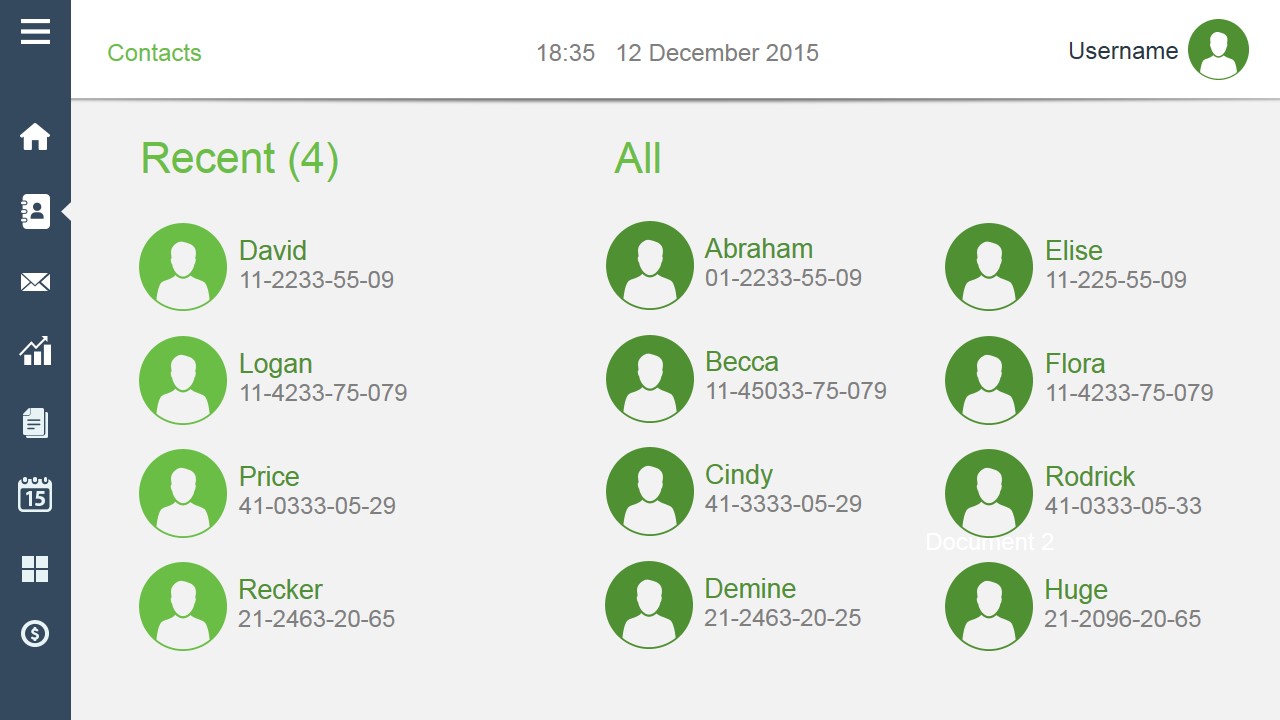
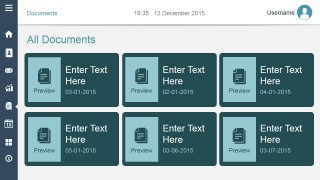
- A UX presenter can use the contacts, mail inbox, and document cards to walk stakeholders through core user tasks in a web application concept.
- An operations manager can use the calendar agenda and payment table to summarize daily scheduling, pending transactions, and workflow status for a business review.
- A startup founder can use the dashboard screens as a visual product mockup when pitching how the platform organizes messages, documents, events, and account activity.
Features
- 100% editable presentation template
- Compatible with Microsoft PowerPoint and Google Slides
- Scalable vector shapes, icons and illustrations
- AI-Ready for Microsoft Copilot and Claude
- Instant access and download
Frequently asked questions
Q: How should I organize a presentation around these dashboard screens?
A: Start with the home KPI dashboard to establish the main interface and navigation model, then move into one function at a time: contacts, mail, documents, calendar, apps, and payments. Treat each slide as a user task rather than a static screen. Replace placeholder labels with concise action-oriented copy so the audience understands what each module helps the user do.
Q: Who is this template best suited for?
A: This template is best for product managers, SaaS founders, UX teams, and operations presenters who need to show a web app or admin portal concept without building a full prototype. The visible screens cover common business functions such as messages, contacts, documents, schedules, and payments, making it useful for explaining a digital service or internal portal.
Q: Why use a smart dashboard metaphor instead of standard business slides?
A: The dashboard metaphor turns abstract business functions into familiar interface panels. A left navigation rail, top status bar, user avatar, and tiled content areas create a recognizable app environment, so audiences can connect each idea to a user action. This is especially helpful when explaining software concepts, workflow hubs, or operational control centers.


Smart Dashboard PowerPoint Template
8-slide presentation template with smart dashboard screens, calendar panels, and email inbox layouts
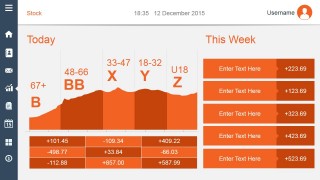
Smart Dashboard PowerPoint Template is an 8-slide business presentation template for showing web application style dashboards in Microsoft PowerPoint and Google Slides. It includes a home KPI dashboard, contacts directory, mail inbox, stock panel, document cards, calendar agenda, app collection, and payment table for product, SaaS, or operations presenters.
- Category
- Business PowerPoint Templates
- Rating


 Loading...
- Item ID
- 4040-01
- Colors
 Microsoft PowerPoint
  Microsoft Copilot
  Claude for PowerPoint
 Other formats supported
Subscribe today and get immediate
access to download our PowerPoint templates.