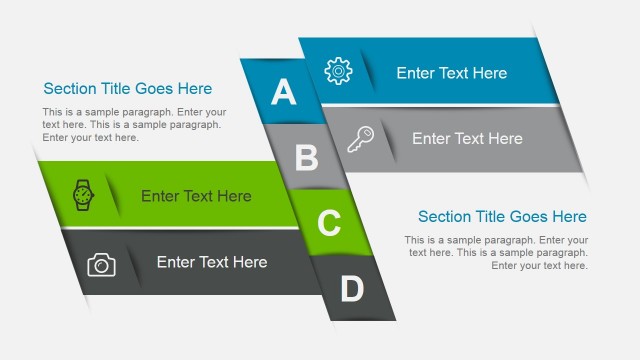
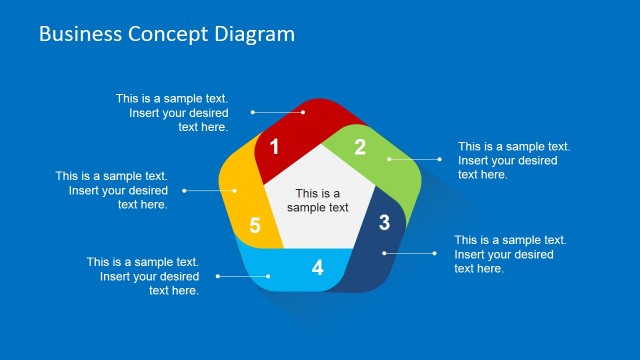
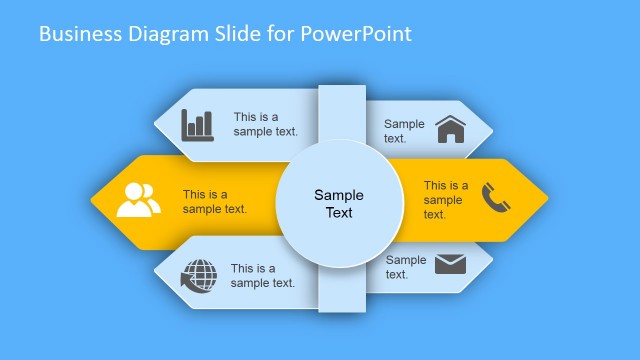
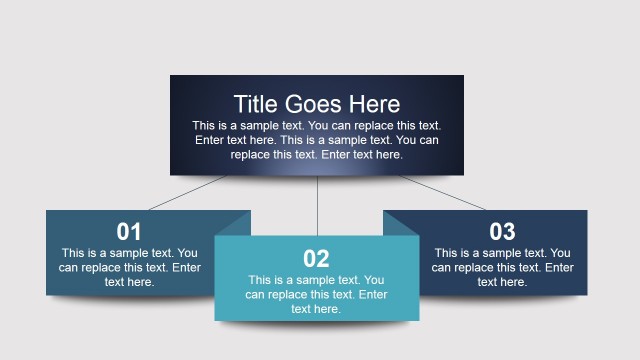
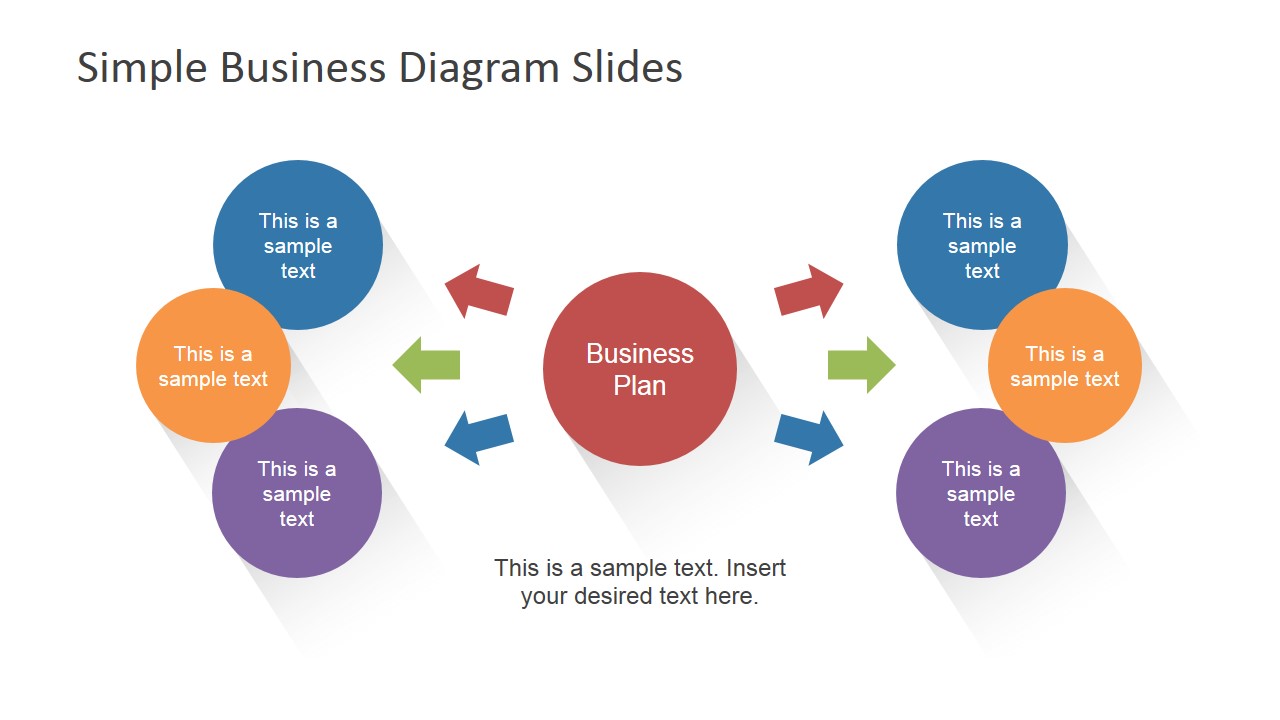
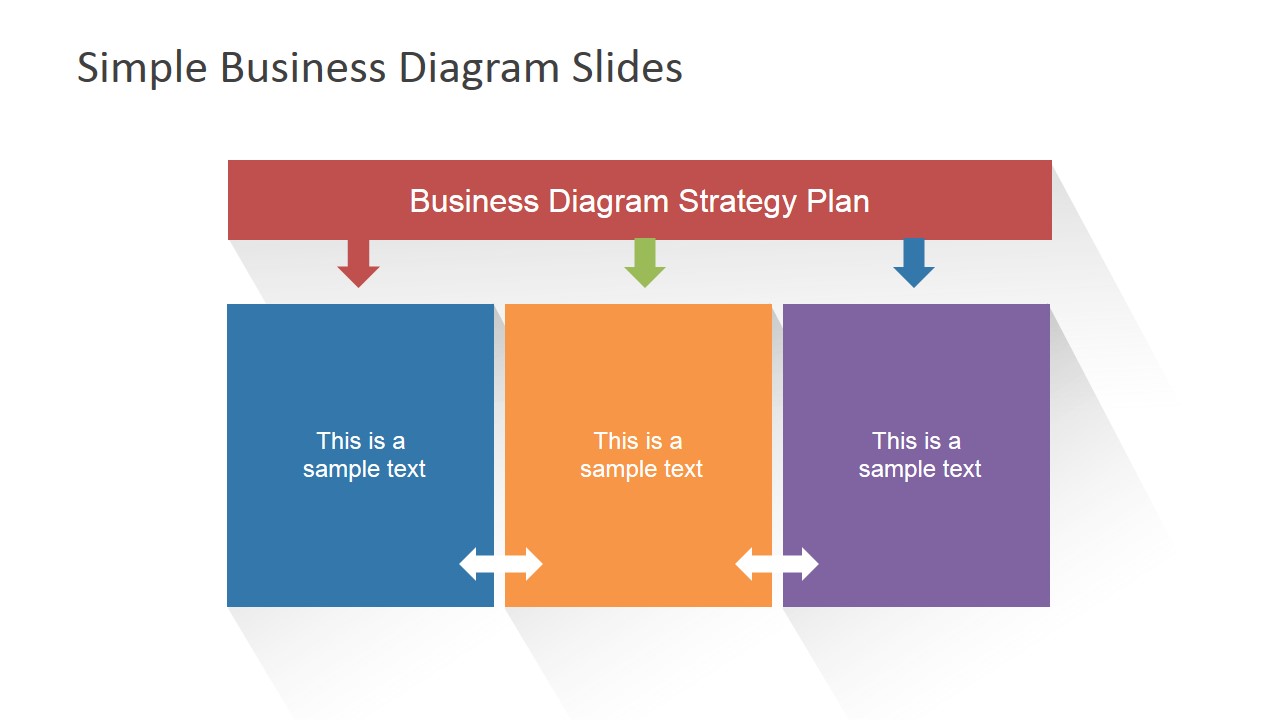
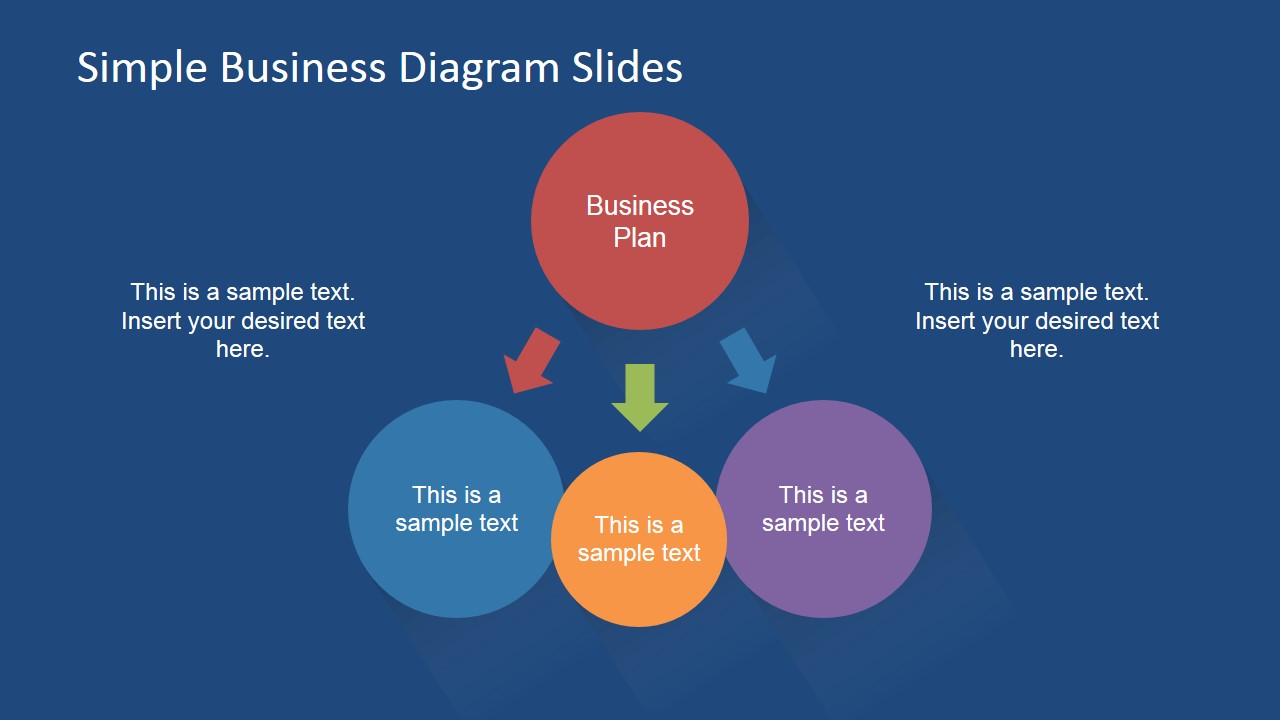
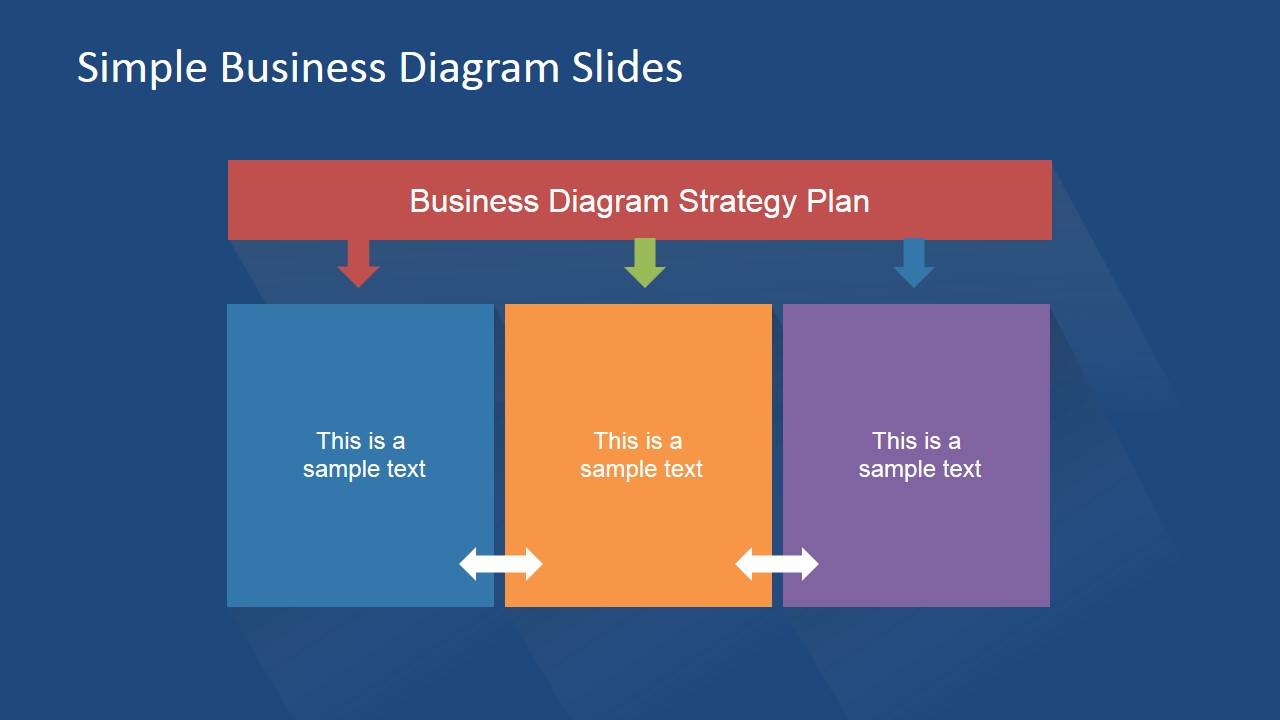
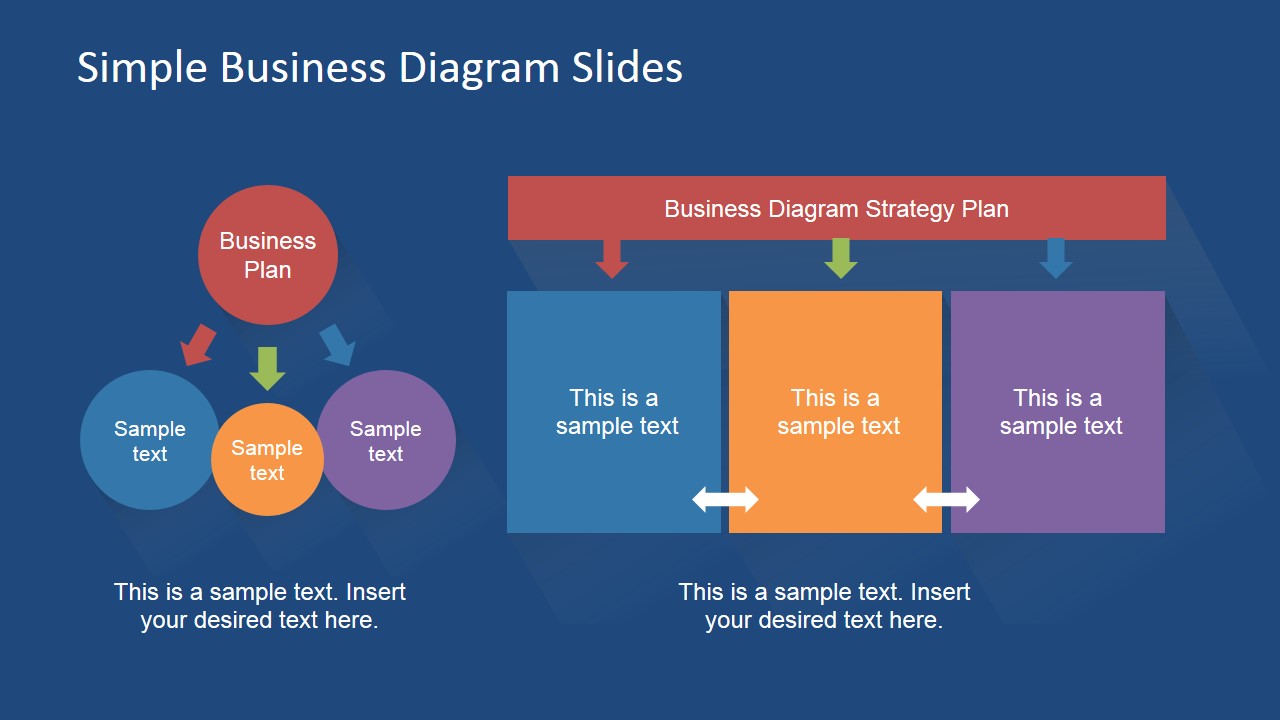
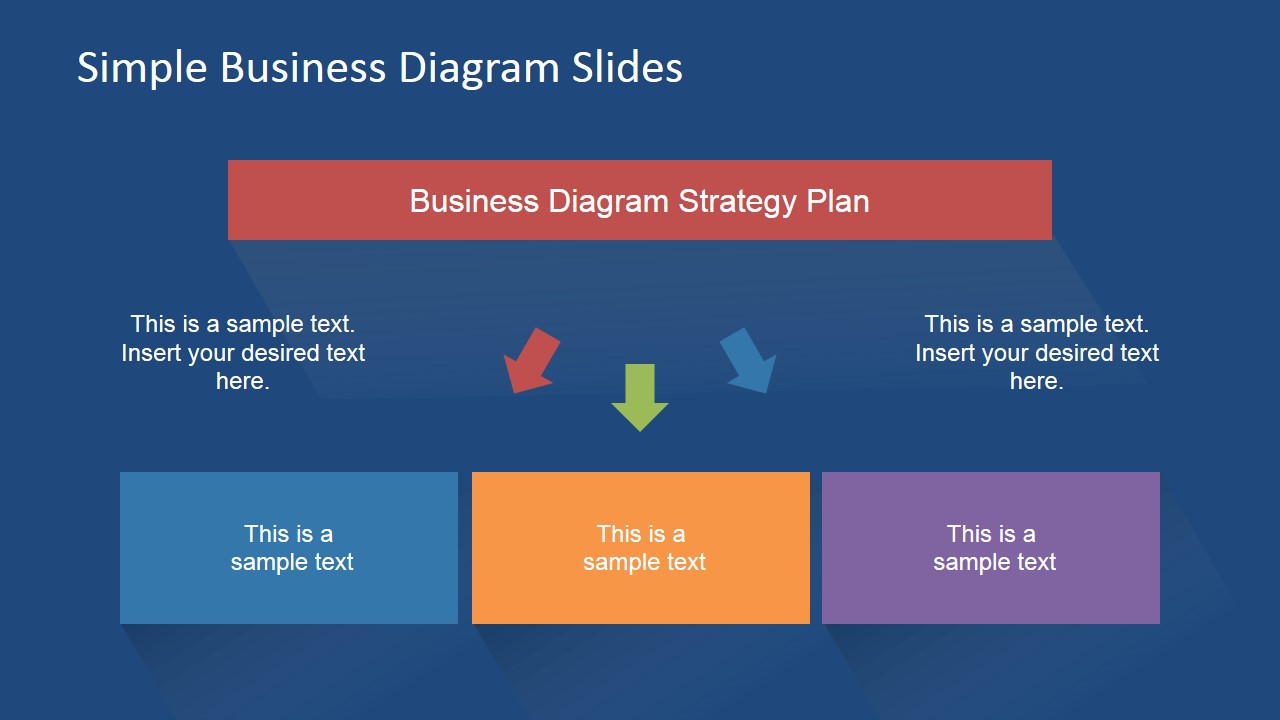
This presentation template contains simple but very useful layouts and diagram designs with flat color palette that you can copy and paste into your existing or new business presentations or strategy plan presentation. Inside this simple business template layout for PowerPoint you can find circular diagrams with arrows and text box layouts that you can use to describe a simple process flow.
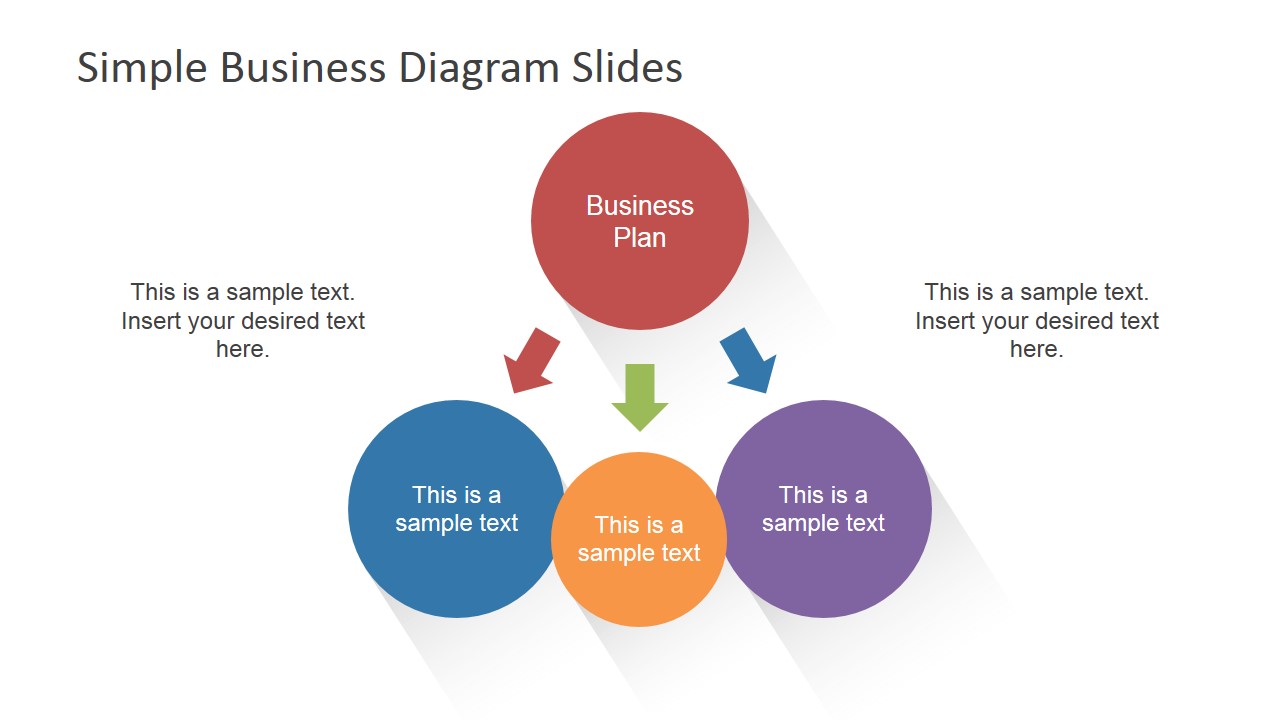
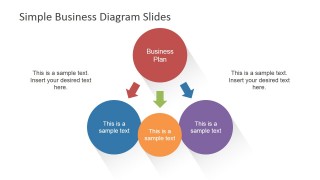
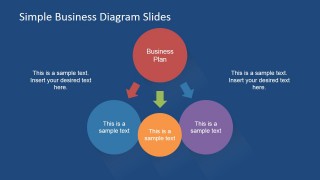
The circular diagrams let you model a scenario or present a main concept and then drill down to present other derived concepts.
What’s inside this template
Example presentation scenarios
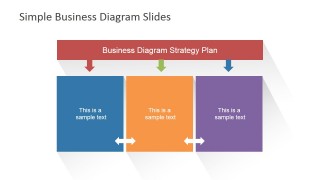
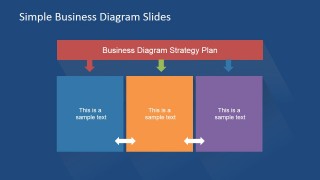
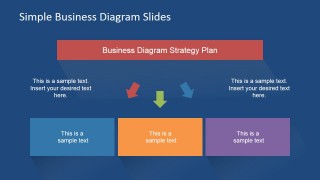
- A strategy consultant can use the three-column strategy plan slides to compare three workstreams, options, or priorities during an executive planning session.
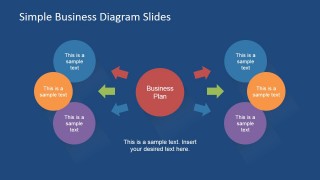
- A project manager can use the circular hub-and-spoke slides to explain how a central business plan connects to supporting initiatives, teams, or deliverables.
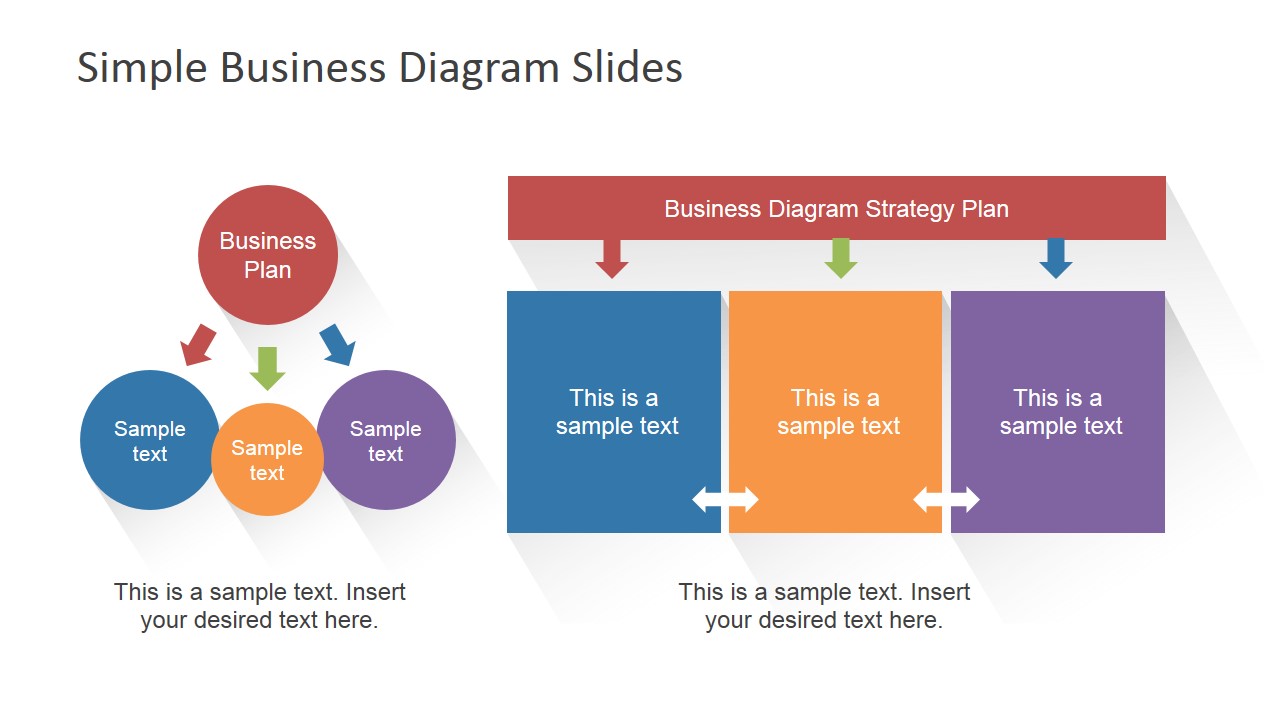
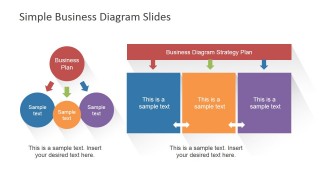
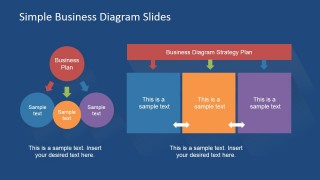
- A startup founder can use the combined diagram slides to show a core plan on one side and the related execution areas on the other during an investor or advisor update.
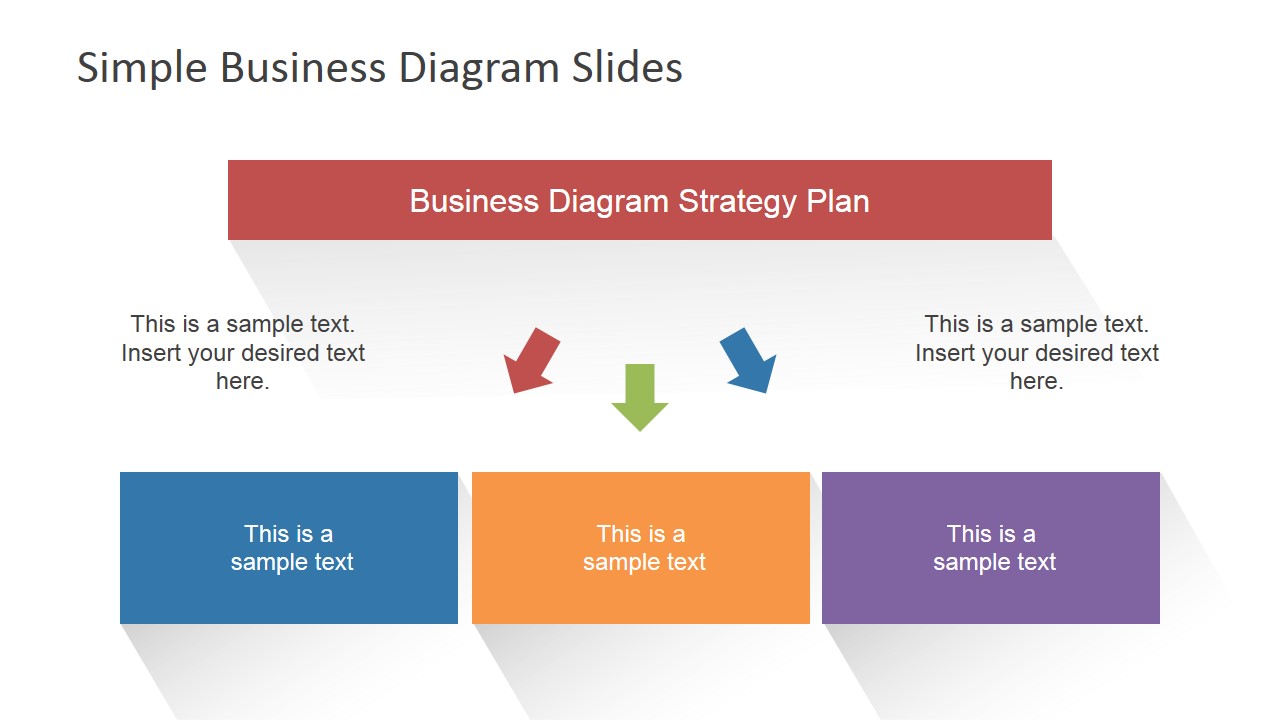
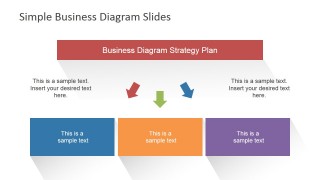
- An operations leader can use the horizontal three-step process slides to summarize phases of a simple improvement plan for department stakeholders.
Features
- 100% editable presentation template
- Compatible with Microsoft PowerPoint and Google Slides
- 16:9 aspect ratio slides
- Scalable vector shapes, icons and illustrations
- AI-Ready for Microsoft Copilot and Claude
- Instant access and download
Frequently asked questions
Q: How should a presenter structure a message with these simple business diagrams?
A: Start with the circular hub-and-spoke slide to define the main business plan, then move to a three-column strategy plan when the audience needs to compare priorities or workstreams. Keep each circle or rectangle to one concise idea. Use the side text areas for context, not long explanations, so the diagram remains the main message.
Q: Who is this template best suited for?
A: This template fits managers, consultants, and team leads who need to explain a straightforward plan without a data-heavy report. It works best for planning meetings, internal briefings, and strategy discussions where the message can be organized into a central concept, supporting ideas, or three grouped action areas.
Q: Why do the circle and block layouts help communicate business plans?
A: The circular diagrams use a simple center-and-support metaphor, which makes relationships easy to understand at a glance. The three-block strategy layouts create separation between options or phases, helping the audience compare them side by side. The repeated arrows add direction without forcing the presenter into a complex timeline.


Simple Business Diagrams Slides for PowerPoint
10-slide business diagram presentation template with circular process and strategy plan layouts
Simple Business Diagrams Slides for PowerPoint is a 10-slide diagram template for Microsoft PowerPoint and Google Slides. It includes circular hub-and-spoke diagrams, three-column strategy plan blocks, horizontal process layouts, and combined concept-to-plan slides for business planning, strategy discussions, and process explanations.
- Category
- Diagrams
- Rating


 Loading...
- Aspect ratio
- 16:9, 4:3
- Item ID
- 6700-01
- Colors
 Microsoft PowerPoint
  Microsoft Copilot
  Claude for PowerPoint
 Other formats supported
Subscribe today and get immediate
access to download our PowerPoint templates.