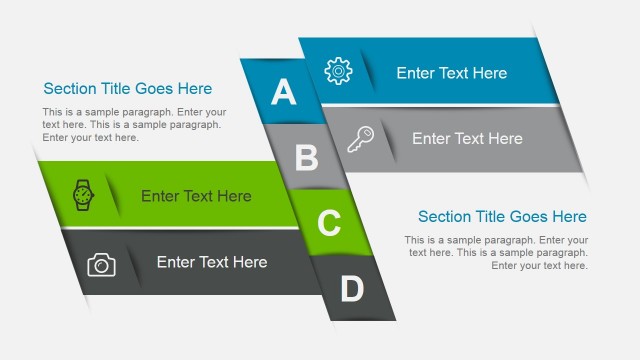
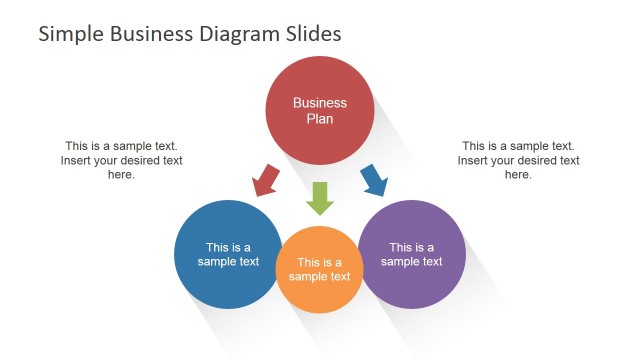
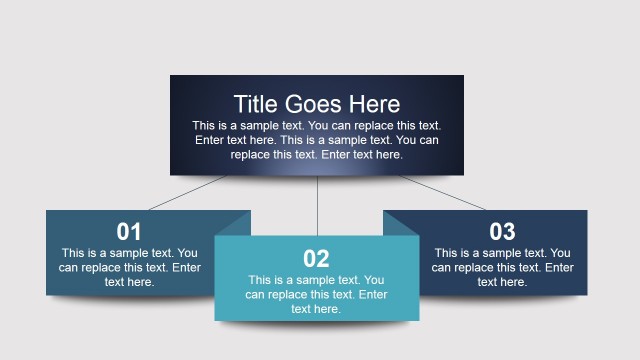
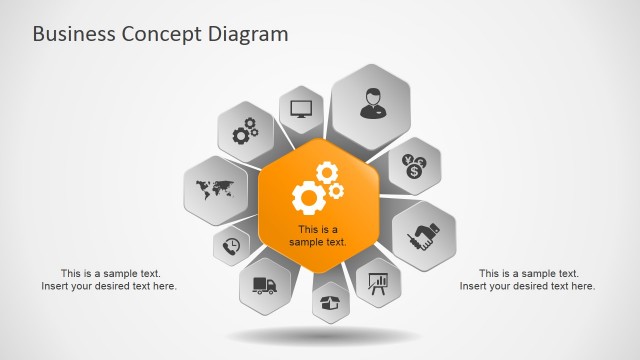
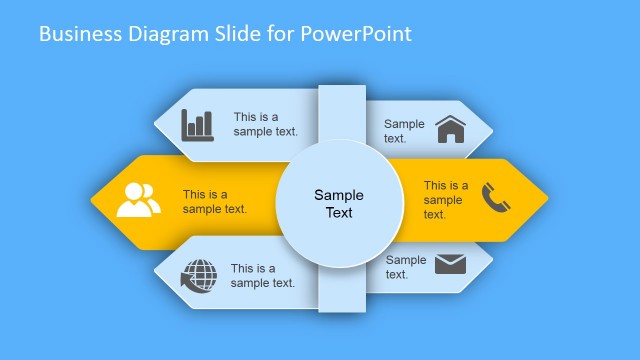
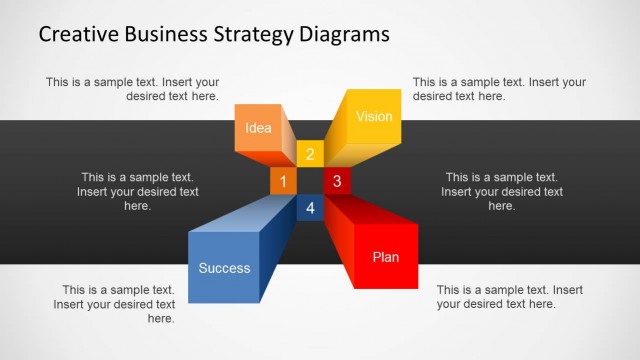
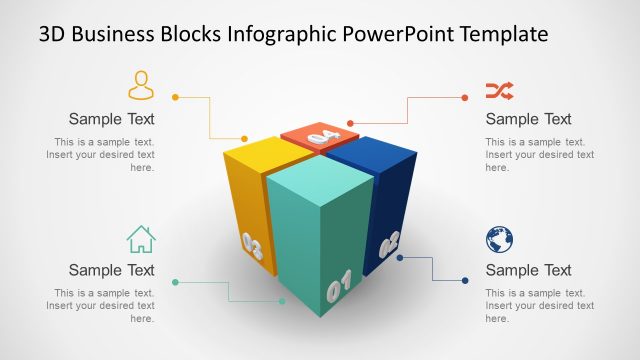
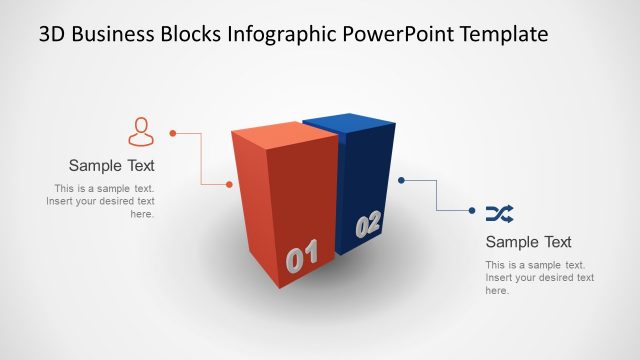
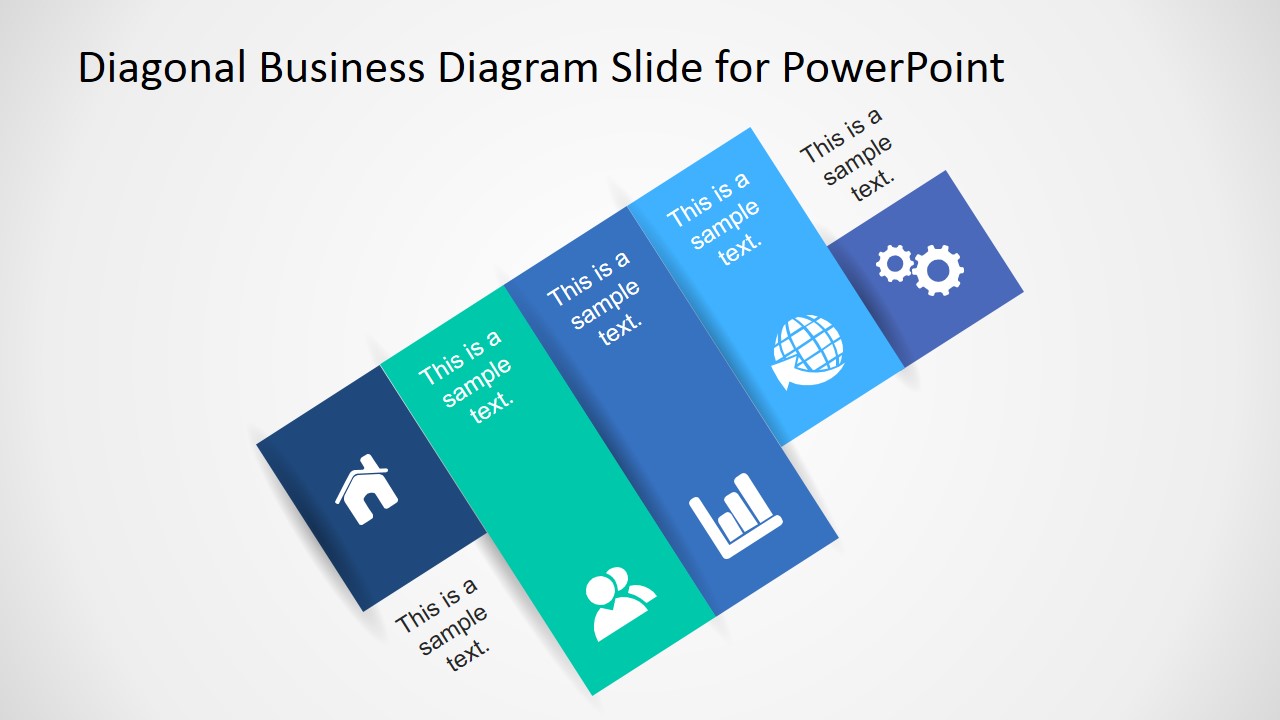
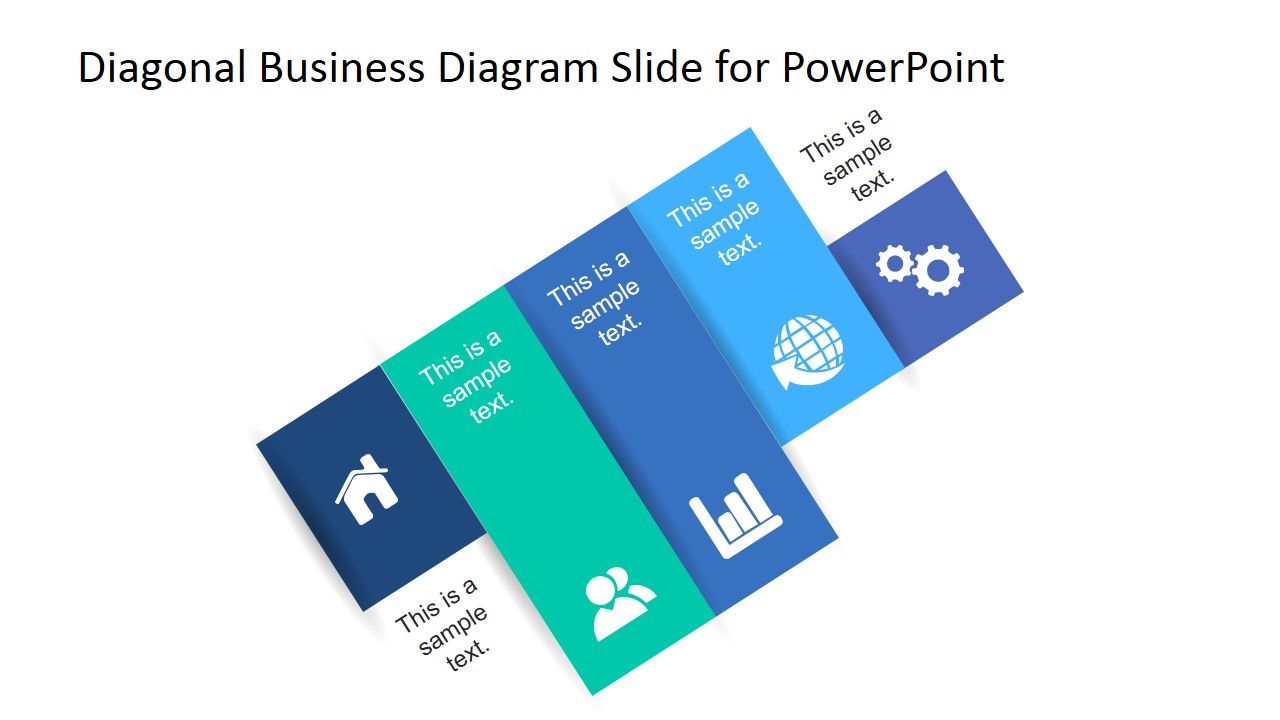
This is a creative business diagram concept that you can use to decorate your presentations and slides. It contains a diagonal business diagram layout with editable text placeholders and PowerPoint icons. You can use this diagonal diagram in any business presentation to give a special touch to your slides.
Alternatively you can download other diagonal layouts for PowerPoint for example those slides that you can find in Awesome Business Diagram Template or the diagonal slide designs the animated natural PowerPoint template.
What’s inside this template
Example presentation scenarios
- A consultant can use the diagonal five-block diagram to introduce a client framework, assigning each colored block to one capability and using the icons as quick recognition cues.
- A product manager can present a service overview by replacing the sample text with product areas and using the people, chart, globe, and gear icons to separate functional themes.
- A sales presenter can use the icon-based diagonal sequence to summarize value drivers before moving into a proposal or solution discussion.
- An operations manager can map a short workflow or improvement path by treating each diagonal block as a step and keeping the supporting text brief.
Features
- 100% editable presentation template
- Compatible with Microsoft PowerPoint and Google Slides
- 16:9 aspect ratio slides
- Scalable vector shapes, icons and illustrations
- AI-Ready for Microsoft Copilot and Claude
- Instant access and download
Frequently asked questions
Q: How should a presenter organize content on the diagonal blocks?
A: Treat each block as one idea, not a paragraph container. Put the strongest category names in the larger colored panels and keep the rotated text to short labels or supporting phrases. The diagonal direction naturally suggests sequence, so order the blocks from starting concept to final outcome when explaining a process.
Q: Who is this template best suited for?
A: This template fits business presenters who need a quick conceptual overview rather than a full report. Consultants, sales teams, project leads, and managers can use it to summarize service areas, capabilities, workflow steps, or strategic pillars before discussing details on later slides.
Q: Why use a diagonal diagram instead of a standard list?
A: The diagonal layout adds movement and makes related ideas feel connected. Each colored block creates a separate visual stop, while the icons help the audience remember the category. Compared with a bullet list, the structure is better for showing a compact concept map or a short progression.
Diagonal Business Diagram Slides for PowerPoint
2-slide presentation template with diagonal business diagram and icon-based concept blocks
Diagonal Business Diagram Slides for PowerPoint is a 2-slide diagram template for Microsoft PowerPoint and Google Slides. It shows a five-part diagonal block layout with icon panels, text placeholders, and color-coded segments for business concepts, process steps, or service categories. The design is available in 16:9 and 4:3 formats.
- Category
- Text & Tables
- Rating


 Loading...
- Aspect ratio
- 16:9, 4:3
- Item ID
- 6775-01
- Colors
 Microsoft PowerPoint
  Microsoft Copilot
  Claude for PowerPoint
 Other formats supported
Subscribe today and get immediate
access to download our PowerPoint templates.