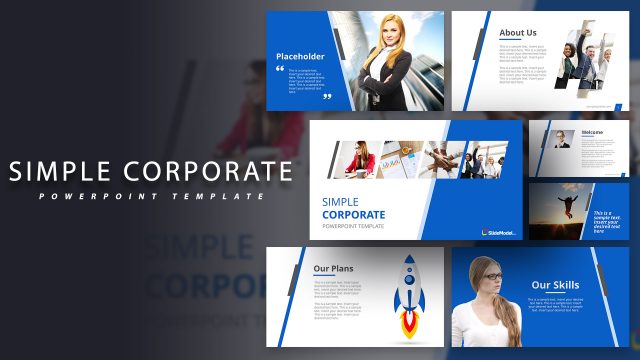
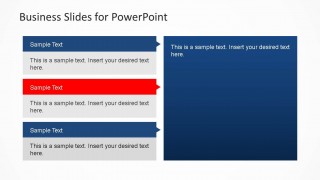
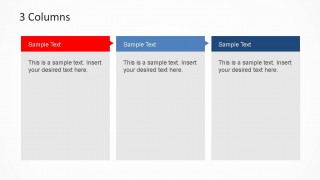
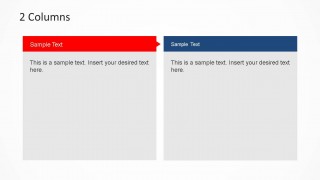
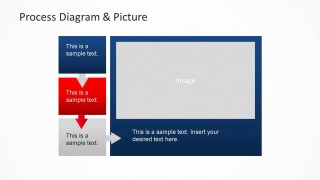
Simple Business PowerPoint Template is a professional and appealing theme layout for business presentations. It contains a splash introduction slide, and several common use slides as agenda, textbox columns with shapes, two and three textbox columns with titles, highlighted box, comments slide, sequence diagrams and image placeholders with descriptions.
The template can be used to present a project brief, executive summary or to prepare a presentation for a project overview.
The simple presentation template is easy to adapt and simple to customize. Each shapes is created as PowerPoint objects which gives 100% editable capabilities to the template. Using this template you can impress your audience and save tons of time with a ready-made design.
What’s inside this template
Example presentation scenarios
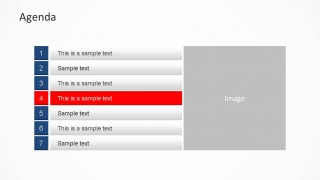
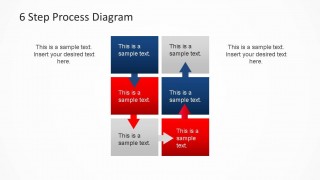
- A project manager can use the numbered agenda and six-step process diagram to brief stakeholders on meeting topics, workflow stages, and next actions.
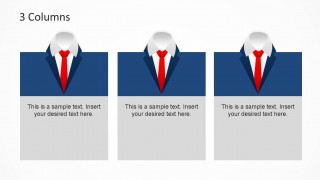
- A consultant can use the two-column and three-column layouts to compare business options, summarize recommendations, and separate supporting points for a client discussion.
- A marketing lead can use the picture placeholder slides and ribbon text blocks to present a campaign overview, key messages, and supporting visual context.
- An executive presenter can use the title cover, agenda, and large blue content panels to deliver a concise internal business update with a formal visual tone.
Features
- 100% editable presentation template
- Compatible with Microsoft PowerPoint and Google Slides
- 16:9 aspect ratio slides
- Scalable vector shapes, icons and illustrations
- AI-Ready for Microsoft Copilot and Claude
- Instant access and download
Frequently asked questions
Q: How should a presenter structure the message with this template?
A: Start with the title cover to frame the business topic, then use the numbered agenda to set expectations. Use the two-column or three-column slides for grouped points, not long paragraphs. Place process explanations on the six-step diagram so the audience can follow sequence before discussing the supporting picture or summary slides.
Q: Who is this template best suited for in a business presentation?
A: This template works best for presenters who need to explain a project, service, or internal initiative without heavy financial detail. Project managers, consultants, marketing leads, and founders can use the agenda, column layouts, and process diagrams to communicate structure, responsibilities, and next steps in a concise meeting format.
Q: Why does the suit-and-tie motif help the presentation?
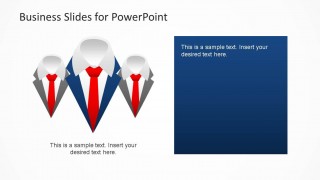
A: The suit-and-tie icons act as a simple business metaphor, signaling corporate identity, leadership, and formal discussion before the content begins. Repeated icon use across the cover and column slides creates visual continuity, while red accent ribbons draw attention to priority items, selected agenda points, or the most important comparison column.




Simple Business PowerPoint Template
10-slide business presentation template with agenda, columns, process diagrams, and image placeholders.
Simple Business PowerPoint Template is a 10-slide business presentation deck for project briefs, executive summaries, and overviews. It includes a title cover, numbered agenda, two-column and three-column text layouts, process diagrams, and picture placeholder slides. The template is built for Microsoft PowerPoint and Google Slides.
- Category
- Business PowerPoint Templates
- Rating


 Loading...
- Aspect ratio
- 16:9
- Item ID
- 6418-01
- Colors
 Microsoft PowerPoint
  Microsoft Copilot
  Claude for PowerPoint
 Other formats supported
Subscribe today and get immediate
access to download our PowerPoint templates.