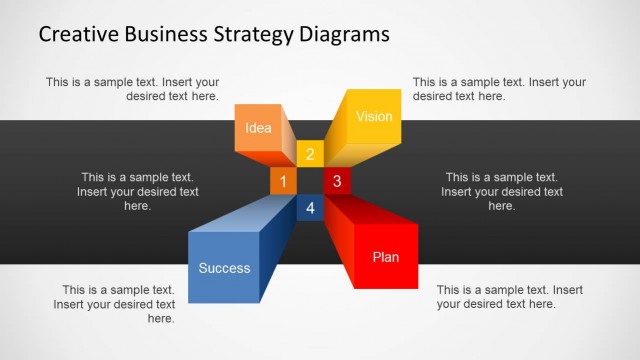
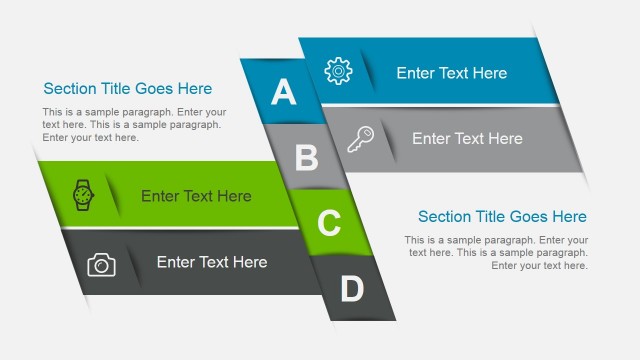
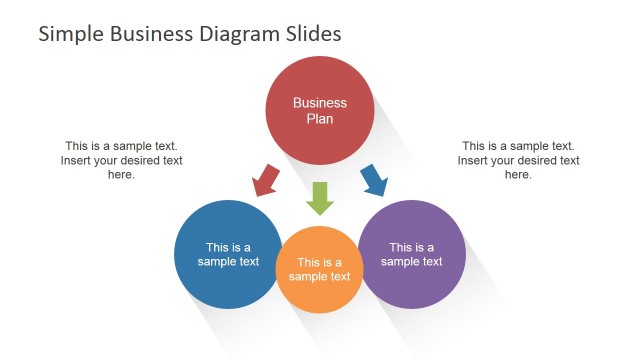
Creative Business Layout Template for PowerPoint contains several slide designs that you can use to make robust business presentations with creative diagrams and layouts to present your data in Microsoft PowerPoint.
This presentation template with creative slide layouts contains useful business diagrams like:
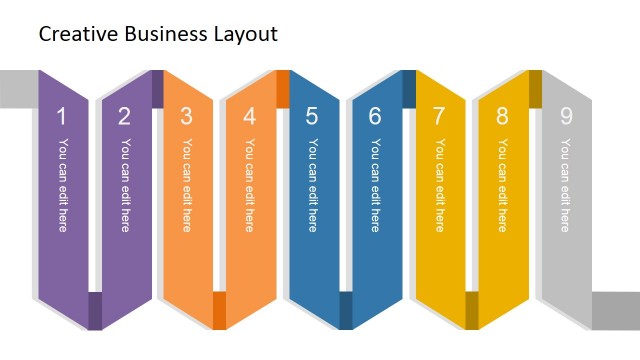
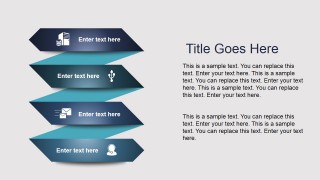
- Ribbon slides
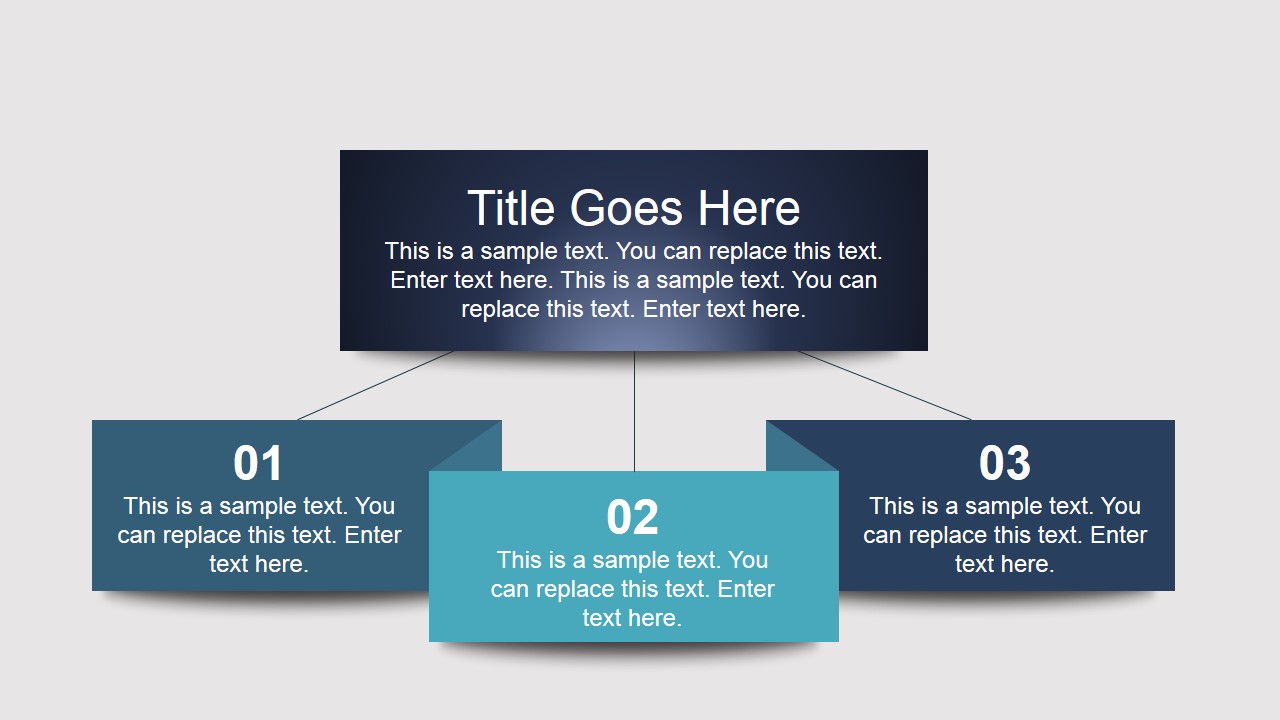
- Simple hierarchy diagrams
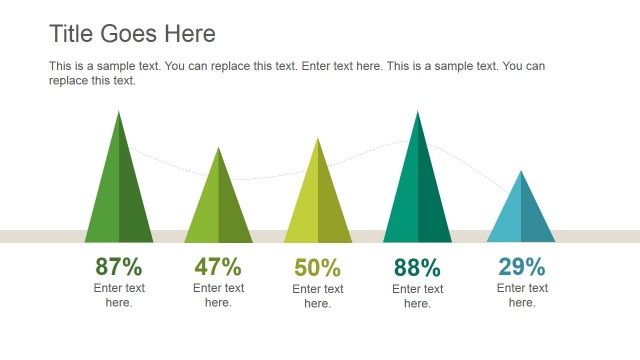
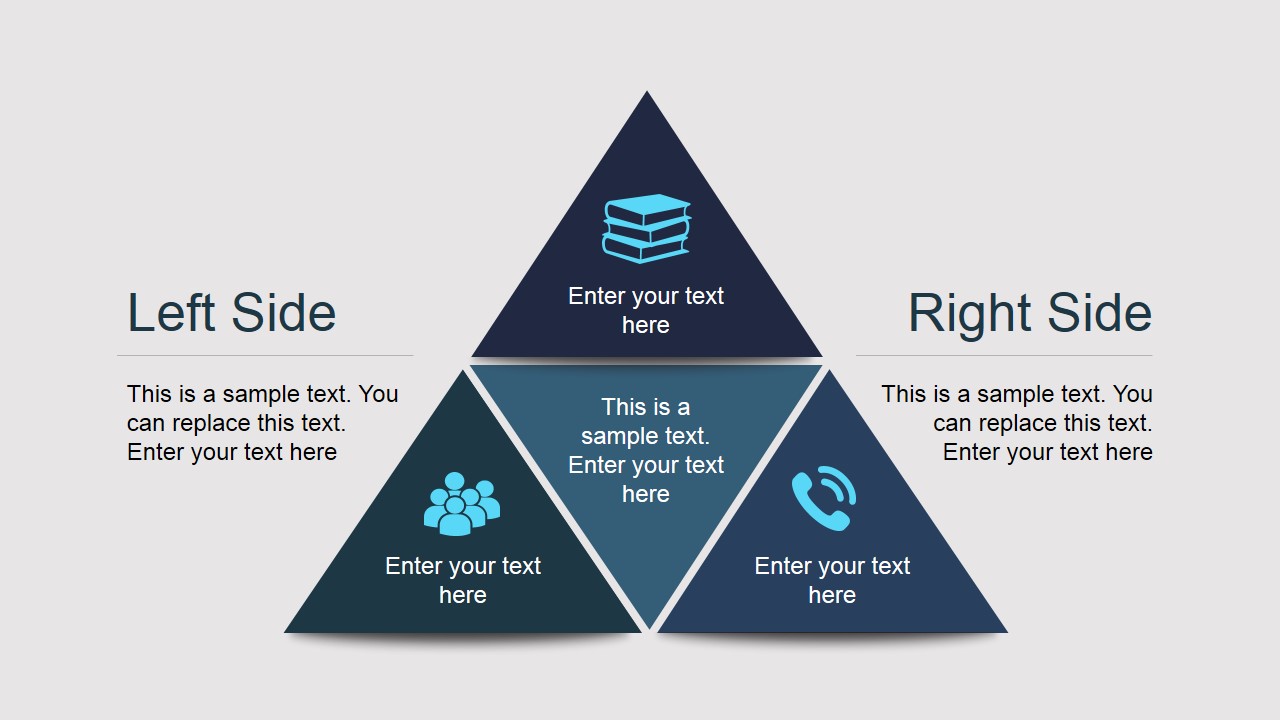
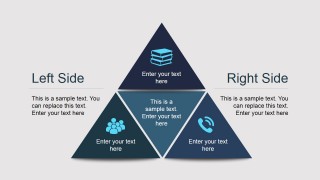
- Pyramid diagram designs with triangles
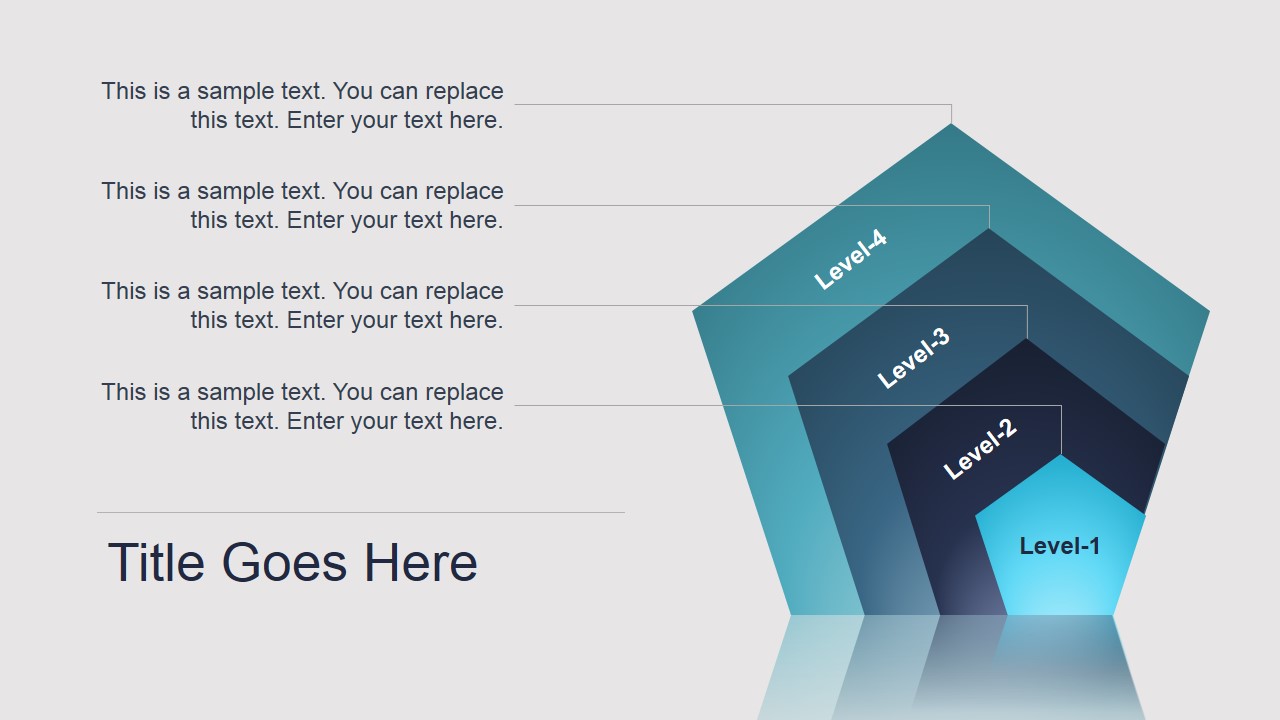
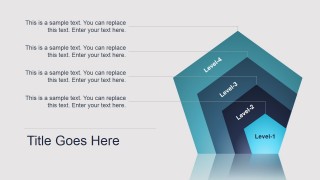
- Concentric pentagon diagrams for PowerPoint
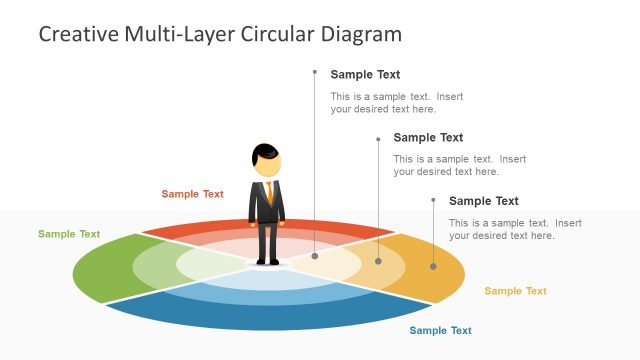
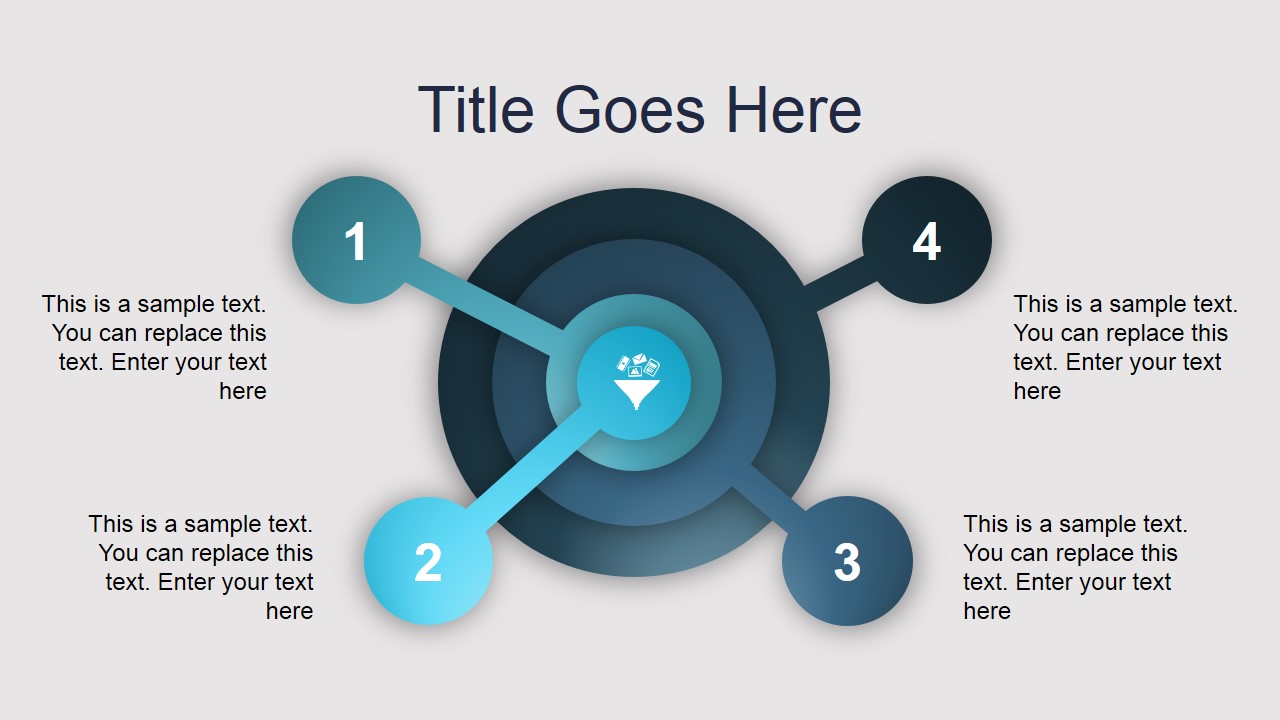
- Multi-level circular diagrams with concentric circles
- Agenda & presentation content diagrams with special layouts
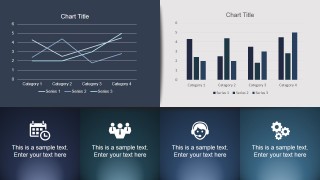
- Creative dashboard layout with data-driven charts
Alternatively you can download other creative business presentation templates for Microsoft Office including dome graphics, cross section diagrams, or stacked graphics and layouts for PowerPoint.
What’s inside this template
Example presentation scenarios
- A consultant can use the pyramid comparison layout to explain two strategic options and show how supporting factors build toward a main recommendation.
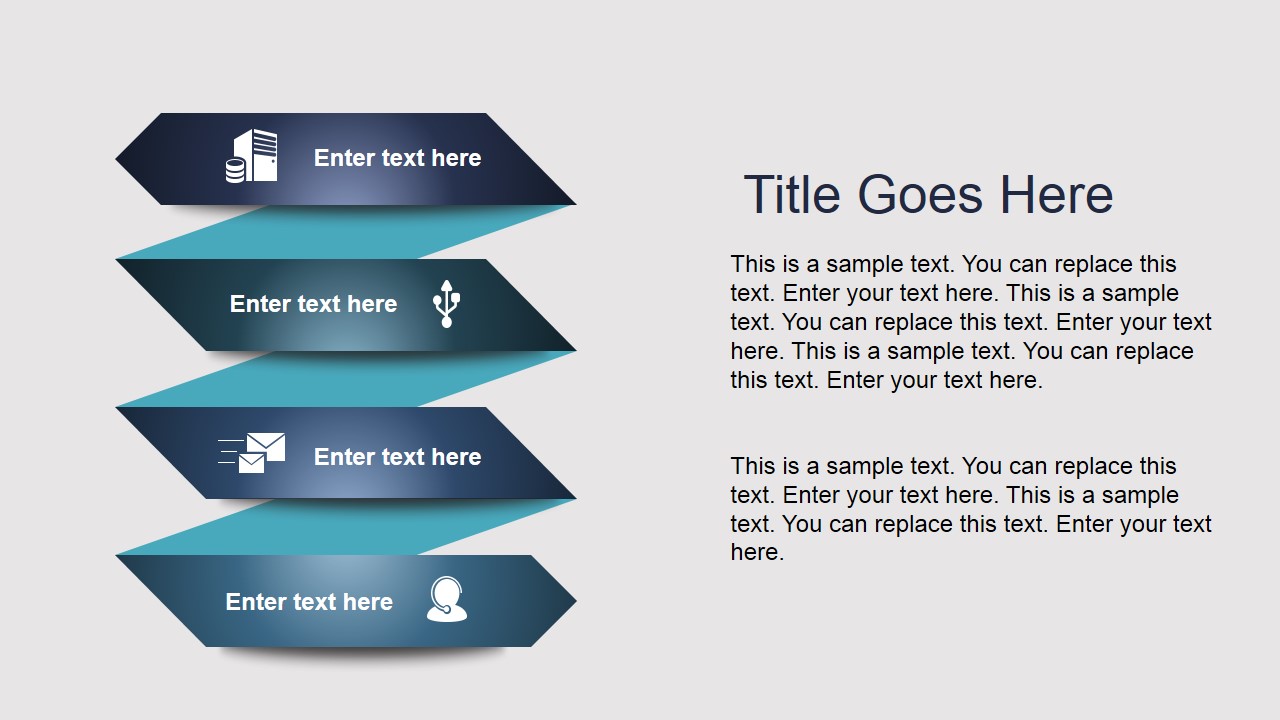
- A project manager can use the ribbon stack to organize agenda items, workstreams, or implementation phases before discussing detailed responsibilities.
- An operations leader can use the dashboard slide to report performance with the line chart, bar chart, and four icon-based status panels.
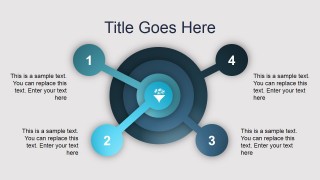
- A department head can use the concentric circle and pentagon level diagrams to explain priority layers, maturity levels, or management focus areas.
Features
- 100% editable presentation template
- Compatible with Microsoft PowerPoint and Google Slides
- 16:9 aspect ratio slides
- Scalable vector shapes, icons and illustrations
- AI-Ready for Microsoft Copilot and Claude
- Instant access and download
Frequently asked questions
Q: How should a presenter choose between the pyramid, concentric circle, and pentagon layouts?
A: Use the pyramid when the message builds from foundations to a top idea, such as strategy pillars or decision criteria. Use the concentric circle when one central theme drives surrounding priorities. Use the pentagon level diagram when the audience needs to understand maturity, hierarchy, or layered capability levels.
Q: Who is this template best suited for in a business meeting?
A: This template is best for managers, consultants, and project leads who need to convert abstract business topics into structured visuals. It works well for management updates, planning sessions, and advisory presentations where the audience must compare priorities, understand ownership, or follow a process without reading dense paragraphs.
Q: Why do the ribbon and layered shape metaphors help business communication?
A: The ribbon bands, nested circles, pyramid, and pentagon create visual boundaries that tell the audience how ideas relate. They reduce the need for long explanations because position, size, and layering suggest sequence, priority, or hierarchy. That makes the deck useful for guiding discussion while keeping each slide focused.


Creative Business Layout Template for PowerPoint
8-slide creative business presentation template with ribbon diagrams, pyramid layout, and dashboard charts
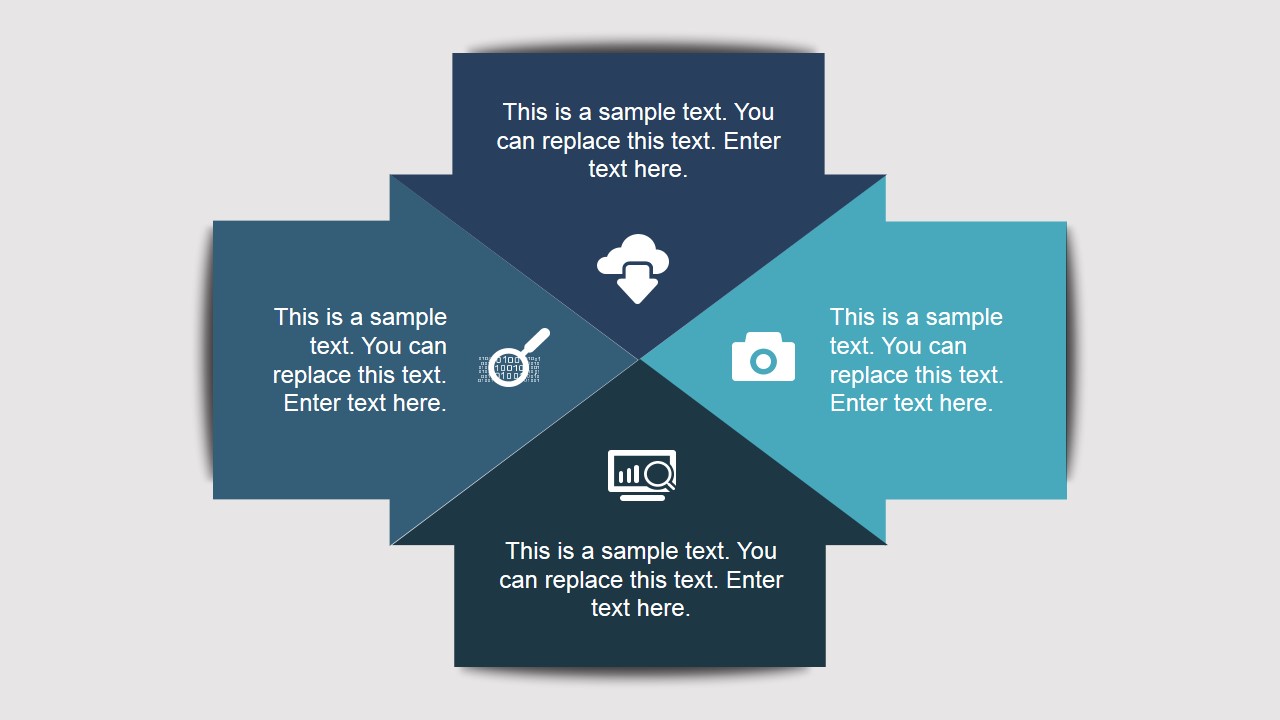
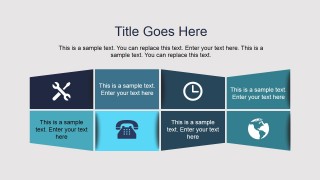
Creative Business Layout Template for PowerPoint is an 8-slide business slide template with hierarchy blocks, ribbon process bands, a concentric circle diagram, a pyramid comparison, dashboard charts, and a pentagon level diagram. It is built for managers and consultants preparing structured business visuals in Microsoft PowerPoint or Google Slides.
- Category
- Template Backgrounds
- Rating


 Loading...
- Aspect ratio
- 16:9
- Item ID
- 4067-01
- Colors
 Microsoft PowerPoint
  Microsoft Copilot
  Claude for PowerPoint
 Other formats supported
Subscribe today and get immediate
access to download our PowerPoint templates.