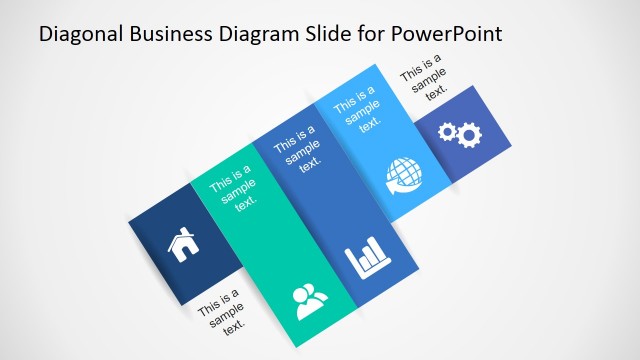
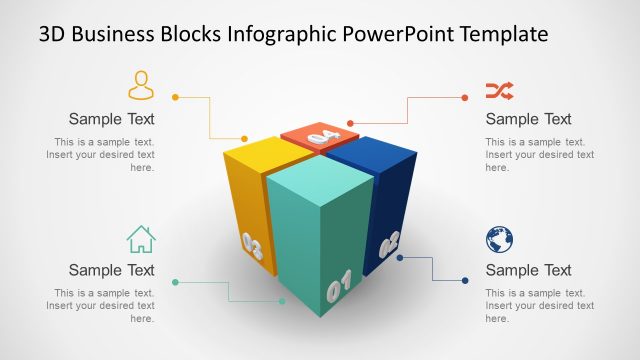
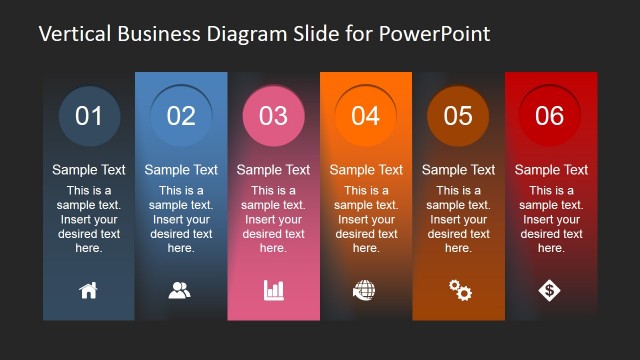
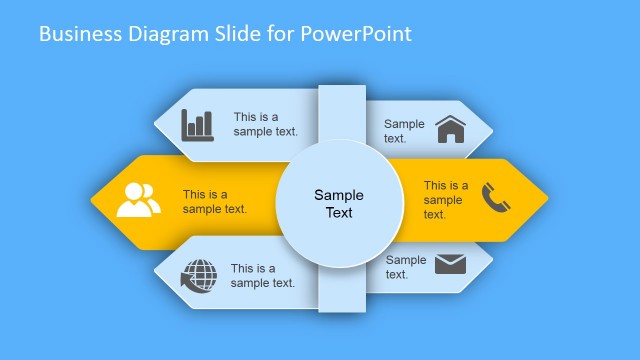
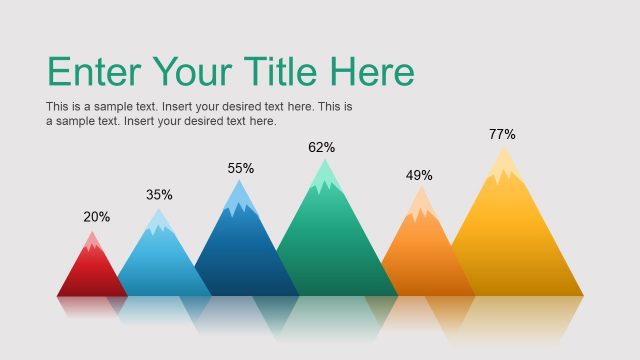
This business PowerPoint diagram template can help you to make engaging presentations. The PowerPoint template with business diagrams include several slide designs that you can use in your business presentations.
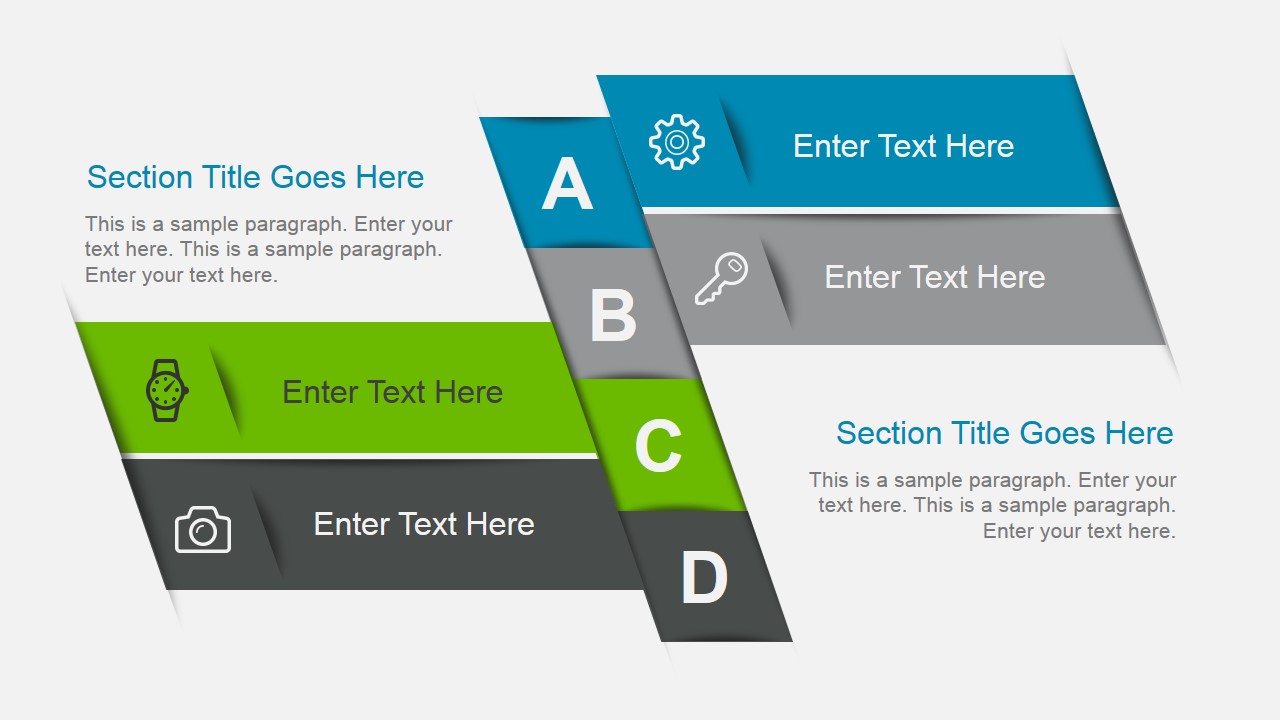
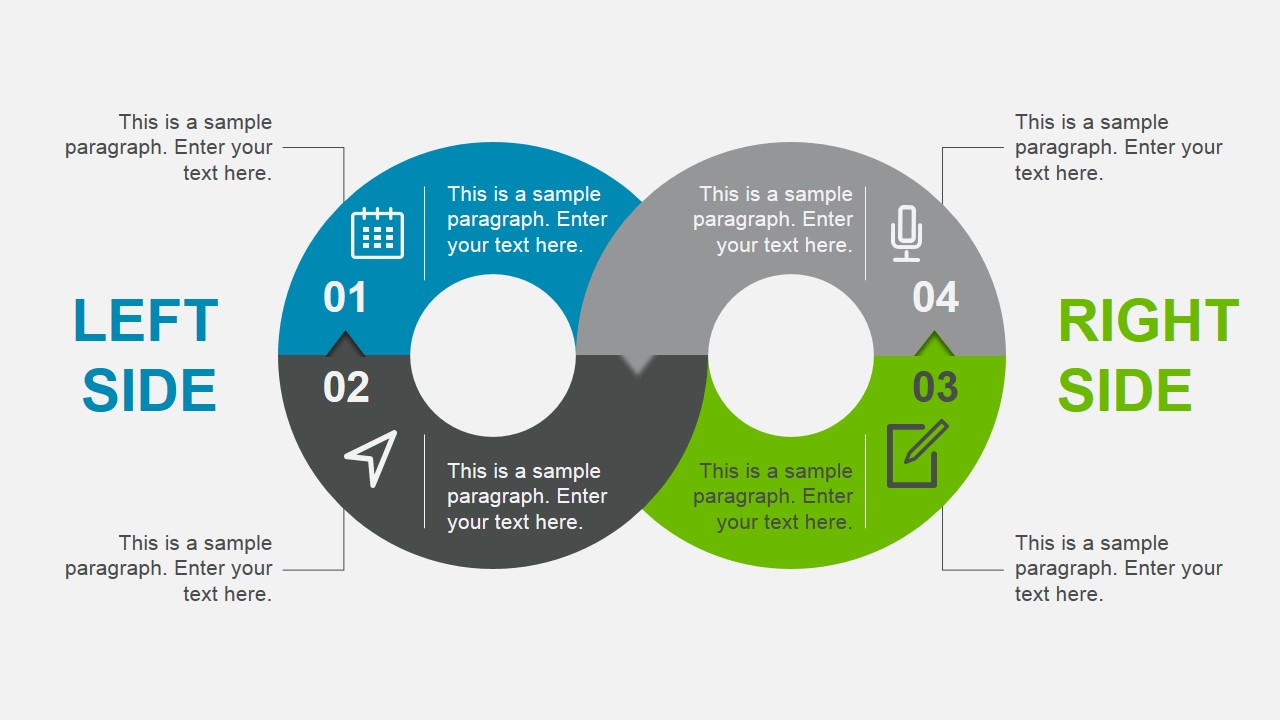
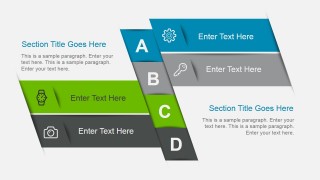
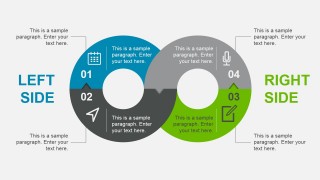
Inside this business presentation toolkit you can find seven slides containing creative layouts that are very handy at the time you need to make business slides. For example, you can use the Agenda slide design containing A, B, C, D letters to quickly give a brief presentation of your content. Then, you can use the infinity loop diagram design to present a concept or endless business process.
If you are not yet convinced to use this animated PowerPoint template for your presentation, see a live preview in the following video.
What’s inside this template
Example presentation scenarios
- Project managers can introduce a workshop agenda and workstreams with the A-D ribbon slide before assigning discussion sections.
- Operations presenters can explain a recurring service or process cycle with the infinity loop and its four numbered icon segments.
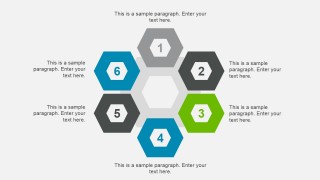
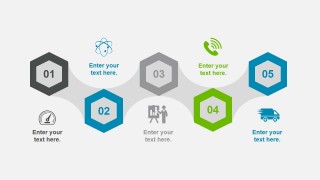
- Consultants can compare six grouped initiatives with the hexagon cluster and surrounding callouts during a strategy recommendation.
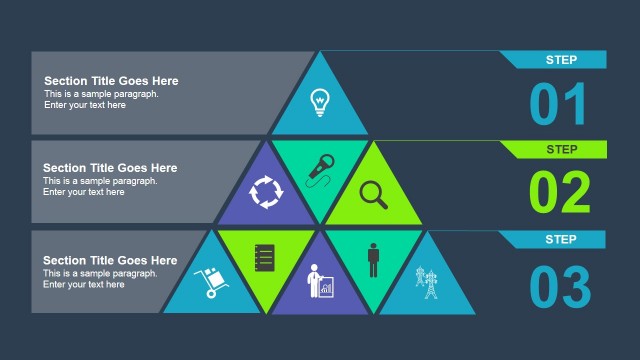
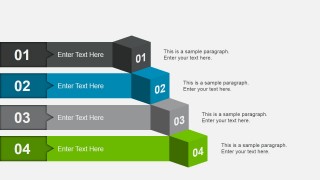
- Sales or customer success leaders can present implementation phases with the horizontal numbered banners and right-side paragraphs.
Features
- 100% editable presentation template
- Compatible with Microsoft PowerPoint and Google Slides
- 16:9 aspect ratio slides
- Scalable vector shapes, icons and illustrations
- AI-Ready for Microsoft Copilot and Claude
- Instant access and download
Frequently asked questions
Q: How should a presenter choose which diagram to use first?
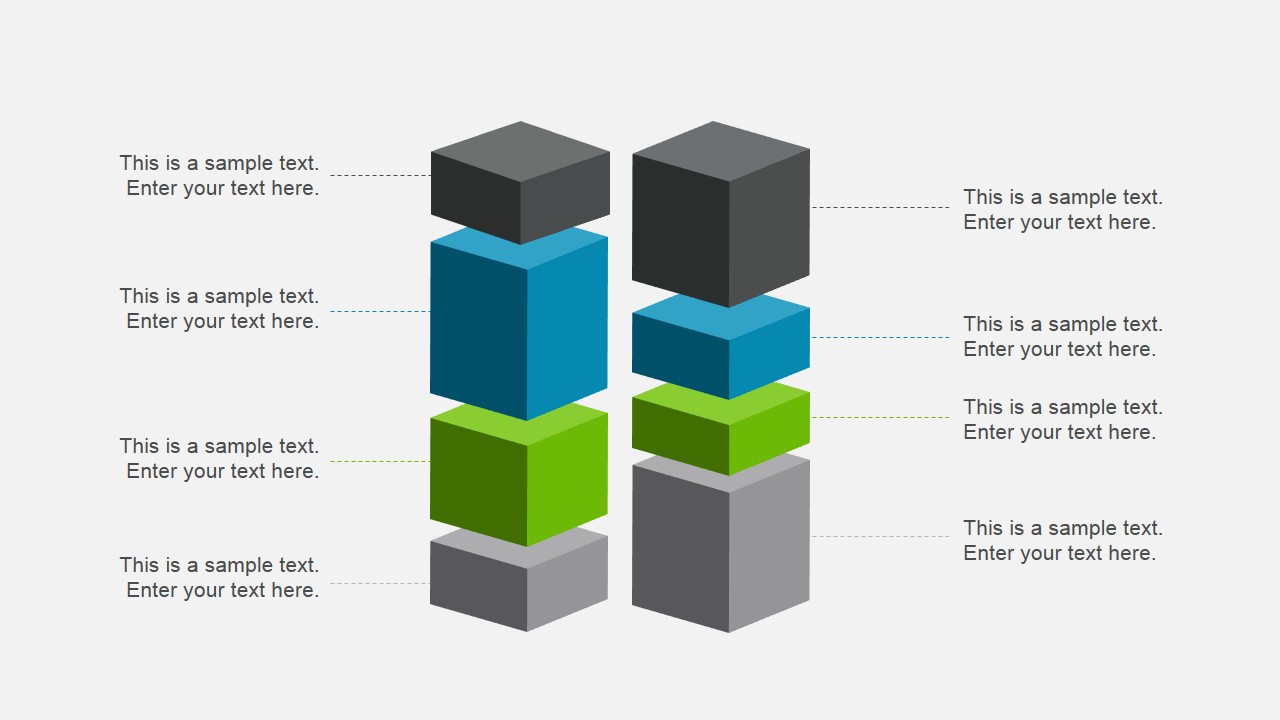
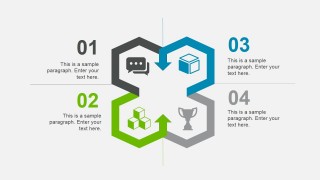
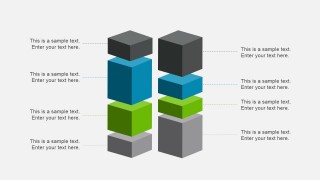
A: Start with the agenda ribbon to name the main sections, then choose one process visual for each idea: the infinity loop for recurring work, the hexagon cycle for related parts, and the cube stacks for layered capability. Keep each label short so the audience reads the diagram as a path, not as a paragraph.
Q: What business situations are best suited to this diagram set?
A: This template fits managers, consultants, and operations leads who need to explain structure before data. It is best for kickoff meetings, planning sessions, or process briefings where the goal is to sort ideas into steps, sides, groups, or layers rather than prove a numeric trend with charts.
Q: Why do the ribbon, loop, hexagon, and cube shapes help communication?
A: The layouts use familiar spatial metaphors: ribbons imply ordered sections, loops imply ongoing cycles, hexagons imply connected units, and stacked cubes imply building blocks. These shapes let a presenter show relationships at a glance, which reduces the need for long explanatory text during a business discussion.




Awesome Business Diagrams Template for PowerPoint
7-slide business diagram presentation template with agenda ribbons, infinity loop, and hexagon process layouts
Awesome Business Diagrams Template for PowerPoint is a 7-slide diagram presentation template for business presenters who need editable agenda, process, and concept visuals. It includes an agenda ribbon, infinity loop, hexagon cycle, stacked cube blocks, and step banners for Microsoft PowerPoint and Google Slides.
- Category
- Diagrams
- Rating


 Loading...
- Aspect ratio
- 16:9
- Item ID
- 4018-01
- Colors
 Microsoft PowerPoint
  Microsoft Copilot
  Claude for PowerPoint
 Other formats supported
Subscribe today and get immediate
access to download our PowerPoint templates.