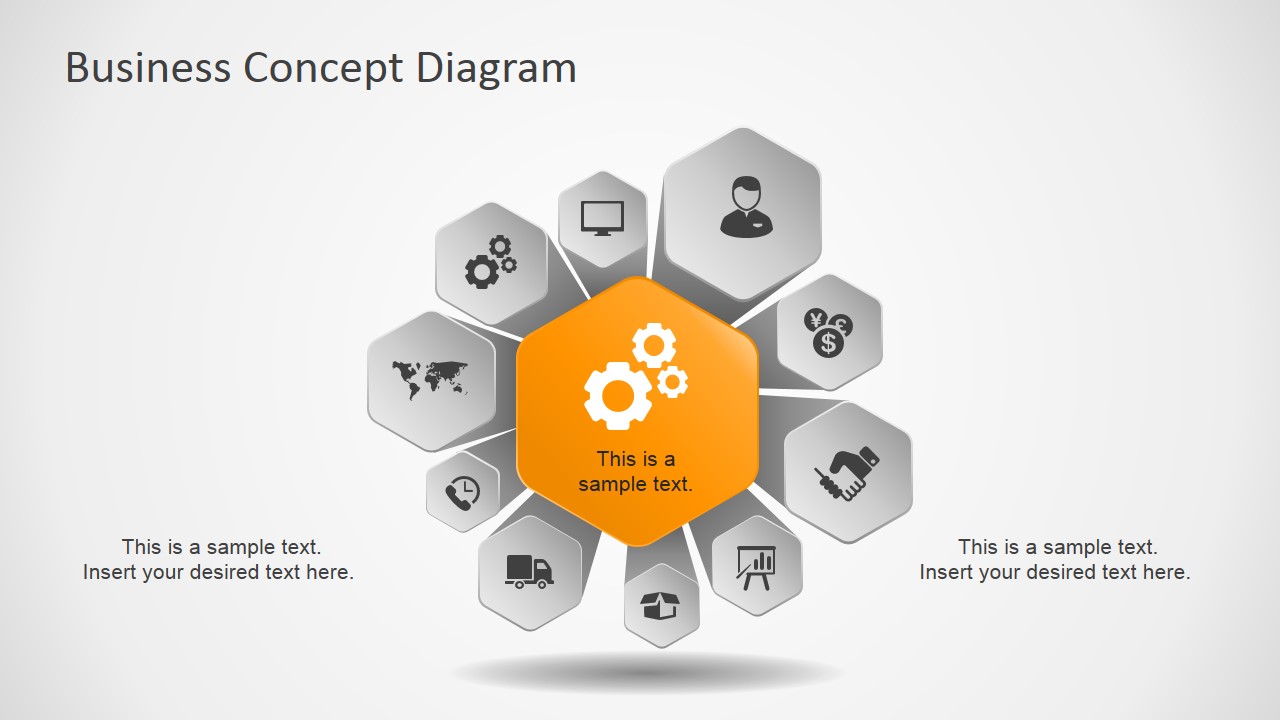
Business Concept Diagram for PowerPoint is a creative business diagram design with 3D & perspective effect and hexagonal shapes that you can use to present a concept or ideas in a PowerPoint presentation and delight your audience with simple but stunning 3D graphics.
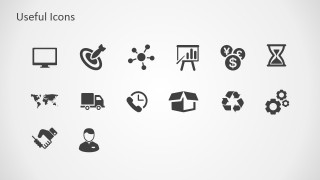
The business concept diagram has 10 components around a kernel with hexagonal shapes and PowerPoint icons.
What’s inside this template
Example presentation scenarios
- A strategy consultant can use the 10-step hexagon diagram to show how ten business capabilities connect to a central transformation concept.
- A project manager can present workstreams around a core initiative by replacing the surrounding hexagon icons and using the side text areas for key notes.
- An operations leader can compare a light or dark version of the concept diagram depending on the audience setting and then use the icon slide to build related follow-up slides.
- A business analyst can explain an operating model by assigning each surrounding hexagon to a function such as finance, logistics, reporting, or customer management.
Features
- 100% editable presentation template
- Compatible with Microsoft PowerPoint and Google Slides
- 16:9 aspect ratio slides
- Scalable vector shapes, icons and illustrations
- AI-Ready for Microsoft Copilot and Claude
- Instant access and download
Frequently asked questions
Q: How should a presenter explain a ten-part concept without overwhelming the audience?
A: Start with the orange center as the main thesis, then group the surrounding hexagons into themes instead of listing all ten at once. Use the two side text areas for implications, risks, or next steps. This keeps attention on the central idea while the icons act as quick anchors for each supporting component.
Q: Who is this diagram best suited for in a business presentation?
A: This diagram works best for consultants, managers, and strategy teams who need to explain how separate business functions connect to one core concept. It is especially useful when the presenter has a framework, capability map, or project model that is too complex for a simple bullet list but not data-heavy enough for a dashboard.
Q: Why use a floating hexagon ring instead of a standard list?
A: The ring makes the central idea visually dominant while showing that each surrounding item has a comparable relationship to it. The 3D perspective and shadow create separation from the background, and the icon set reduces reading load. This metaphor is effective for business ecosystems, connected capabilities, and concept architecture.


Business Concept Diagram for PowerPoint
3-slide presentation template for 10-step hexagon concept diagrams, perspective graphics, and business icons
Business Concept Diagram for PowerPoint is a 3-slide diagram template for explaining a central idea with ten related components. It includes light and dark 10-step hexagon hub-and-spoke layouts plus a business icon library. The template is for consultants, managers, and analysts using Microsoft PowerPoint or Google Slides.
- Category
- Diagrams
- Rating


 Loading...
- Aspect ratio
- 16:9
- Item ID
- 6940-01
- Colors
 Microsoft PowerPoint
  Microsoft Copilot
  Claude for PowerPoint
 Other formats supported
Subscribe today and get immediate
access to download our PowerPoint templates.