Flat Business Concept Diagram for PowerPoint is a nice concept design for PowerPoint presentations that you can edit and customize with your own content.
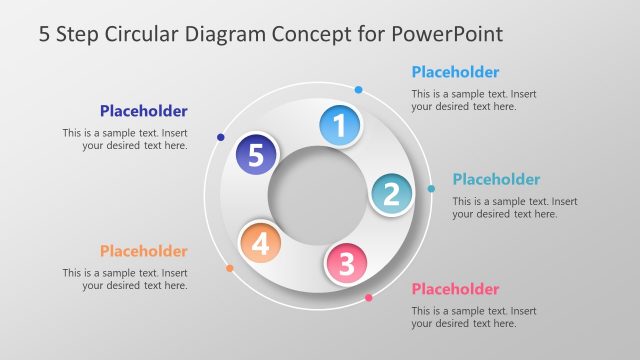
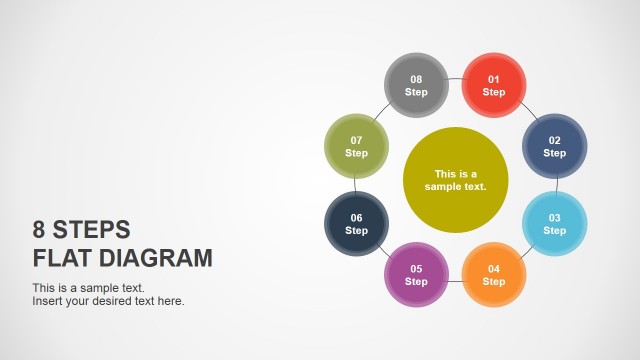
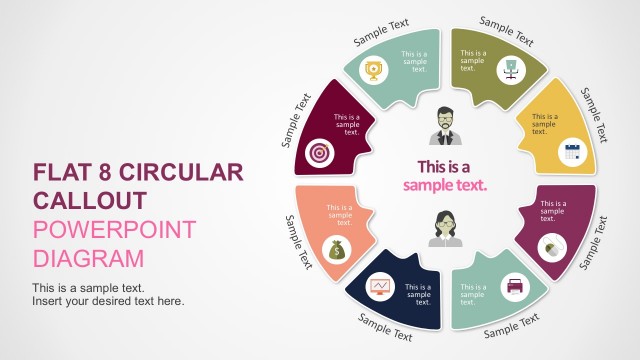
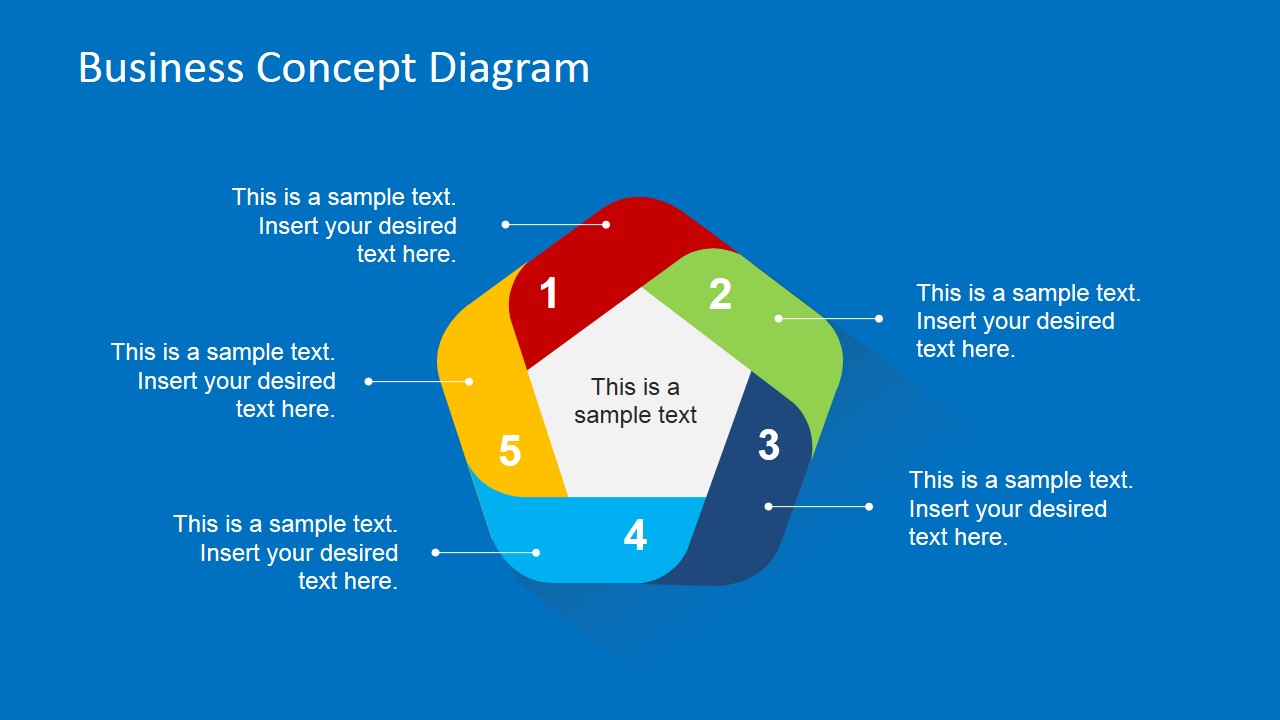
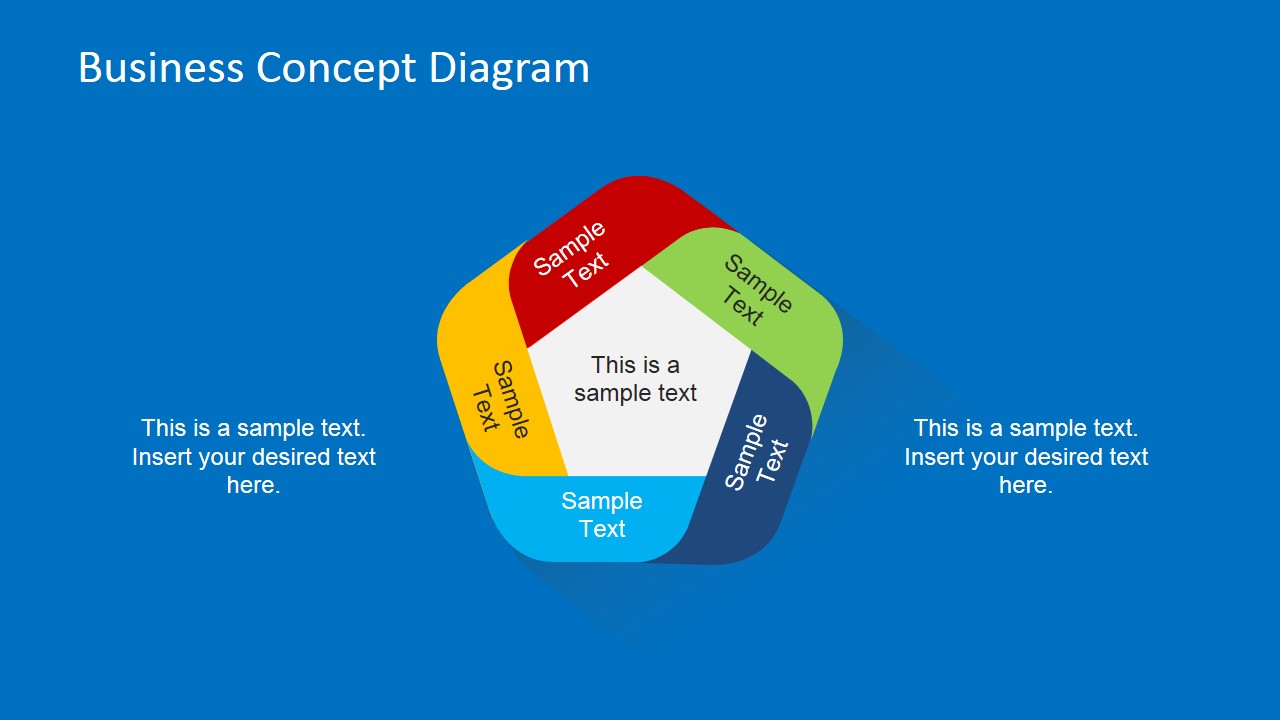
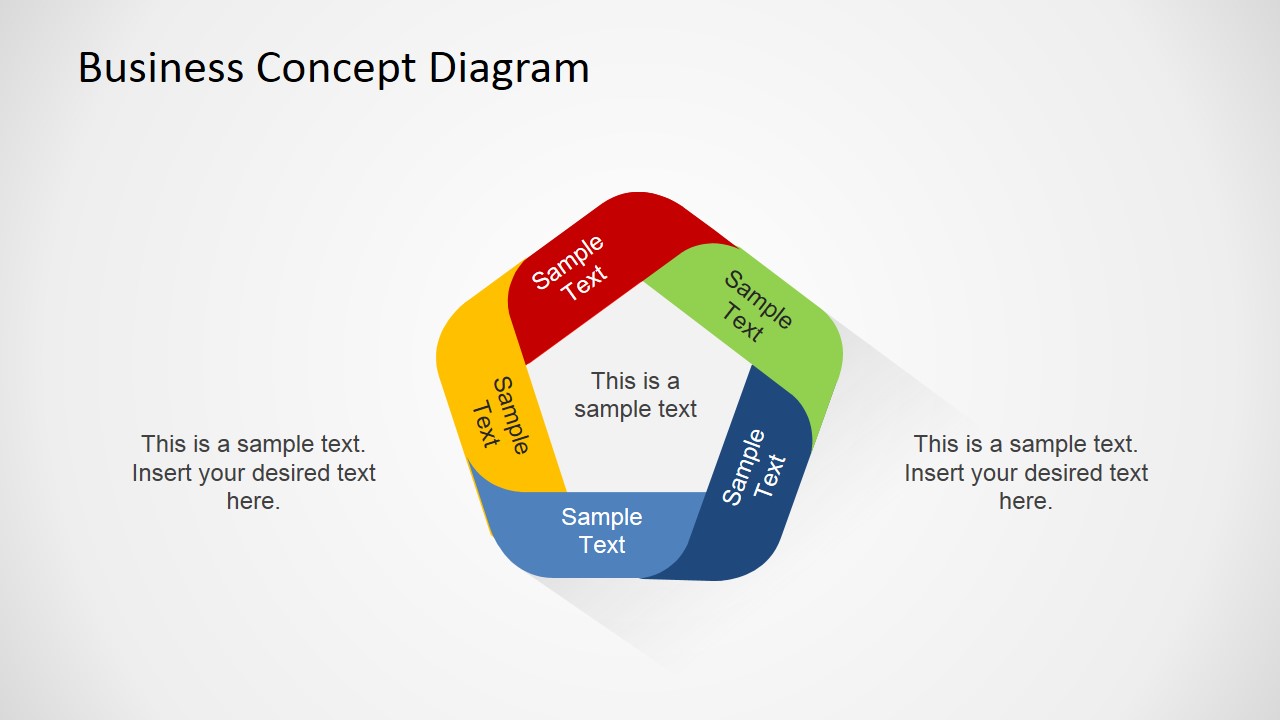
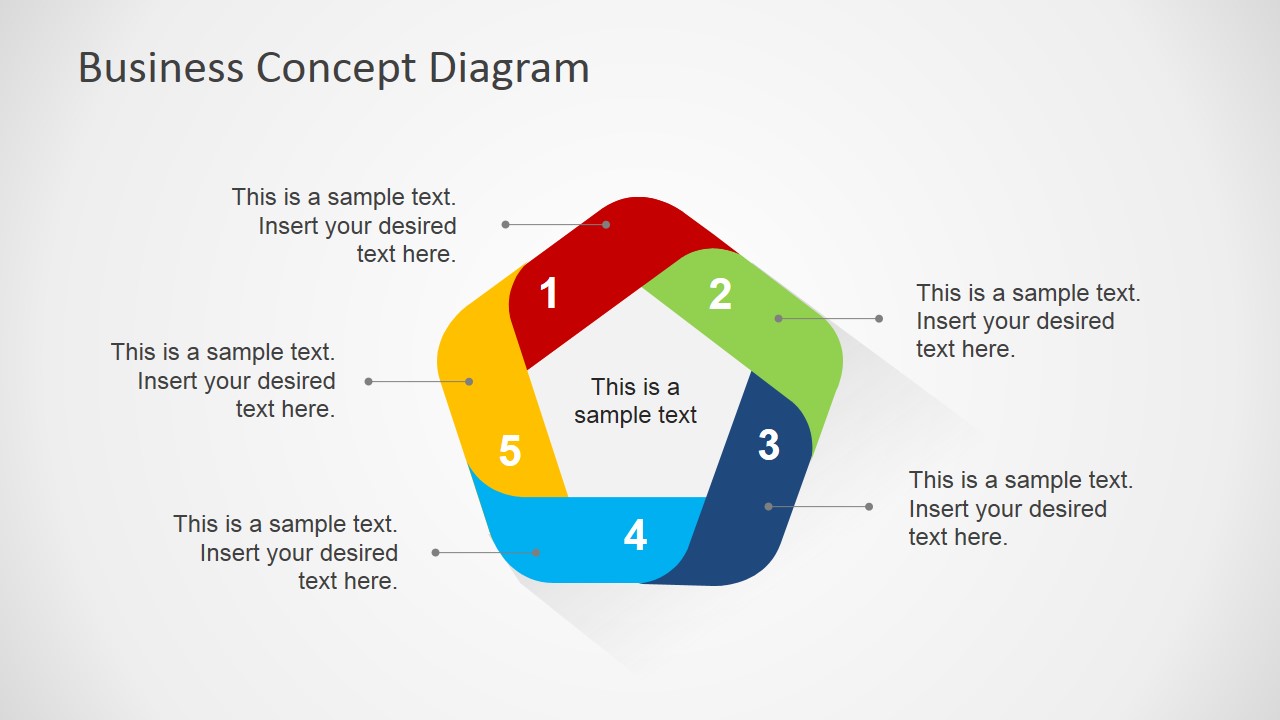
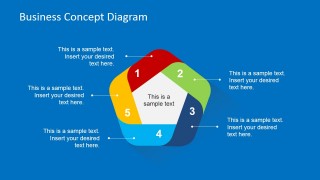
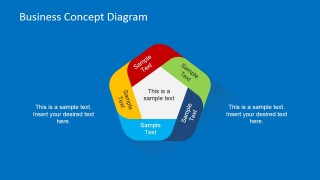
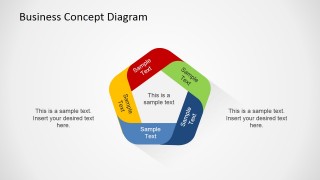
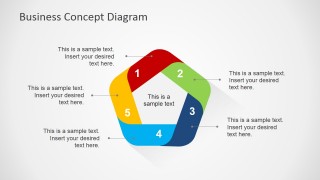
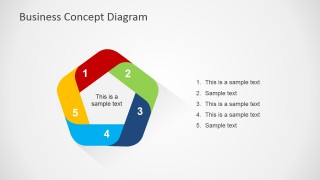
This flat business concept diagram can be used to describe a circular process of up to five steps. Inside this PPT diagram template you can find four unique slide designs with a creative business concept featuring a flat theme style and colorful steps. There are two variants of this flat business concept design showing the diagram over a nice blue background and the circular design over a gray background presentation. Cycle processes represent some stages and actions which sequence makes a circle within some timeframe. Generally, end point of the cycle repeats start point.
The flat circular business diagram design can be used to represent a circular process flow of up to five steps. This design template can be used for example to make a slide design describing a circular strategic planning process in a business presentation.
What’s inside this template
Example presentation scenarios
- A strategy consultant can use the numbered five-step cycle to explain the stages of a planning model and show how the final step returns to the first.
- An operations manager can use the callout diagram to present a repeatable workflow, with each colored segment tied to an action, owner, or checkpoint.
- A project manager can use the side list slide to summarize phase names and short responsibilities beside the visual process loop.
- A marketing lead can use the segment text version to map a recurring campaign cycle such as research, planning, launch, measurement, and revision.
Features
- 100% editable presentation template
- Compatible with Microsoft PowerPoint and Google Slides
- 16:9 aspect ratio slides
- Scalable vector shapes, icons and illustrations
- AI-Ready for Microsoft Copilot and Claude
- Instant access and download
Frequently asked questions
Q: How should a presenter explain the five-step cycle without overloading the slide?
A: Start by naming the full process in the center, then walk around the colored segments in order. Keep each step label short and place explanation in the callouts or the right-side list. This keeps the circular shape as the main idea while giving the audience enough detail to understand the flow.
Q: Who is this template best suited for?
A: This template fits presenters who need to show a repeatable process rather than a one-time sequence. Consultants, project managers, operations leads, and marketing teams can use it to explain planning cycles, improvement loops, review routines, or workflow stages where the last activity feeds the next iteration.
Q: Why does the circular ribbon design help communicate a business process?
A: The loop shape signals repetition, continuity, and return, which is useful for planning, review, and improvement processes. The five colored segments create natural stopping points, while the center text keeps the overall concept visible. The callouts add detail without breaking the cycle metaphor.

Flat Business Concept Diagram for PowerPoint
5-slide presentation template with 5-step circular process diagrams for business planning and cycles
Flat Business Concept Diagram for PowerPoint is a 5-slide presentation template for explaining a recurring business process. It includes a 5-step circular cycle diagram, numbered segment labels, external callout annotations, and a side list layout across blue and gray variants for Microsoft PowerPoint and Google Slides.
- Category
- Diagrams
- Rating


 Loading...
- Aspect ratio
- 16:9
- Item ID
- 6600-01
- Colors
 Microsoft PowerPoint
  Microsoft Copilot
  Claude for PowerPoint
 Other formats supported
Subscribe today and get immediate
access to download our PowerPoint templates.