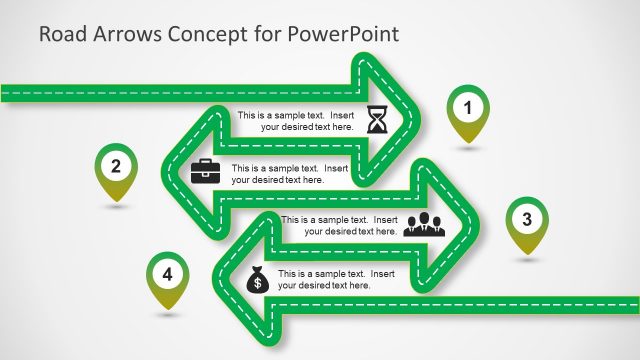
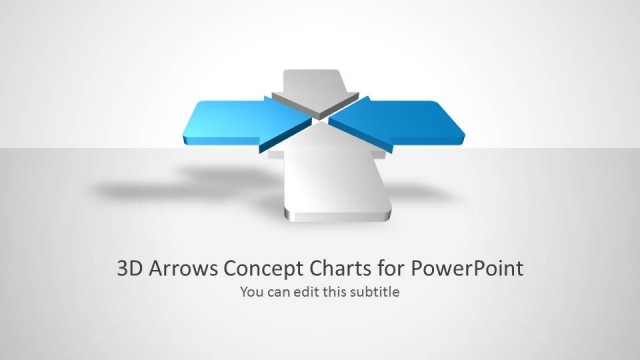
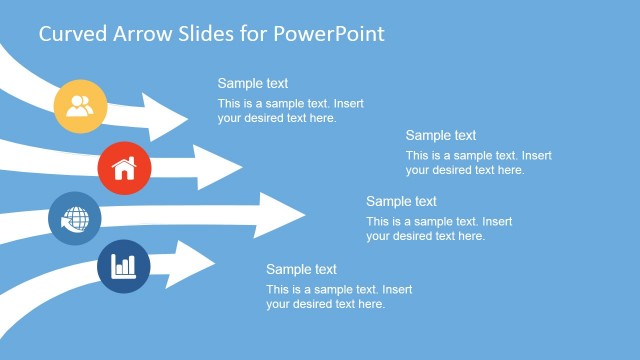
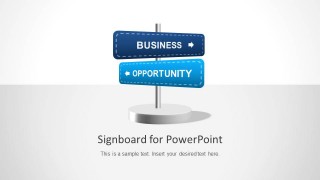
Signboard PowerPoint Template is a presentation template that you can use to represent different business decisions in a PowerPoint slide or use the sign board metaphor to represent opportunities. Signboard template for PowerPoint comes with very useful slide designs that you can use to make presentations on Strategy. You can download this signboard shape and arrows or browse our collection of other PowerPoint designs.
What’s inside this template
Example presentation scenarios
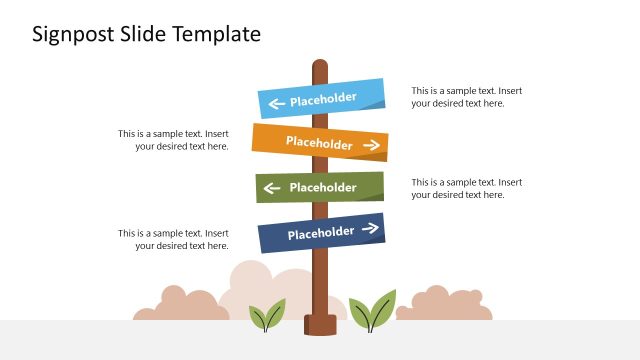
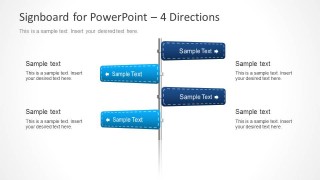
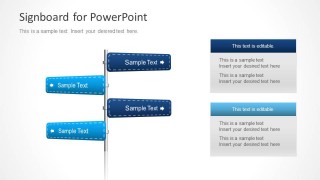
- A strategy lead can use the four-direction signboard to compare competing growth options and guide executives through the main decision paths.
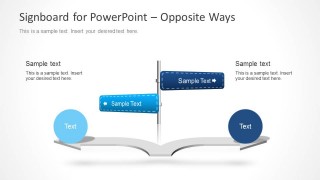
- A sales manager can use the opposite-ways road diagram to explain two customer approaches, showing the audience how each route leads to a different outcome.
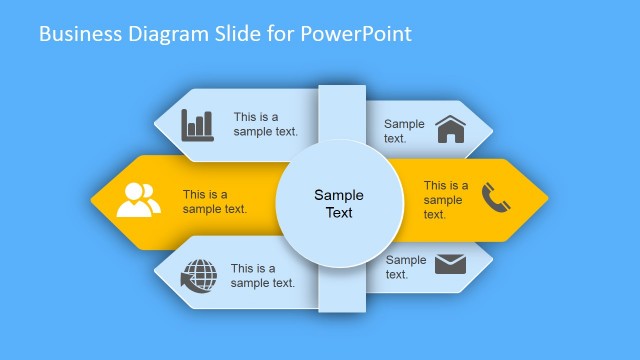
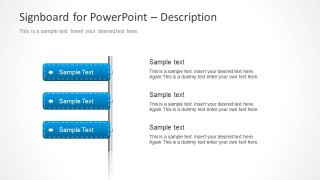
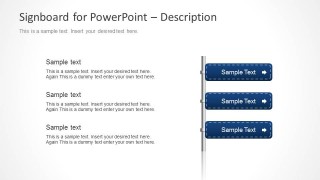
- A product manager can use the three-item description slides to organize feature priorities, opportunity areas, or launch choices with short sign labels and supporting notes.
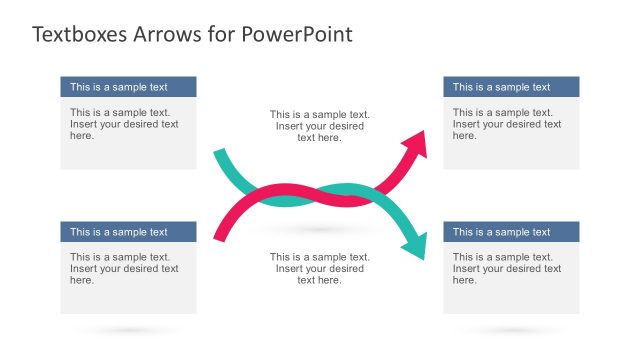
- A consultant can use the stacked note-card layout to summarize recommendations, pairing directional arrows with detailed rationale for each path.
Features
- 100% editable presentation template
- Compatible with Microsoft PowerPoint and Google Slides
- Scalable vector shapes, icons and illustrations
- AI-Ready for Microsoft Copilot and Claude
- Instant access and download
Frequently asked questions
Q: How should a presenter structure a decision discussion with this signboard template?
A: Start with the cover signboard to name the business choice, then use the four-direction slide to introduce all available paths before narrowing the discussion. Reserve the opposite-ways road diagram for a binary decision and the three-item description slides for criteria, trade-offs, or next steps. Keep each sign label brief so the arrows remain directional cues.
Q: Who is this template best suited for in a business presentation?
A: This template fits consultants, strategy teams, sales managers, and project leaders who need to explain choices rather than detailed metrics. It works well when the audience must understand alternative routes, opportunity areas, or recommendation paths. The signboard metaphor is especially useful for workshops, executive briefings, and planning sessions.
Q: Why use signboards and arrows instead of a standard bullet list?
A: The signboard metaphor turns abstract options into visible directions, which helps an audience see that a decision involves movement, contrast, and consequence. Left and right arrows create immediate separation between paths, while the adjacent text blocks carry the explanation. This reduces ambiguity compared with a flat list of unrelated bullets.
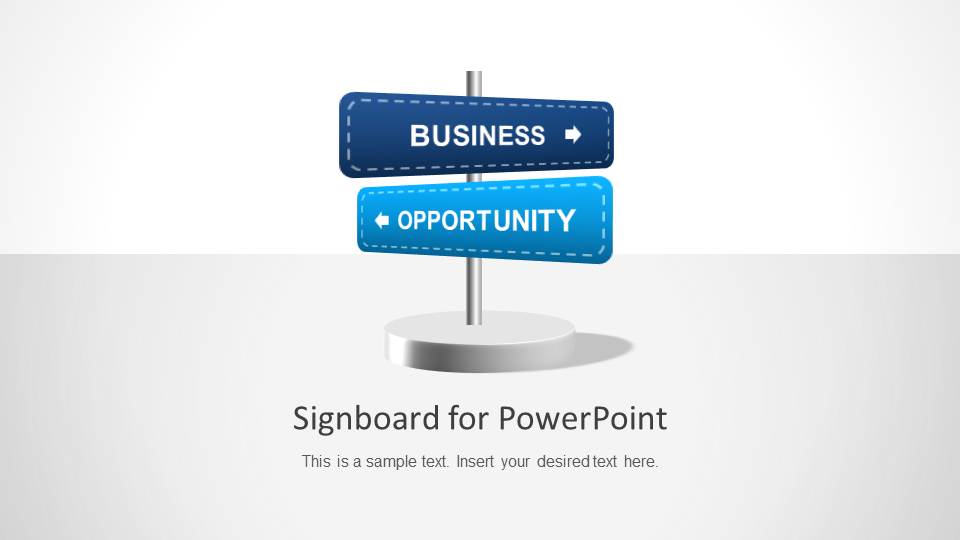


Signboard PowerPoint Template with Arrows
6-slide PowerPoint presentation template with signboard arrows for business options and opportunity paths
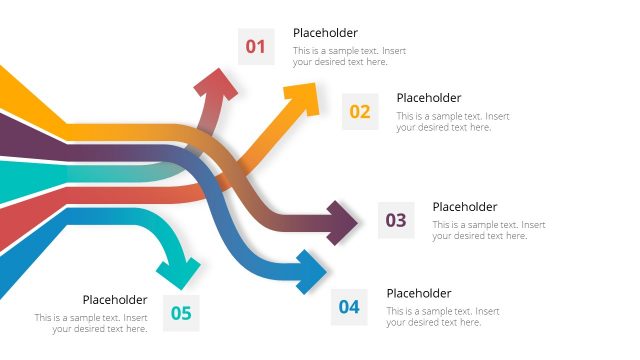
The Signboard PowerPoint Template with Arrows is a 6-slide PowerPoint deck built around editable signpost arrows for business choice and opportunity presentations. It includes a cover signboard, four-direction decision sign, opposite-ways road diagram, three-item description lists, and stacked note cards for strategy discussions and option comparisons.
- Rating

 Loading...
- Item ID
- 6119-01
- Colors
 Microsoft PowerPoint
  Microsoft Copilot
  Claude for PowerPoint
 Other formats supported
Subscribe today and get immediate
access to download our PowerPoint templates.