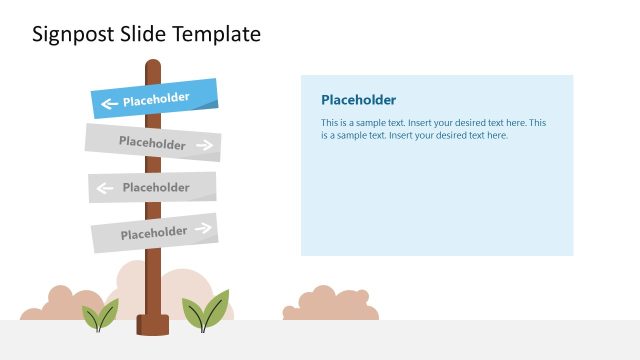
Slide 3 of 6 from Signboard PowerPoint Template with Arrows
6119-01-sign-board-3
Signboard for PowerPoint - Opposite Ways
- Diagram
- Arrow Sequence
- Strategy Slide
- 16:9
- 100% Editable
The Signboard for PowerPoint - Opposite Ways slide from the Signboard PowerPoint Template with Arrows offers a clear visual for strategy discussions and decision-making presentations. This slide layout uses editable shapes and vector icons to highlight contrasting options, making it ideal for project planning and corporate presentations that require illustrating alternative paths within a slide deck.
What’s on This Slide
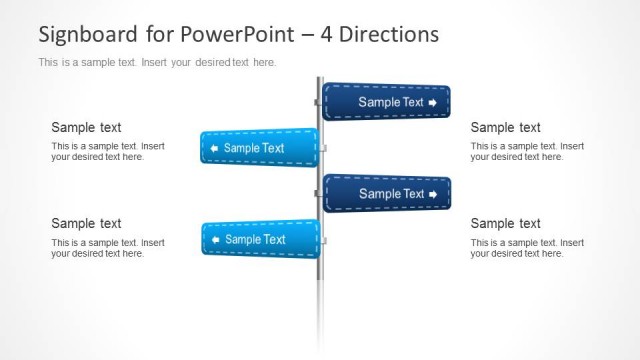
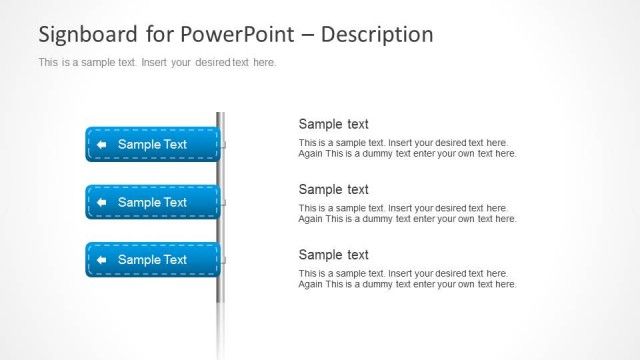
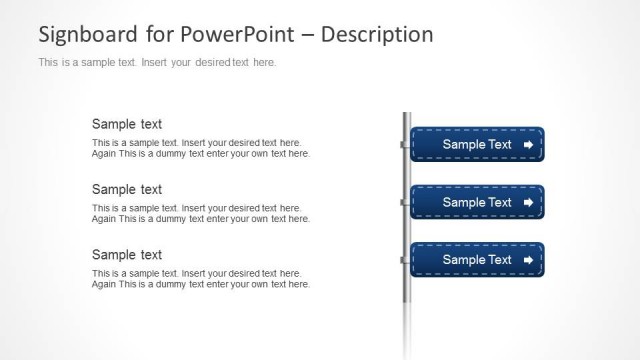
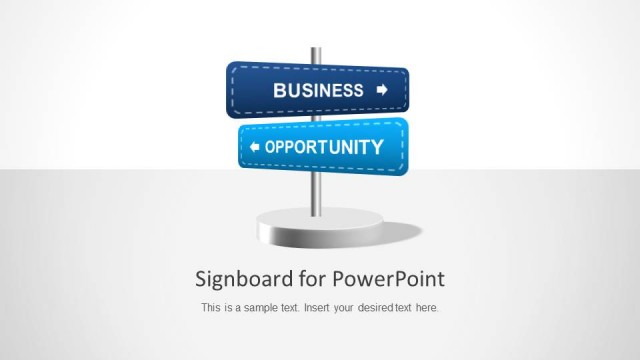
The layout features a central vertical pole with two horizontal signboards extending to the left and right. Each signboard is rectangular with rounded edges, displaying sample text in a blue color scheme. Below the signboards, two circular shapes in blue and light blue are positioned, serving as text placeholders. The overall background is a light gradient, enhancing the visual hierarchy. The text placeholders are aligned centrally beneath the signboards, allowing for clear insertion of content. The composition emphasizes directional choices, with a balanced arrangement of elements.
How to Use It
This layout serves as a visual representation of choices or directions, ideal for decision-making presentations. It fits well after problem framing slides, guiding audiences through options. Business scenarios include strategy discussions, project planning, or any context requiring clear directional choices. The signboard format effectively communicates contrasting paths or decisions, making it suitable for presentations that outline opportunities or alternatives in a structured manner.
Text Placeholders & Capacity
Keep your copy within these limits so it fits without resizing. Node body slots are tight, roughly 15-20 words each.
| Placeholder | Count | Max characters (approx.) |
|---|---|---|
| Item heading | 2 | 30 |
| Item body | 2 | 80 |
| Body paragraph | 2 | 80 |
Slide Keywords
Download unlimited PowerPoint templates, charts and graphics for your presentations with our annual plan.
DOWNLOADReturn to Signboard PowerPoint Template with Arrows.