Slide 1 of 6 from Signboard PowerPoint Template with Arrows
6119-01-sign-board-1
Signboard with Arrows for Presentations
- Diagram
- Other
- Strategic Analysis Slide
- 16:9
- 100% Editable
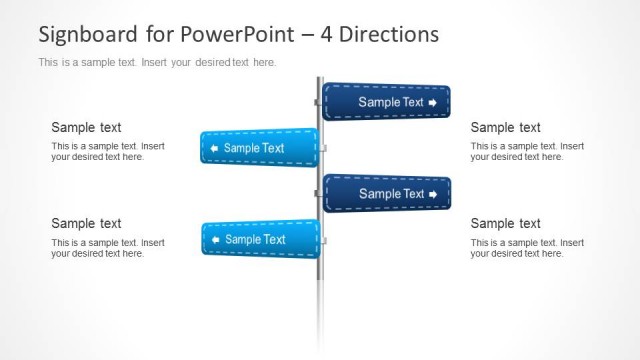
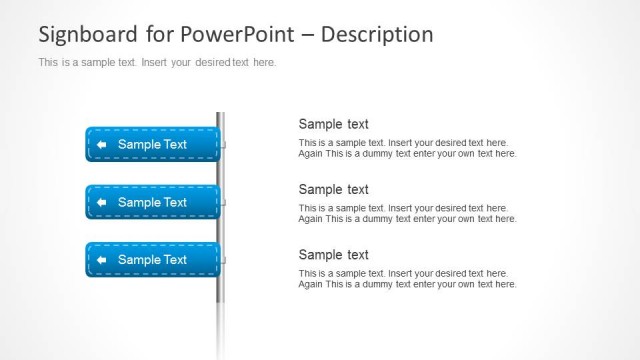
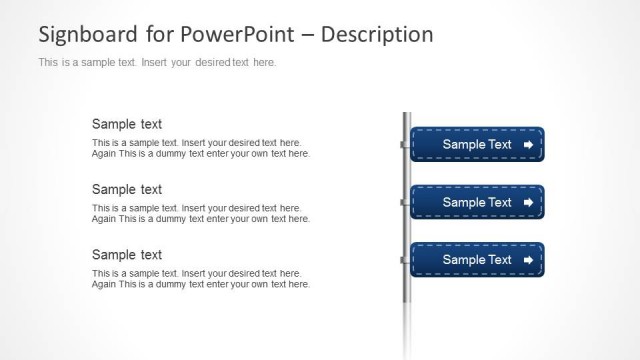
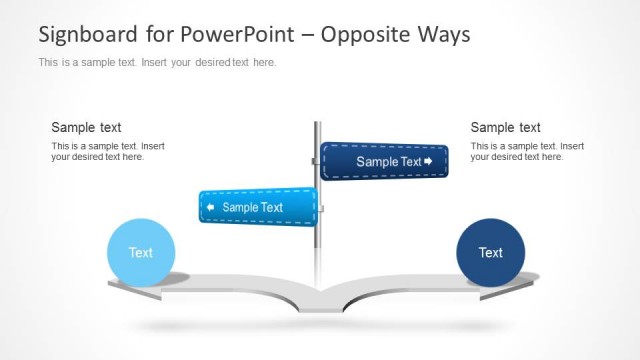
The Signboard with Arrows slide from the Signboard PowerPoint Template with Arrows offers a clear visual metaphor for presenting business strategies and decision points. This slide layout uses editable shapes and vector icons to highlight opportunities and strategic directions, making it suitable for corporate presentations and pitch deck templates focused on showcasing choices and pathways.
What’s on This Slide
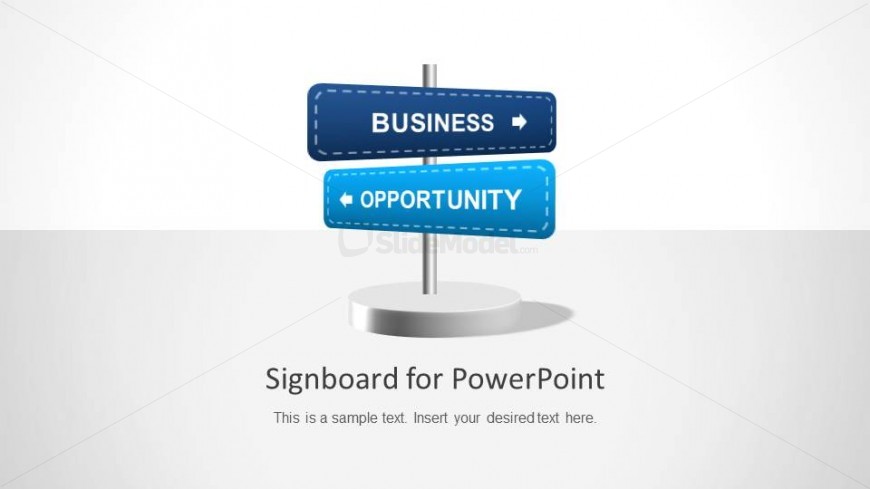
The slide features a central signboard structure with two horizontal arrows pointing in opposite directions. The top arrow is labeled 'BUSINESS' in dark blue, while the bottom arrow is labeled 'OPPORTUNITY' in bright blue. Below the signboard, there is a text placeholder centered for additional content. The background is light with a subtle gradient, enhancing the visual focus on the signboard. The overall layout is clean, with a clear visual hierarchy emphasizing the arrows and their labels.
How to Use It
This layout serves as a directional guide, ideal for presenting choices or opportunities in a business context. It fits well at the beginning of a presentation to introduce key themes or decisions. Use it to highlight strategic directions or options available to stakeholders. The signboard metaphor effectively communicates pathways and choices, making it suitable for discussions on business strategies or project opportunities.
Text Placeholders & Capacity
Keep your copy within these limits so it fits without resizing. Body slot allows for approximately 15-20 words.
| Placeholder | Count | Max characters (approx.) |
|---|---|---|
| Slide title | 1 | 30 |
| Body paragraph | 1 | 100 |
| Item heading | 2 | 20 |
Slide Keywords
Download unlimited PowerPoint templates, charts and graphics for your presentations with our annual plan.
DOWNLOADReturn to Signboard PowerPoint Template with Arrows.