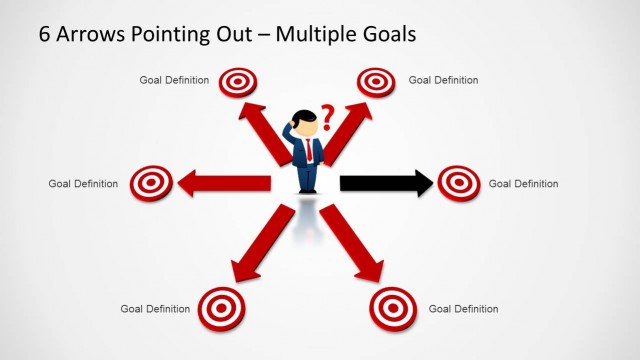
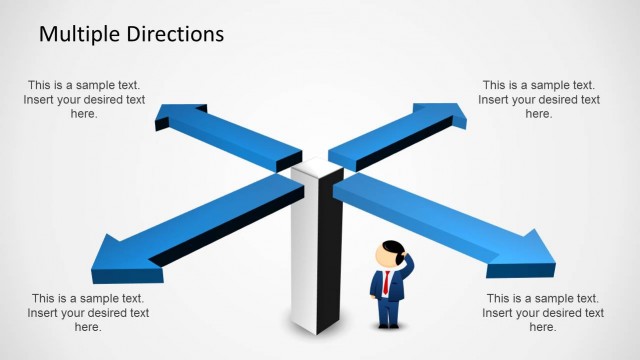
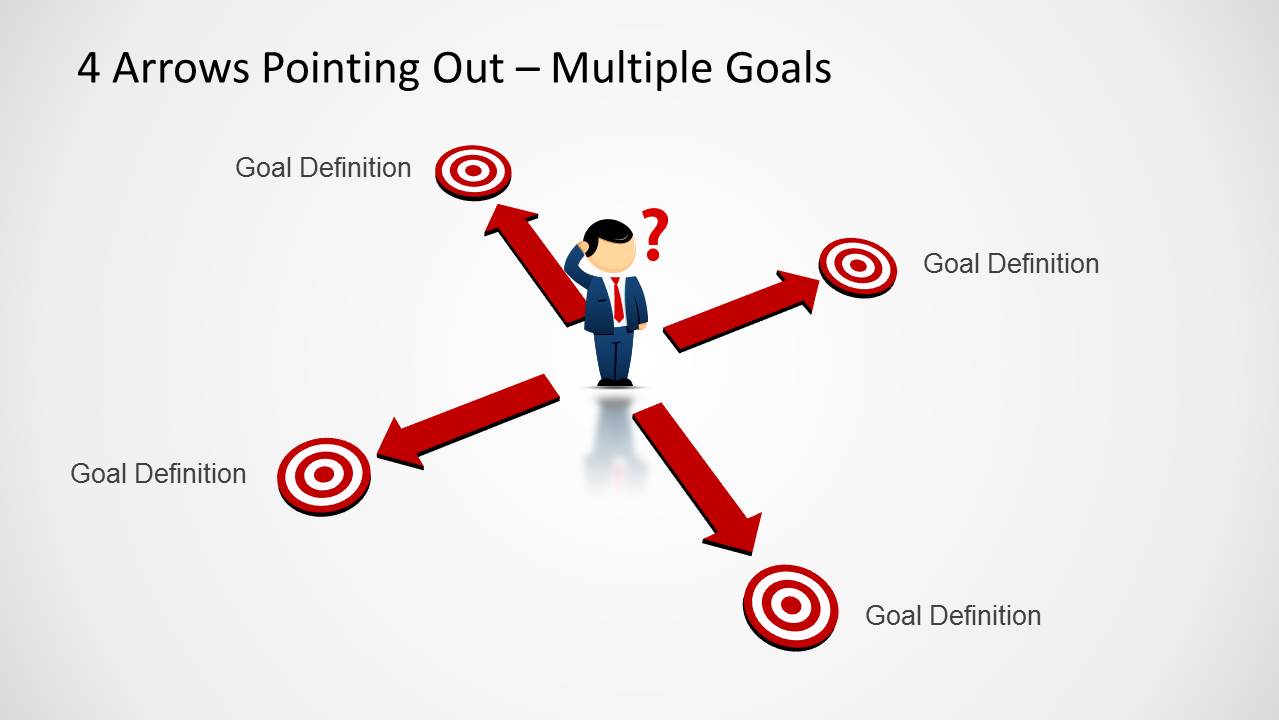
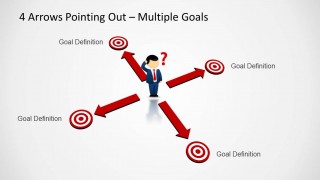
Download 4 Arrows Pointing Out Template for PowerPoint. This expertly crafted PowerPoint Template depicts arrows pointing in four directions, as a man stands in between to find his way.
This template can be ideal for making presentations about topics where the presenter may require guiding the audience through multiple options. These options can include anything from corporate policies, financial projections for different project plans, historical information suggesting gains and losses for different policies to academic presentations explaining the pros and cons of different types of decisions.
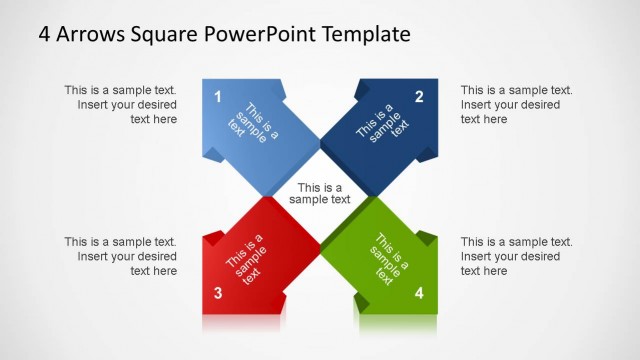
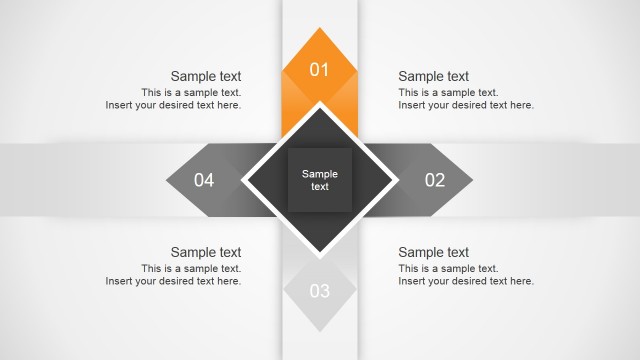
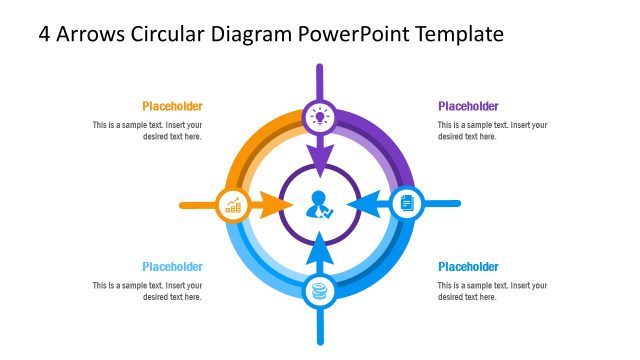
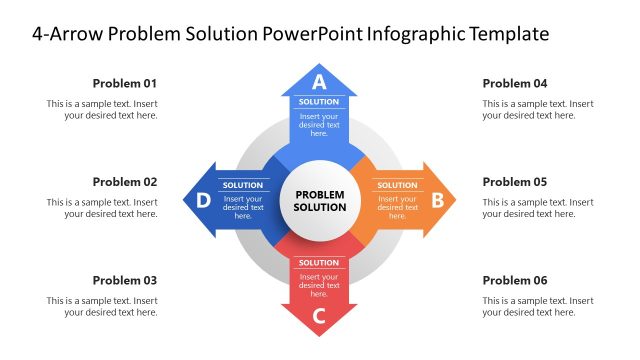
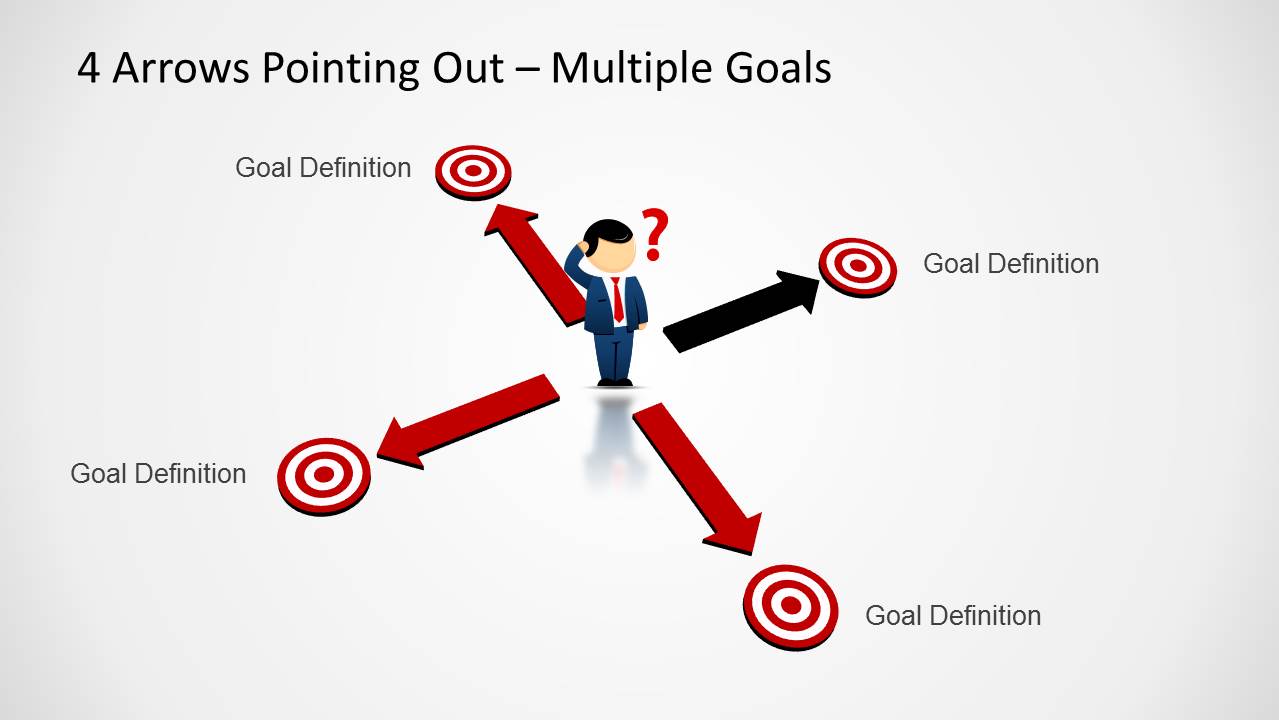
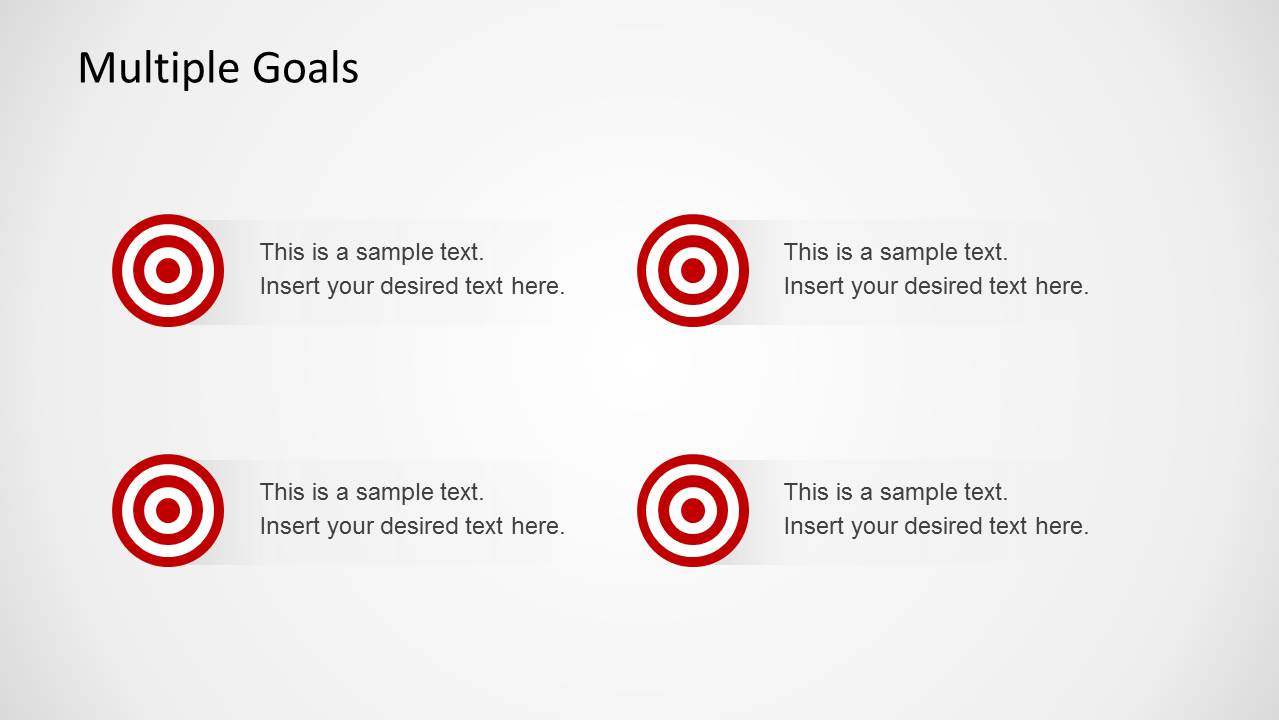
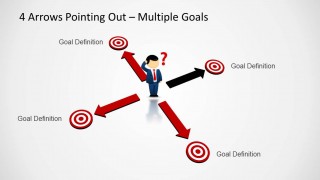
The various layouts in this template depict the four arrows and the figure standing in between in different situations. There is also a sample slide which comes with a simple clean layout for adding detailed information for comparison between up to four different points of view.
In case you wish to compare more than four aspects of a topic, see the 6 Arrows Pointing Out Template for PowerPoint.
What’s inside this template
Example presentation scenarios
- A strategy consultant can use the four-arrow multiple goals diagram to compare four strategic directions and guide executives toward a decision.
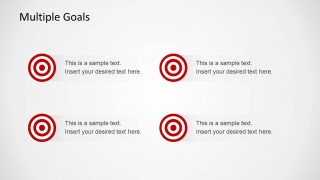
- A project manager can use the 2x2 target icon layout to summarize four workstream goals before discussing trade-offs with a delivery team.
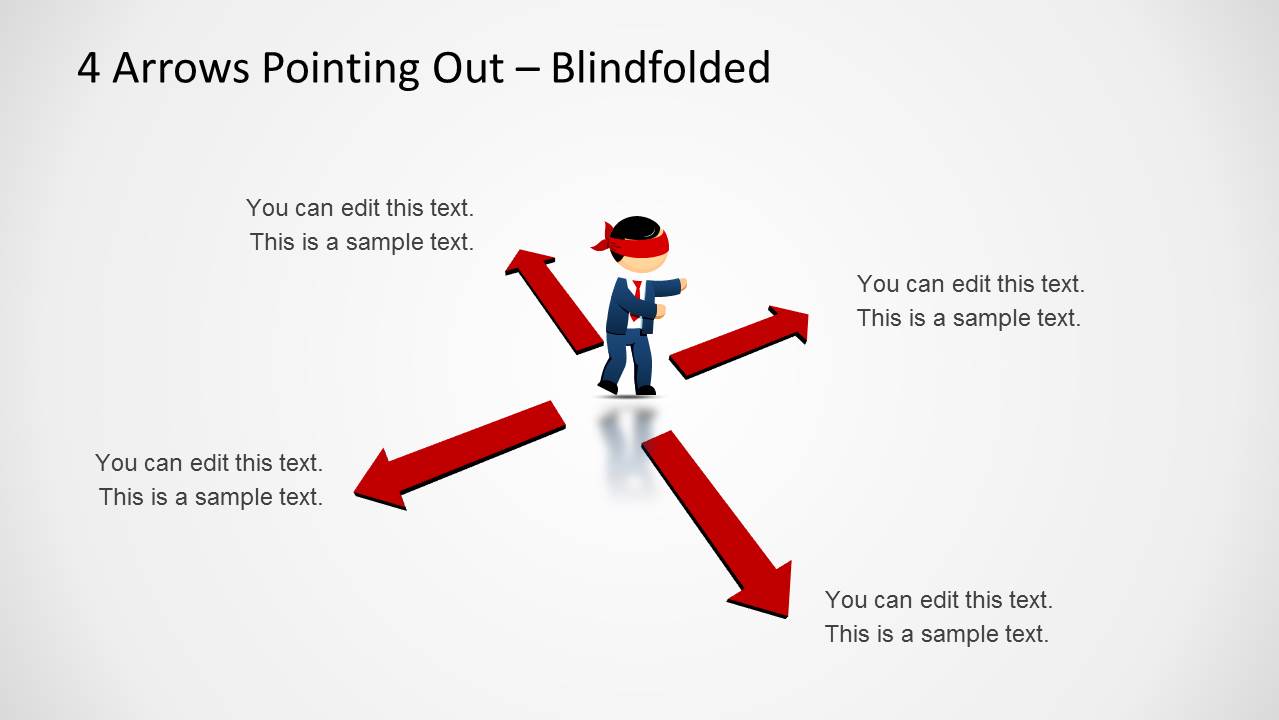
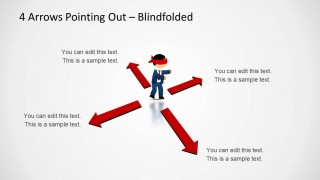
- A trainer can use the blindfolded figure slide to explain confusion, lack of information, or competing priorities in a decision-making workshop.
- An educator can use the target and arrow layouts to compare four policy choices, historical outcomes, or academic viewpoints in a structured lesson.
Features
- 100% editable presentation template
- Compatible with Microsoft PowerPoint and Google Slides
- Scalable vector shapes, icons and illustrations
- AI-Ready for Microsoft Copilot and Claude
- Instant access and download
Frequently asked questions
Q: How should a presenter use this template to compare four competing options clearly?
A: Start with the four-arrow slide to show that the group faces multiple directions at once. Keep each arrow label short, such as a goal, option, or policy name. Use the 2x2 target slide next to add brief evidence or criteria for each option, then return to the emphasized arrow layout if one path needs to stand out.
Q: Who is this template best suited for, and what presentation problem does it solve?
A: This template is best for managers, consultants, trainers, and educators who need to make four alternatives easy to compare. It works well when the audience understands there are several possible paths but needs a clearer frame for discussion. The arrows, targets, and blindfolded figure make uncertainty and competing priorities visible.
Q: Why does the outward arrow metaphor help explain decision uncertainty?
A: The outward arrows show direction, tension, and choice without requiring a dense table. The central character gives the decision a human reference point, while the target icons connect each option to a desired outcome. The blindfolded slide adds a stronger metaphor for decisions made with limited information or unclear priorities.
4 Arrows Pointing Out Template for PowerPoint
4-slide PowerPoint diagram template for multiple goals, outward arrows, and decision path comparisons
The 4 Arrows Pointing Out Template for PowerPoint is a 4-slide diagram template for comparing choices, goals, or paths. It includes a four-direction arrow diagram, target icons, a 2x2 goal comparison grid, and a blindfolded decision metaphor. It is suited for business presenters explaining options or uncertainty.


 Loading...
 Microsoft PowerPoint
  Microsoft Copilot
  Claude for PowerPoint
 Other formats supported
Subscribe today and get immediate
access to download our PowerPoint templates.