Slide 5 of 6 from Signboard PowerPoint Template with Arrows
6119-01-sign-board-5
Signboard Description Slide for Presentations
- Diagram
- Other
- Concept Explanation Slide
- 16:9
- 100% Editable
The Signboard Description Layout from the Signboard PowerPoint Template with Arrows offers a clear visual structure ideal for strategic planning and project proposals. This slide template uses editable shapes and vector icons arranged as arrowed signboards to guide decision-making discussions effectively. Its balanced design supports business presentations and pitch deck templates by highlighting multiple options or directions within a corporate presentation or slide deck.
What’s on This Slide
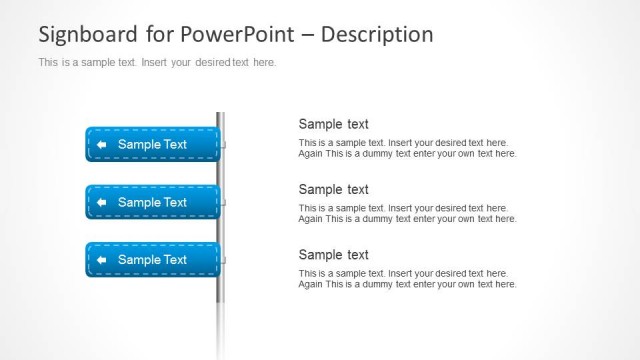
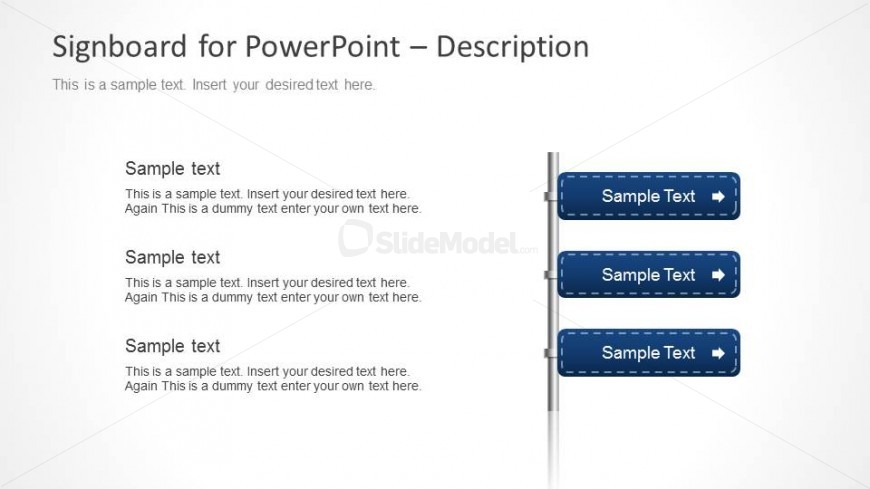
The layout features a vertical signpost on the right side with three horizontal arrowed signboards. Each signboard contains a text placeholder, aligned centrally. The left side includes a title area at the top, followed by a larger text placeholder for a description. The signboards are visually separated by a thin vertical line and are evenly spaced. The background is light, enhancing the visibility of the blue signboards. The overall composition is balanced, with a clear visual hierarchy emphasizing the signboards.
How to Use It
This layout serves as a descriptive signboard for presenting multiple options or directions. It fits well in a presentation sequence after introducing a problem or opportunity, guiding the audience toward potential solutions. This structure is useful in business contexts like strategic planning sessions, project proposals, or decision-making discussions where clear options need to be communicated effectively.
Text Placeholders & Capacity
Keep your copy within these limits so it fits without resizing. Body slots can hold roughly 30-40 words each.
| Placeholder | Count | Max characters (approx.) |
|---|---|---|
| Slide title | 1 | 40 |
| Body paragraph | 1 | 200 |
| Item heading | 3 | 30 |
| Item body | 3 | 150 |
Slide Keywords
Download unlimited PowerPoint templates, charts and graphics for your presentations with our annual plan.
DOWNLOADReturn to Signboard PowerPoint Template with Arrows.