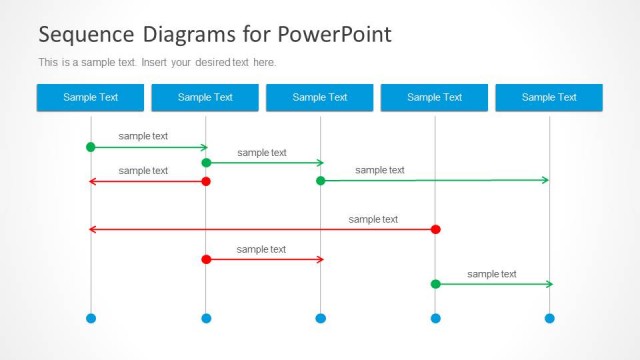
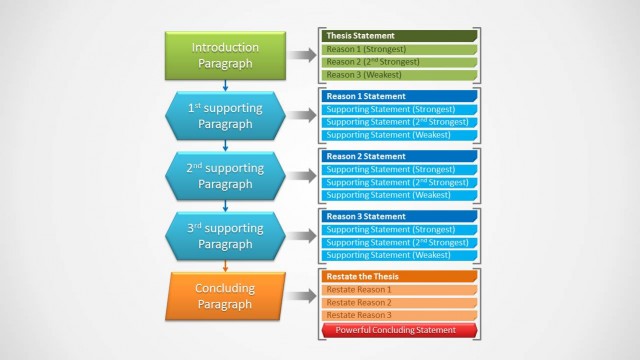
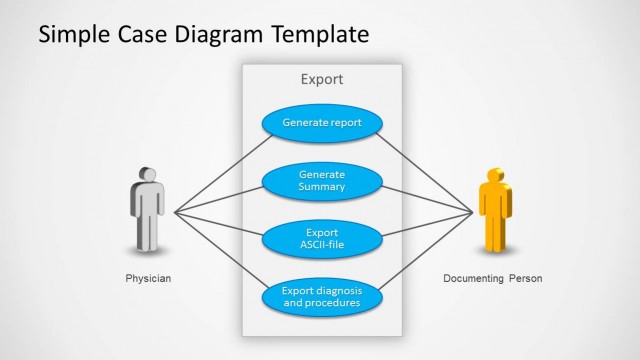
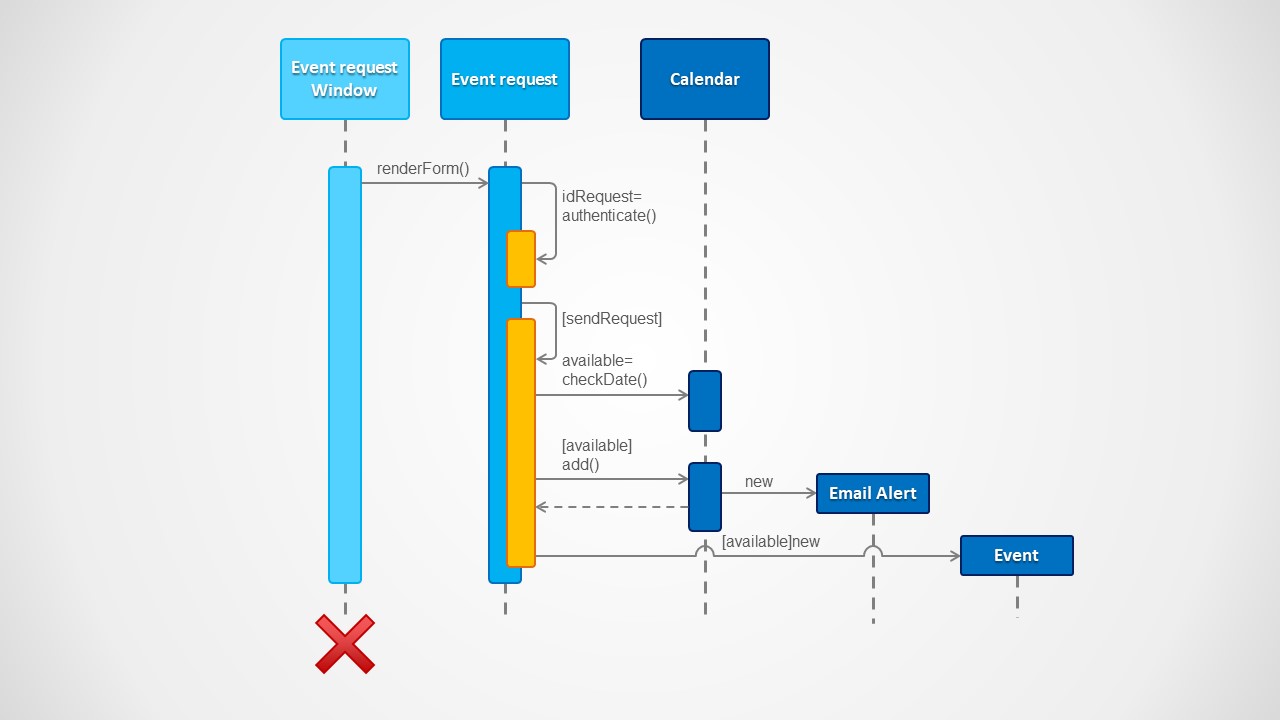
Sequence Diagram for PowerPoint is a presentation template for software engineers and analysts that let you make software activity diagrams or sequence diagrams using Microsoft PowerPoint.
Each of the Unified Modelling Language (UML) elements are created using PowerPoint objects, allowing the user to customize each property and add effects. Create outstanding diagrams with world class shapes using this flexible sequence diagram template, or combine it with our Use Case PowerPoint Diagram to document and present the full life cycle of your project.
You can download this professional sequence diagram template for presentations to make activity diagrams using Microsoft PowerPoint.
What’s inside this template
Example presentation scenarios
- A software architect can use the lifelines and activation bars to explain how an event request moves between interface, request, calendar, alert, and event objects during a design review.
- A business analyst can use the labeled message arrows and guard-condition text to document how a user action triggers validation, availability checks, and object creation in a use case discussion.
- A product manager can use the sequence diagram to align engineering and stakeholder audiences on the expected behavior of an event workflow before implementation.
- A QA lead can use the return connector, condition labels, and delete marker to identify test cases around request handling, availability logic, and object lifecycle behavior.
Features
- 100% editable presentation template
- Compatible with Microsoft PowerPoint and Google Slides
- 16:9 aspect ratio slides
- Scalable vector shapes, icons and illustrations
- AI-Ready for Microsoft Copilot and Claude
- Instant access and download
Frequently asked questions
Q: How should a presenter explain this sequence diagram without overwhelming a non-technical audience?
A: Start by naming each participant at the top of the slide, then move left to right through the message arrows. Treat activation bars as moments when a component is doing work, and pause on the guard-condition labels to explain decision points. Keep code-like labels short and translate them into business meaning as you present.
Q: Who is this template best suited for in a software project discussion?
A: This template fits presenters who need to clarify one use case interaction, such as a software architect, systems analyst, product manager, or QA lead. It is strongest when the audience must understand message order between components, including request handling, authentication, date checking, alert creation, and the final event object.
Q: Why does the sequence diagram layout improve the explanation of system behavior?
A: The vertical lifelines create a time-based reading path, while horizontal arrows show which object sends each message. Activation bars make processing visible, and the red delete marker signals object termination as a visual metaphor for lifecycle. This structure helps the audience separate participants, actions, conditions, and outcomes.
Sequence Diagram for PowerPoint
1-slide UML sequence diagram presentation template with lifelines, activation bars, and message arrows
Sequence Diagram for PowerPoint is a 1-slide UML diagram template for software engineers, analysts, and product teams. The slide shows lifelines, activation bars, object headers, message arrows, guard conditions, a return path, and a delete marker for explaining software interactions in Microsoft PowerPoint and Google Slides.
- Category
- Diagrams
- Rating


 Loading...
- Aspect ratio
- 16:9
- Item ID
- 50-01
- Colors
 Microsoft PowerPoint
  Microsoft Copilot
  Claude for PowerPoint
 Other formats supported
Subscribe today and get immediate
access to download our PowerPoint templates.