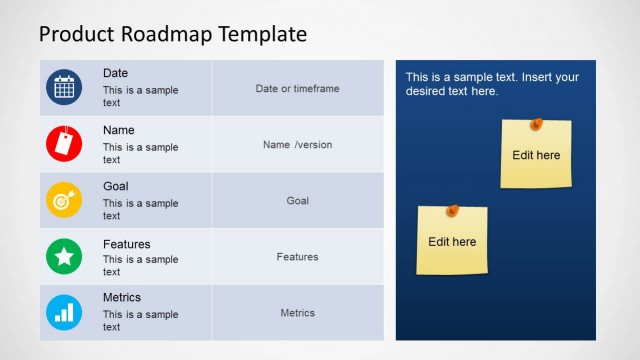
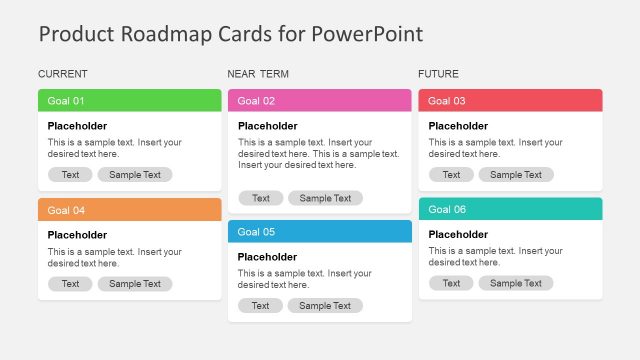
Roadmap Template for PowerPoint is a presentation template that you can use to represent a roadmap timeline in PowerPoint. You can use this roadmap template for PowerPoint presentations on project planning and project management.
This roadmap presentation contains useful slide designs with timelines where you can enter your own milestones and set a goal.
What’s inside this template
Example presentation scenarios
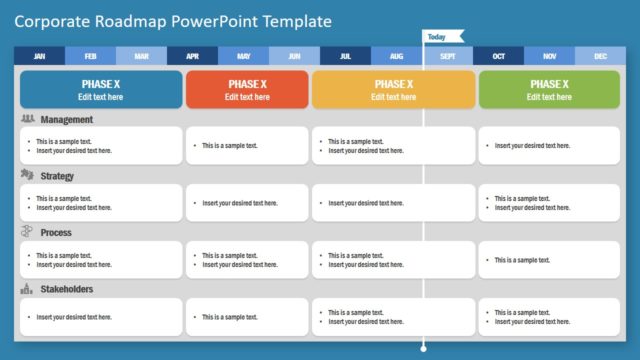
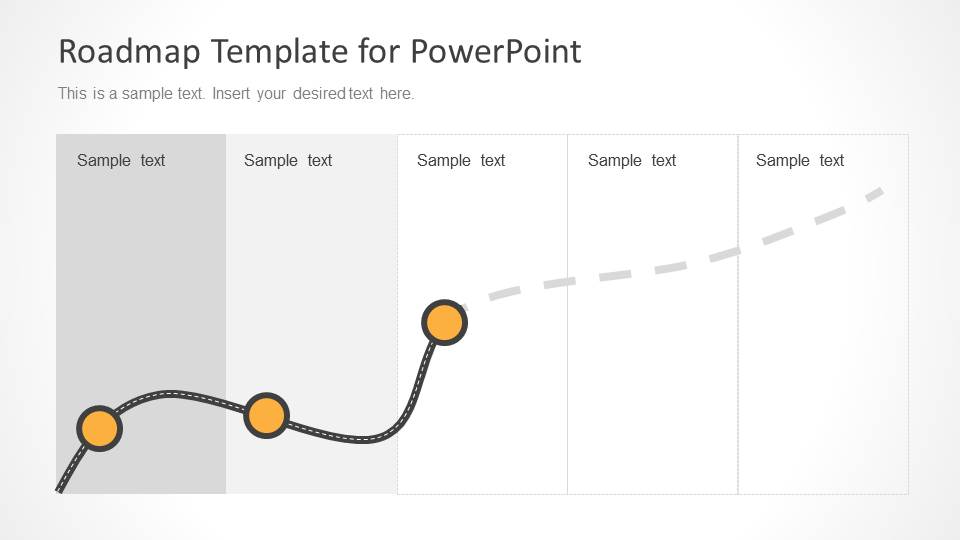
- A project manager can use the segmented planning timeline to brief stakeholders on phases, ownership periods, and the next milestone in a delivery plan.
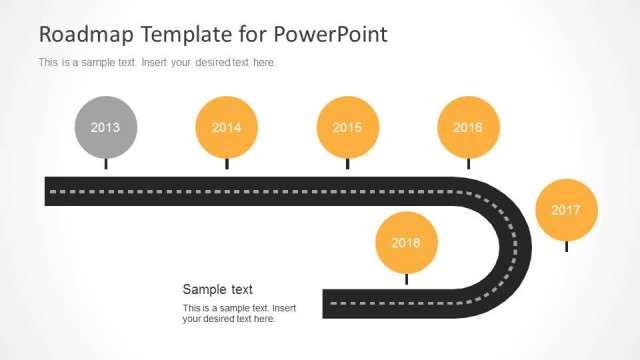
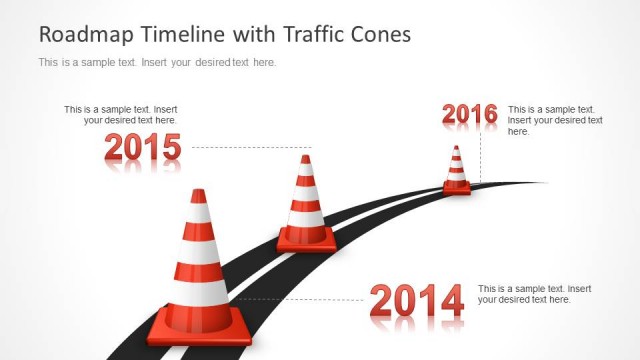
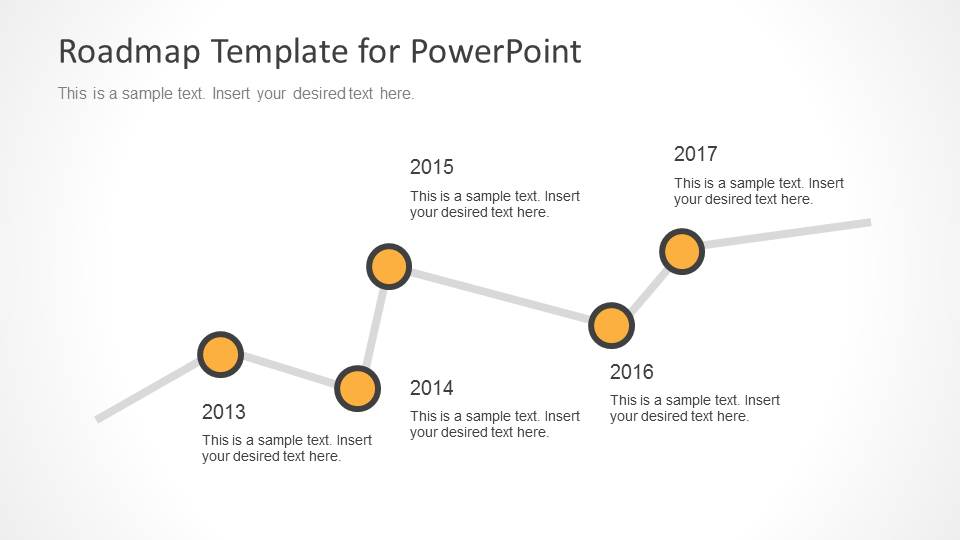
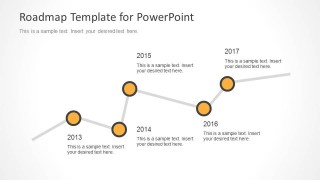
- A product manager can use the year-labeled timeline to present a release history or future product roadmap from one planning year to the next.
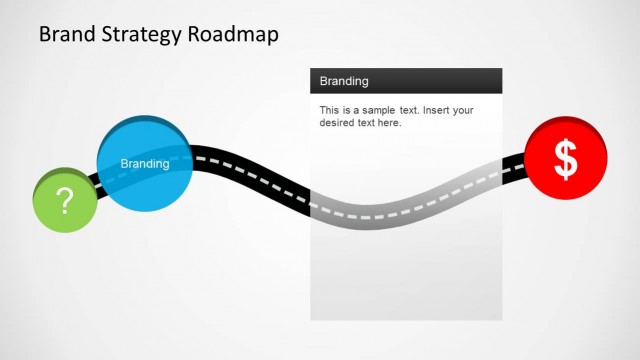
- A consultant can use the goal endpoint roadmap to show how a client engagement moves from early actions to a defined end state.
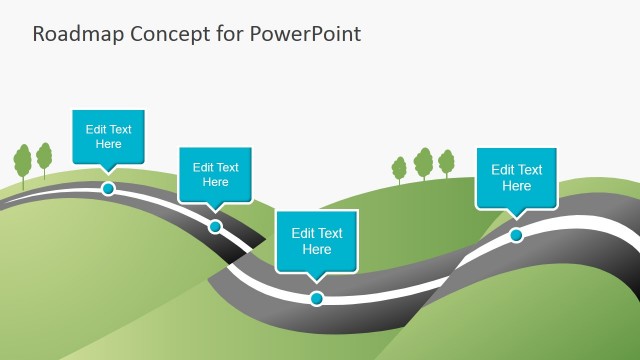
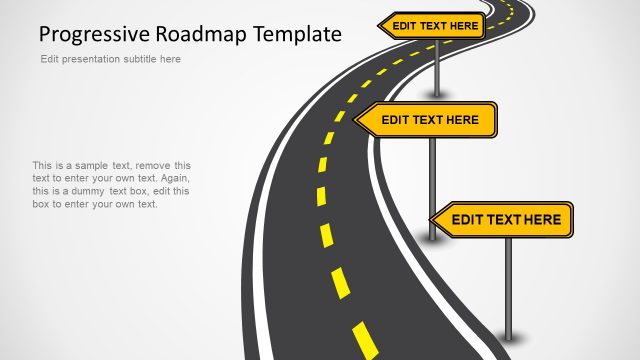
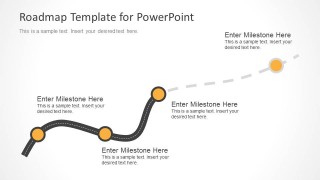
- An operations leader can use the curved milestone diagram to explain process changes, decision points, and future work that continues beyond the current plan.
Features
- 100% editable presentation template
- Compatible with Microsoft PowerPoint and Google Slides
- Scalable vector shapes, icons and illustrations
- AI-Ready for Microsoft Copilot and Claude
- Instant access and download
Frequently asked questions
Q: How should a presenter turn the road metaphor into a clear project message?
A: Start with the first milestone as the current state, then use each road marker as a decision point, deliverable, or phase gate. Keep each callout short and action-focused. On the goal slide, reserve the largest marker for the outcome, not another task, so the audience sees the intended destination.
Q: Who is this template best suited for in a planning meeting?
A: It fits project managers, product owners, consultants, and operations leads who need to explain progress over time without showing a detailed task schedule. The milestone road diagrams work well for executive updates, kickoff meetings, and planning reviews where the audience needs sequence, priorities, and direction more than granular dates.
Q: Why use a road path instead of a standard timeline?
A: The road path creates a simple journey metaphor: the team starts somewhere, passes visible milestones, and moves toward a destination. Curves and dashed future segments make uncertainty and forward movement easy to see. This helps nontechnical audiences understand sequence and progress faster than a dense schedule table.



Roadmap Template for PowerPoint
5-slide roadmap presentation template for project planning, milestone timelines, and goal tracking
This is a 5-slide roadmap presentation template for PowerPoint with milestone road diagrams, a segmented planning timeline, goal endpoint slide, and year-labeled timeline. It is built for project managers, product teams, and planners who need to map schedules, phases, and progress points with editable PowerPoint shapes and vector graphics.


 Loading...
 Microsoft PowerPoint
  Microsoft Copilot
  Claude for PowerPoint
 Other formats supported
Subscribe today and get immediate
access to download our PowerPoint templates.