Slide 2 of 5 from Roadmap Template for PowerPoint
6112-02-roadmap-2
Milestone Roadmap Diagram for Planning
- Diagram
- Roadmap
- Timeline Slide
- 16:9
- 100% Editable
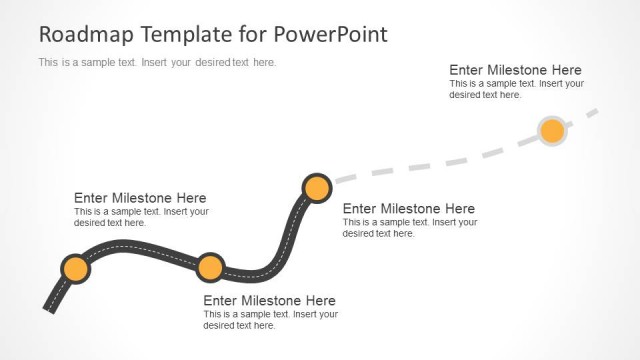
The Milestone Roadmap Diagram slide from the Roadmap Template for PowerPoint offers a clear visual timeline ideal for project timelines and strategic planning. This slide layout uses editable shapes and vector icons to highlight key milestones along a curved roadmap, making it a practical choice for business presentations and pitch deck templates focused on progress tracking.
What’s on This Slide
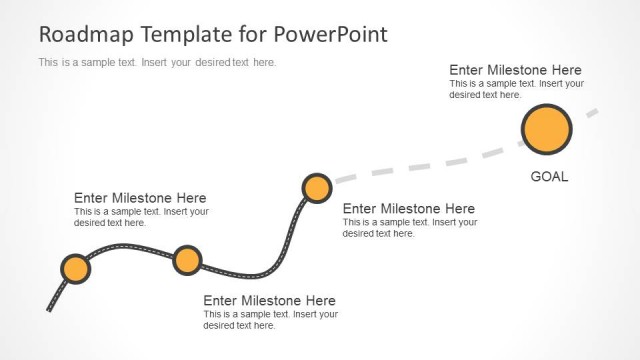
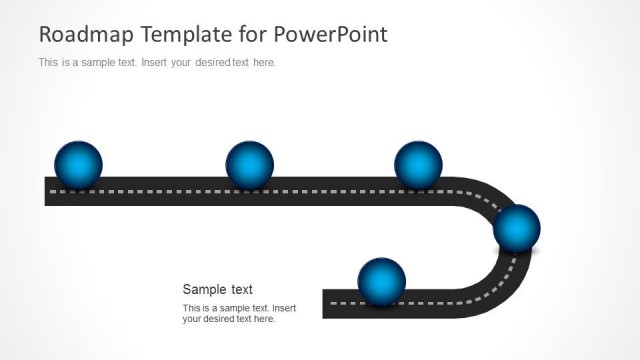
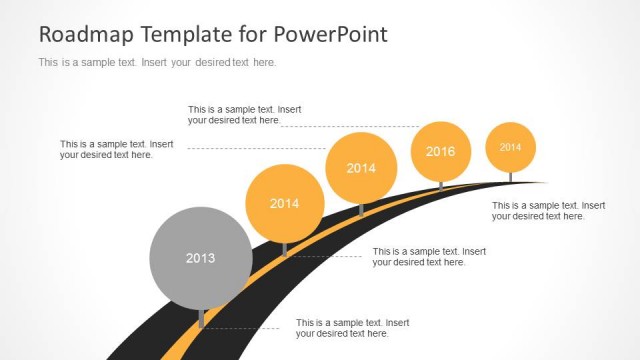
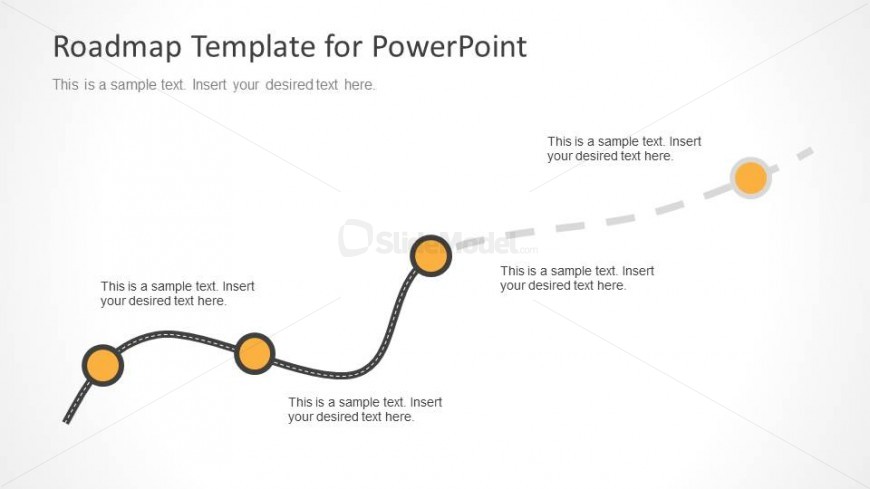
The layout features a curved line progressing from left to right, representing a roadmap. Along this line, there are four circular nodes, each containing a text placeholder, positioned at varying intervals. The nodes are visually distinct, with a larger size for the first and last nodes, and smaller sizes for the middle nodes. Above the curved line, there is a title placeholder aligned to the left. The background is a light gradient, enhancing the visibility of the elements. The overall composition emphasizes the flow of the roadmap.
How to Use It
This layout serves as a visual representation of a project timeline or roadmap, ideal for illustrating milestones and progress. It fits within a presentation sequence after an introductory slide and before detailed planning slides. This structure is useful for project managers and teams to communicate phases, deadlines, and key deliverables in a clear, engaging manner, making it suitable for stakeholder updates and strategic planning sessions.
Text Placeholders & Capacity
Keep your copy within these limits so it fits without resizing. Node text slots can accommodate roughly 7-8 words each.
| Placeholder | Count | Max characters (approx.) |
|---|---|---|
| Slide title | 1 | 40 |
| Item body | 4 | 40 |
Slide Keywords
Download unlimited PowerPoint templates, charts and graphics for your presentations with our annual plan.
DOWNLOADReturn to Roadmap Template for PowerPoint.