Slide 1 of 5 from Roadmap Template for PowerPoint
6112-02-roadmap-1
Segmented Roadmap Diagram for Planning
- Diagram
- Roadmap
- Timeline Slide
- 16:9
- 100% Editable
The Segmented Roadmap Diagram slide from the Roadmap Template for PowerPoint offers a clear timeline layout ideal for project timelines and milestone presentations. This slide template features editable shapes and distinct sections to visually communicate strategic planning phases, making it a practical choice for business presentations and corporate slide decks.
What’s on This Slide
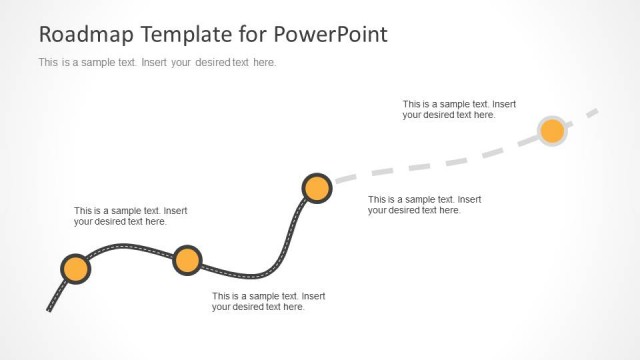
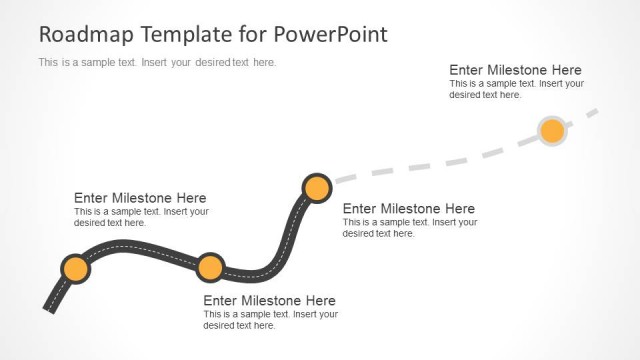
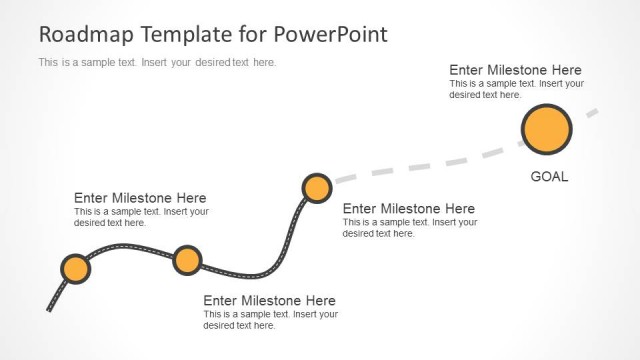
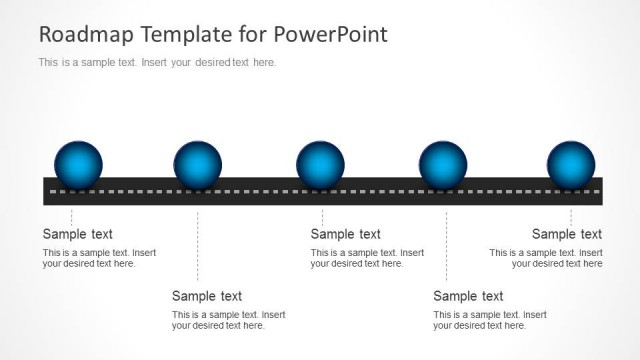
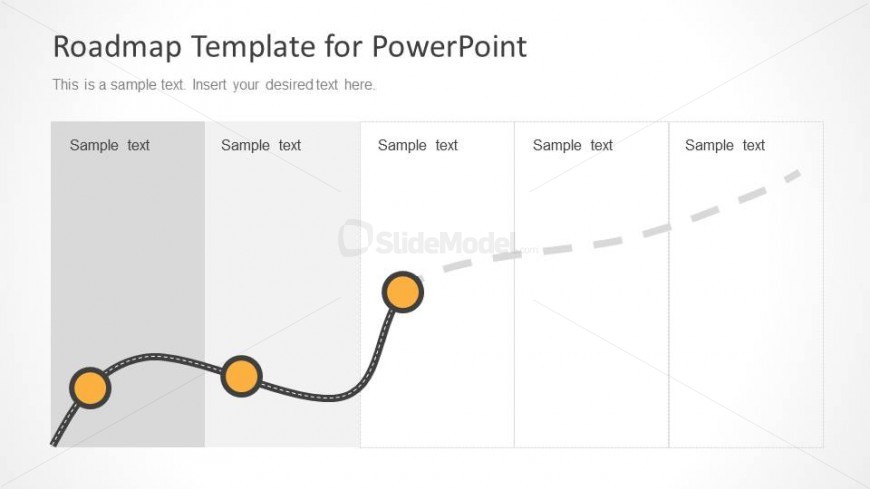
The layout features a segmented roadmap diagram with a curved line flowing from left to right. There are five sections, with the first three containing rectangular placeholders for text, aligned vertically. The fourth section has a circular node connected by a line, indicating a milestone. The fifth section is empty, allowing for additional text. Each section has a distinct background color, with the first three being light gray and the last two being white. The overall composition emphasizes the progression of phases in a project.
How to Use It
This layout serves as a segmented roadmap, ideal for outlining project phases or milestones. It fits well at the beginning of a presentation to introduce a project timeline. Real-world applications include project planning sessions, product development overviews, and strategic planning meetings. It effectively communicates the sequence of project stages while allowing for detailed descriptions in each segment.
Text Placeholders & Capacity
Keep your copy within these limits so it fits without resizing. Each text placeholder can hold about 30 characters comfortably.
| Placeholder | Count | Max characters (approx.) |
|---|---|---|
| Item body | 5 | 30 |
Slide Keywords
Download unlimited PowerPoint templates, charts and graphics for your presentations with our annual plan.
DOWNLOADReturn to Roadmap Template for PowerPoint.