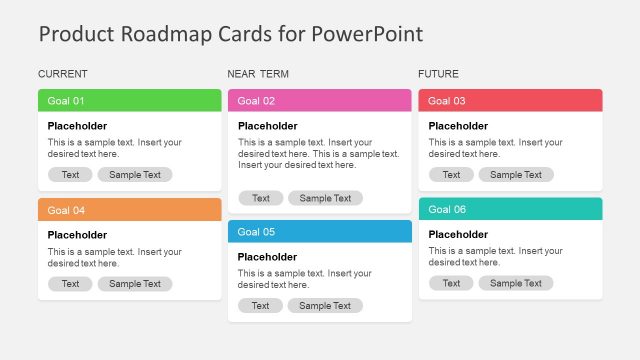
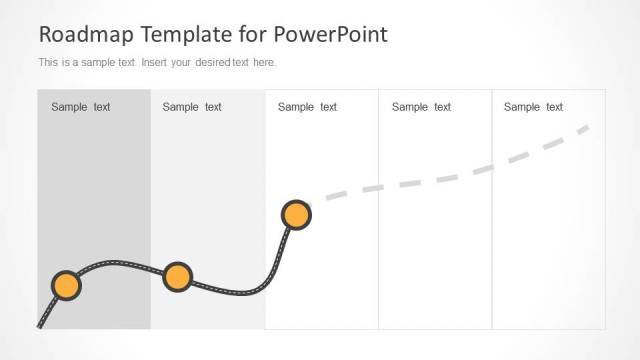
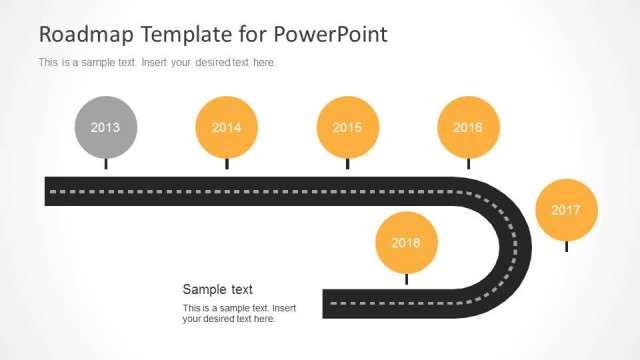
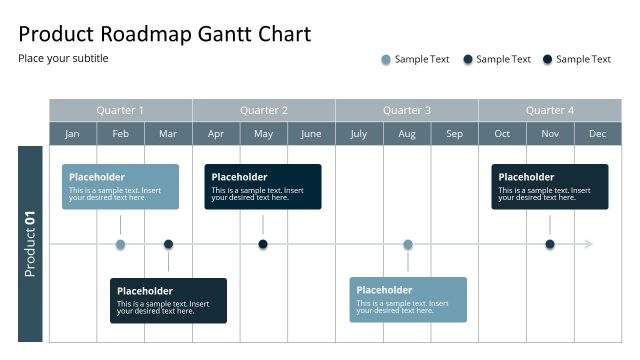
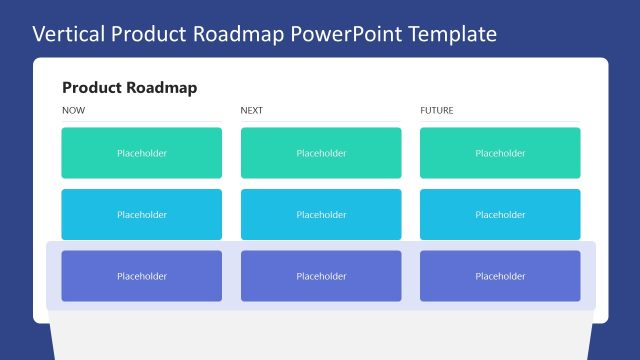
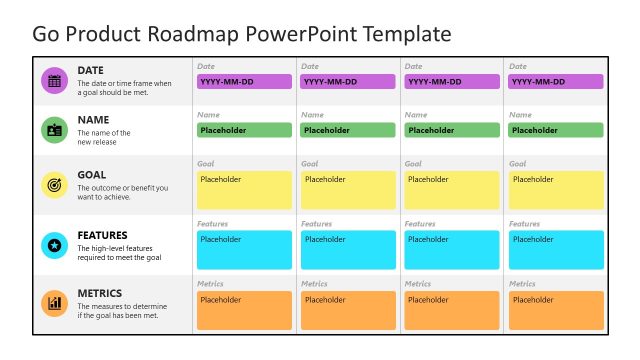
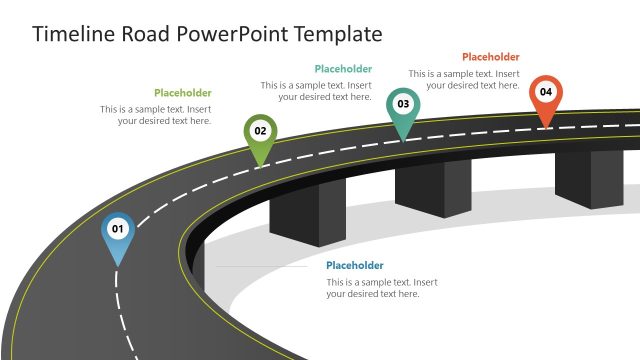
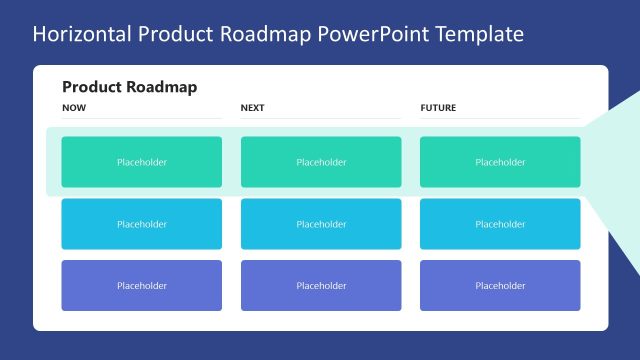
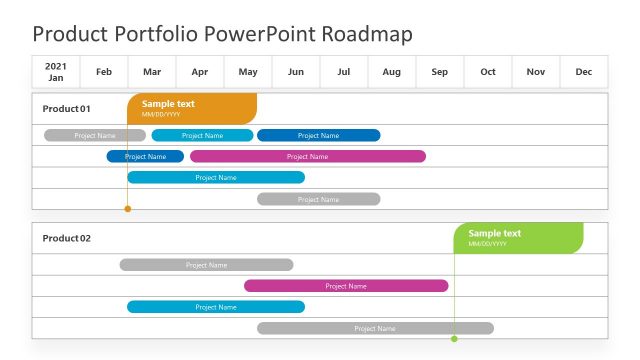
Product Roadmap Template for PowerPoint is a presentation design containing valuable slides for project management and product management.
With this editable roadmap template for PowerPoint and Google Slides, you can create a visually appealing product roadmap presentation. Furthermore, you can combine the roadmap graphics with a PowerPoint Timeline to display a plan for product development and even formulate a comprehensive plan for a project.
The given sample content is adequate enough to help you show your plan from the very basic to the advanced level, with the help of useful clipart images and eye-catching slide designs.
Alternatively, you can download other timeline templates for PowerPoint presentations, with creative slide and presentation designs, ready for product & project management slide decks.
What’s inside this template
Example presentation scenarios
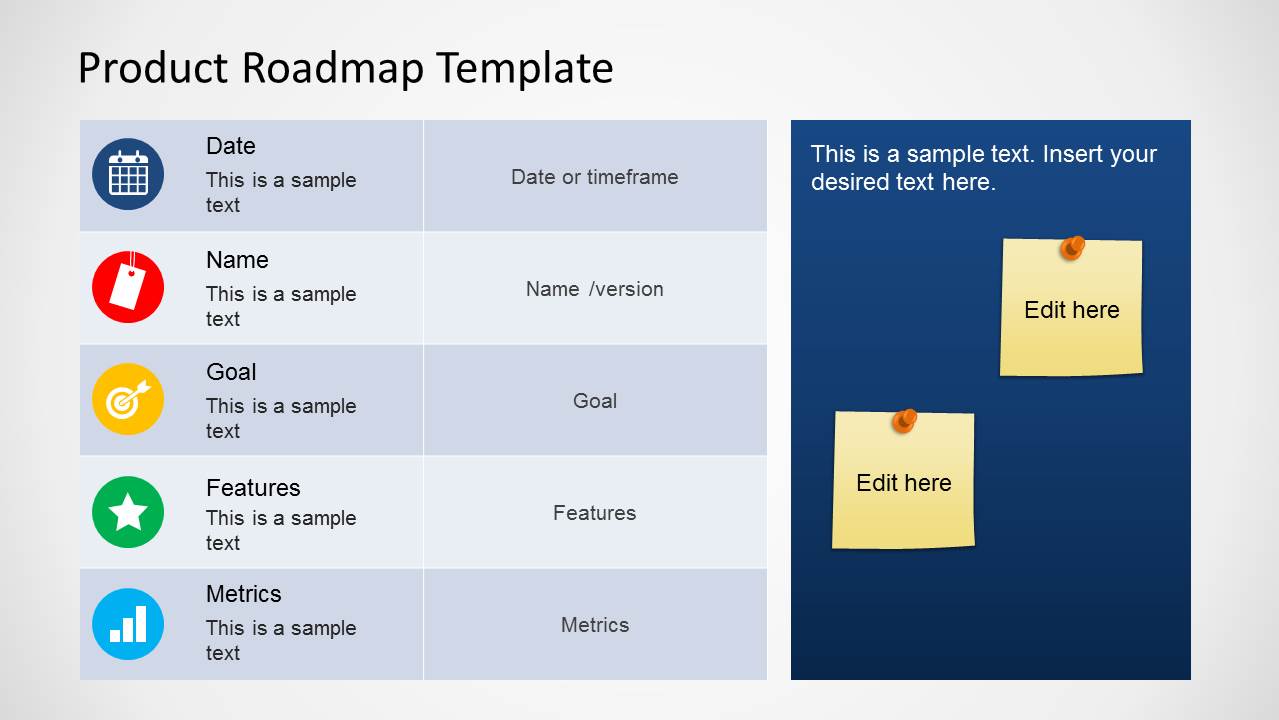
- A product manager can present a quarterly product plan to executives by filling the roadmap matrix with dates, feature groups, goals, and success metrics.
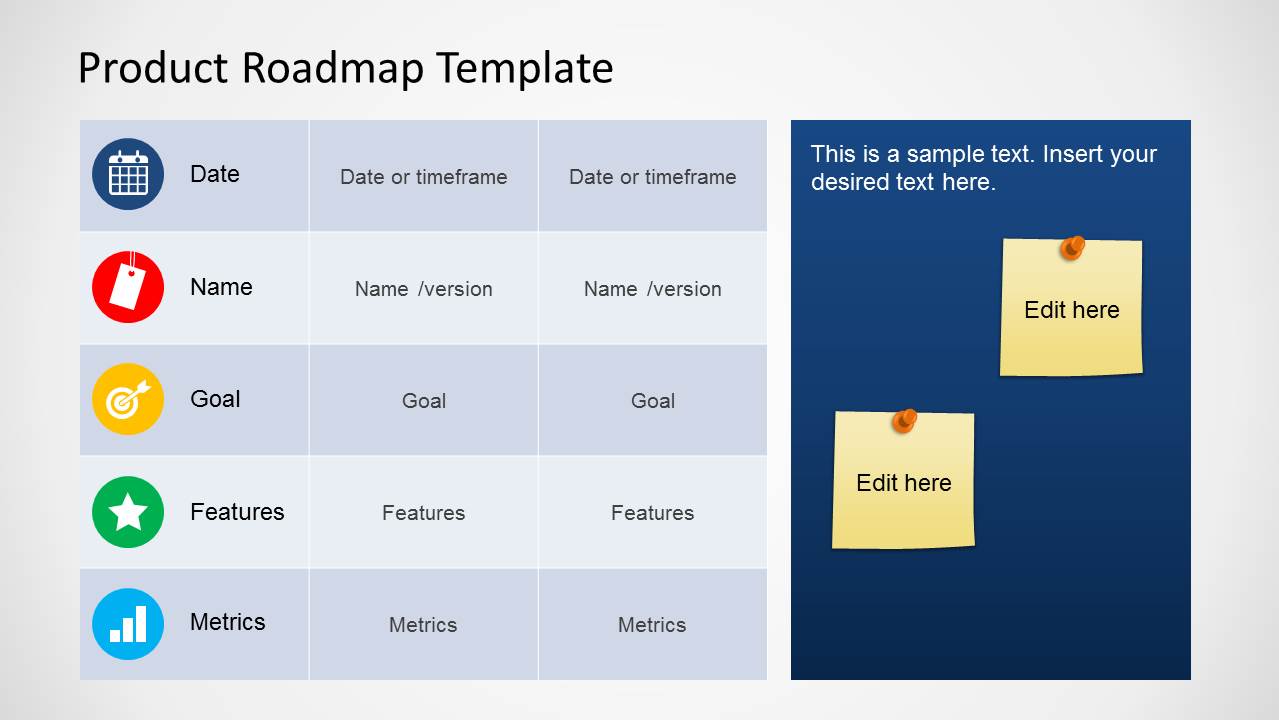
- A startup founder can align investors or advisors on upcoming product releases by using the timeframe columns and sticky-note callouts to flag open decisions.
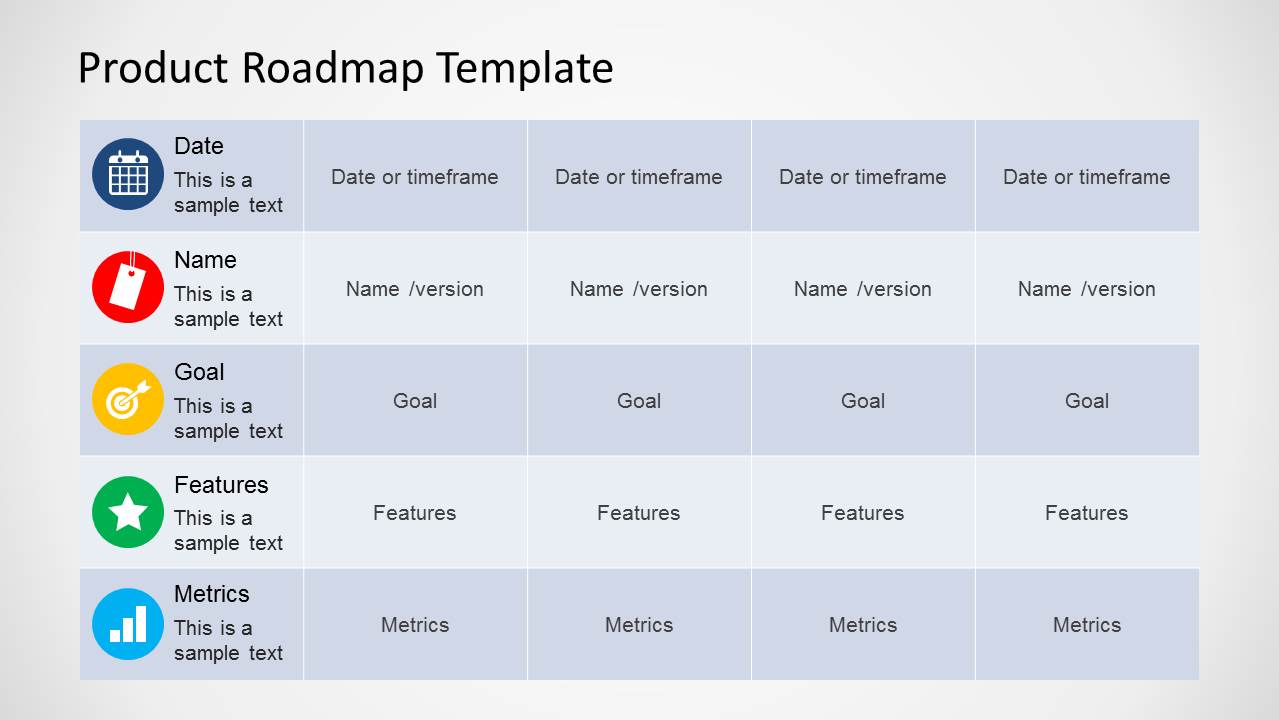
- A project manager can run a cross-functional planning meeting by mapping versions, goals, and metrics across the full-width roadmap table.
- A product owner can brief an agile team on priorities by using the icon divider slide before moving into roadmap rows for features and measurement criteria.
Features
- 100% editable presentation template
- Compatible with Microsoft PowerPoint and Google Slides
- 16:9 aspect ratio slides
- Scalable vector shapes, icons and illustrations
- AI-Ready for Microsoft Copilot and Claude
- Instant access and download
Frequently asked questions
Q: How should a presenter explain the roadmap without turning the matrix into a reading exercise?
A: Start with the row labels as the message structure: date, version, goal, features, and metrics. Speak one timeframe at a time, then compare across columns only after the audience understands the pattern. Use the sticky-note callouts for exceptions, risks, or decisions so the main roadmap stays clean and easy to follow.
Q: Who is this roadmap format best suited for?
A: This template fits product managers, project managers, founders, and product owners who need to explain planning choices across time. It is strongest when the presentation goal is alignment rather than detailed scheduling. The matrix supports roadmap conversations about releases, goals, feature direction, and measurable outcomes.
Q: Why do the sticky notes and category icons help the roadmap message?
A: The category icons create quick recognition for dates, versions, goals, features, and metrics, while the grid keeps each timeframe comparable. The sticky-note metaphor signals items that need attention, such as assumptions, feedback, or pending decisions. This separates discussion points from the planned roadmap content.





Product Roadmap Template for PowerPoint
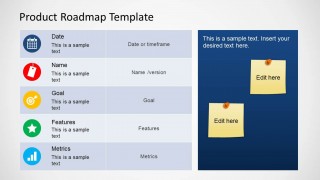
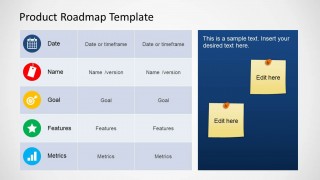
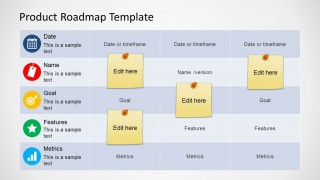
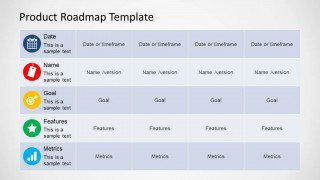
6-slide presentation template for product roadmap planning with timeframe matrices and sticky-note callouts
The Product Roadmap Template for PowerPoint is a 6-slide presentation template for product and project planning. It includes roadmap matrices, timeframe columns, sticky-note callout panels, and circular category icons for dates, versions, goals, features, and metrics. It is made for product managers, project leads, and planning teams using Microsoft PowerPoint or Google Slides.
- Category
- Business PowerPoint Templates
- Rating


 Loading...
- Aspect ratio
- 16:9
- Item ID
- 6372-01
 Microsoft PowerPoint
  Microsoft Copilot
  Claude for PowerPoint
 Other formats supported
Subscribe today and get immediate
access to download our PowerPoint templates.