Slide 3 of 5 from Roadmap Template for PowerPoint
6112-02-roadmap-3
Milestone Roadmap Diagram for Planning
- Diagram
- Roadmap
- Timeline Slide
- 16:9
- 100% Editable
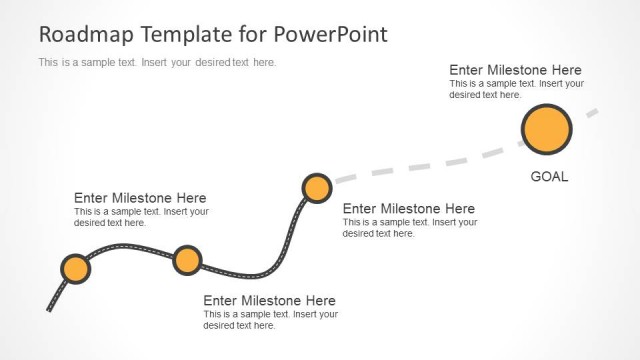
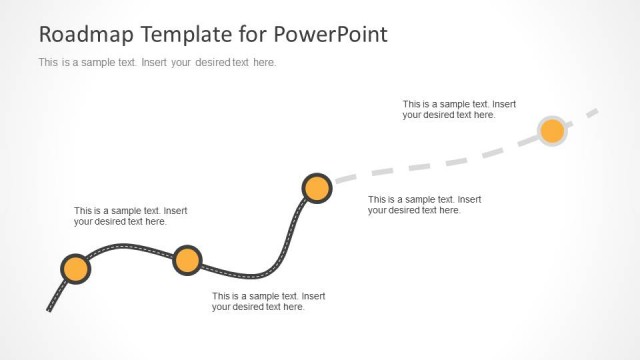
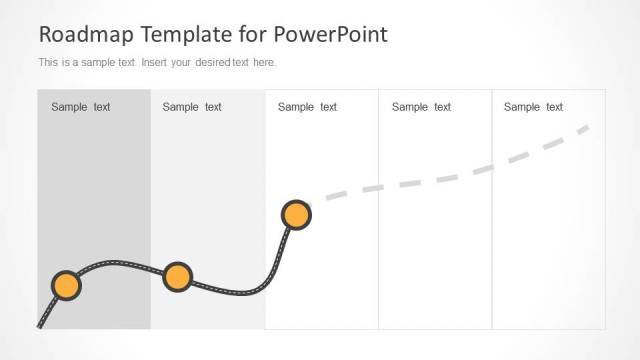
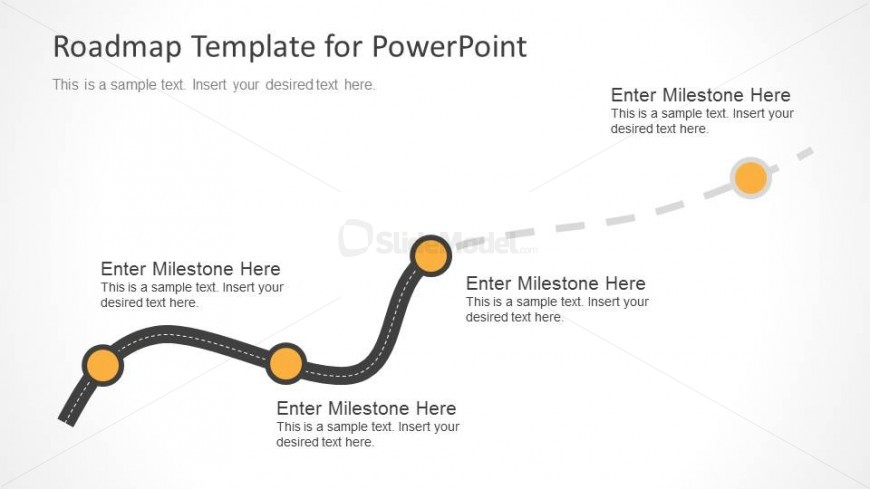
The Milestone Roadmap Diagram slide from the Roadmap Template for PowerPoint offers a clear visual timeline ideal for tracking project milestones and strategic planning. This slide layout uses editable shapes and vector icons to represent key milestones along a winding path, making it suitable for business presentations and pitch deck templates that require effective milestone communication.
What’s on This Slide
The slide features a winding path representing a roadmap with five milestone nodes. The nodes are circular and evenly spaced along the path, with the first node positioned at the bottom left and the last node at the top right. Each node contains a text placeholder for milestone descriptions, aligned centrally within the circles. A dashed line connects the nodes, indicating progression. A title placeholder is located at the top, and a secondary text placeholder is positioned below it. The background is light with a subtle gradient, enhancing visibility.
How to Use It
This layout serves as a visual roadmap for project timelines, illustrating key milestones and their progression. It fits well in a presentation sequence following problem identification and before detailed planning. Business scenarios include project management updates, product development timelines, or strategic planning sessions where milestones need to be clearly communicated to stakeholders.
Text Placeholders & Capacity
Keep your copy within these limits so it fits without resizing. Node labels can accommodate roughly 4-5 words each.
| Placeholder | Count | Max characters (approx.) |
|---|---|---|
| Slide title | 1 | 30 |
| Item heading | 5 | 25 |
| Body paragraph | 1 | 100 |
Slide Keywords
Download unlimited PowerPoint templates, charts and graphics for your presentations with our annual plan.
DOWNLOADReturn to Roadmap Template for PowerPoint.