Create a professional PowerPoint presentation using the Creative Roadmap Concept PowerPoint Template. This roadmap template can be used to produce a business presentation involving the organization’s upcoming events and activities in a format which is appealing and can be easily understood by all types of viewers.
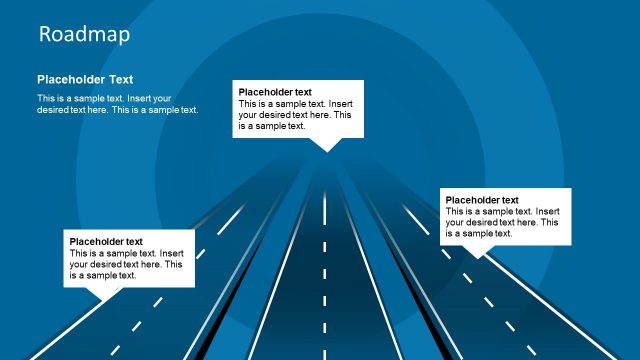
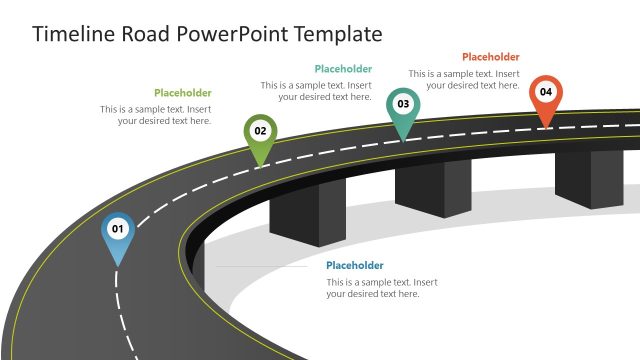
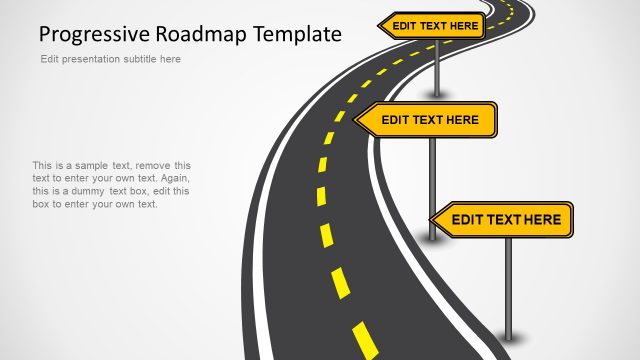
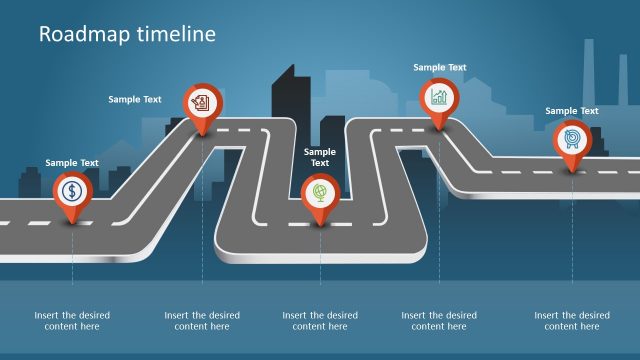
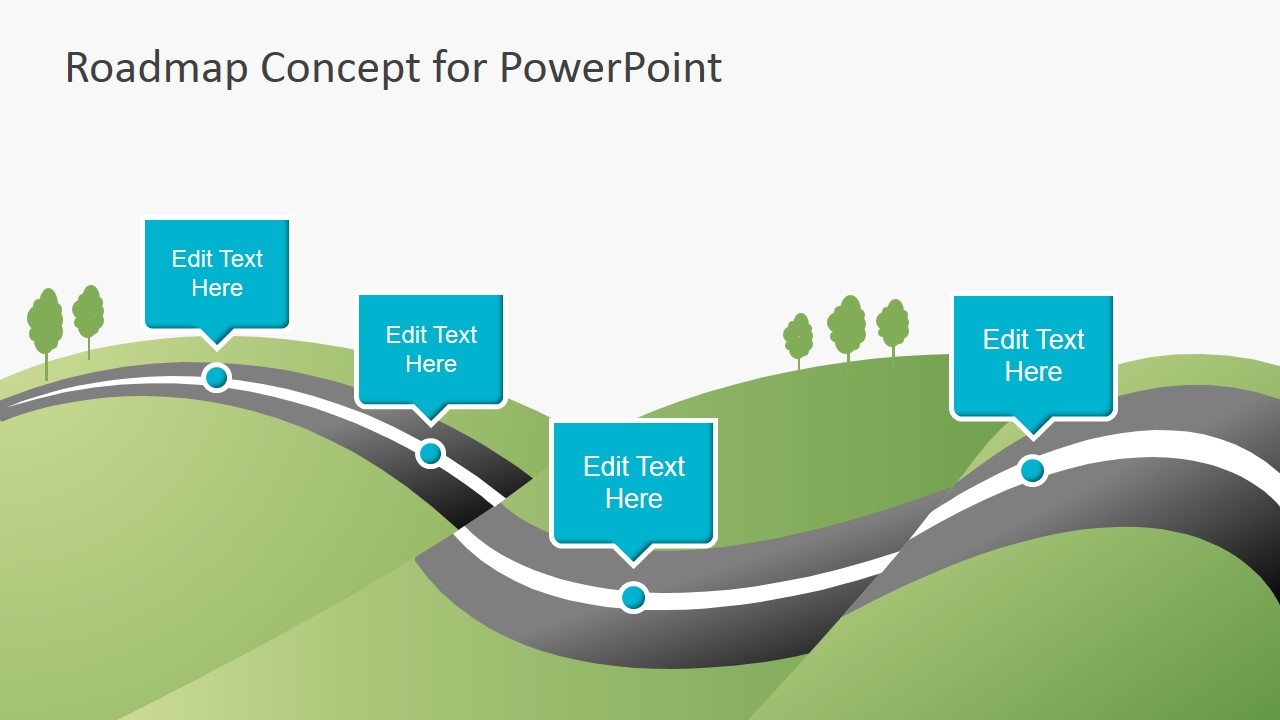
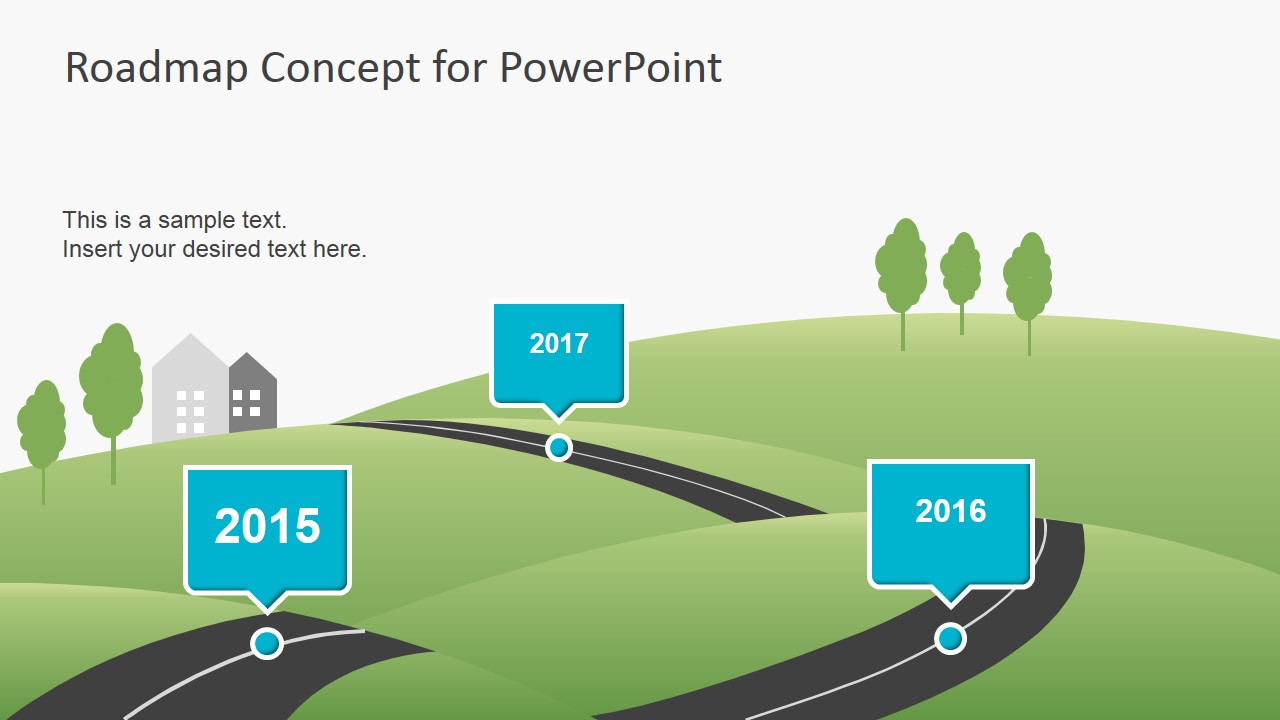
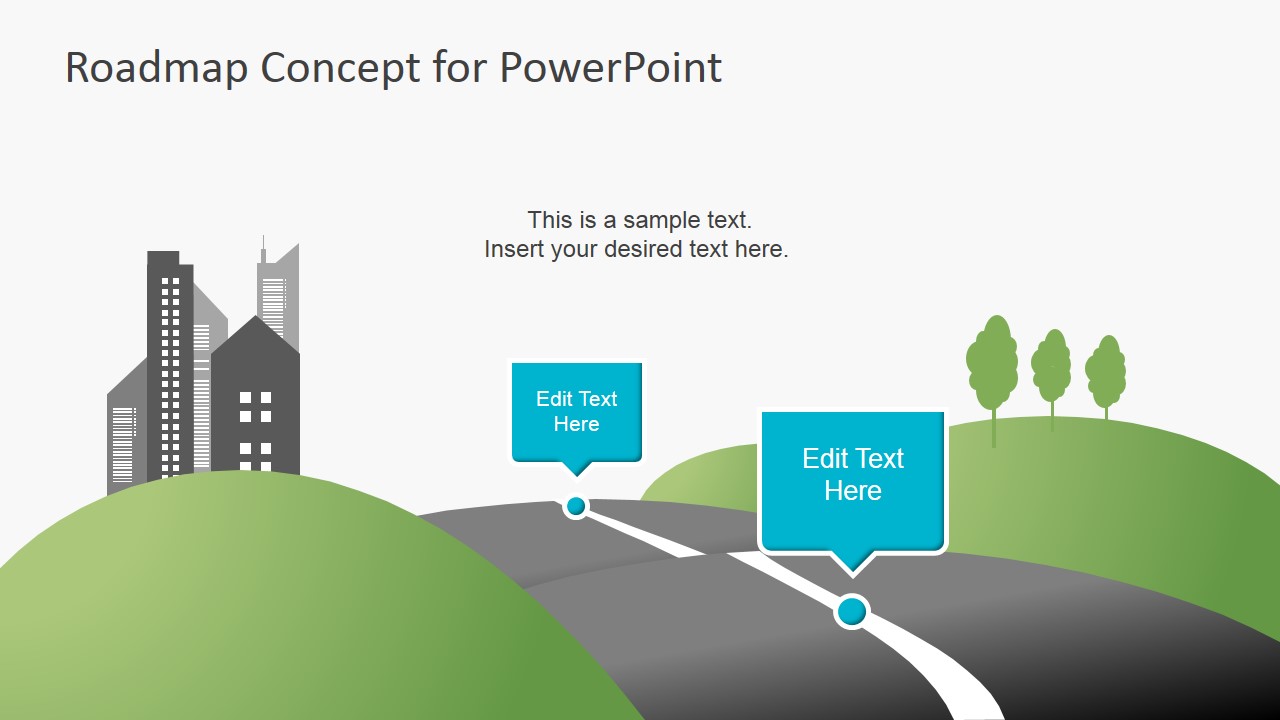
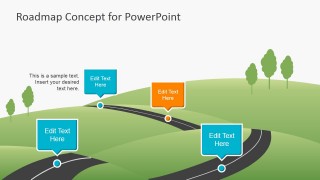
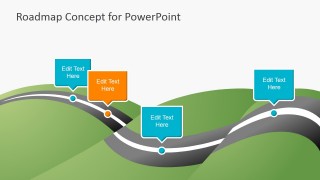
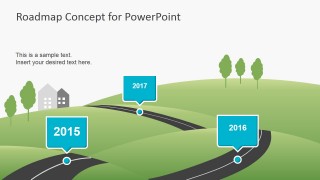
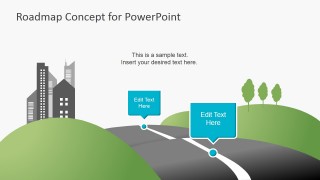
The PowerPoint graphics on the Office template are vector diagram illustrations of a modern highway cutting through a mountainside, with houses and trees found on the horizon, in different variations. The colors of the graphics are easy on the eyes, and are specifically designed to supplement rather than overpower the main point of the PowerPoint slides.
Each of the PowerPoint slides form a significant segment of the timeline template. The various events and activities the presenter wishes to showcase may be put inside PowerPoint shapes resembling dialog boxes, colored in either orange or blue, which are ideal for both complementing in standing out amidst the green landscape designs.
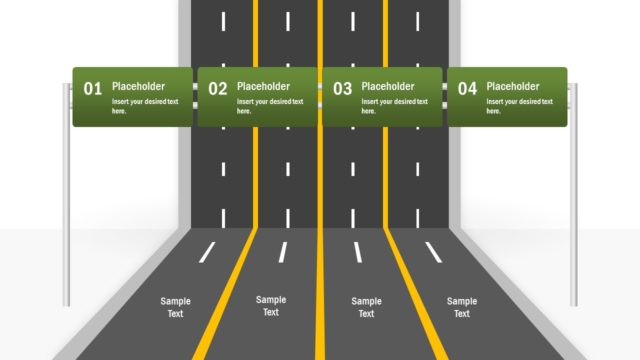
The timeline of upcoming events may be presented by inserting their corresponding information into the slide design in the PowerPoint template which fits the purposes of the presenter best. The PowerPoint slides have various uses, according to the position of the text boxes on the road template.
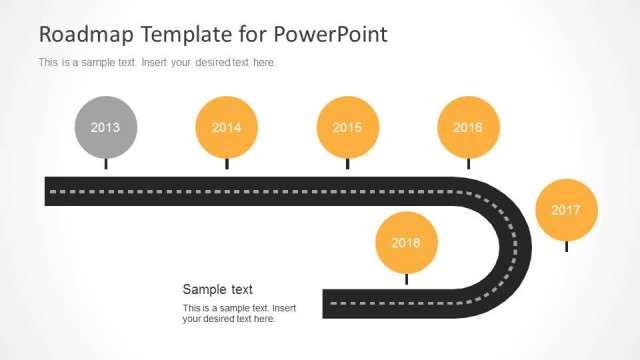
Some of the slides feature only dates. The presenter may use these as introductory slides and section headers to the roadmap presentation design. The other PowerPoint slides may be used to show future events with unspecified dates, while still others come complete with both date and information, and are shown in groups.
The PowerPoint template is ideal for use in business presentations, such as project proposals, to show their suggested schedules for project construction and implementation. Using the Creative Roadmap Concept PowerPoint Template, the presenter can generate slides and presentations, as a whole, in an interactive arrangement that are assured to stimulate audience attention and to increase overall visual impact.
The presenter may also download other roadmap timeline templates with flat 2D versions, such as the Timeline Roadmap PowerPoint template.
What’s inside this template
Example presentation scenarios
- A project manager can present a phased implementation plan by placing deliverables in the highway milestone callouts and using the date-marker slide to anchor the schedule.
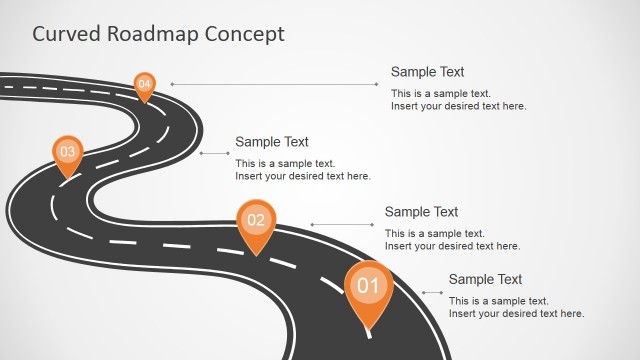
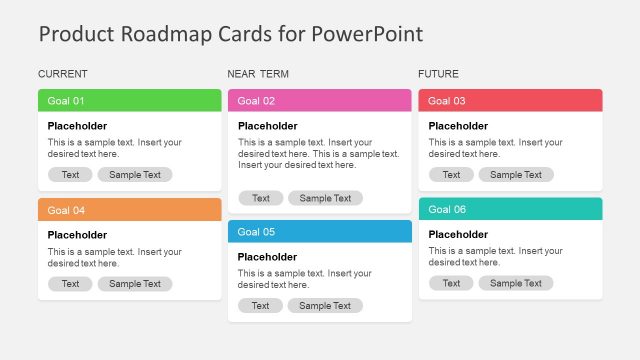
- A product manager can explain a product roadmap to executives by using the winding road layouts to show near-term, mid-term, and later releases.
- A consultant can summarize a client transformation plan by mapping workstreams onto the road scenes and using the orange callouts for major decision points.
- An operations leader can brief a team on upcoming activities by using the split-road layout to show alternative routes or next-step priorities.
Features
- 100% editable presentation template
- Compatible with Microsoft PowerPoint and Google Slides
- 16:9 aspect ratio slides
- Scalable vector shapes, icons and illustrations
- AI-Ready for Microsoft Copilot and Claude
- Instant access and download
Frequently asked questions
Q: How should a presenter use the road metaphor without making the plan feel too simplistic?
A: Treat the road as a navigation aid, not as decoration. Put only the most important milestones in the visible callouts, then use speaker notes or supporting slides for operational detail. The date-marker slide can define the time horizon, while the winding-road slides explain what changes from one phase to the next.
Q: Who is this roadmap template best suited for?
A: It fits presenters who need a clear planning narrative for a mixed audience, such as project sponsors, department leaders, or client stakeholders. The illustrated highway and landscape scenes make schedules easier to follow when the goal is shared understanding of phases, milestones, and future activities rather than detailed resource tracking.
Q: Why do the winding road layouts help communicate a roadmap?
A: A road creates an intuitive sense of direction, distance, and progress. The audience can see that the plan moves from one point to another, while the speech-bubble callouts act as stops along the journey. The orange markers create visual emphasis for risks, approvals, or turning points.




Creative Roadmap Concept PowerPoint Template
6-slide roadmap presentation template with highway path milestones for project planning and product timelines
Creative Roadmap Concept PowerPoint Template is a 6-slide roadmap deck for planning presentations. It uses illustrated highway path layouts, milestone callouts, date markers, and landscape road scenes to show activities over time. Designed for project managers, product teams, and business presenters in Microsoft PowerPoint and Google Slides.
- Category
- Timelines & Planning
- Rating


 Loading...
- Aspect ratio
- 16:9
- Item ID
- 6956-01
- Colors
 Microsoft PowerPoint
  Microsoft Copilot
  Claude for PowerPoint
 Other formats supported
Subscribe today and get immediate
access to download our PowerPoint templates.