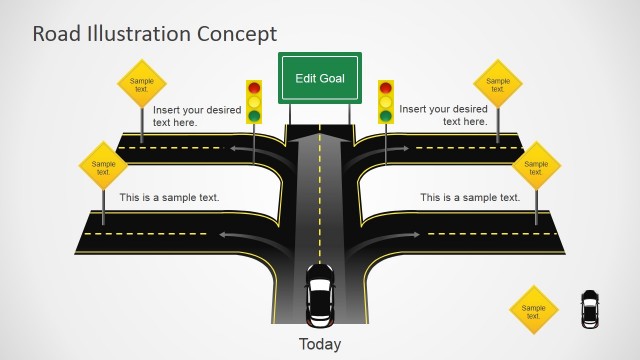
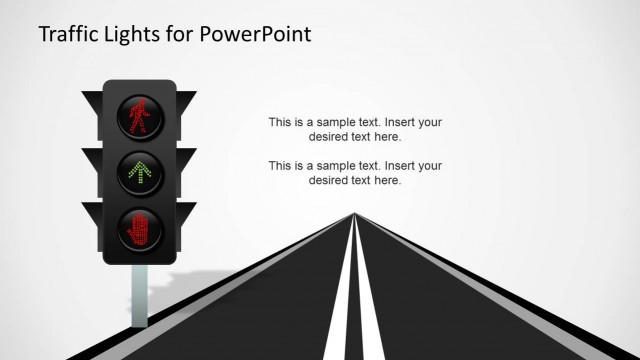
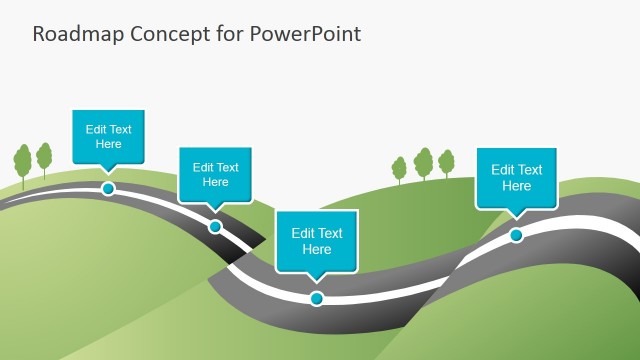
Creative road shapes template for Microsoft PowerPoint presentations with slide designs containing many different road shapes and road signs.
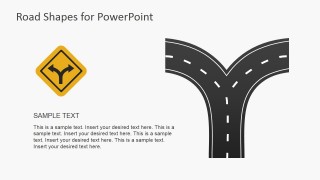
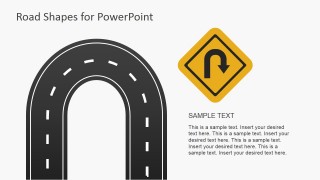
Inside this presentation template you can find the yellow road symbols and shapes with multiple variants of roads and street illustrations that you can use as a metaphor for taking decisions or making choices (with the forked road design), or a traversing a hazardous terrain or a risk situation ahead as well as uncertainly environment with the curved road illustration and symbols.
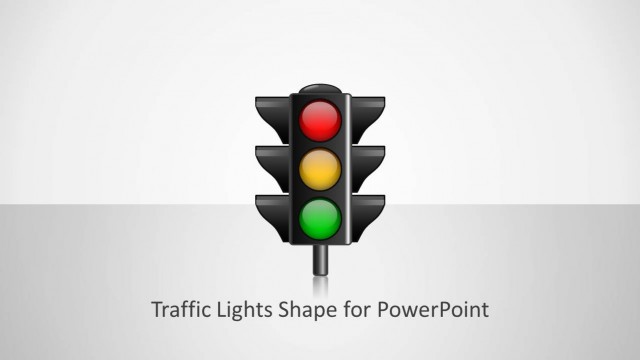
Alternatively you can combine the road illustrations and shapes for PowerPoint with other road symbols and traffic lights PowerPoint templates.
What’s inside this template
Example presentation scenarios
- A project manager can use the forked road slide to compare two implementation paths and guide stakeholders toward a decision.
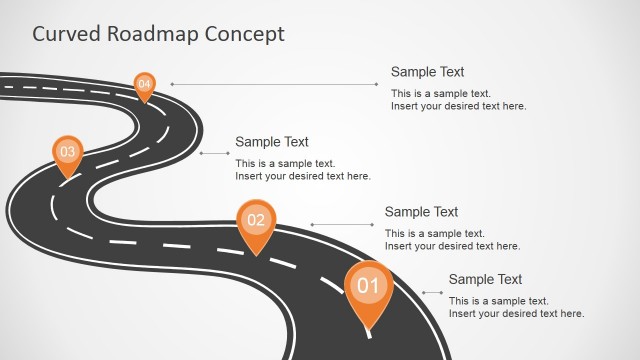
- A consultant can use the curved road slide to explain uncertainty, market risk, or a nonlinear transformation journey.
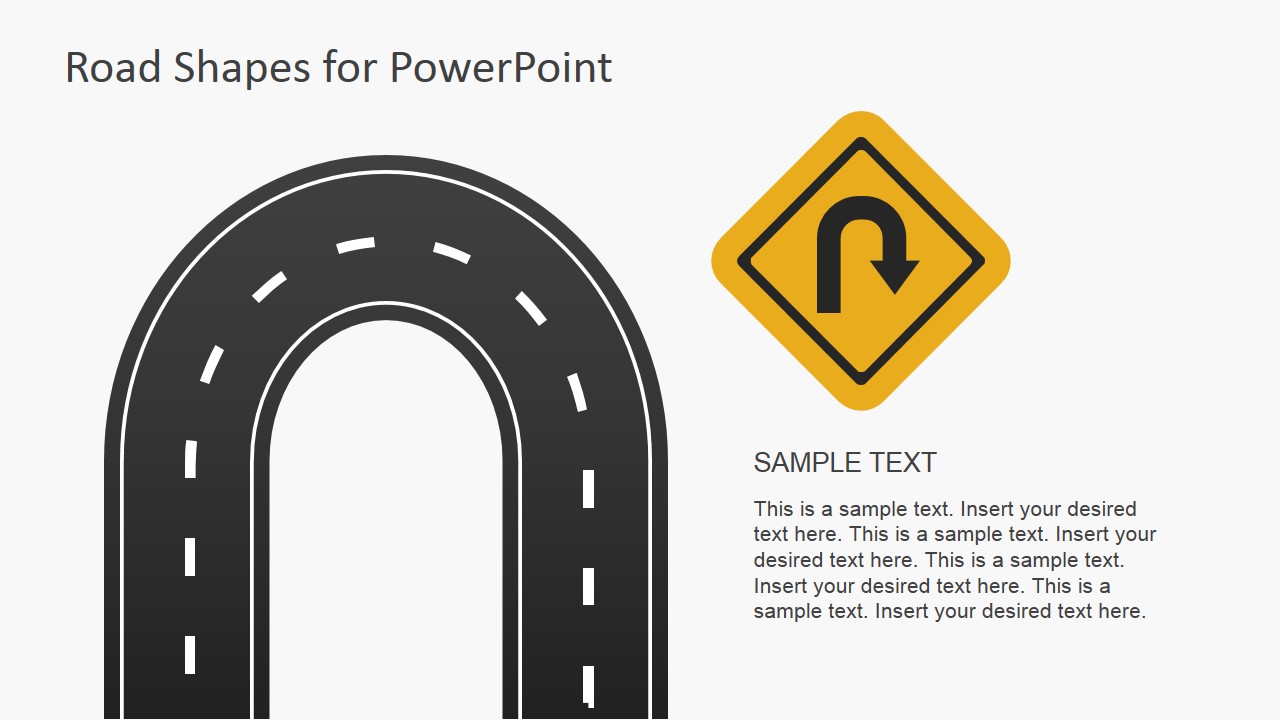
- A change leader can use the U-turn slide to discuss a course correction, rollback, or strategic pivot with executives.
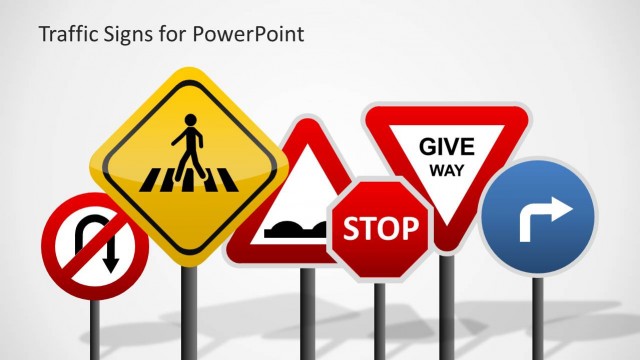
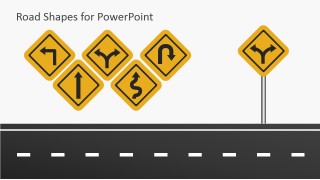
- A trainer can use the road sign collection slide to introduce decision-making concepts through visual symbols before group discussion.
Features
- 100% editable presentation template
- Compatible with Microsoft PowerPoint and Google Slides
- 16:9 aspect ratio slides
- Scalable vector shapes, icons and illustrations
- AI-Ready for Microsoft Copilot and Claude
- Instant access and download
Frequently asked questions
Q: How should a presenter use the road metaphor without making the message feel too generic?
A: Anchor each road visual to a specific business choice or behavior. For example, use the forked road for mutually exclusive options, the curved road for uncertainty, and the U-turn for a needed correction. Add short labels near the sign or text block so the audience sees the business meaning before reading the details.
Q: Who is this template best suited for in a business presentation?
A: This template fits presenters who need to explain direction, choice, or risk without relying on dense tables. Project managers, consultants, trainers, and strategy leads can use the road shapes to frame route selection, decision gates, detours, and next steps in a visual way that works well for planning meetings.
Q: Why do the traffic signs and road shapes help communicate decisions?
A: Road symbols are familiar metaphors for movement, caution, turns, and destinations. The yellow signs draw attention first, while the dark road shapes create a clear path motif. This makes abstract topics such as uncertainty, pivoting, or choosing a route easier to discuss because the visual metaphor is understood quickly.
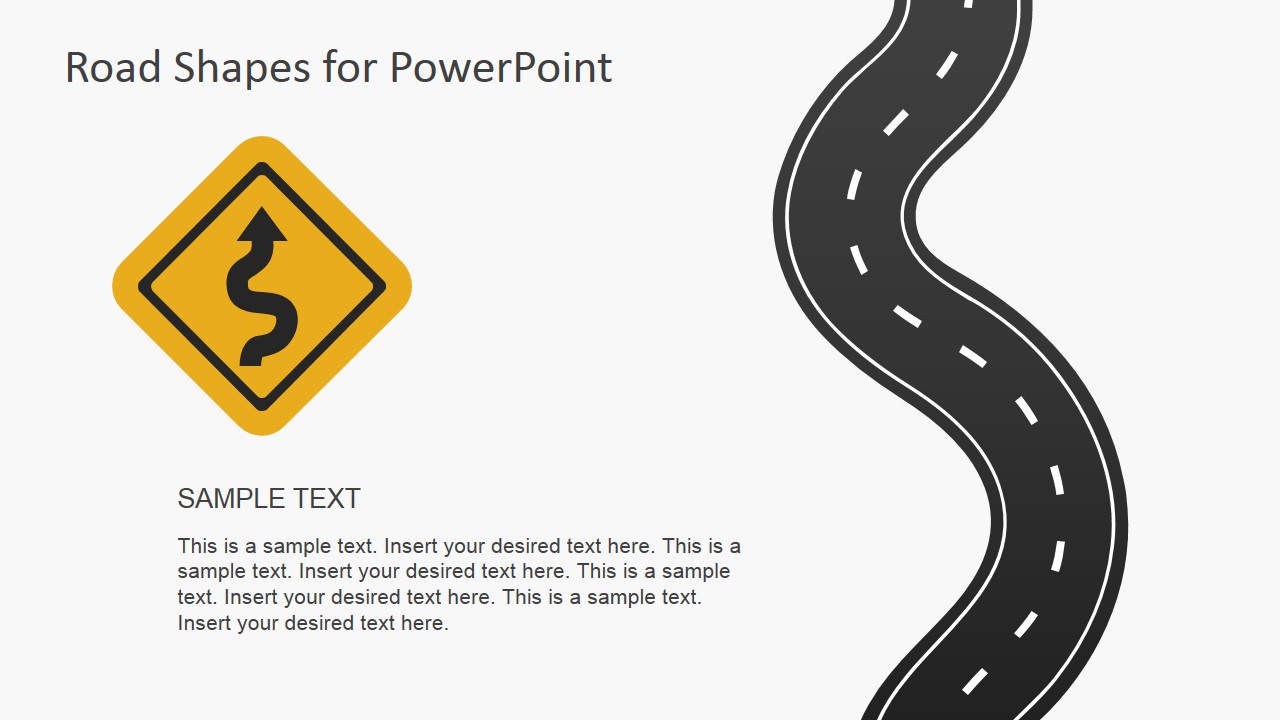



Road Shapes for PowerPoint Presentations
6-slide presentation template with road signs, curved roads, forked paths, and route decision metaphors
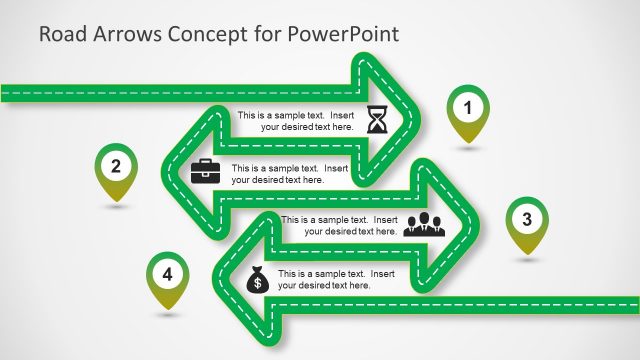
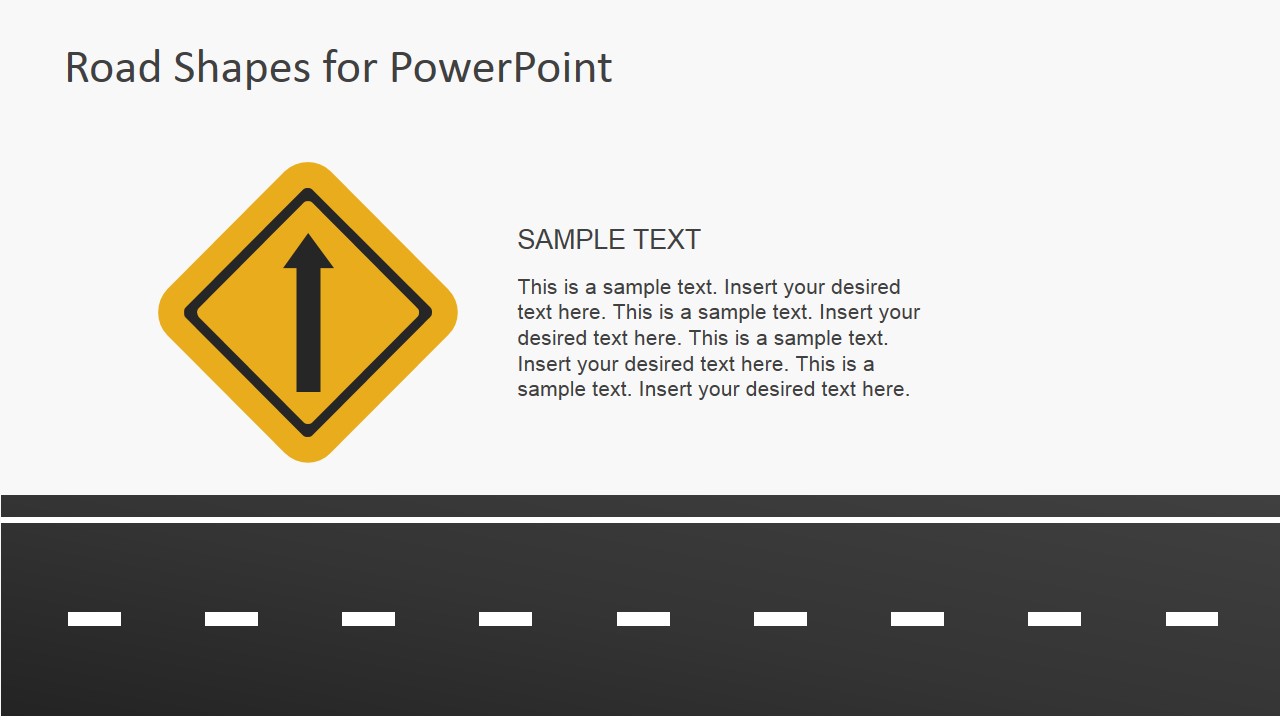
Road Shapes for PowerPoint Presentations is a 6-slide road metaphor template for Microsoft PowerPoint and Google Slides. It includes curved road, sharp turn, forked road, U-turn, straight highway, and road sign collection layouts for presenters explaining choices, direction changes, risks, milestones, or project routes.
- Rating


 Loading...
- Aspect ratio
- 16:9
- Item ID
- 6935-01
- Colors
 Microsoft PowerPoint
  Microsoft Copilot
  Claude for PowerPoint
 Other formats supported
Subscribe today and get immediate
access to download our PowerPoint templates.