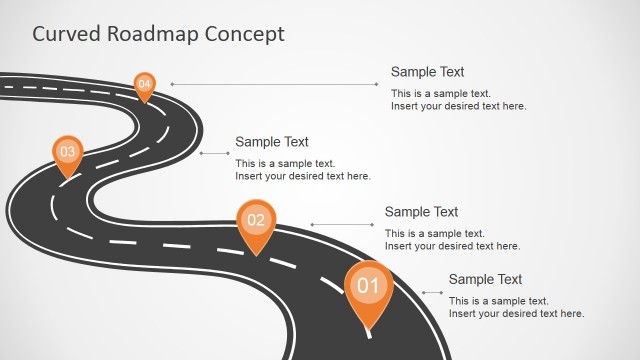
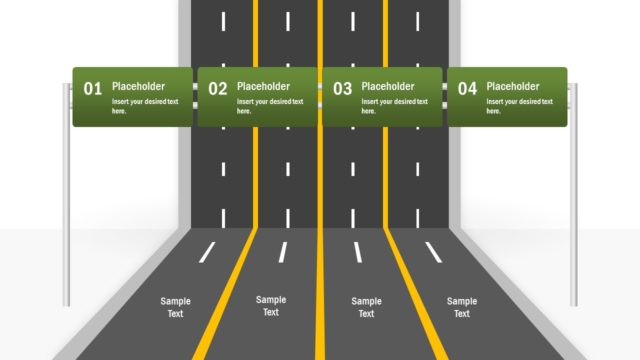
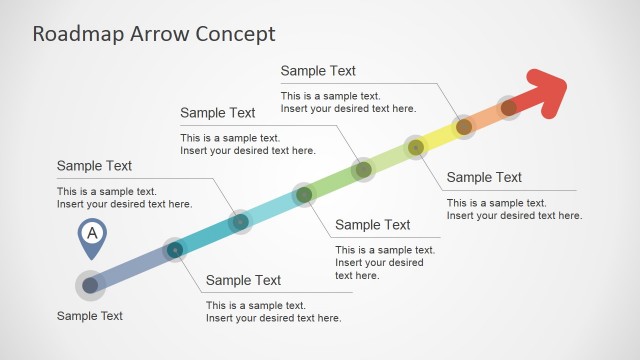
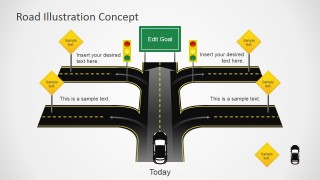
Road Illustration Concept for PowerPoint is a creative concept slide for presentations that can be used to decorate a road traffic scenario, make a traffic forecast or model a presentation slide with a traffic metaphor.
Alternatively, you can download traffic road map PowerPoint presentation templates and slide designs including traffic signs and illustrations.
What’s inside this template
Example presentation scenarios
- A project manager can use the crossroad roadmap to show the current project status, competing paths, and the intended goal during a steering committee update.
- A transportation planner can use the traffic lights, road signs, and side-road text areas to explain a traffic forecast or route-planning scenario to stakeholders.
- A consultant can use the central road and editable goal sign to compare strategic options and guide executives toward a recommended direction.
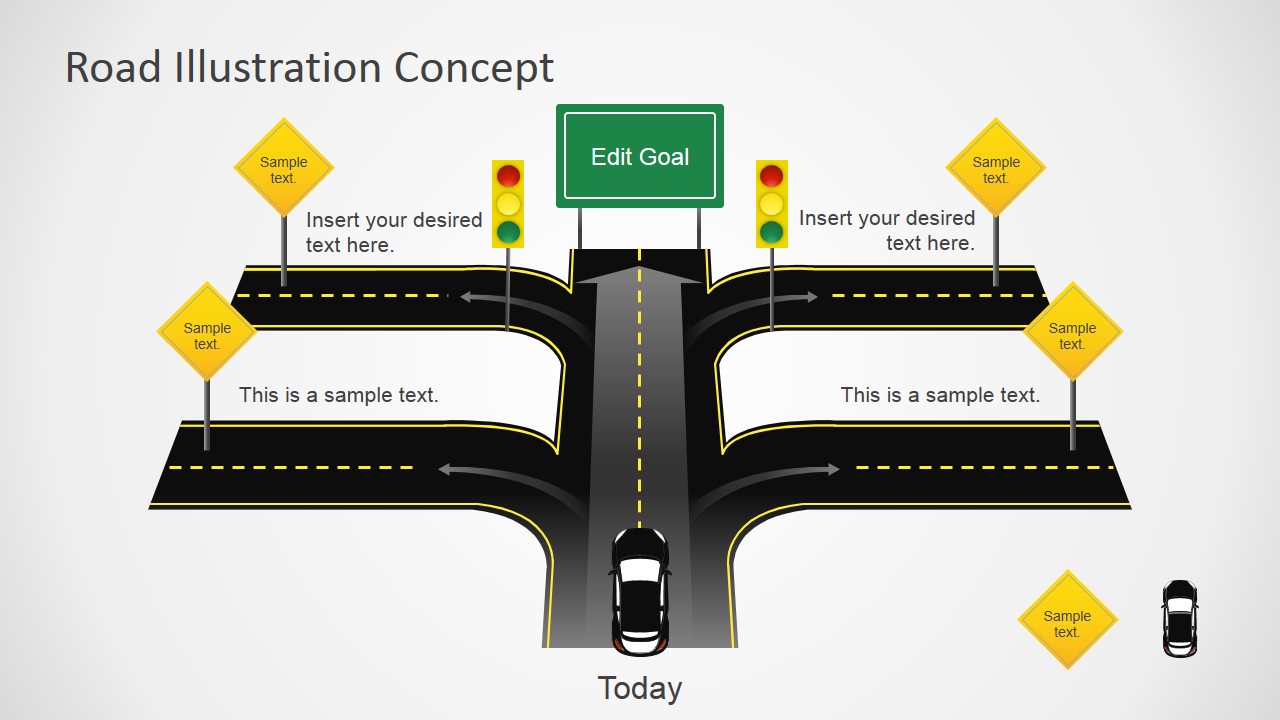
- A team lead can use the Today label, arrows, and road branches to explain where the team stands now and what actions move the group forward.
Features
- 100% editable presentation template
- Compatible with Microsoft PowerPoint and Google Slides
- 16:9 aspect ratio slides
- Scalable vector shapes, icons and illustrations
- AI-Ready for Microsoft Copilot and Claude
- Instant access and download
Frequently asked questions
Q: How should I present this road metaphor without overcrowding the slide?
A: Keep the main message on the central road: where the audience is today and what goal they should recognize. Use the side-road text boxes for only two or four supporting points. The yellow road signs work best as short labels, not paragraphs, so the visual path remains easy to follow.
Q: Who is this concept slide best suited for?
A: This slide fits presenters who need a single visual metaphor for direction, choice, or progress. Project managers can frame decision points, consultants can compare strategic paths, and transportation or logistics teams can discuss route or traffic scenarios. It is strongest when the story is about moving from current state to intended goal.
Q: Why does the crossroad metaphor improve communication for strategy or forecast messages?
A: A road intersection is familiar, so the audience quickly understands direction, alternatives, stops, and movement. The traffic lights imply caution or readiness, while the goal sign gives the slide a destination. This reduces abstract strategy language and turns the message into a simple visual route.
Road Illustration Concept for PowerPoint
1-slide presentation template with a crossroad roadmap illustration, traffic lights, and editable goal signage
Road Illustration Concept for PowerPoint is a 1-slide concept template for Microsoft PowerPoint and Google Slides. It shows a crossroad roadmap illustration with traffic lights, road signs, directional arrows, a Today label, and an editable goal sign. It suits presenters explaining choices, forecasts, roadmaps, or traffic-based metaphors.
- Category
- Shapes
- Rating


 Loading...
- Aspect ratio
- 16:9
- Item ID
- 6924-01
- Colors
 Microsoft PowerPoint
  Microsoft Copilot
  Claude for PowerPoint
 Other formats supported
Subscribe today and get immediate
access to download our PowerPoint templates.