Road Loops is a PowerPoint presentation template containing many different road loop designs that you can use to represent a conflict or decision making slide in PowerPoint. Road loops analogy can be used for instance to represent a difficult scenario in a business or organization during a time of changes or while preparing a business plan.
You can use the road loops to make presentations on conflict resolution, decision making PowerPoint presentations or choosing between multiple ways or paths with road metaphors.
Alternatively you can download other PPT templates and slide designs with fully-editable road loops ready for Microsoft PowerPoint presentations and Office.
What’s inside this template
Example presentation scenarios
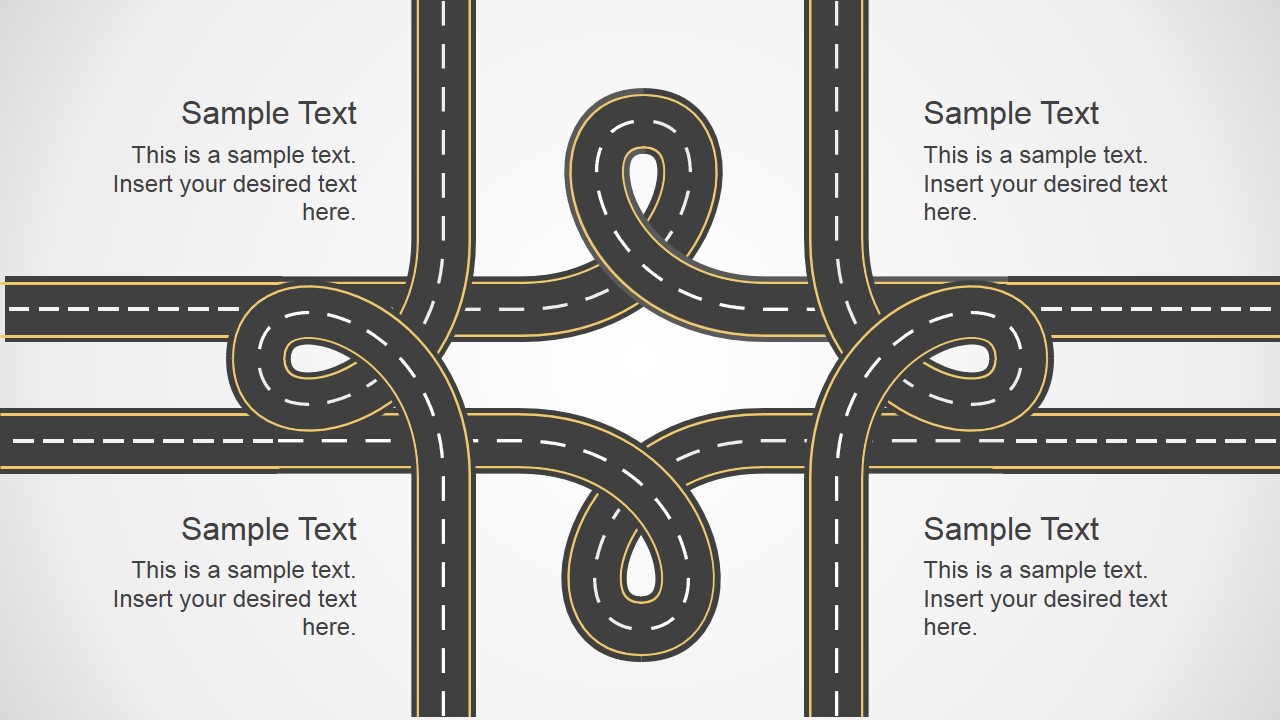
- A project manager can use the multi-loop crossing slide to show where competing workstreams create delays and where decisions must be made.
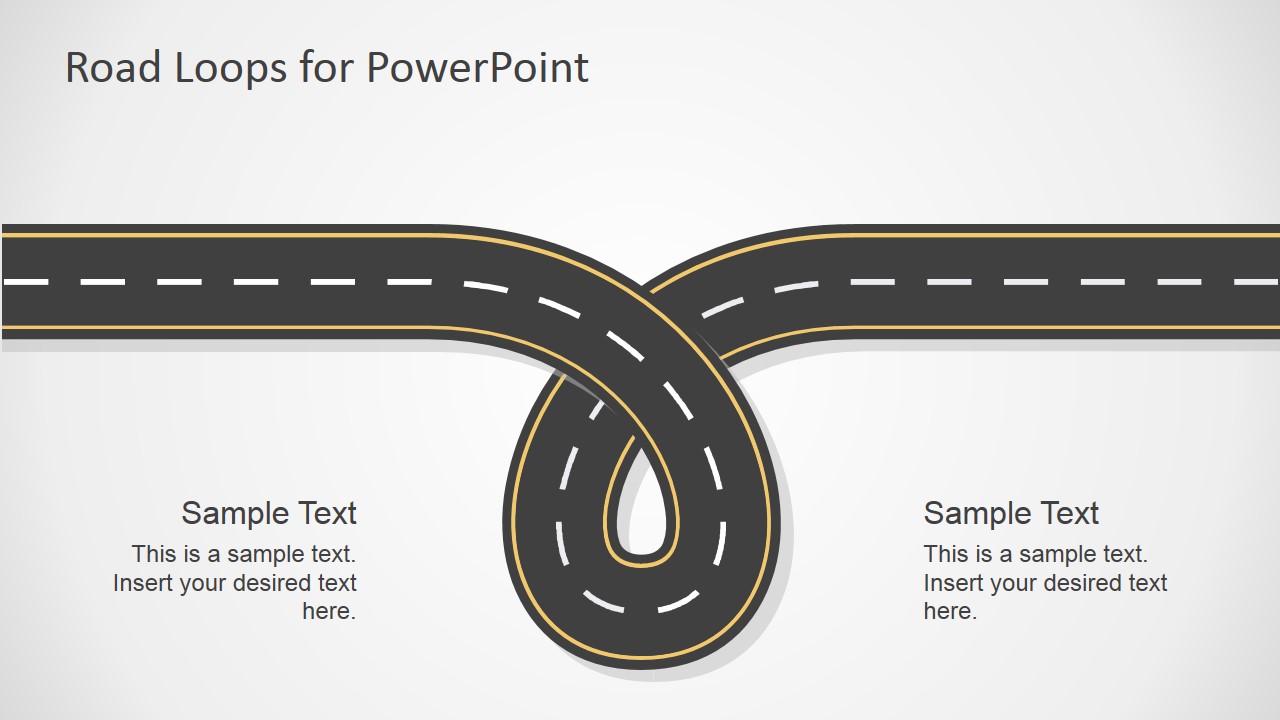
- A consultant can use the single loop junction slide to explain a client decision that appears to move forward but returns to the same constraint.
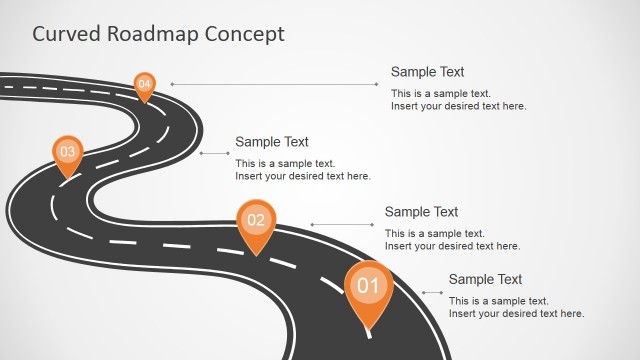
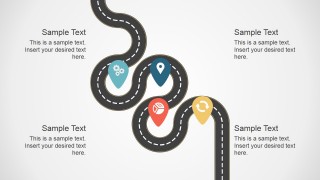
- A change manager can use the milestone road slide with map pins to present a transition path with checkpoints, owners, or intervention points.
- An HR or leadership presenter can use the interlaced road layout to discuss conflict resolution paths, stakeholder interests, and possible trade-offs.
Features
- 100% editable presentation template
- Compatible with Microsoft PowerPoint and Google Slides
- 16:9 aspect ratio slides
- Scalable vector shapes, icons and illustrations
- AI-Ready for Microsoft Copilot and Claude
- Instant access and download
Frequently asked questions
Q: How should a presenter use the road loop metaphor without confusing the audience?
A: Assign one clear meaning to each road shape before presenting. For example, use a loop to mean a repeated decision cycle, a crossing to mean competing priorities, and a map pin to mean a checkpoint. Keep each text placeholder short so the audience reads the metaphor first and the explanation second.
Q: Who is this template best suited for?
A: This template fits consultants, managers, and facilitators who need to explain uncertainty, conflict, or decision trade-offs in a visual way. It works well in planning meetings, change management discussions, and stakeholder workshops where a process is not linear and the audience must agree on a route forward.
Q: Why do road loops work as a design choice for conflict and decision presentations?
A: Roads are familiar symbols for direction, delay, choice, and detour. The loop layouts make repeated effort or circular debate visible, while crossings show competing paths. This helps a presenter move the discussion from abstract disagreement to a shared picture of where the group is stuck.




Road Loops PowerPoint Template
5-slide presentation template with road loop diagrams for decision making and conflict resolution
Road Loops PowerPoint Template is a 5-slide diagram deck for explaining difficult choices, detours, conflict points, or process uncertainty. It includes a title road loop, single loop junction, multi-loop crossing, interlaced road layout, and milestone path with map pins for business, planning, and change discussions in Microsoft PowerPoint and Google Slides.
- Category
- Shapes
- Rating


 Loading...
- Aspect ratio
- 16:9
- Item ID
- 6967-01
- Colors
 Microsoft PowerPoint
  Microsoft Copilot
  Claude for PowerPoint
 Other formats supported
Subscribe today and get immediate
access to download our PowerPoint templates.