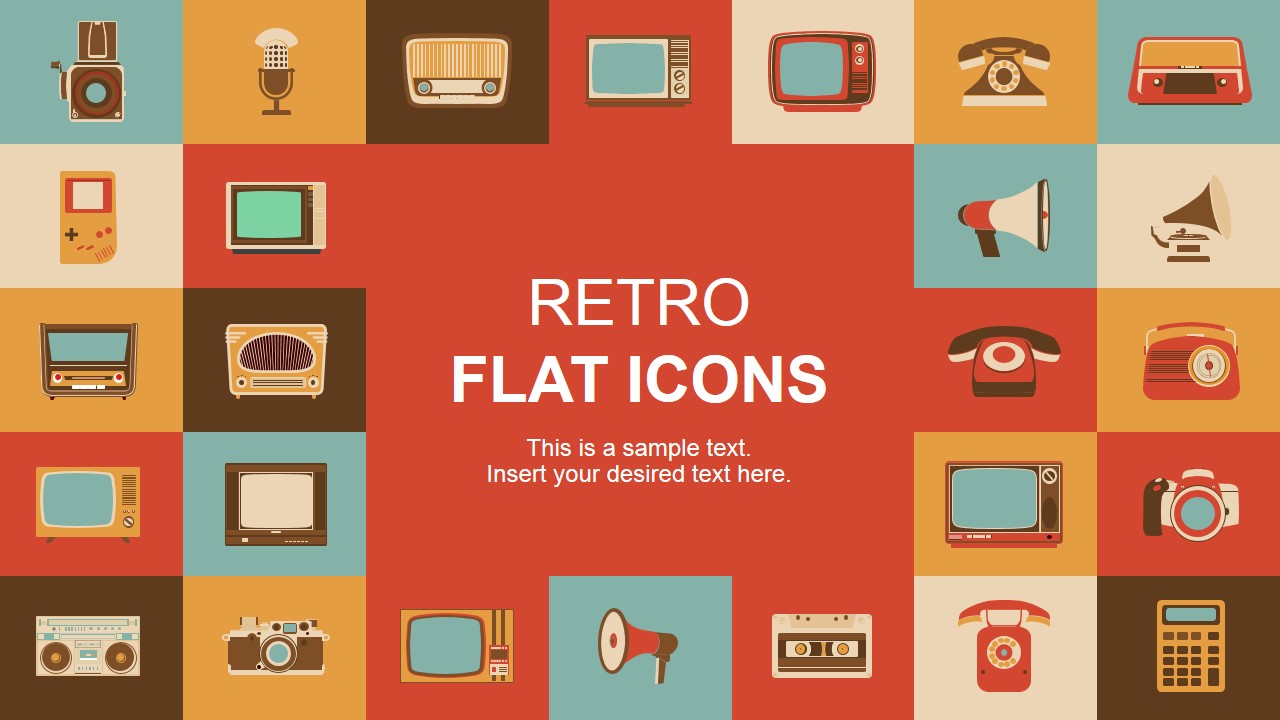
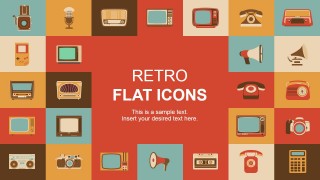
Create professional Retro presentations and Infographics combining any of our Retro Flat PowerPoint Icons. Decorating marketing assets with a visual vintage touch but in a modern style can be achieved with any of SlideModel’s technology retro Icons. The user can Drag & Drop the icons into existing presentations or create from scratch new presentations and brochures with this templates theme. The color palette is warm and pastel oriented, while the Icons are created in Flat design with Materialistic effects, generating the visual perspective of solid shapes.
Each of the PowerPoint Shapes are created as vectorial objects, allowing the user to fully customize their appearance (color, size, effects, etc.) without altering its visual quality and resolution. Users can change the themes color palette and all icons will match the new selection.
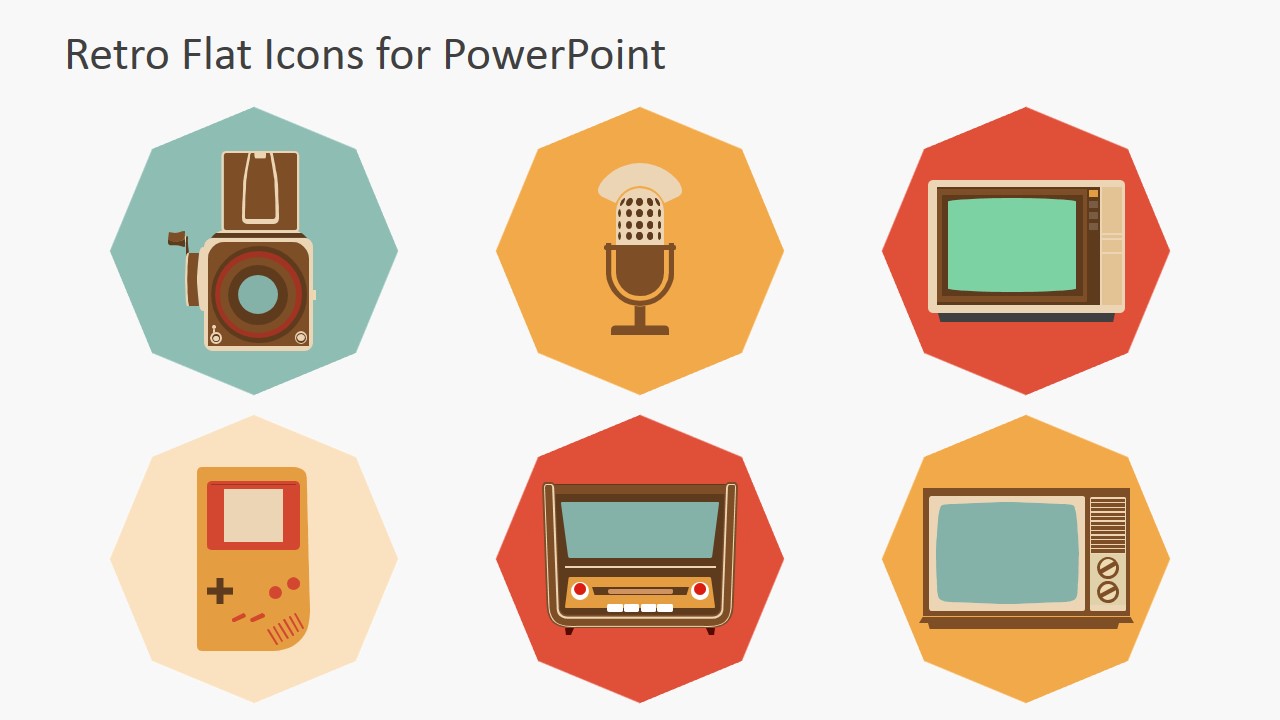
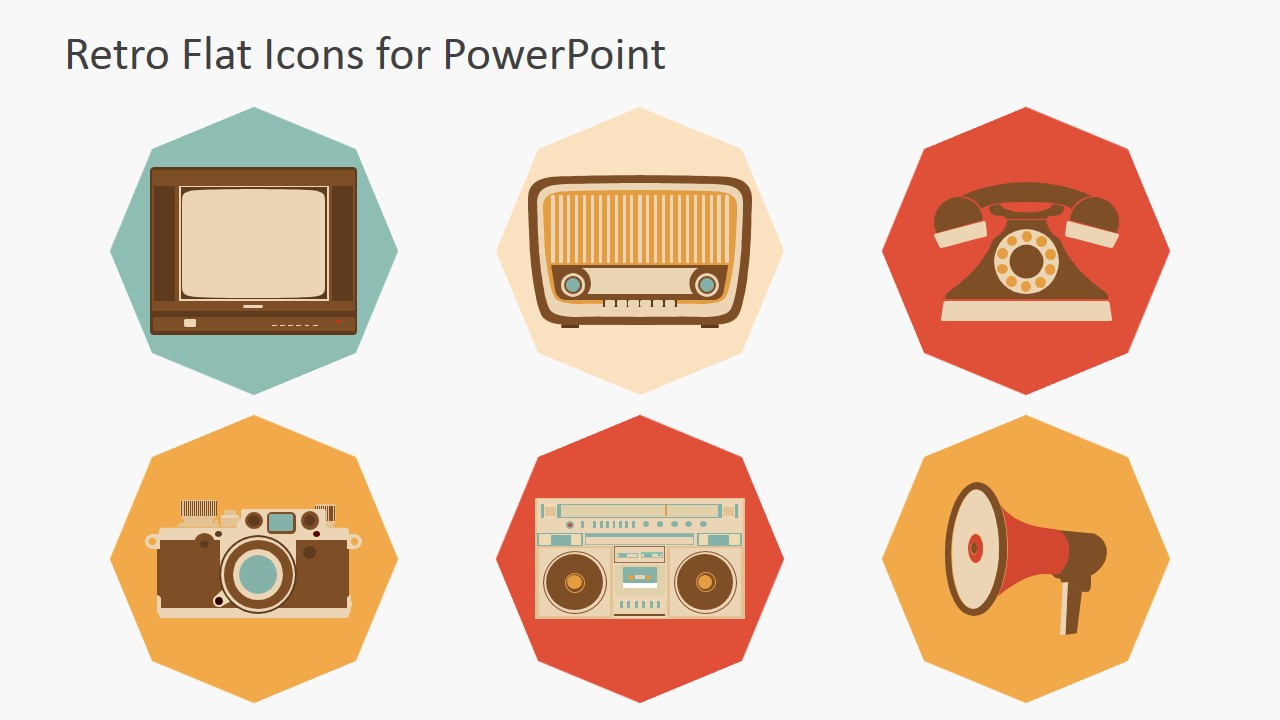
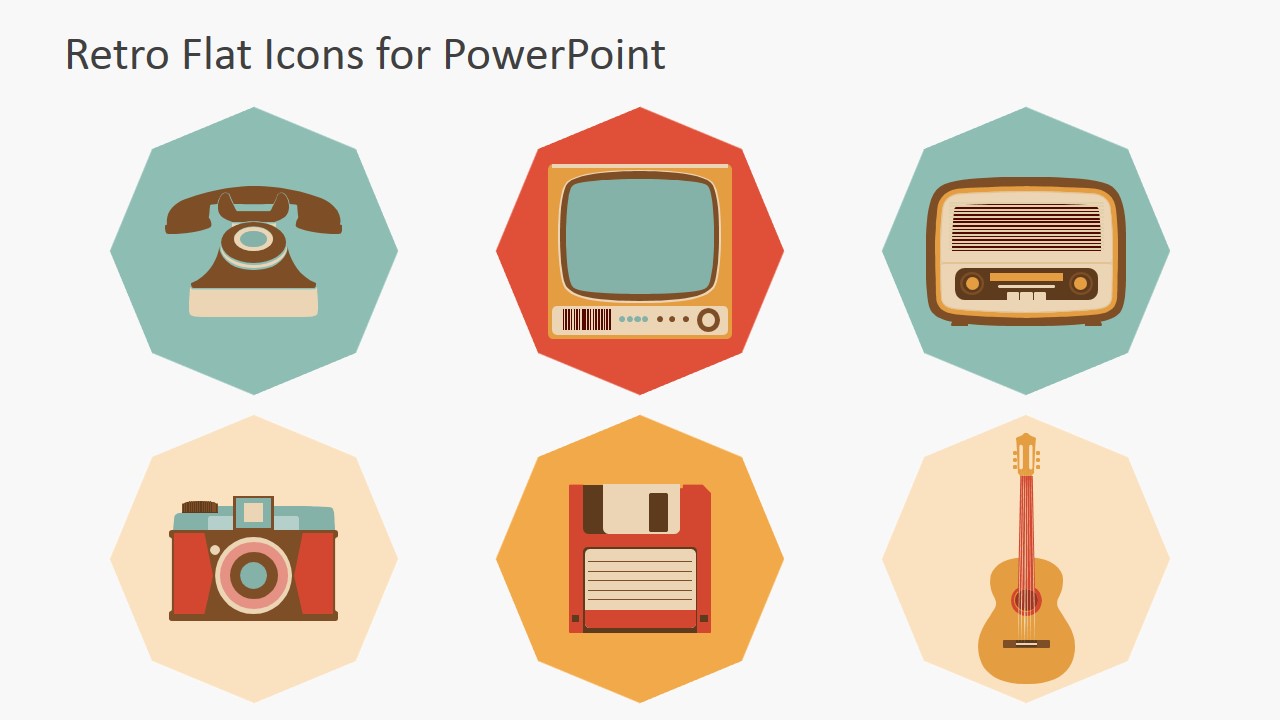
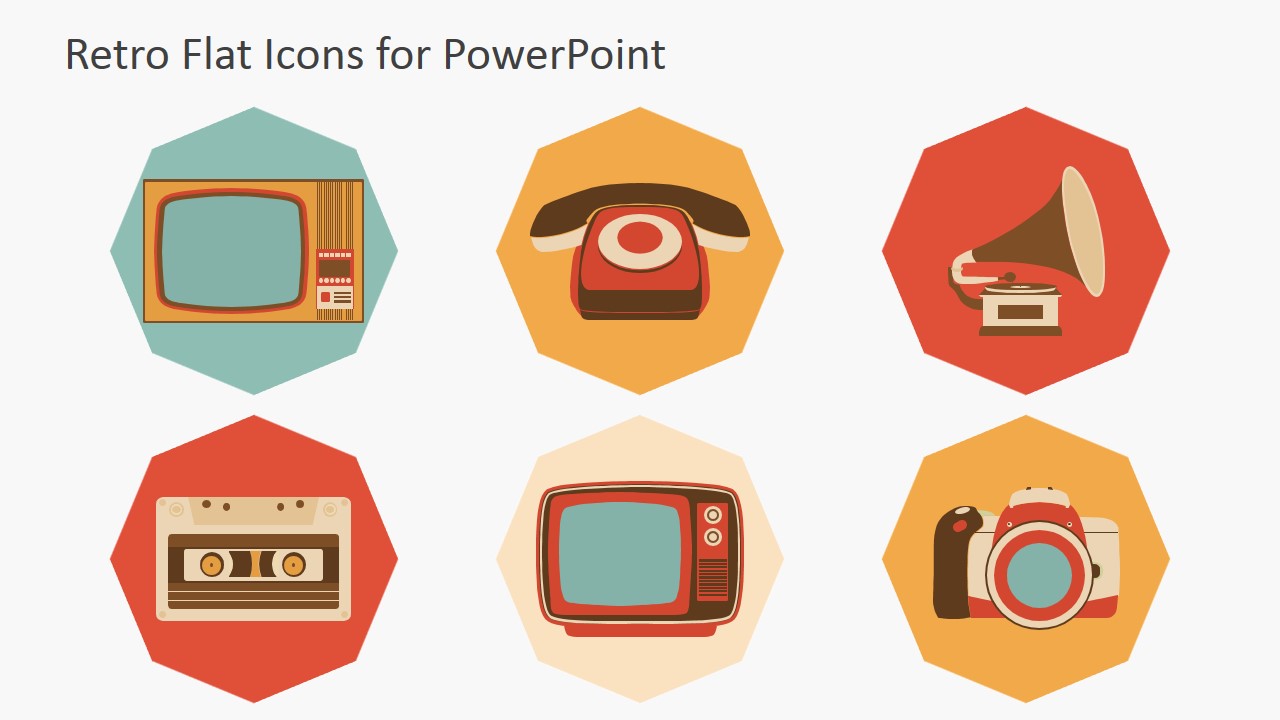
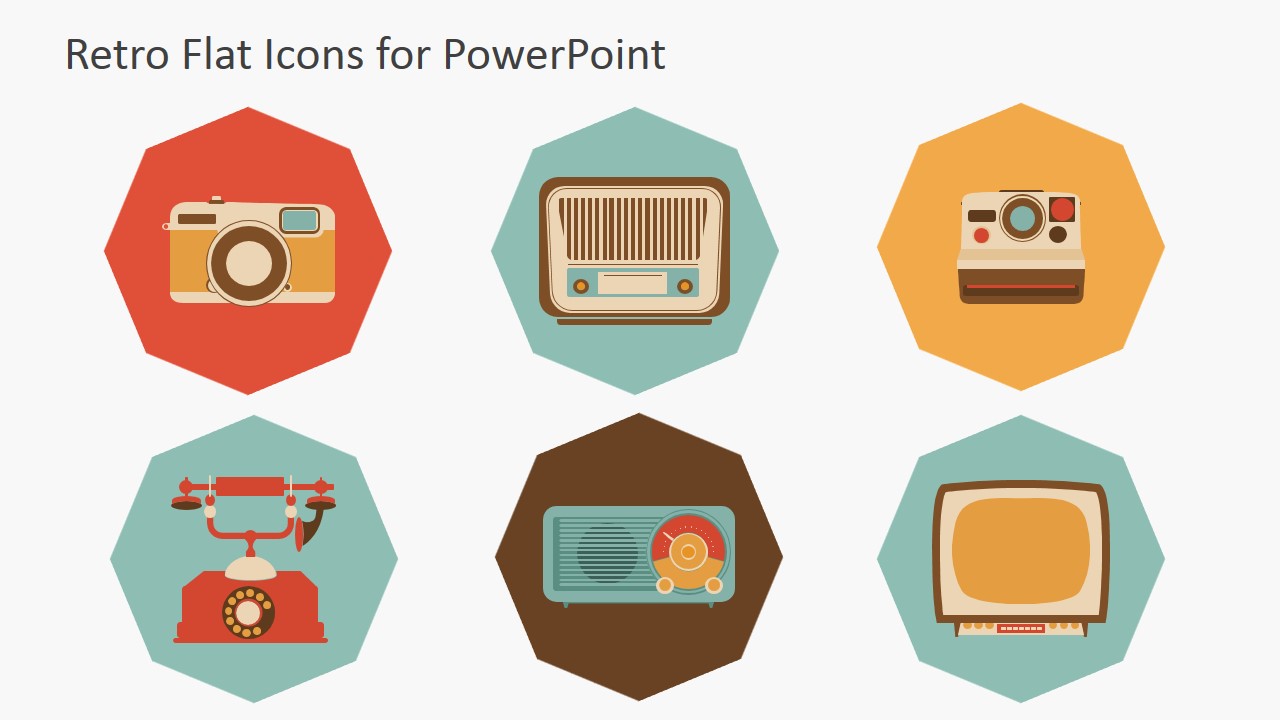
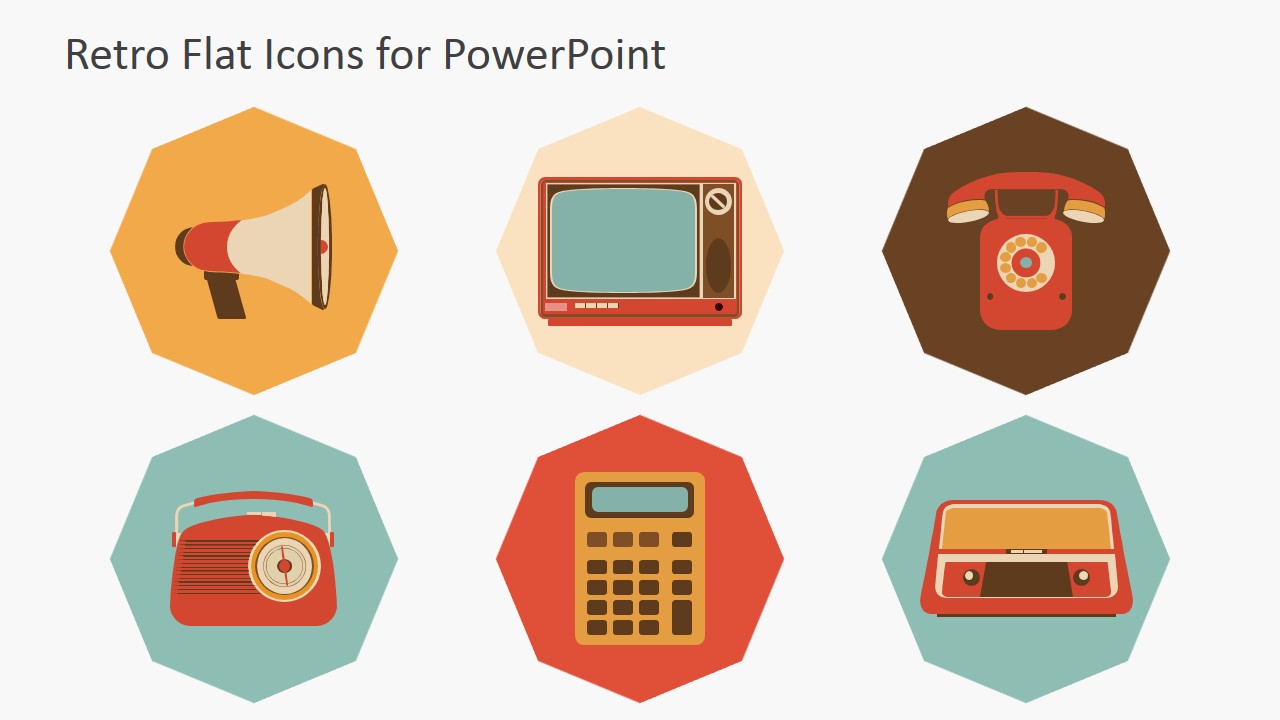
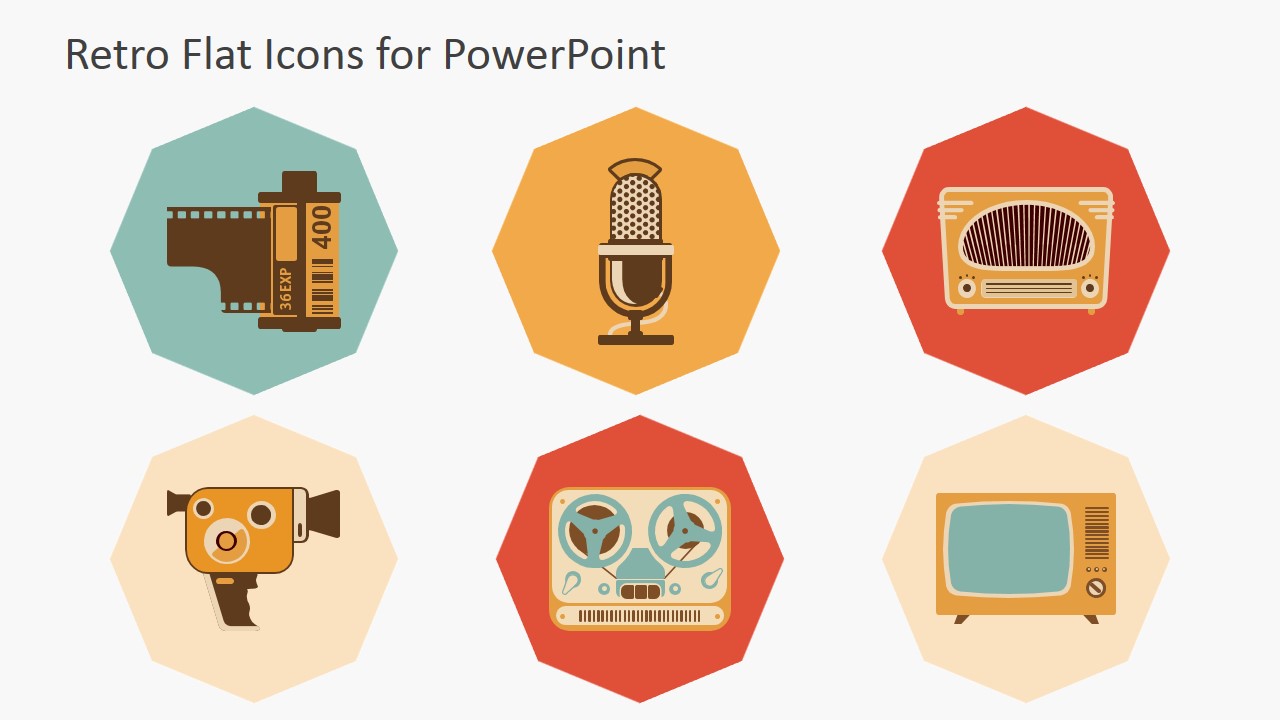
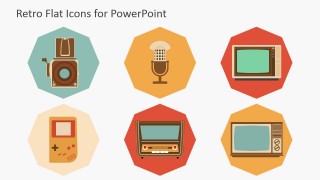
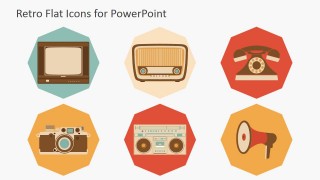
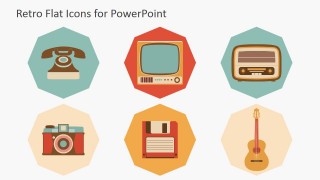
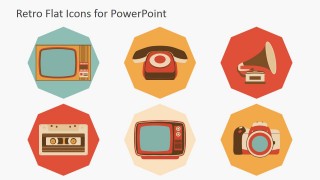
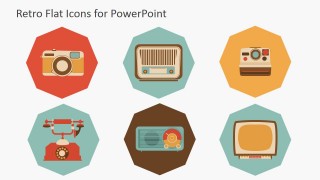
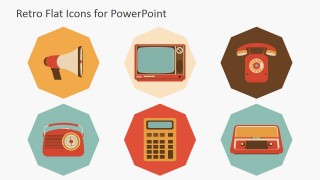
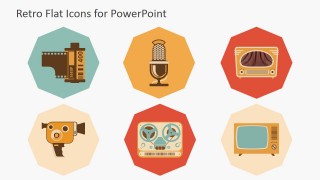
The PowerPoint Icons represent technology icons commonly used in modern advertising and interfaces, but with a retro touch. The collections includes a set of different Televisions (wooden borders, curved screens, analog channel settings), bullhorns in different variations and radios, in their different versions along time from Gramophone to the 80’s dial radio. For data, users can choose vinyl, cassettes and diskettes.
The Presentation is Themed within the Sixties, Seventies and Eighties, showing Technology devices associated with Photography, Video, Audio and Communications. Functions that today we have in a smartphone were provided with different devices. Map any of the mentioned metaphors with this professional Retro Flat PowerPoint Icons and create presentations that appeal to Global Audiences.
What’s inside this template
Example presentation scenarios
- A marketing presenter can use the cover icon mosaic and device badges to introduce a nostalgia-themed campaign for media, audio, or consumer electronics audiences.
- A product manager can use the six-icon gallery grids to compare old and new communication features, mapping phones, cameras, radios, and TV icons to current app functions.
- An educator can use the photography, audio, and video device icons to explain technology history in a lesson deck with clear visual categories.
- A presentation designer can place individual vector icons from the gallery slides into a larger infographic to label channels, tools, or media touchpoints.
Features
- 100% editable presentation template
- Compatible with Microsoft PowerPoint and Google Slides
- 16:9 aspect ratio slides
- Scalable vector shapes, icons and illustrations
- AI-Ready for Microsoft Copilot and Claude
- Instant access and download
Frequently asked questions
Q: How should a presenter choose which icons to place on a slide?
A: Choose icons by metaphor, not decoration. Use the camera for capture, the microphone for voice, the radio for broadcast, the cassette or reel-to-reel for stored content, and the telephone for direct contact. Keep one main icon per idea when possible, then use supporting icons only to group related concepts.
Q: Who gets the most value from this retro icon set?
A: This set fits presenters who need technology or media concepts to feel familiar and memorable without showing screenshots or product photos. Marketing teams, educators, product managers, and design teams can use the six-icon grids to build visual labels for campaigns, lessons, feature maps, or channel explanations.
Q: Why do the octagonal badges and retro device metaphors improve communication?
A: The octagonal badges give every icon the same visual weight, so mixed devices look like one system instead of separate clip art. The retro devices work as quick metaphors for actions people already understand, such as listening, recording, calling, watching, and broadcasting, which helps audiences decode abstract topics faster.
Retro Flat PowerPoint Icons
8-slide presentation template with retro technology icons, device badges, and vintage media graphics
Retro Flat PowerPoint Icons is an 8-slide icon presentation template for adding vintage technology visuals to business, marketing, or interface slides. It includes a cover icon mosaic, six-icon gallery grids, octagonal color badges, and device illustrations such as cameras, radios, telephones, TVs, microphones, tapes, and calculators for Microsoft PowerPoint and Google Slides.
- Category
- Shapes
- Rating


 Loading...
- Aspect ratio
- 16:9, 4:3
- Item ID
- 6877-01
- Colors
 Microsoft PowerPoint
  Microsoft Copilot
  Claude for PowerPoint
 Other formats supported
Subscribe today and get immediate
access to download our PowerPoint templates.