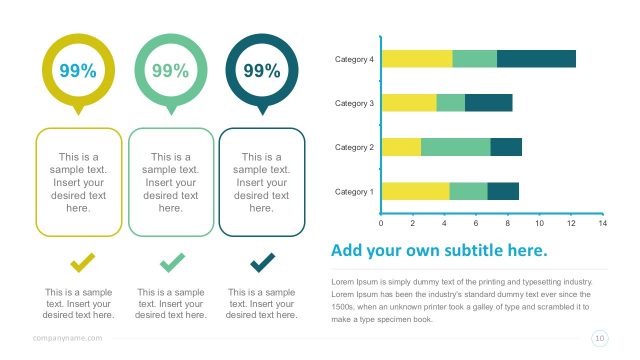
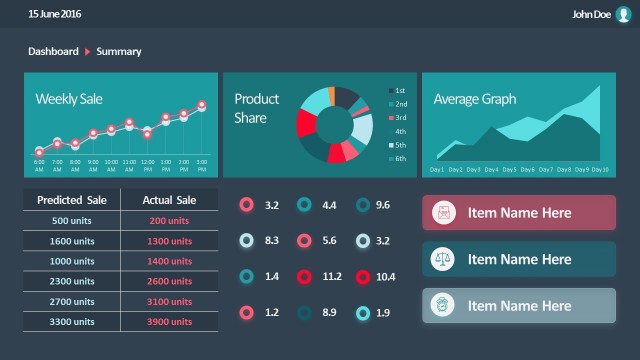
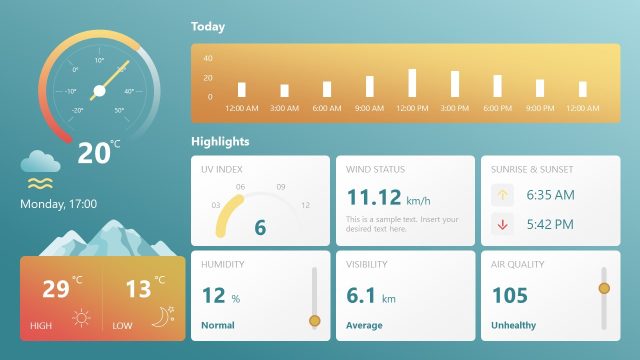
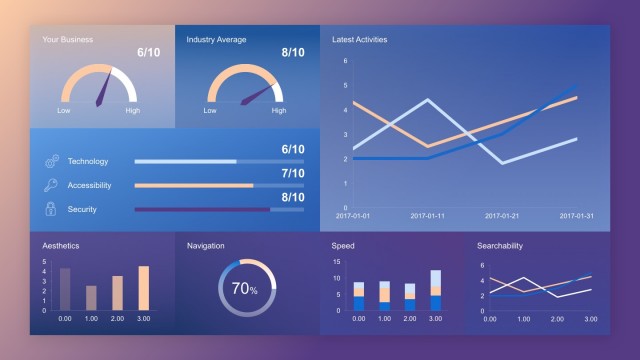
Flat Vintage PowerPoint Dashboard – Create professional business analytics presentations with a vintage look & feel. This PowerPoint Template provides Data Driven infographics elements ideal for creating dashboards and data reports.
Business dashboards are an information management tool used to track Key Performance Indicators (KPI’s) and key data points (metrics) relevant to a business or specific process. Using Infographic data visualizations, dashboards simplify complex data sets providing users with awareness of current performance at a glance. Due to the advancements of Big Data and data processing, organizations have adapted their decision making processes to be driven. Once the information is processed, it is summarized into kpi’s and metrics. Dashboards are the modern presenting layout for summarized information.
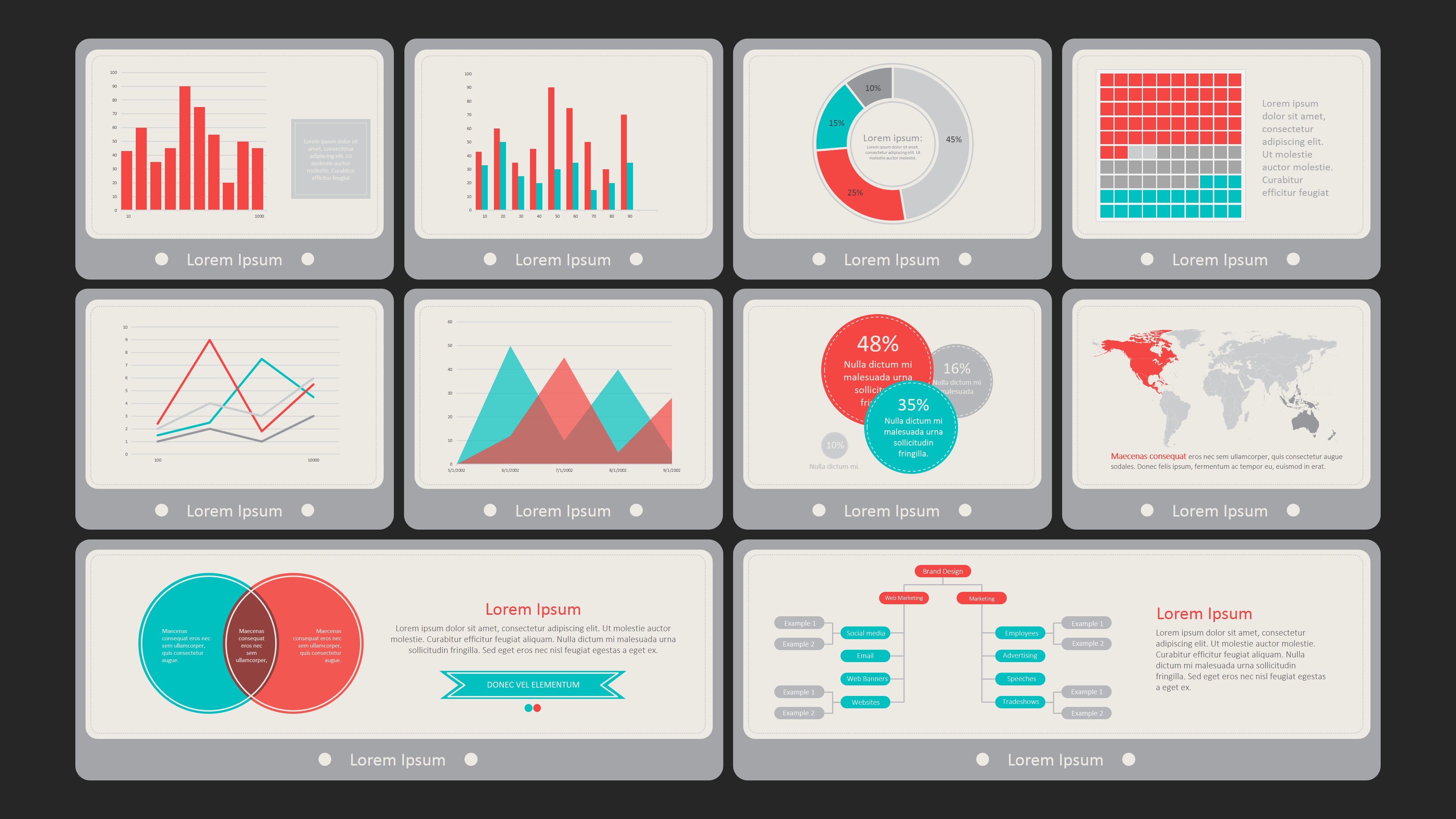
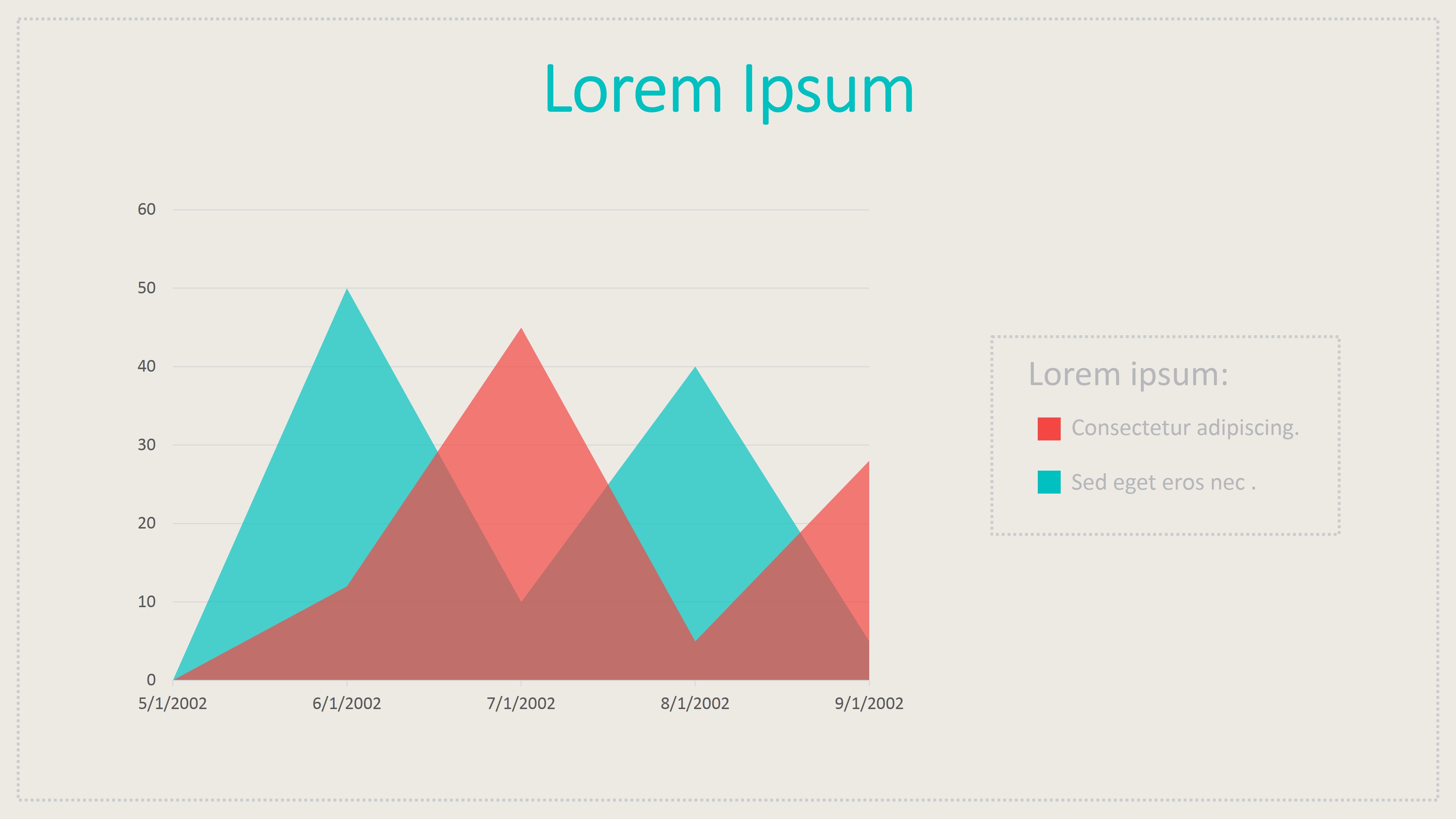
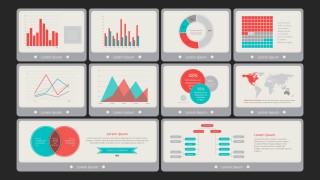
The Flat Vintage PowerPoint Dashboard provides a front slide with 10 widgets which contain different data representations. The PowerPoint Template provides the following data elements:
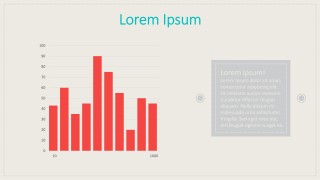
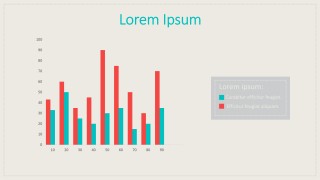
- Data Driven PowerPoint Column Charts (simple and comparison)
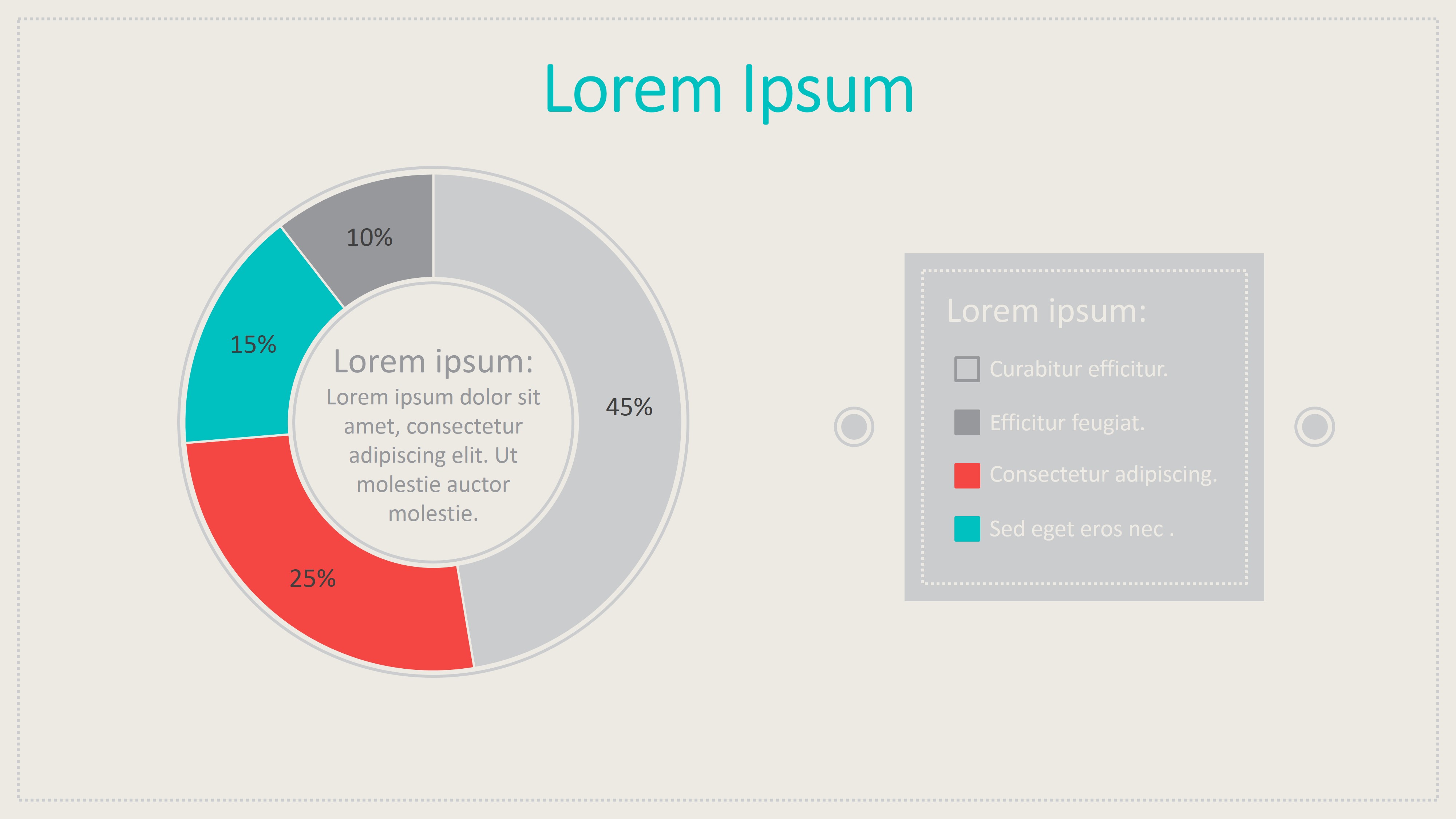
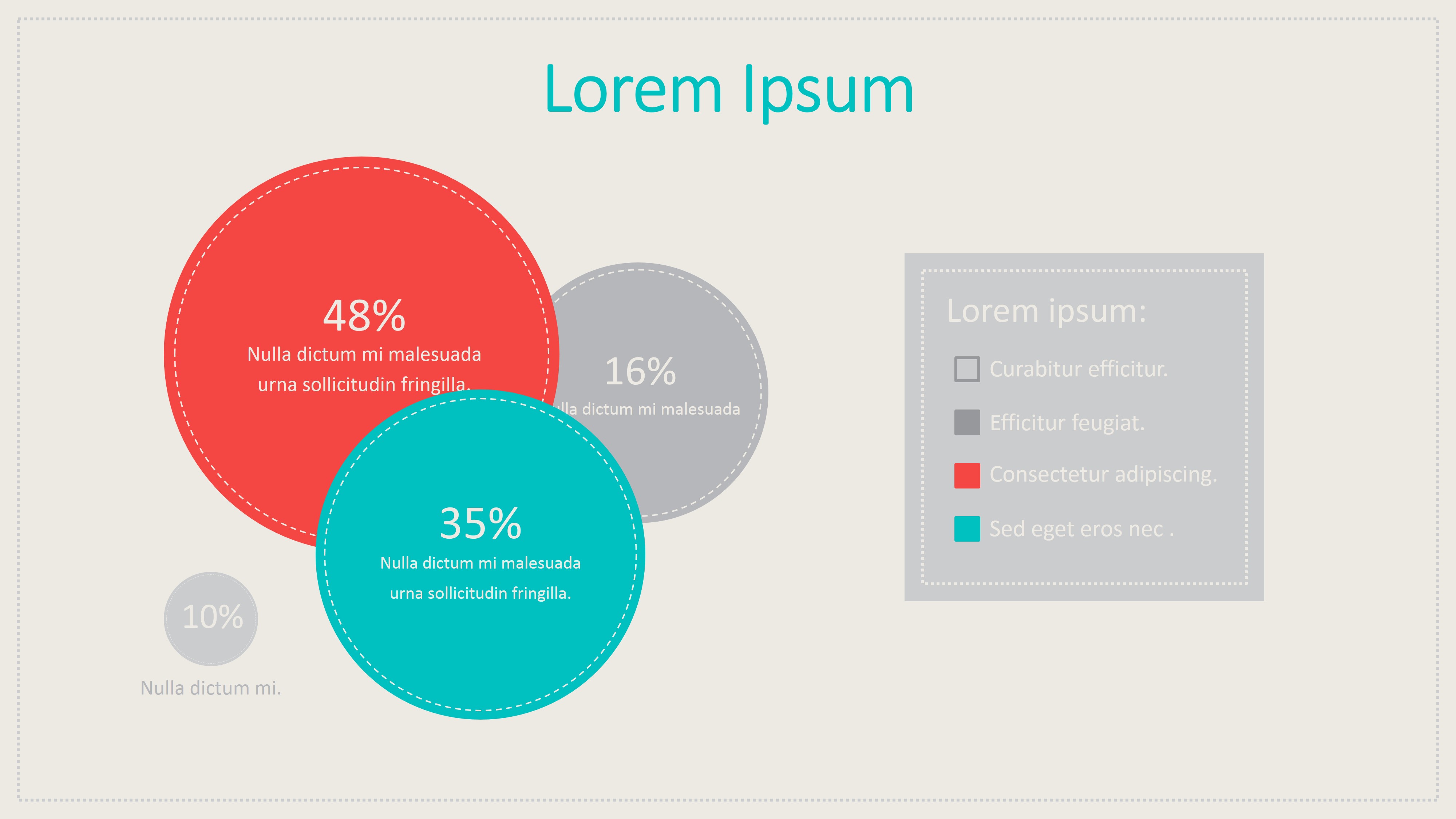
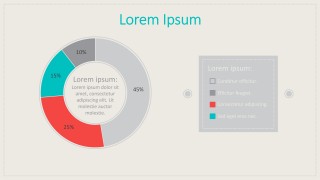
- Data Driven Donut Chart
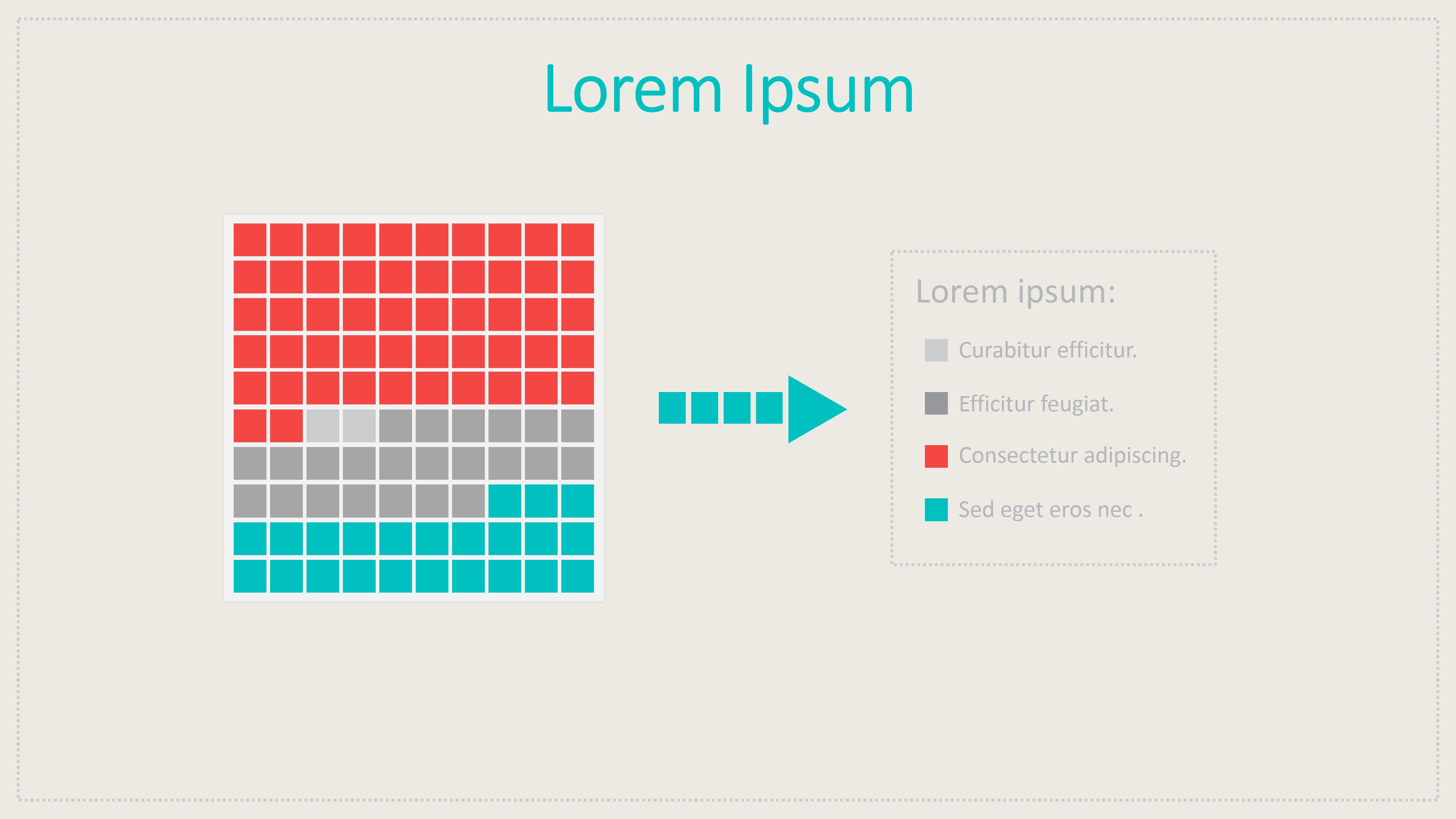
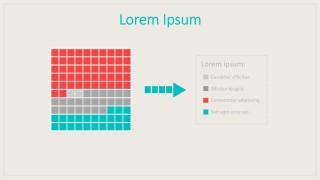
- Matrix Infographic Chart
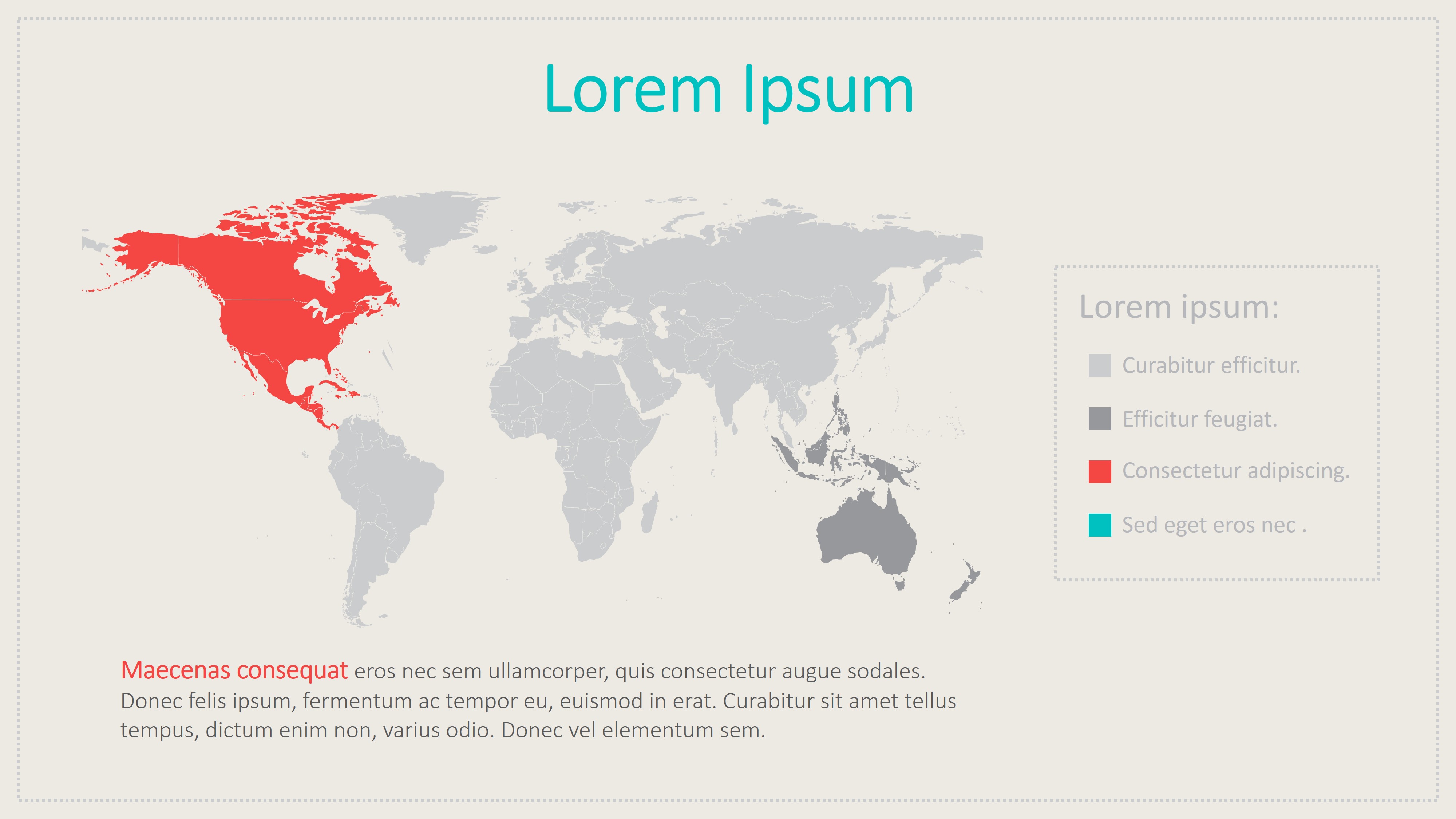
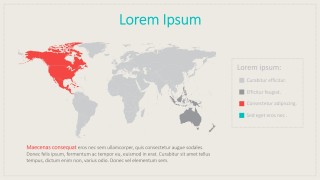
- World Map Chart
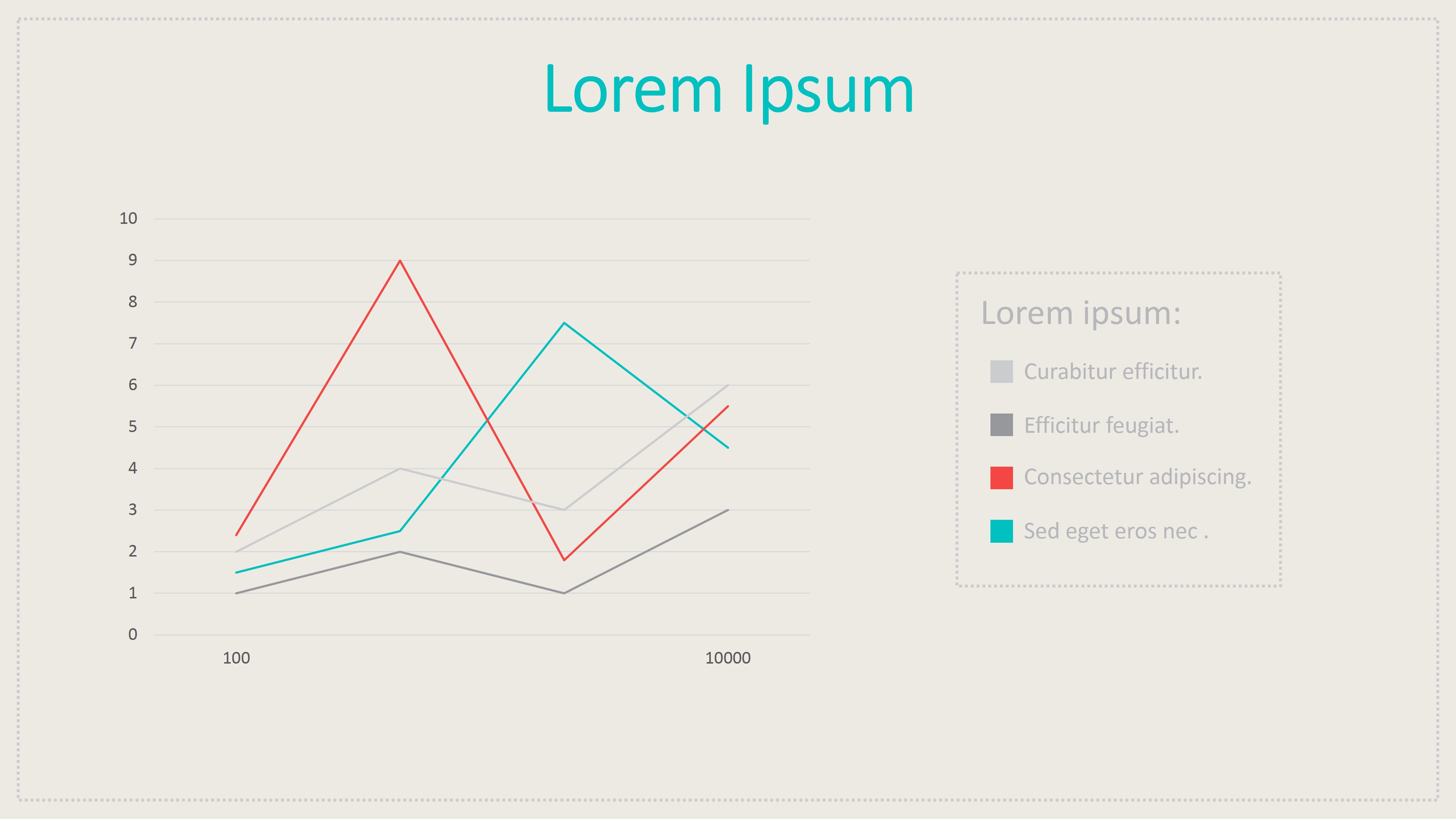
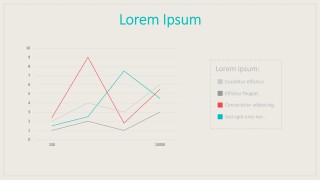
- Data Driven Line Chart
- Data Driven Stacked Chart
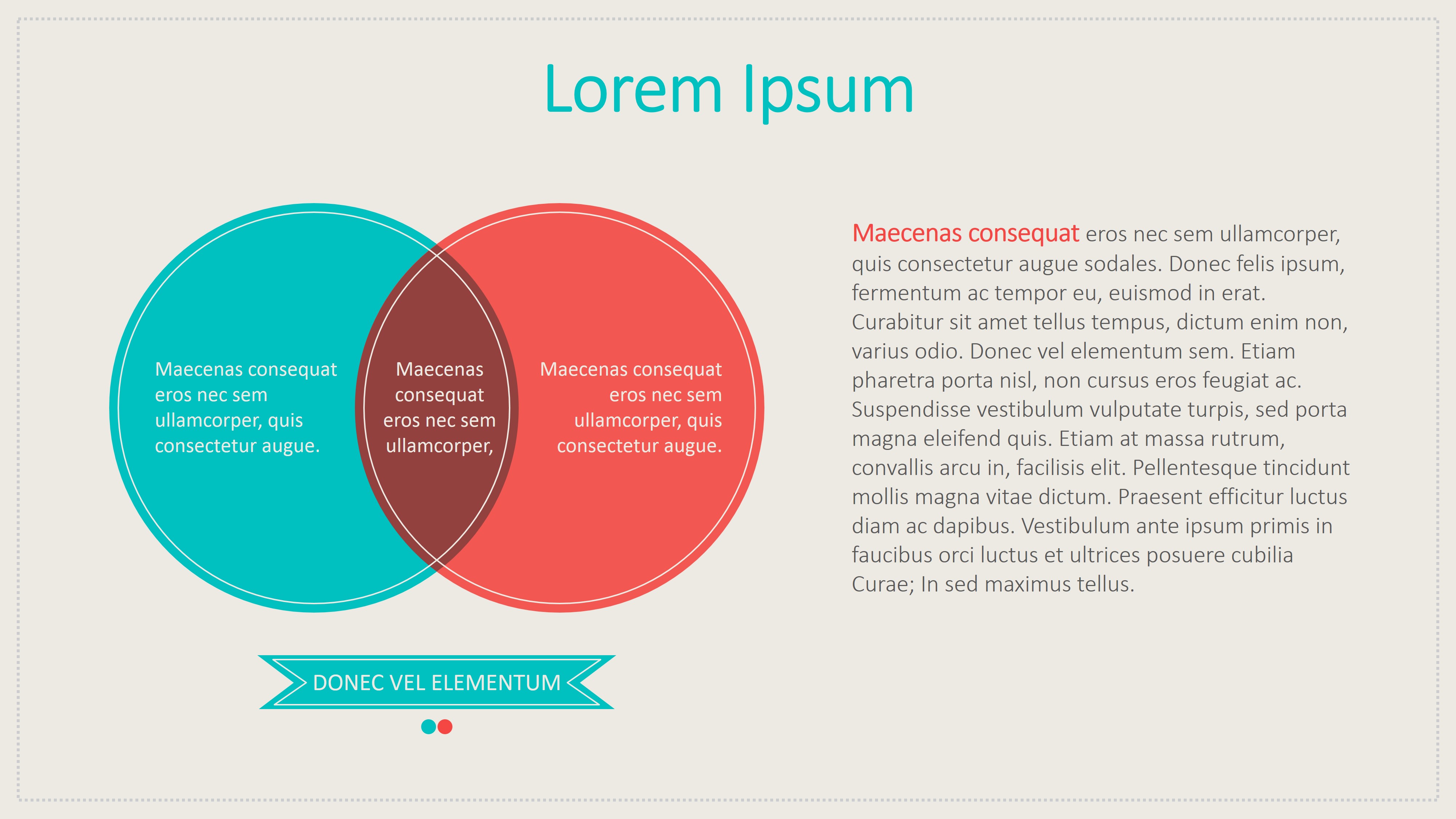
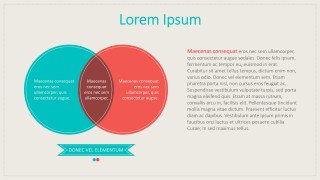
- Venn Diagrams
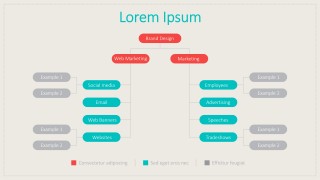
- Org Chart.
All the elements are themed with the Vintage look and feel. Every element is 100% customizable, the user can adapt colors and effect editing the element properties.
The following Slides are Indicators Reports. Each slide is a magnification of one of the widgets, with a text placeholder for drill down the information.This layout allows the user to drive the main presentation with the dashboard slide, and if necessary, navigate to the report slide for drilling down in the specific metric.
Impress your audiences with Professional Business Templates that appeal to executive audiences.
What’s inside this template
Example presentation scenarios
- A business analyst can present a monthly KPI review to executives by opening with the overview dashboard and then drilling into the column chart, donut chart, and line chart slides.
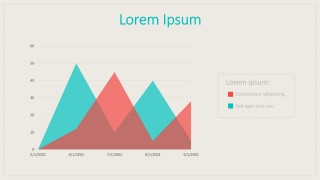
- A marketing manager can summarize campaign or channel performance by using the comparison column chart, area chart, and matrix infographic to separate trends, categories, and performance bands.
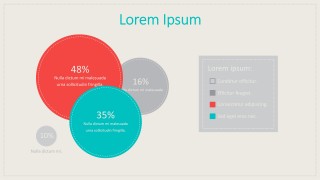
- A consultant can explain market reach or regional performance to a client by pairing the world map chart with the bubble percentage infographic and a concise text callout.
- An operations leader can discuss process ownership or team structure by using the org chart slide after the metric slides to connect results to responsible groups.
Features
- 100% editable presentation template
- Compatible with Microsoft PowerPoint and Google Slides
- 16:9 aspect ratio slides
- Scalable vector shapes, icons and illustrations
- Data-driven charts, editable in Microsoft Excel
- AI-Ready for Microsoft Copilot and Claude
- Instant access and download
Frequently asked questions
Q: How should I present the dashboard without overwhelming the audience?
A: Start with Slide 1 as the control panel for the whole report, then move only to the detail slides that answer stakeholder questions. Use the column chart for trend volume, the donut chart for composition, and the map for geography. Keep each drill-down slide focused on one decision or observation.
Q: Who is this dashboard template best for?
A: This template fits analysts, managers, and consultants who need to report summarized business performance rather than build a narrative pitch. It works well for recurring KPI updates, operations reviews, campaign reporting, and executive metric briefings where the audience expects quick comparisons, proportions, and status views.
Q: Why combine a vintage color palette with flat dashboard widgets?
A: The flat widgets create a clear control panel metaphor, while the cream, gray, coral, and turquoise palette softens dense data. Large chart areas and boxed legends help viewers recognize each metric type quickly. The style keeps the report businesslike without looking like a standard spreadsheet export.



Flat Vintage PowerPoint Dashboard
11-slide dashboard presentation template with KPI widgets, data charts, maps, and vintage flat styling
Flat Vintage PowerPoint Dashboard is an 11-slide, 16:9 data dashboard presentation template for KPI reporting and analytics updates. It includes a widget overview dashboard, column chart, donut chart, world map, Venn diagram, and org chart, with editable data visuals for Microsoft PowerPoint and Google Slides.
- Category
- Data & Charts
- Rating


 Loading...
- Aspect ratio
- 16:9
- Item ID
- 0034-01
- Colors
 Microsoft PowerPoint
  Microsoft Copilot
  Claude for PowerPoint
 Other formats supported
Subscribe today and get immediate
access to download our PowerPoint templates.