Flat Hexagonal Icons PowerPoint Shapes – Imbibe the feeling of a successful global innovation using the Flat Hexagonal Icons PowerPoint Shapes. This template design easily radiates the sense of convergence among important elements that comprise business ideas and processes. It’s perfect for presentations on marketing strategies, sales campaigns, business objectives and other similar business topics. The simplicity and professional design of the template is appealing to business executives of all levels. This template is another great investment for your business presentations. The template itself along with the PowerPoint objects in the design are all editable while maintaining its image quality.
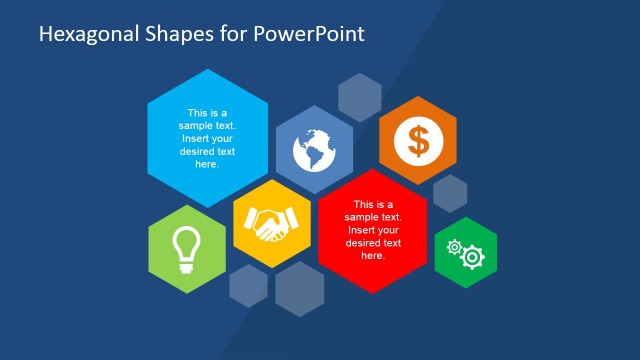
This PowerPoint template has the elements of an excellent business presentation format. It has icons and illustrations that signify relevant elements of a successful business strategy or plan. The illustrations found in this design are icons representing the fundamentals of a business plan, coherency of these fundamentals, global presence, congruent business contracts or agreements, brilliant ideas, profit and business growth, efficient business operations and gaining and worldwide market share.
Business entities around the world are all aiming to have a share of the global market. Decades ago, this type of venture is a farfetched idea to the minds of local entrepreneurs. With the help of new technology and the internet, global visibility and interaction makes it easier even for individuals to gain a global presence. Applying the traditional marketing concept to global marketing campaigns is an effective tool in gaining more market share. Introducing your product and services is great time to point out the needs that are fulfilled by your company. This is the chance to make your customers realize their needs and wants in product. In creating your marketing scheme, it is also important to keep in mind that hard selling lessens the credibility of a new product. A set of great customer experience and feedback are better alternatives.
What’s inside this template
Example presentation scenarios
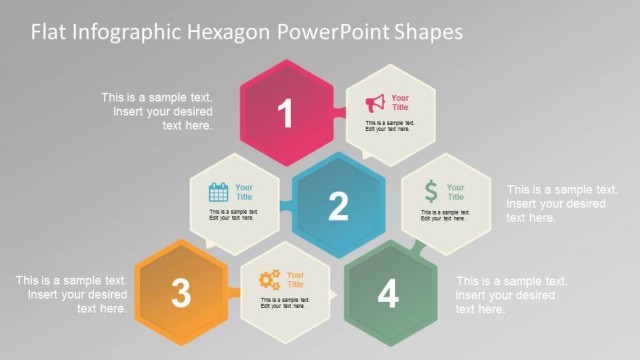
- A marketing manager can explain a campaign framework by using the clustered hexagon diagram to connect value proposition, reach, revenue, partnerships, ideas, and execution.
- A sales leader can present a short sales enablement plan by assigning each vertical hexagon step to a message, action, owner, or customer touchpoint.
- A business development presenter can introduce partnership benefits by pairing the handshake slide with a concise explanation of contract terms, shared goals, or collaboration scope.
- An expansion team can show market coverage by placing pins on the world map and using the central hexagon to summarize global positioning or regional focus.
Features
- 100% editable presentation template
- Compatible with Microsoft PowerPoint and Google Slides
- 16:9 aspect ratio slides
- Scalable vector shapes, icons and illustrations
- AI-Ready for Microsoft Copilot and Claude
- Instant access and download
Frequently asked questions
Q: How should a presenter structure a message with these hexagon icon slides?
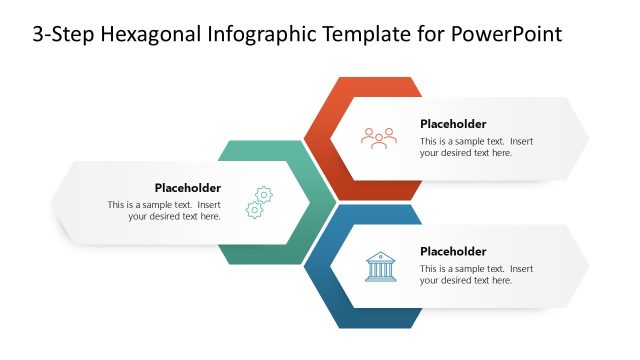
A: Start with the clustered hexagon slide to define the main business idea and its supporting parts. Then use the vertical hexagon process to explain sequence or priority. Reserve the single-icon slides for deeper explanation of one topic at a time, such as partnership, innovation, revenue, operations, or market reach.
Q: Who is this template best suited for in a business presentation?
A: This template fits presenters who need to simplify business, marketing, or sales concepts rather than report detailed metrics. Marketing managers, sales leads, consultants, and business development teams can use the icon slides to make abstract themes easier to scan during short strategy briefings or campaign discussions.
Q: Why use hexagons and flat icons for this type of content?
A: The hexagon shapes suggest connected parts within a larger system, which works well for strategy, operations, and market planning. The flat icons make each idea recognizable before the audience reads the text. This reduces visual effort and helps the presenter keep attention on relationships between business drivers.
You may also like:


Flat Hexagonal Icons PowePoint Shapes
7-slide presentation template with hexagon icons, business concept diagrams, and global map visuals
Flat Hexagonal Icons PowePoint Shapes is a 7-slide presentation template for business and marketing messages. It includes clustered hexagon icons, a vertical icon process, single-icon concept slides, and a world map with location pins. Built for Microsoft PowerPoint and Google Slides, it suits strategy, campaign, partnership, operations, and global market presentations.
- Category
- Shapes
- Rating


 Loading...
- Aspect ratio
- 16:9, 4:3
- Item ID
- 6604-01
- Colors
 Microsoft PowerPoint
 Microsoft Copilot
 Claude for PowerPoint
Other formats supported
Subscribe today and get immediate
access to download our PowerPoint templates.