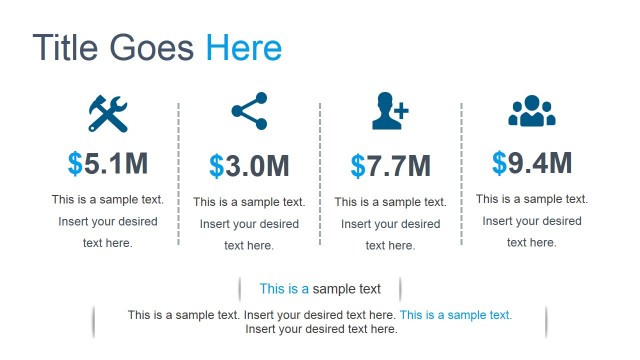
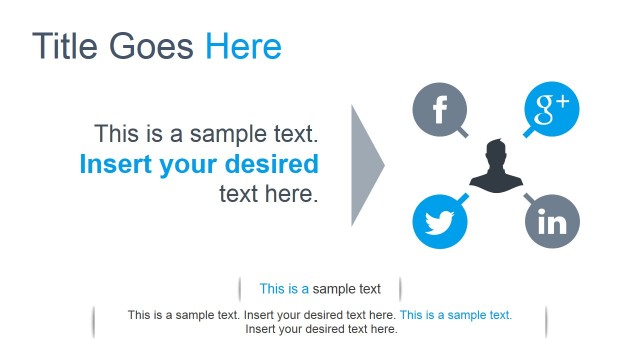
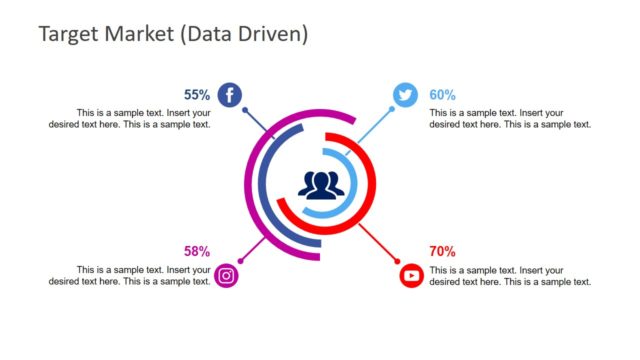
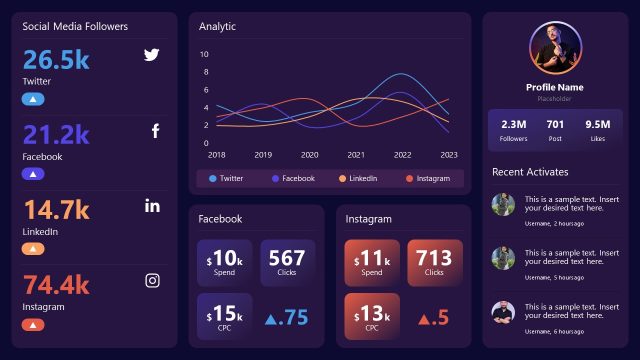
Flat Social Networks PowerPoint Template is a professional presentation containing a set of Social Networks icons, charts and indicators slides that allow every internet Marketer or Digital Marketing Analyst to create a Social Media Deck.
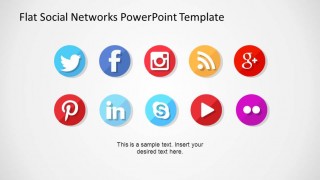
Each social network is represented by its icon logo. The template provides each social network logo in different iconic representations in different formats:
- Logo
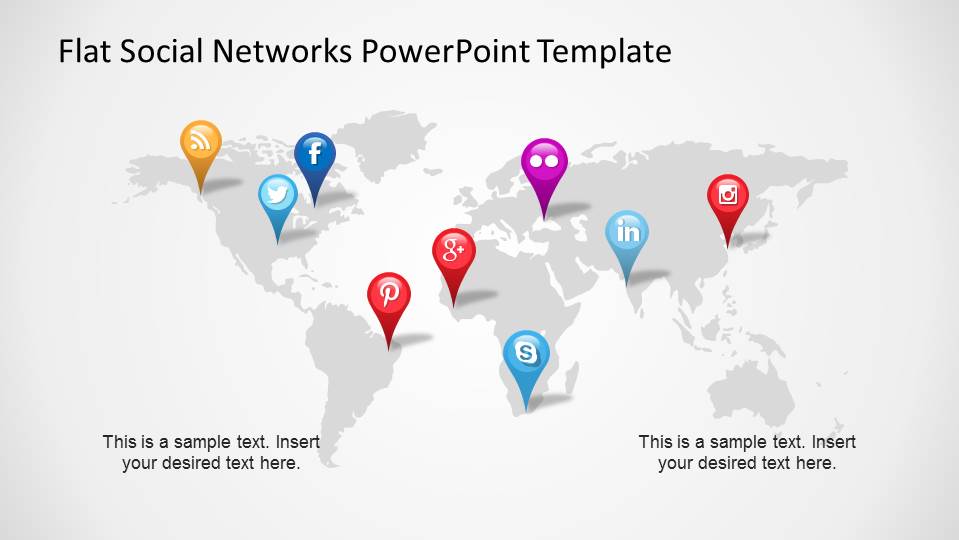
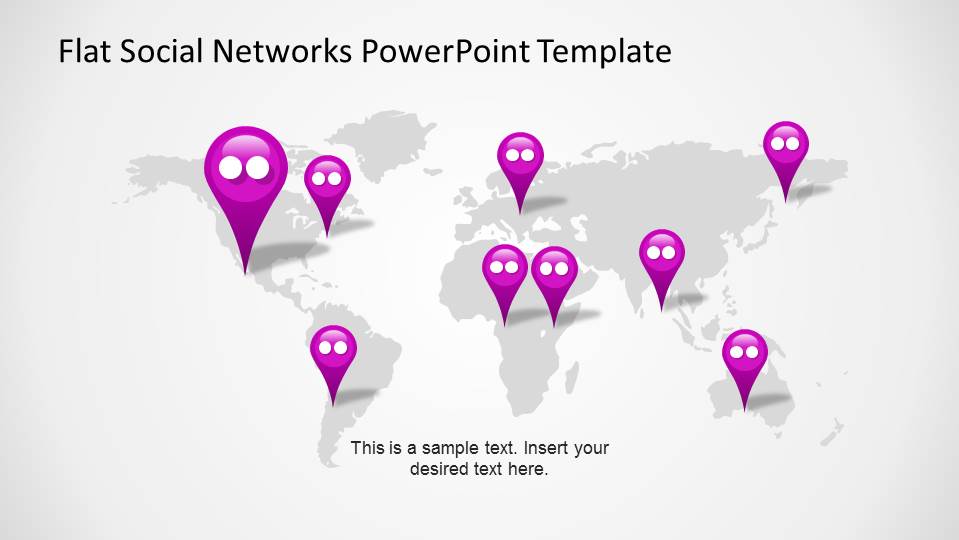
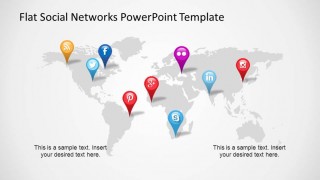
- GPS Marker
- Highlighted Icon
- Flat 3D effect circular Icon
Each Icon is created as PowerPoint shape, allowing the use to fully customize its appearance. This characteristic preserves the graphics quality of the icon and is ideal for being reused in different presentations.
For each social network a set of three slides is repeated:
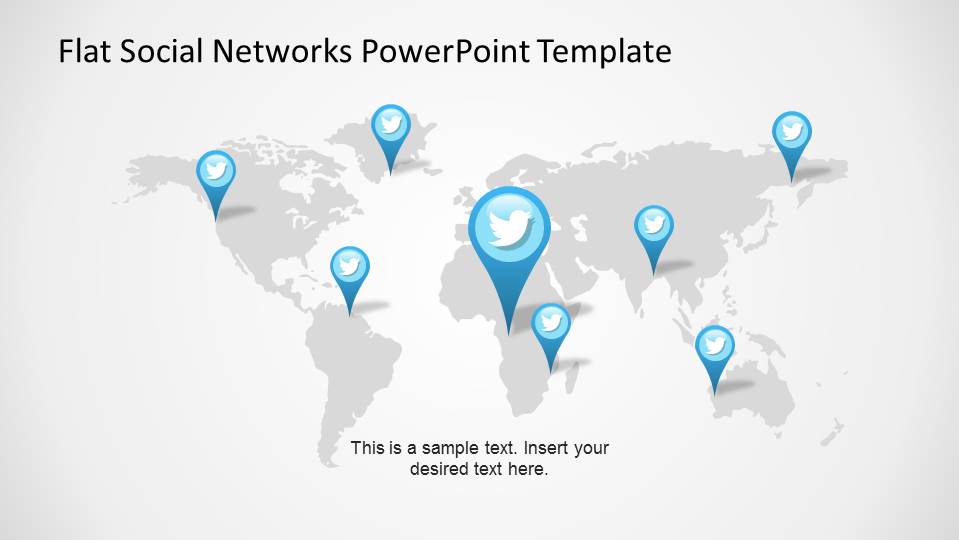
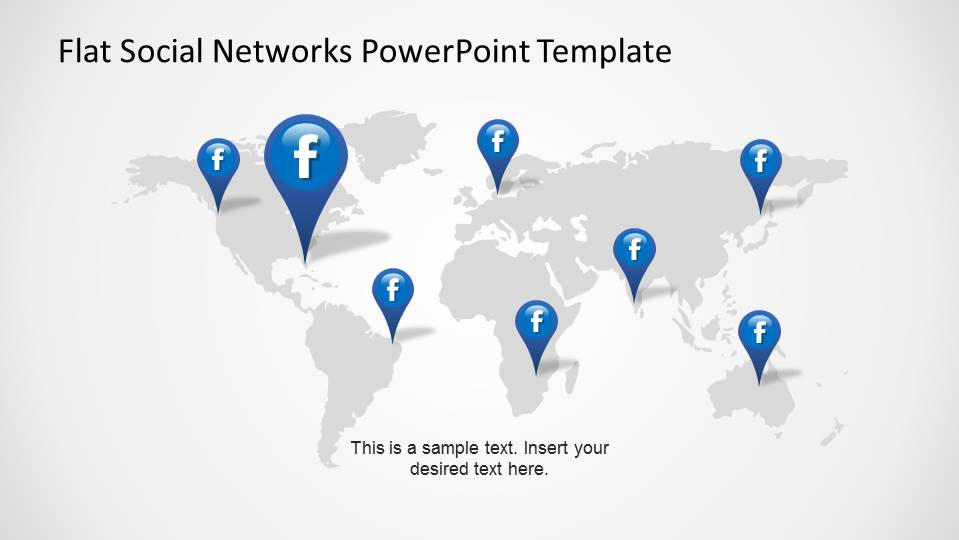
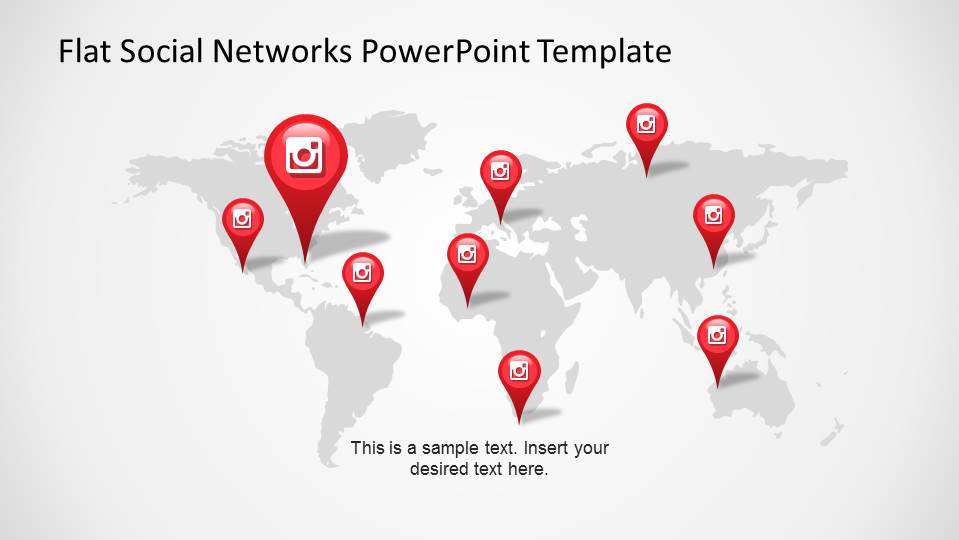
- Global influence
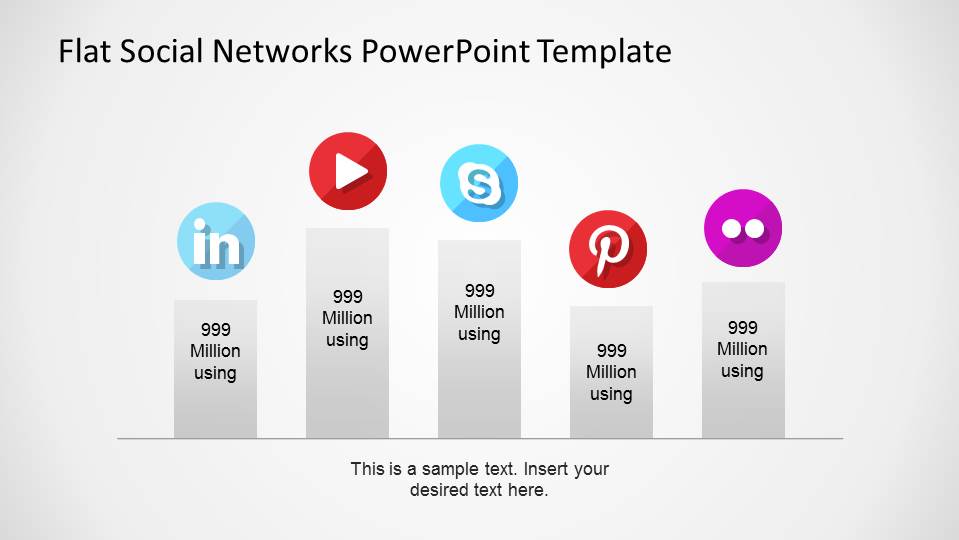
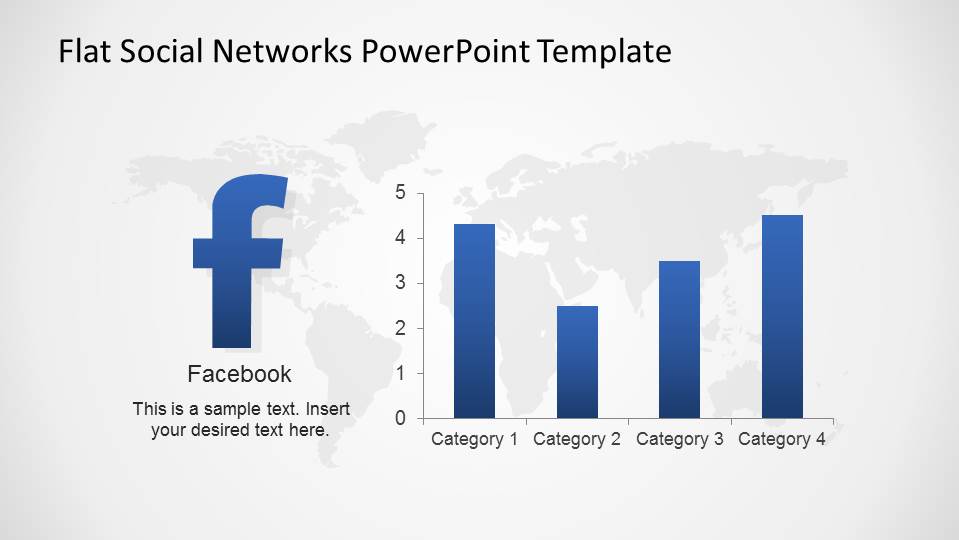
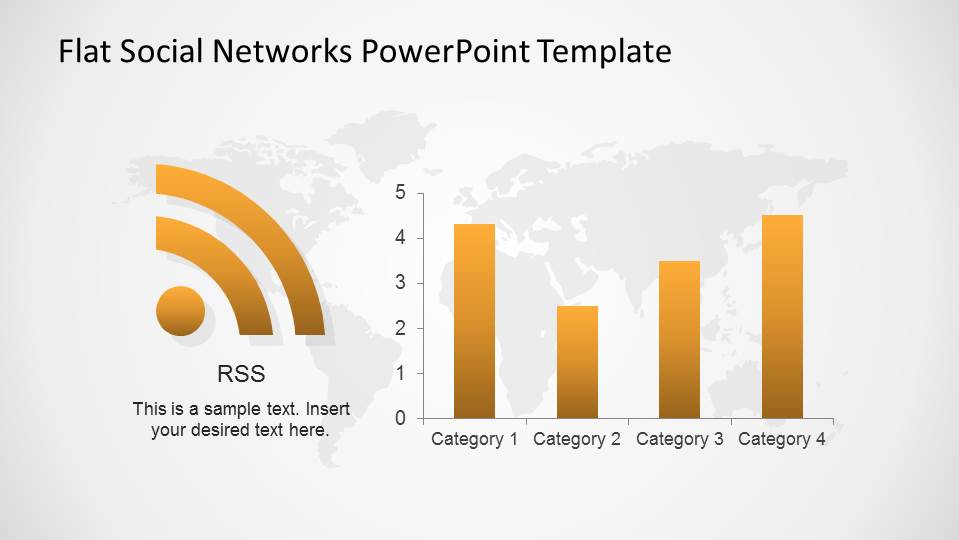
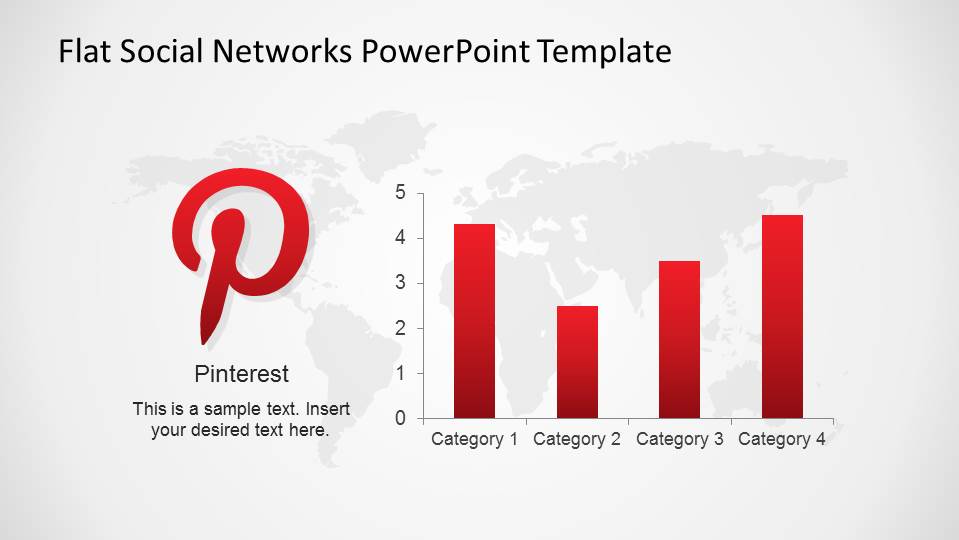
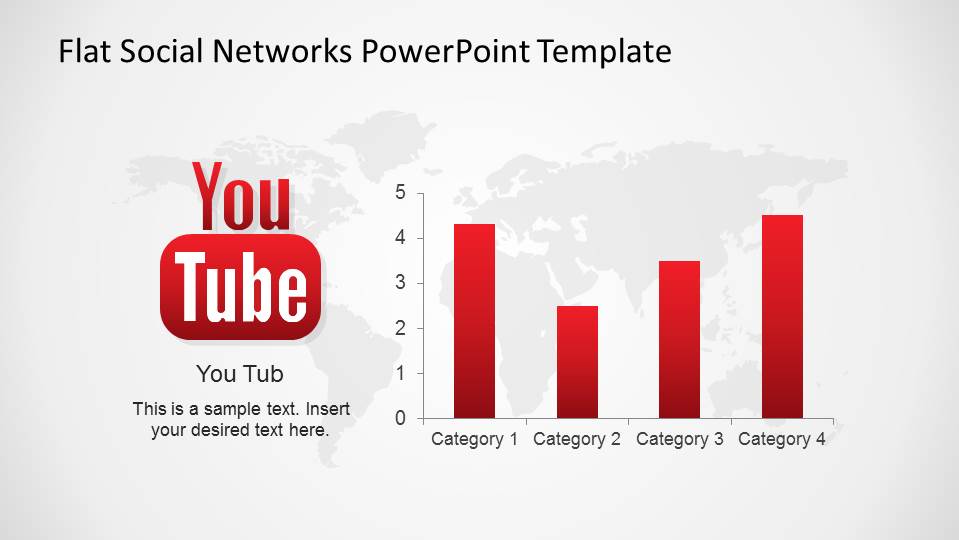
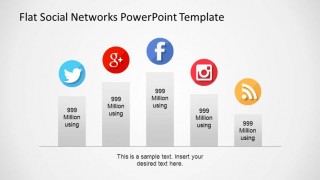
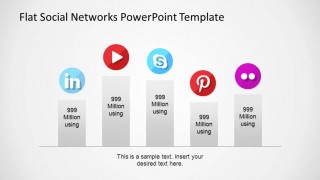
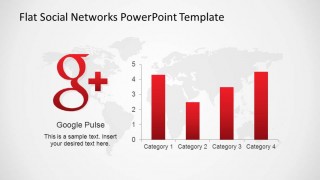
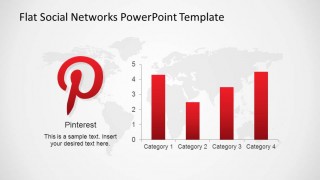
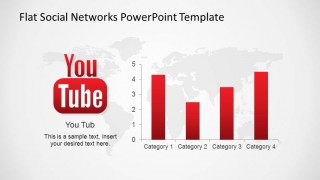
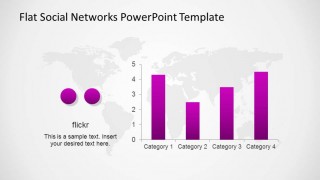
- Usage Metrics
- Icon Brand
The presented social networks are the most popular:
- Google+
- YouTube
- Flickr
- Skype
- RSS
The Flat Social Networks PowerPoint Template is created with the modern and popular flat design, making your presentations appealing to global audiences. Impress with vivid graphics and modern top of the line designs.
What’s inside this template
Example presentation scenarios
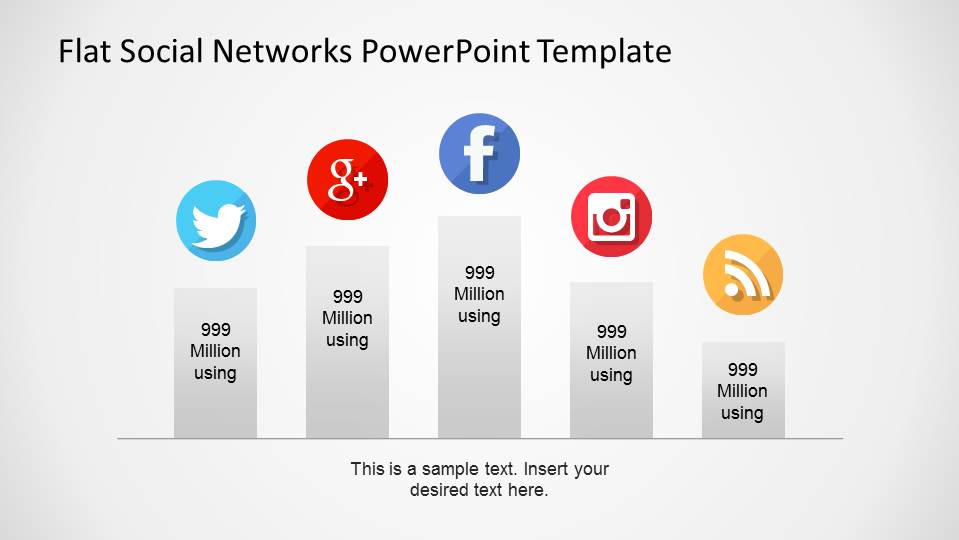
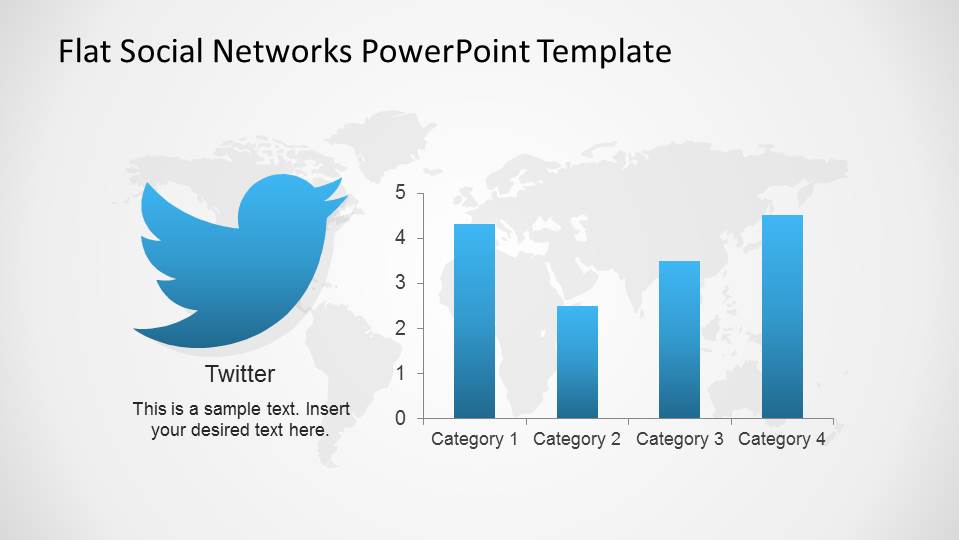
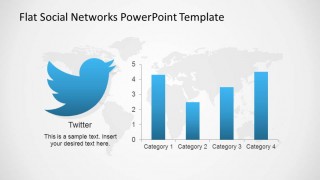
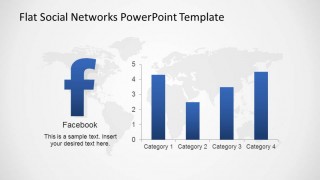
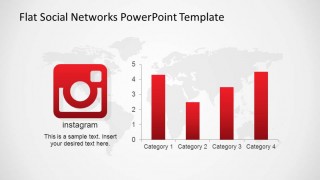
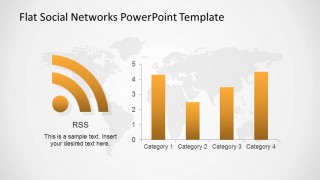
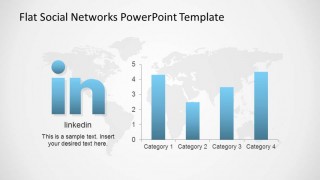
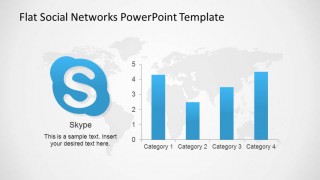
- A social media manager can report monthly channel performance by pairing each network's icon bar chart with its matching world map marker slide.
- A marketing analyst can compare audience distribution across platforms using the grouped usage metric slides and global influence maps.
- An agency strategist can present a client campaign plan by selecting the relevant network icons, then showing expected reach with editable category bar charts.
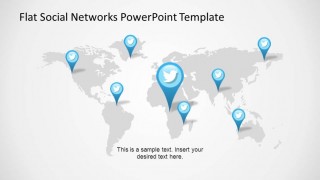
- A communications team can brief executives on regional social presence using the world map marker layouts for LinkedIn, YouTube, Facebook, or other visible channels.
Features
- 100% editable presentation template
- Compatible with Microsoft PowerPoint and Google Slides
- 16:9 aspect ratio slides
- Scalable vector shapes, icons and illustrations
- AI-Ready for Microsoft Copilot and Claude
- Instant access and download
Frequently asked questions
Q: How should a presenter use this deck to compare social networks clearly?
A: Start with the icon overview to establish the channels in scope, then use the paired bar chart and world map slides for each network. Keep the same metric categories across slides so the audience compares platforms instead of decoding new structures. Use only the networks relevant to the decision being discussed.
Q: Who is this template best suited for in a social media presentation?
A: This template fits digital marketers, social media managers, and agency analysts who need to explain platform reach, usage, or geographic footprint. It is strongest when the message depends on recognizable network symbols, simple metric comparisons, and region-based visibility rather than long narrative copy or detailed campaign operations.
Q: Why do the map pins and platform icons help the audience understand the message?
A: The design uses two familiar metaphors: logos identify the channel instantly, and map pins signal geographic presence. That pairing reduces explanation time because viewers can connect each metric chart to a recognizable platform and then see where that platform matters. The repeated pattern also builds rhythm across the deck.








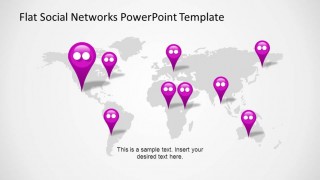
Flat Social Networks PowerPoint Template
25-slide presentation template with social network icons, world maps, and metric bar charts
Flat Social Networks PowerPoint Template is a 25-slide social media presentation deck for digital marketers and analysts. It includes social network icon covers, world map marker layouts, individual channel bar charts, and grouped usage metric slides for Microsoft PowerPoint and Google Slides. Bar chart data can be edited as an Excel spreadsheet in PowerPoint.
- Category
- Shapes
- Rating


 Loading...
- Aspect ratio
- 16:9, 4:3
- Item ID
- 6535-01
- Colors
 Microsoft PowerPoint
  Microsoft Copilot
  Claude for PowerPoint
 Other formats supported
Subscribe today and get immediate
access to download our PowerPoint templates.