Trendy icons is what Flat Sticky Notes with Icons for PowerPoint can offer to spice up any report. These PowerPoint objects are colorful and neat. They are what every user needs to decorate slides or make annotations.
Post-it notes are generally used as a reminder or organizer although they can serve a lot more purpose. They are small pieces of paper with a sticky strip at the back. It has a low-pressure adhesive making it reusable. The original notes come in a small, square paper and a yellow color. Now, they are available in many different colors and shapes. Despite being a brand with product patent, the term “Post-it” is used as a generic for all sticky notes these days. The colors can bring out the fun under pressure.
Decorating, art and technology are some of the lesser-known application of this PowerPoint template. They are ideal for organizing. The notes can emphasize points or comments in of the user in the presentation. This way, the audience can grasp the important ideas easily.
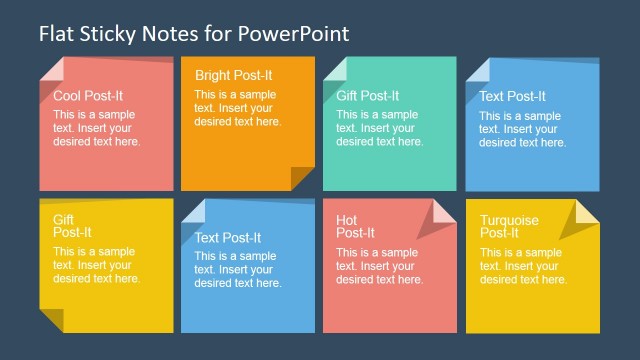
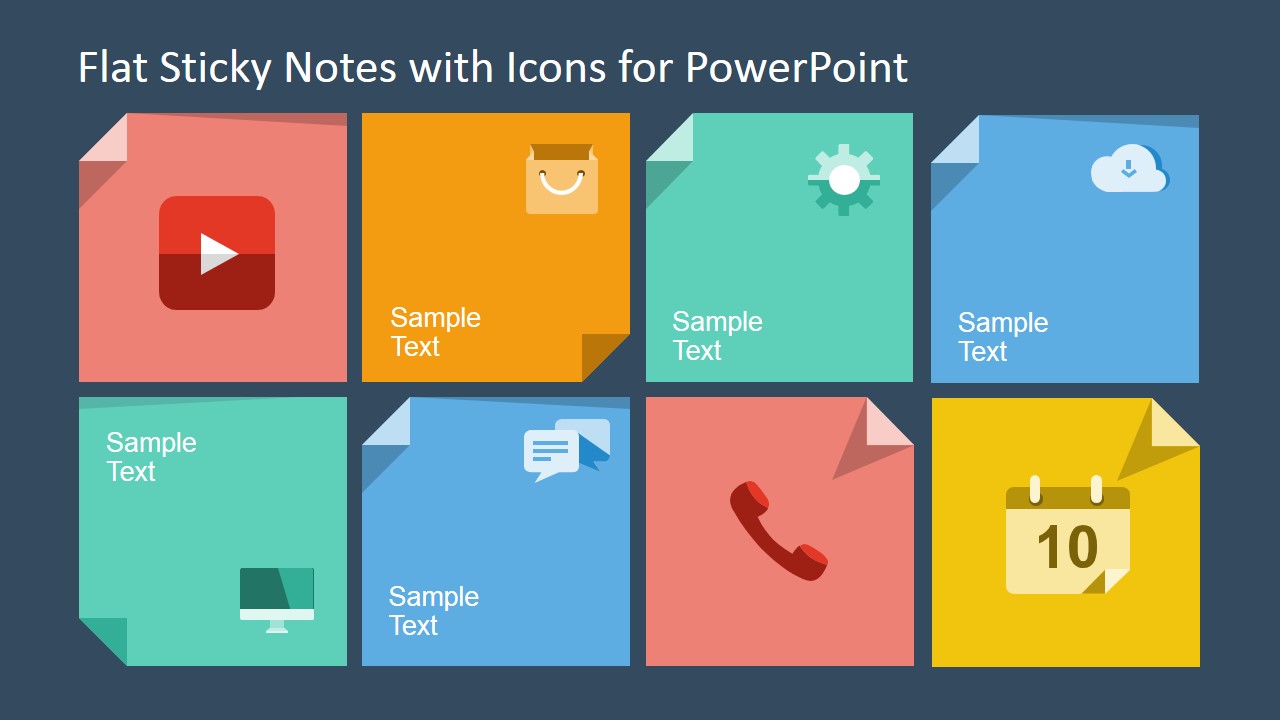
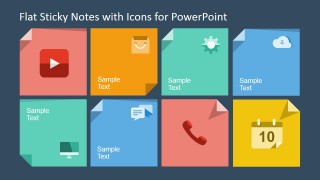
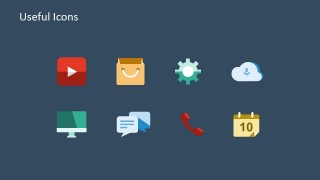
The first slide features 8 different colored Post-it notes. Each note includes an icon that can represent the written content. For example, the first note has a video icon. This can mean that the content talks about a video or that there is a video attached to the comments in the PowerPoint object. In the second slide, the user can find the 8 useful icons that appeared in the first slide design. The presenter can copy and paste these PowerPoint icons anywhere in the report. The following are the icons arranged from left to right – Youtube video, Paper Bag, Gear, Cloud with an arrow, Computer monitor, Thoughts textbox, Telephone, and Calendar.
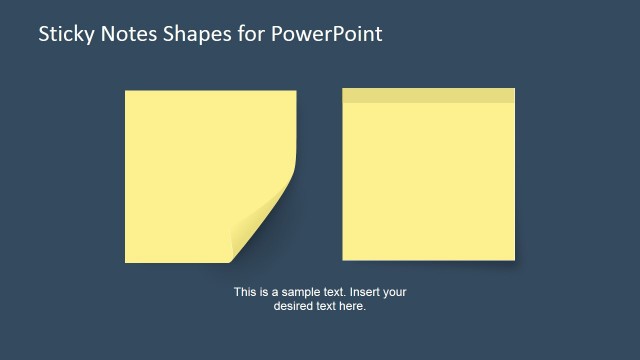
Expose the creative side of any presentation using Flat Sticky Notes with Icons for PowerPoint. Flat Sticky Notes Shape for PowerPoint is another sticky note-filled PowerPoint template. Check it out at the SlideModel gallery with other downloadable templates.
What’s inside this template
Example presentation scenarios
- A project manager can use the sticky note grid to summarize task reminders, open issues, and due-date references during a team status meeting.
- A trainer can place the reusable video, chat, desktop, and calendar icons beside lesson instructions to make a workshop handout easier to scan.
- A marketing presenter can use the colorful note shapes as callouts on campaign review slides where short comments need to stand apart from the main content.
- A consultant can copy the standalone icons into a client report to tag findings related to technology, communication, scheduling, or operations.
Features
- 100% editable presentation template
- Compatible with Microsoft PowerPoint and Google Slides
- 16:9 aspect ratio slides
- Scalable vector shapes, icons and illustrations
- AI-Ready for Microsoft Copilot and Claude
- Instant access and download
Frequently asked questions
Q: How should a presenter use these sticky notes without making a slide feel cluttered?
A: Use each sticky note for one short idea, not a paragraph. The slide works best when the icon sets the topic and the text states the takeaway in a few words. Keep spacing consistent, remove unused notes, and group related colors so the audience can scan the annotations quickly.
Q: For which presentation situations is this template the best fit?
A: This template fits reports, planning sessions, training decks, and workshop recaps where small reminders or comments need to sit beside existing content. It is most useful for presenters who want informal visual markers for media, tasks, communication, technology, scheduling, or action items without building a full diagram.
Q: Why use sticky note and icon metaphors instead of plain text boxes?
A: Sticky notes signal reminders, comments, and action items, so the audience understands that the content is an annotation rather than the main narrative. The folded corners add a paper-note metaphor, while the icons create fast topic recognition for video, calendar, phone, cloud, and chat references.

Flat Sticky Notes with Icons for PowerPoint
2-slide presentation template with flat sticky notes, annotation labels, and reusable vector icons
Flat Sticky Notes with Icons for PowerPoint is a 2-slide shapes template for Microsoft PowerPoint and Google Slides. It includes an eight-note annotation grid, folded-corner sticky note shapes, and a standalone icon sheet with video, bag, gear, cloud, desktop, chat, phone, and calendar symbols.
- Category
- Shapes
- Rating

 Loading...
- Aspect ratio
- 16:9
- Item ID
- 6772-01
- Colors
 Microsoft PowerPoint
  Microsoft Copilot
  Claude for PowerPoint
 Other formats supported
Subscribe today and get immediate
access to download our PowerPoint templates.