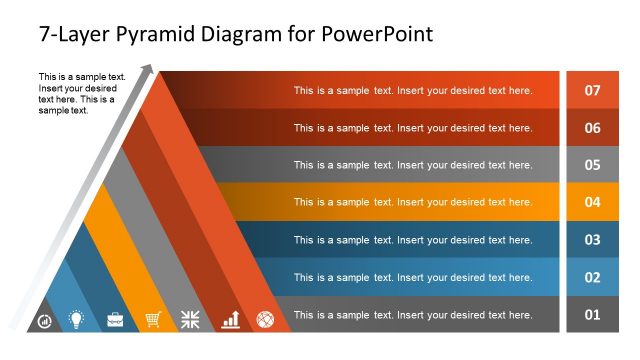
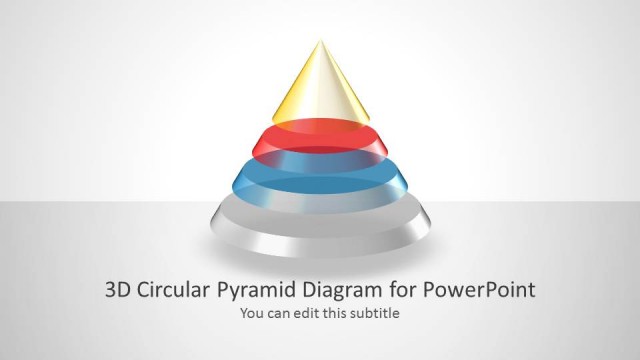
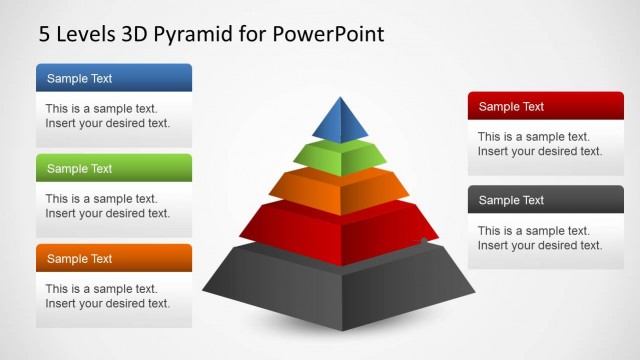
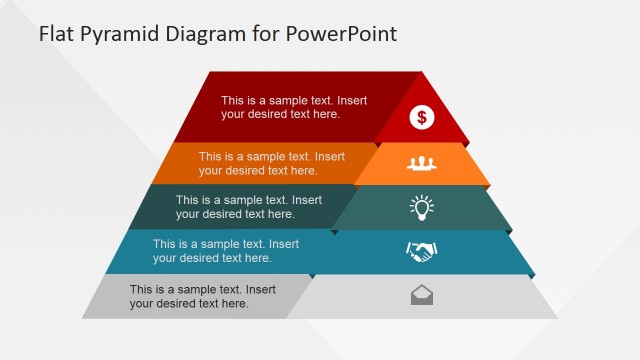
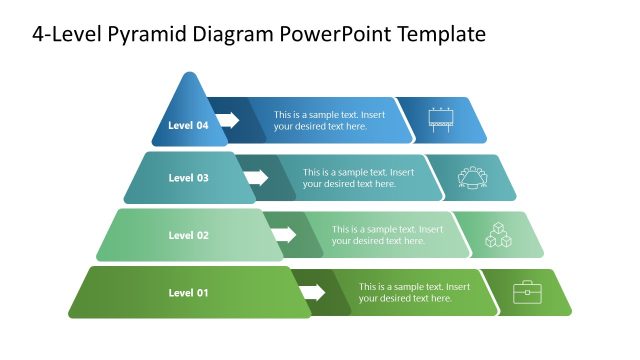
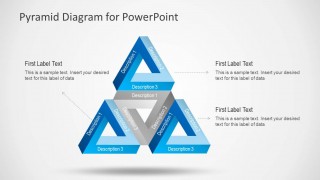
Pyramid Diagram Design for PowerPoint is a presentation template with an awesome pyramid diagram created with PowerPoint shapes and optical illusion effect.
You can use this pyramid template for PowerPoint to represent business diagrams including hierarchical diagrams and business models like the Maslow’s Pyramid of Needs or Pyramid of Startups.
What’s inside this template
Example presentation scenarios
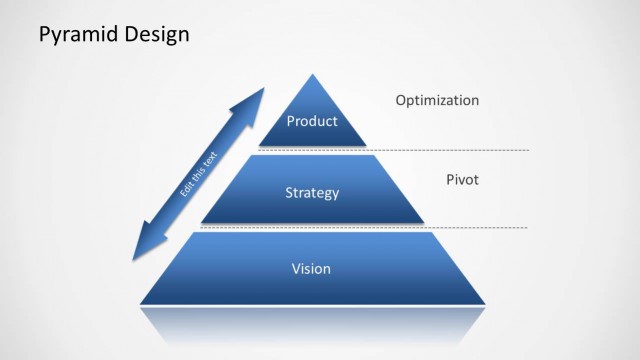
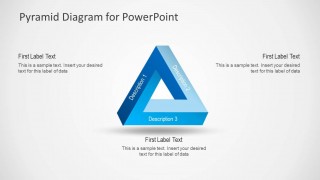
- A consultant can use the centered pyramid with callouts to explain the three core parts of a strategic framework to an executive audience.
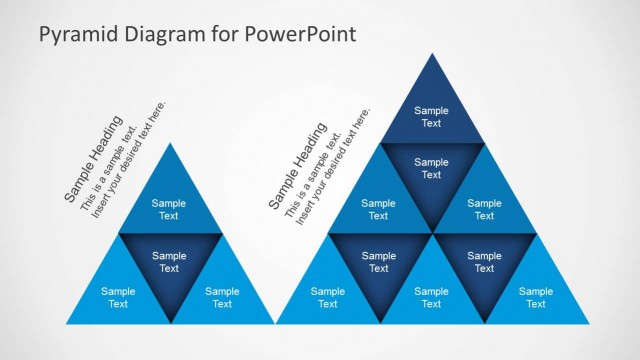
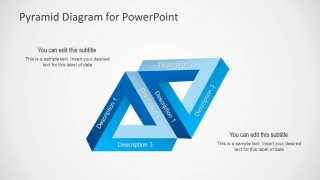
- A startup founder can use the interlocking double pyramid to show how two business models or value systems connect during an investor or team presentation.
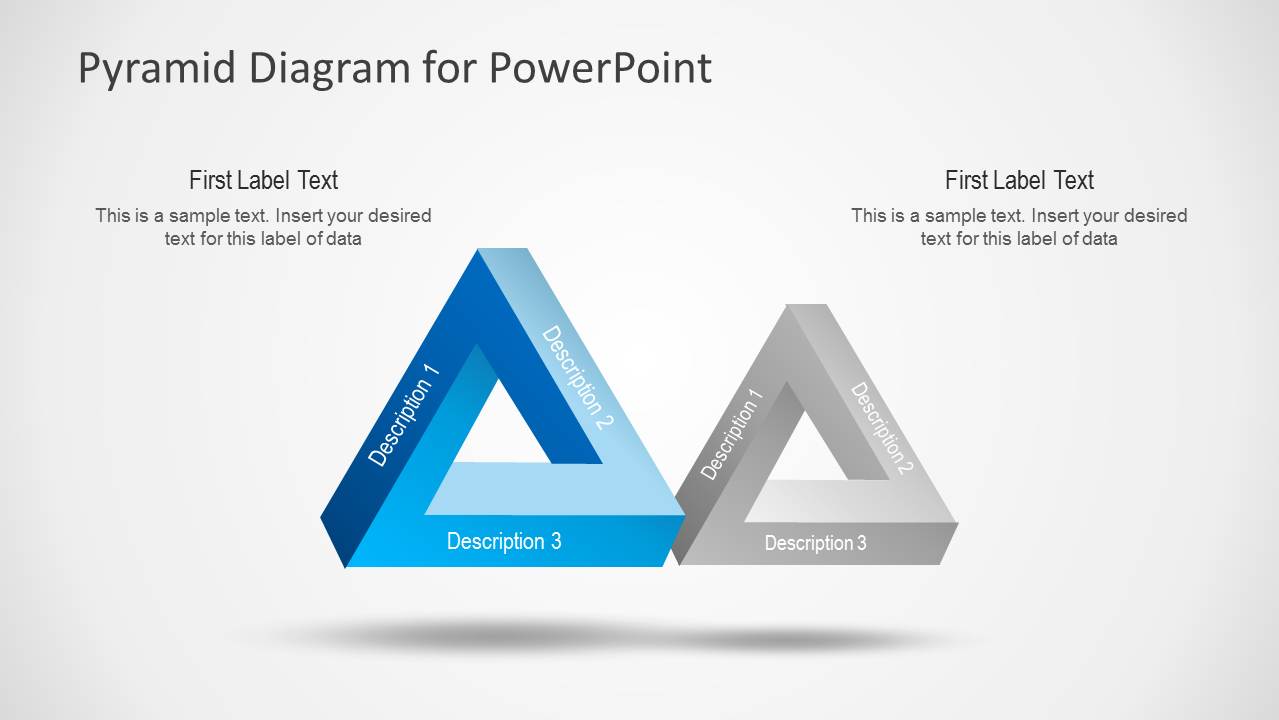
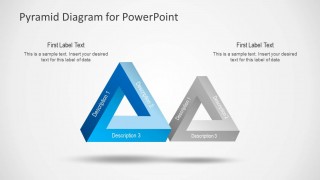
- A corporate trainer can use the side-by-side pyramid comparison to contrast two sets of priorities, behaviors, or maturity levels for learners.
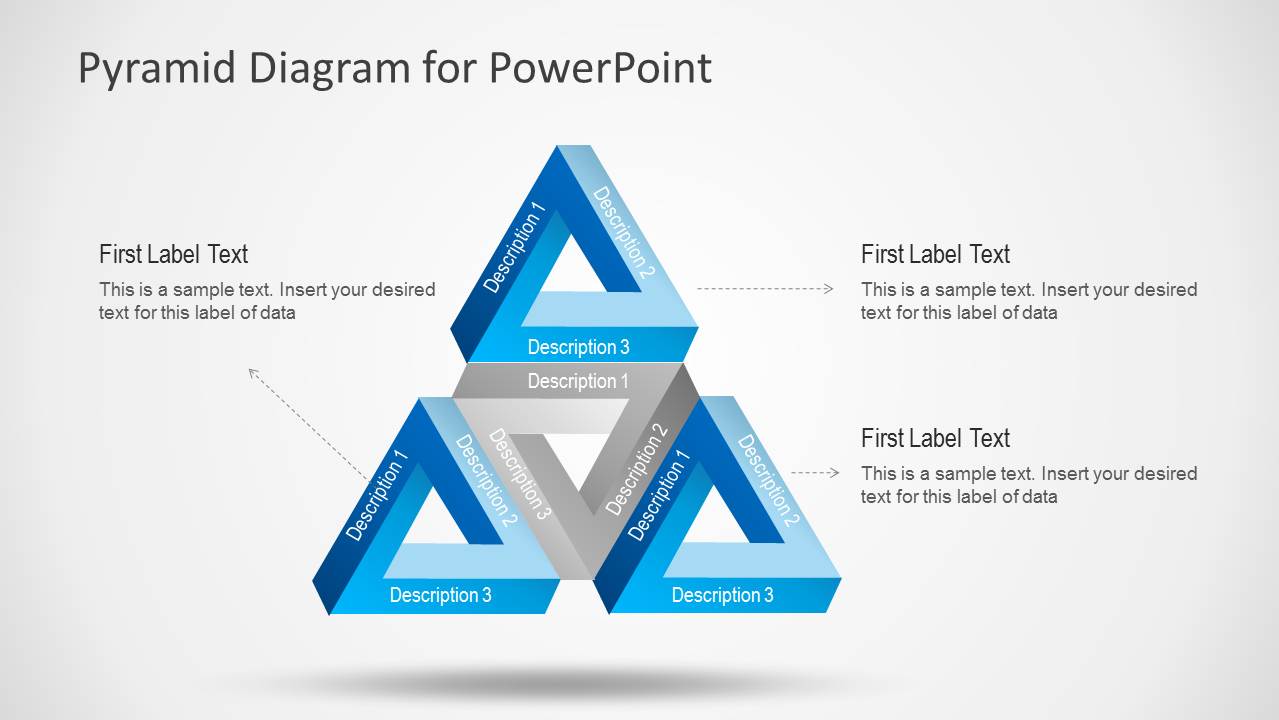
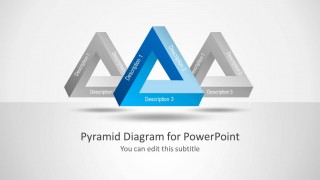
- A department manager can use the three-pyramid hierarchy slide to map a top-level objective to related supporting pillars and explain ownership in a planning meeting.
Features
- 100% editable presentation template
- Compatible with Microsoft PowerPoint
- 16:9 aspect ratio slides
- Scalable vector shapes, icons and illustrations
- AI-Ready for Microsoft Copilot and Claude
- Instant access and download
Frequently asked questions
Q: How should a presenter explain a message with these pyramid diagrams?
A: Start with the concept at the center of the model, then assign each visible pyramid side to one distinct idea. Use the surrounding callout text for meaning, evidence, or action, not long paragraphs. The optical illusion shape draws attention, so keep labels short and use the spoken explanation to connect the parts.
Q: Who is this template best suited for?
A: This template is best for presenters who need to explain structured ideas rather than report detailed numbers. Consultants, managers, trainers, and founders can use it for business frameworks, priority models, Maslow-style hierarchies, startup models, or three-part logic. The side-by-side and connected pyramid layouts are especially useful when relationships matter.
Q: Why use an optical illusion pyramid instead of a standard stacked pyramid?
A: The triangular loop suggests interdependence, so it works well when the three parts of a model support each other rather than sit in a strict top-to-bottom order. The template also includes a three-pyramid hierarchy for grouped relationships, giving the presenter both conceptual and structural options within the same visual language.


Pyramid Diagram Design for PowerPoint
5-slide pyramid diagram presentation template for hierarchy, business models, and triangular relationships
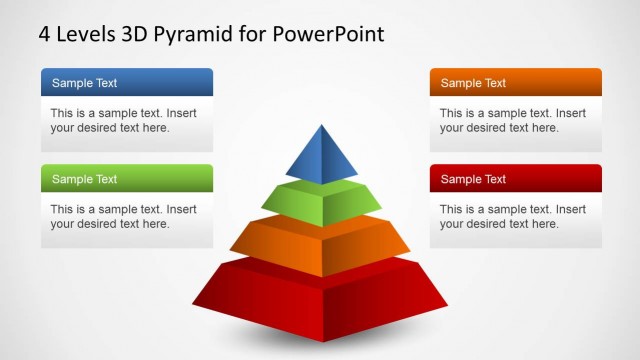
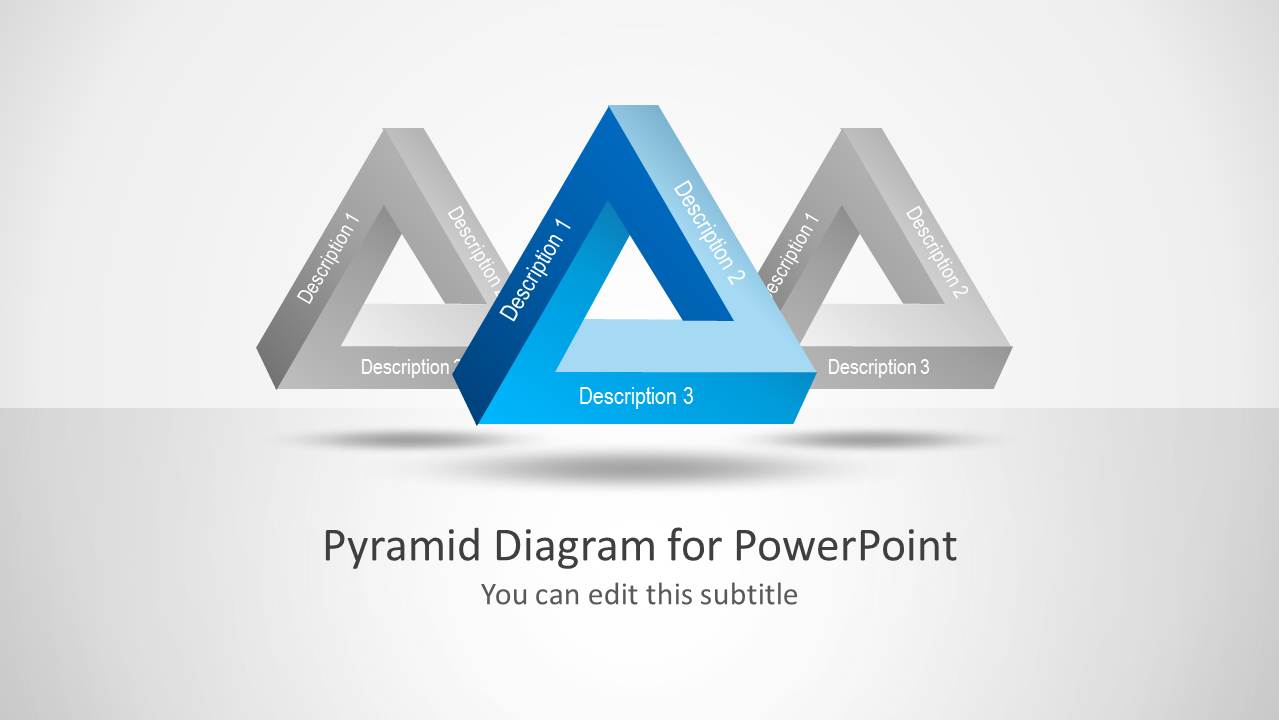
Pyramid Diagram Design for PowerPoint is a 5-slide diagram template built around optical illusion pyramid shapes. It includes a cover with layered pyramids, a centered pyramid with callouts, an interlocking double pyramid, a side-by-side pyramid comparison, and a three-pyramid hierarchy. It is for Microsoft PowerPoint presentations.
- Category
- Diagrams
- Rating

 Loading...
- Aspect ratio
- 16:9
- Item ID
- 6125-02
- Colors
 Microsoft PowerPoint
  Microsoft Copilot
  Claude for PowerPoint
 Other formats supported
Subscribe today and get immediate
access to download our PowerPoint templates.