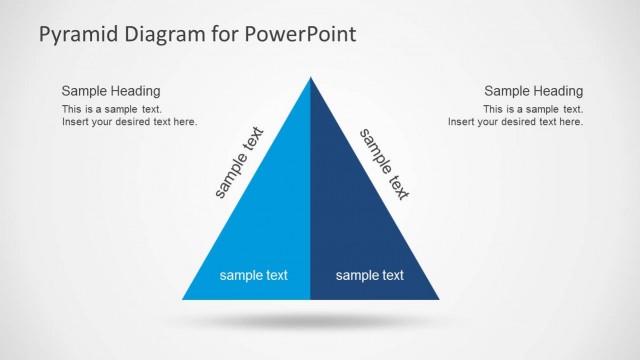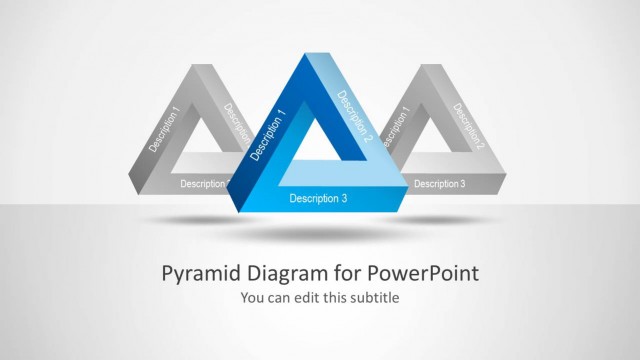
Slide 3 of 5 from Pyramid Diagram Design for PowerPoint
6125-02-pyramid-diagrmas-3
Interlocking Pyramid Diagram for Presentations
- Diagram
- Other
- Process Slide
- 16:9
- 100% Editable
The Interlocking Pyramid Diagram slide from the Pyramid Diagram Design for PowerPoint template offers a clear visual tool for illustrating hierarchical processes and relationships. Ideal for business presentations, this slide layout uses editable shapes and vector icons to represent project planning, strategy development, or organizational structures. Its balanced design and layered blue gradients enhance clarity, making it a practical choice within slide templates for corporate presentations and pitch decks.
What’s on This Slide
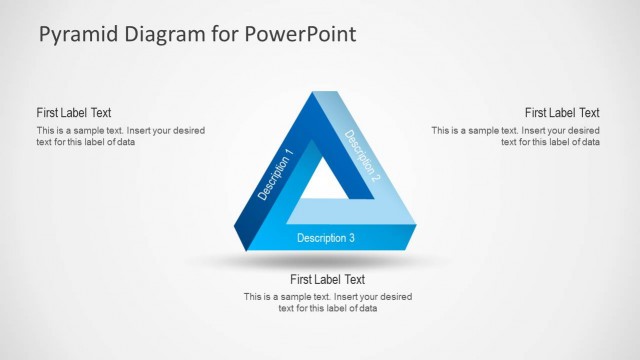
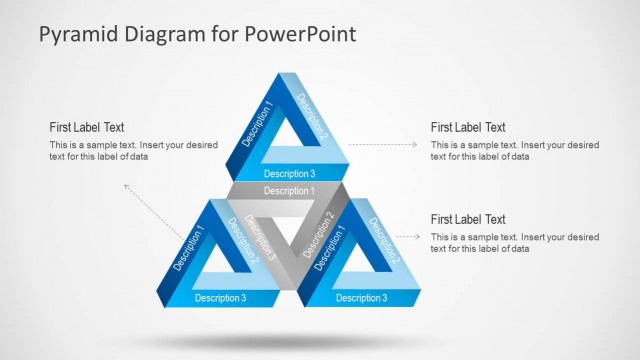
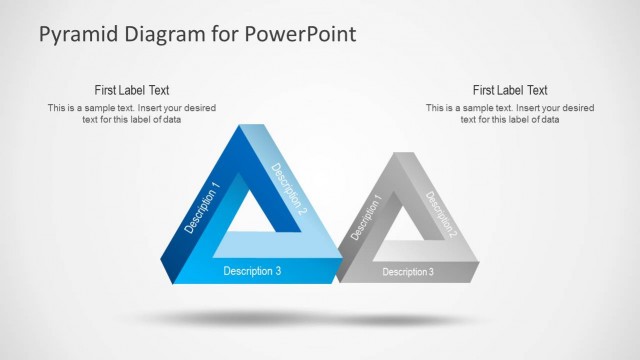
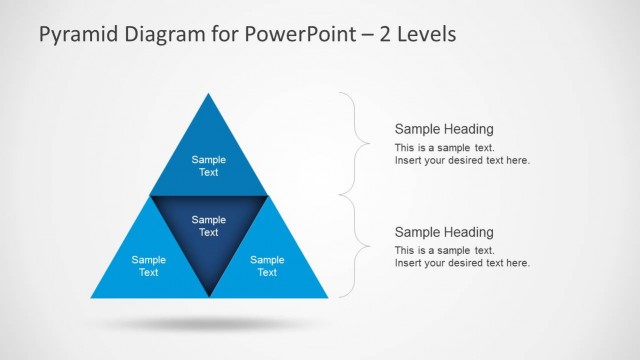
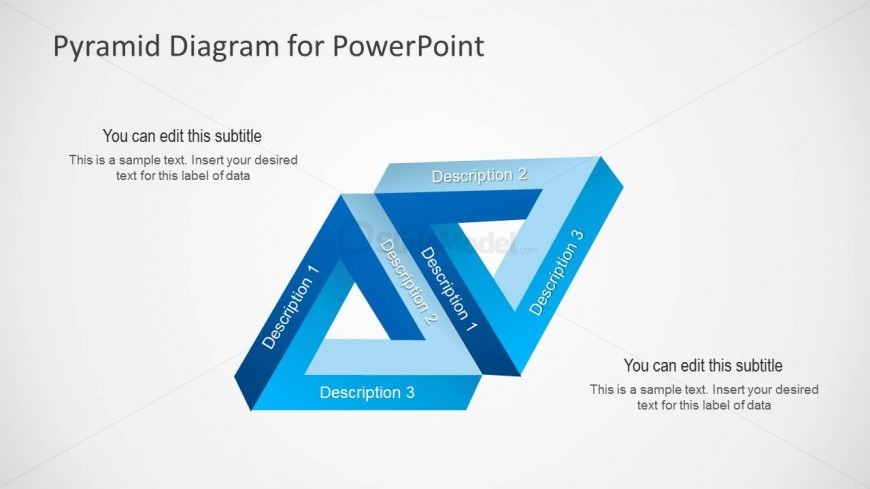
The slide features an interlocking pyramid diagram with three triangular shapes arranged in a zigzag pattern. Each triangle is filled with a gradient of blue shades, creating a layered effect. The top triangle contains a title placeholder aligned to the center, while three additional placeholders for descriptions are positioned within each triangular shape. The overall layout is balanced, with a light background enhancing the visibility of the pyramids. Text placeholders are present for subtitles and descriptions, with clear visual hierarchy established through size and color differences.
How to Use It
This layout serves to illustrate relationships or comparisons among three concepts using a pyramid structure. It is suitable for presentations that require visual representation of hierarchical data or processes. This diagram can be effectively used in business contexts such as project planning, strategy development, or organizational structures. It fits well in a sequence following an introduction or problem statement, providing clarity on the subsequent steps or components involved.
Text Placeholders & Capacity
Keep your copy within these limits so it fits without resizing. Node labels can hold about 3-4 words each, while body text can accommodate around 10-12 words.
| Placeholder | Count | Max characters (approx.) |
|---|---|---|
| Slide title | 1 | 30 |
| Subtitle | 1 | 60 |
| Item heading | 3 | 20 |
| Item body | 3 | 50 |
Slide Keywords
Download unlimited PowerPoint templates, charts and graphics for your presentations with our annual plan.
DOWNLOADReturn to Pyramid Diagram Design for PowerPoint.