This Office PowerPoint Presentation Template is a creative business PPT template for Microsoft Office that can be used to make presentations with pre-made slide layouts. Improve business presentations using the creative vector drawings, and colorful placeholder designs.
Using this PowerPoint template, the presenter can showcase different types of presentations to convey a common goal for a team. Each goal and its components can be presented in the brightly-colored slides. The active colors are specifically designed to attract the audience’s attention. This ensures that the information is not overlooked. The minimalist vectors and graphics are designed to not overpower the slide, in cases where the data can be lost in an overload of images and pictures.
The presenter can highlight the importance of interaction between employers and their employees. In a modern business setting, management has to ensure that the employees have the same end goals as the company, so that quality is maintained along the length of the project. However, in some cases, the company has to hire consultants and contractors for certain projects. These third-party workers help enhance the performance and implementation of the plan by providing important knowledge and much-needed resources.
Together, these three components of the business team – employers, employees, and contractors – exhibit teamwork as they go through the business process. Some instances require review meetings for certain stages of the plan. In these meetings, a board of evaluators, with members from each concerned party, analyze the real-time and historical data on the plan’s progress. These meetings also involve findings presentations and brainstorming sessions for investment in projects.
The Office PowerPoint Presentation Template is ideal for generic business presentations. The content of the PowerPoint template are flexible and editable. The 100% customizable PowerPoint objects allow for easy editing and modification to ensure that the template is fitted to the audience. The presenter can also download the Flat Design Office PowerPoint Template from the Gallery to aid the presentation.
What’s inside this template
Example presentation scenarios
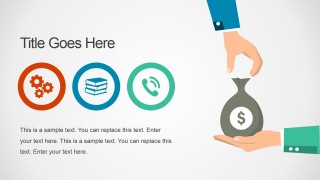
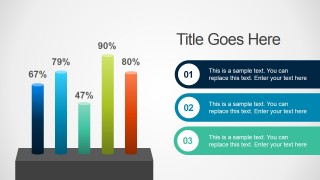
- A startup founder can use the icon agenda, money illustration, and percentage chart to explain a business idea, funding need, and early performance signal to advisors.
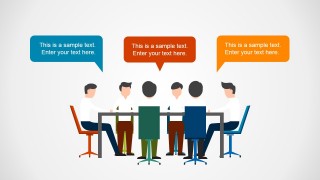
- A department manager can use the meeting scene and panel discussion layout to structure a team update, assign talking points, and compare viewpoints during an internal review.
- A consultant can use the map callout slide and progress bar slide to present regional context, current status, and measurable priorities to a client team.
- A trainer or team lead can use the section divider, team presentation slide, and photo content slide to introduce an office workshop and organize the main discussion topics.
Features
- 100% editable presentation template
- Compatible with Microsoft PowerPoint and Google Slides
- 16:9 aspect ratio slides
- Scalable vector shapes, icons and illustrations
- AI-Ready for Microsoft Copilot and Claude
- Instant access and download
Frequently asked questions
Q: How should a presenter communicate a business idea with this office-themed template?
A: Start with the map or icon slide to frame the context, then move to the percentage chart or progress bars for measurable points. Use the meeting and panel layouts to show collaboration, decisions, or stakeholder roles. Keep each slide to one message because the illustrations already create strong visual context.
Q: Who is this template best suited for in a business setting?
A: This template fits managers, startup founders, consultants, and team leads who need to explain a plan without building a formal corporate report. The office characters, money exchange illustration, map callouts, and discussion panels make it practical for internal updates, idea reviews, workshop introductions, and early-stage business conversations.
Q: Why do the office illustrations and meeting metaphors help the audience understand the message?
A: The deck uses familiar office metaphors, such as team meetings, presentations, money handoffs, and location pins, to make abstract business ideas easier to place in context. These visuals reduce the need for long explanations and give each topic a clear setting: where it happens, who is involved, and what decision is being discussed.





Office PowerPoint Presentation Template
10-slide office presentation template for business ideas, team meetings, maps, and KPI-style bars
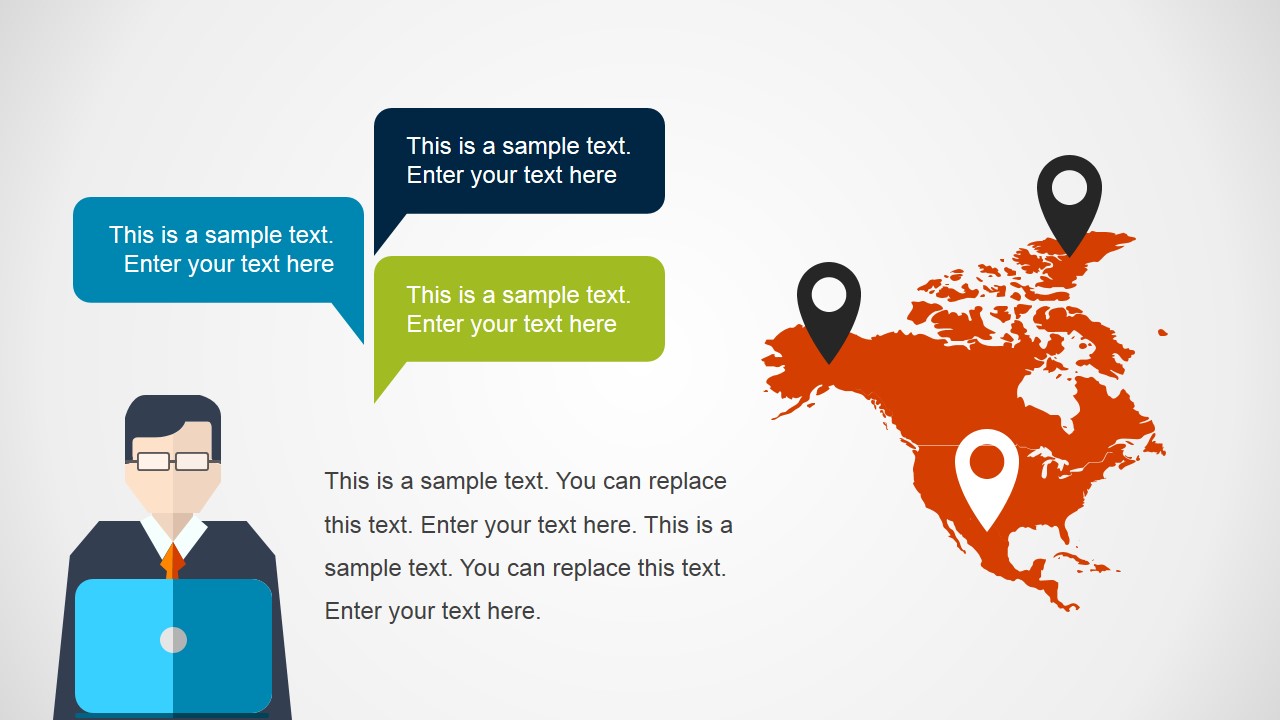
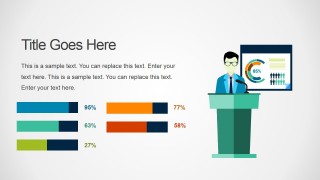
Office PowerPoint Presentation Template is a 10-slide office-themed business deck for Microsoft PowerPoint and Google Slides. It includes map callouts, an icon agenda, percentage column chart, money exchange diagram, meeting discussion scene, team presentation slide, progress bars, panel discussion layout, and photo content slide.
- Category
- Template Backgrounds
- Rating

 Loading...
- Aspect ratio
- 16:9, 4:3
- Item ID
- 4152-01
- Colors
 Microsoft PowerPoint
  Microsoft Copilot
  Claude for PowerPoint
 Other formats supported
Subscribe today and get immediate
access to download our PowerPoint templates.