Office Suite PowerPoint Template is a presentation design featuring attractive slide layouts that you can use to make effective business presentations with modern styles and engaging graphics in Microsoft PowerPoint. Office Suite PowerPoint template design is compatible with major versions of Microsoft PowerPoint as well as Keynote and Google Slides. You can easily customize the presentation to fit your own needs by replacing the text placeholders and re-arranging the graphics and shapes to any desired position.
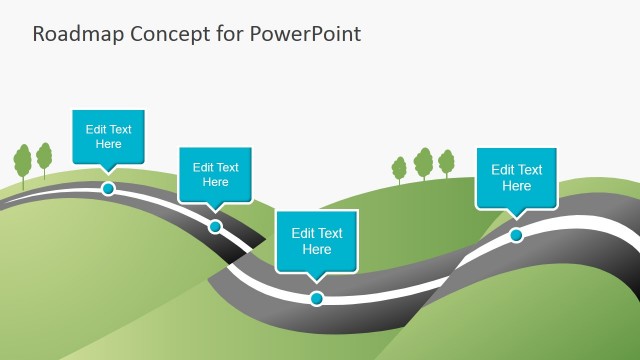
The PowerPoint template for business include very useful slide designs for common business situations including roadmap or timeline slides, presentation agenda slides, slides with space for multiple concepts or key points as an alternative to traditional bullet lists, image slides or slides to insert pictures. Additionally, there are some other slides that can be used in business or sales & marketing PowerPoint presentations such as the pricing table for sales slides and the bar charts.
This presentation template as well as all other designs in our content catalog are created in a way that are very easy to edit in PowerPoint. You can easily re-arrange objects along the slide or customize its colors by using PowerPoint built-in functions. Most of the graphics are created with shapes so you can change the shape properties including colors, 3D effects as well as shadows or even resize the graphics without compromising the slide image quality.
What’s inside this template
Example presentation scenarios
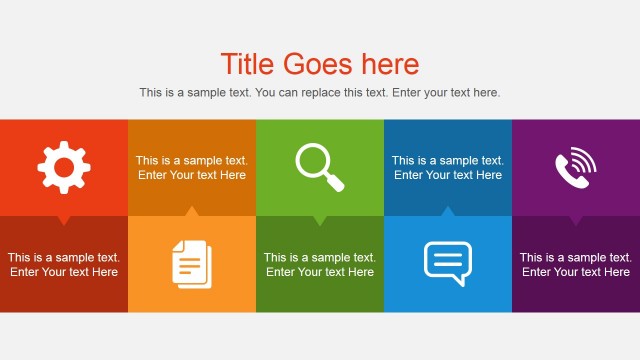
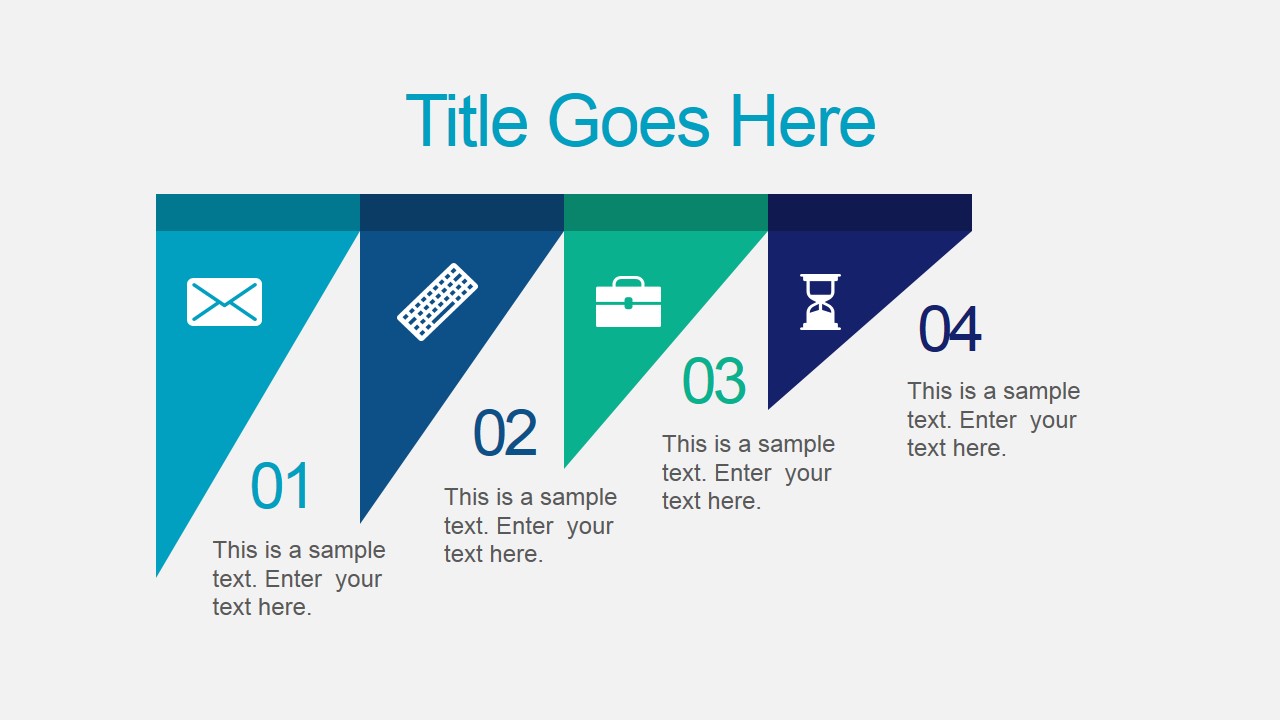
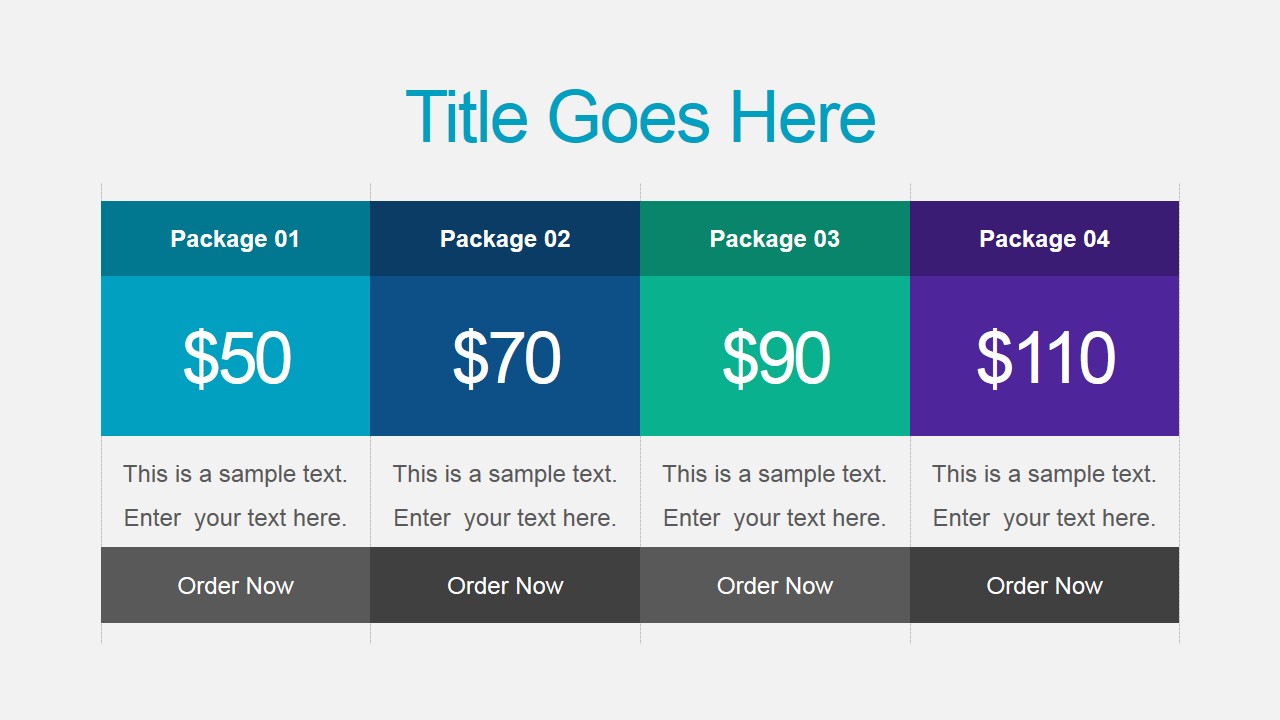
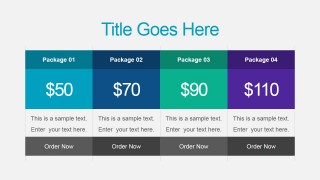
- A sales presenter can use the pricing table to compare packages and the icon banner slide to introduce service categories before discussing the offer.
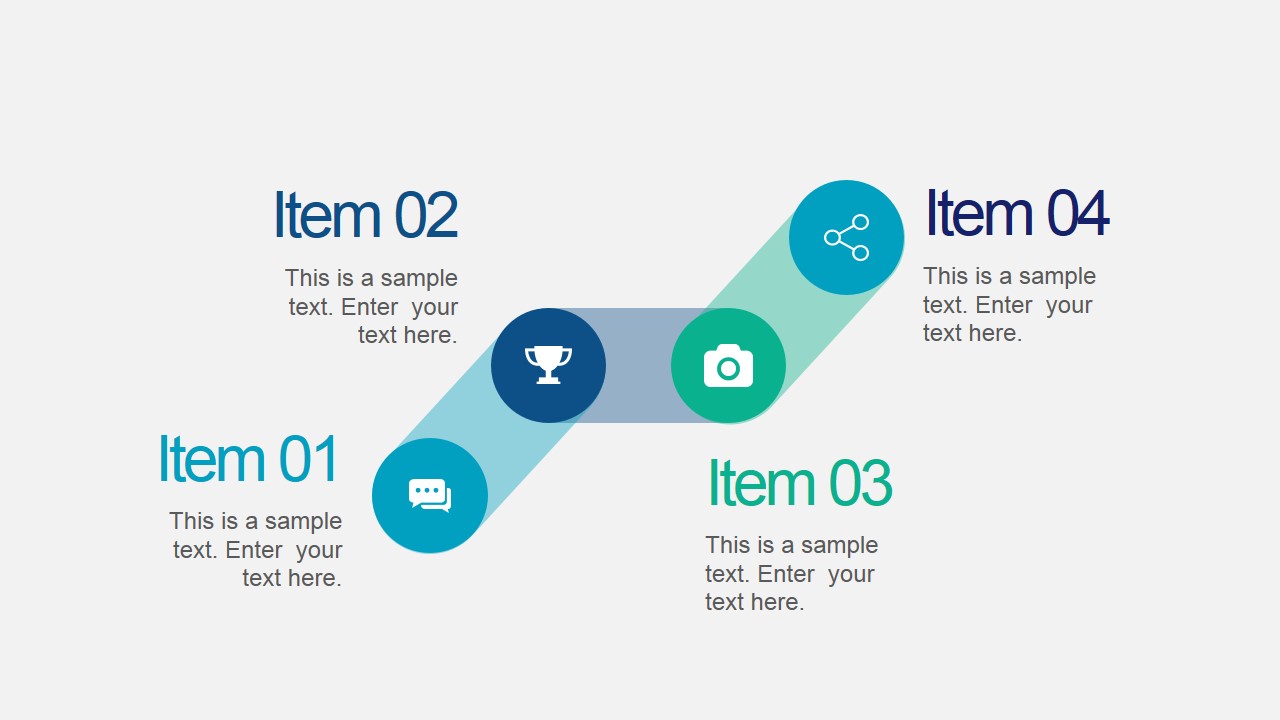
- A marketing manager can use the diagonal roadmap and four-ribbon comparison slide to explain campaign phases, channel priorities, or launch milestones.
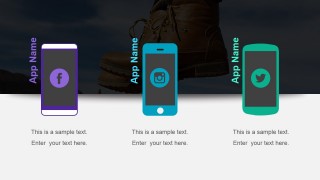
- A product lead can use the app showcase slide with smartphone icons to present social features, app modules, or mobile engagement concepts.
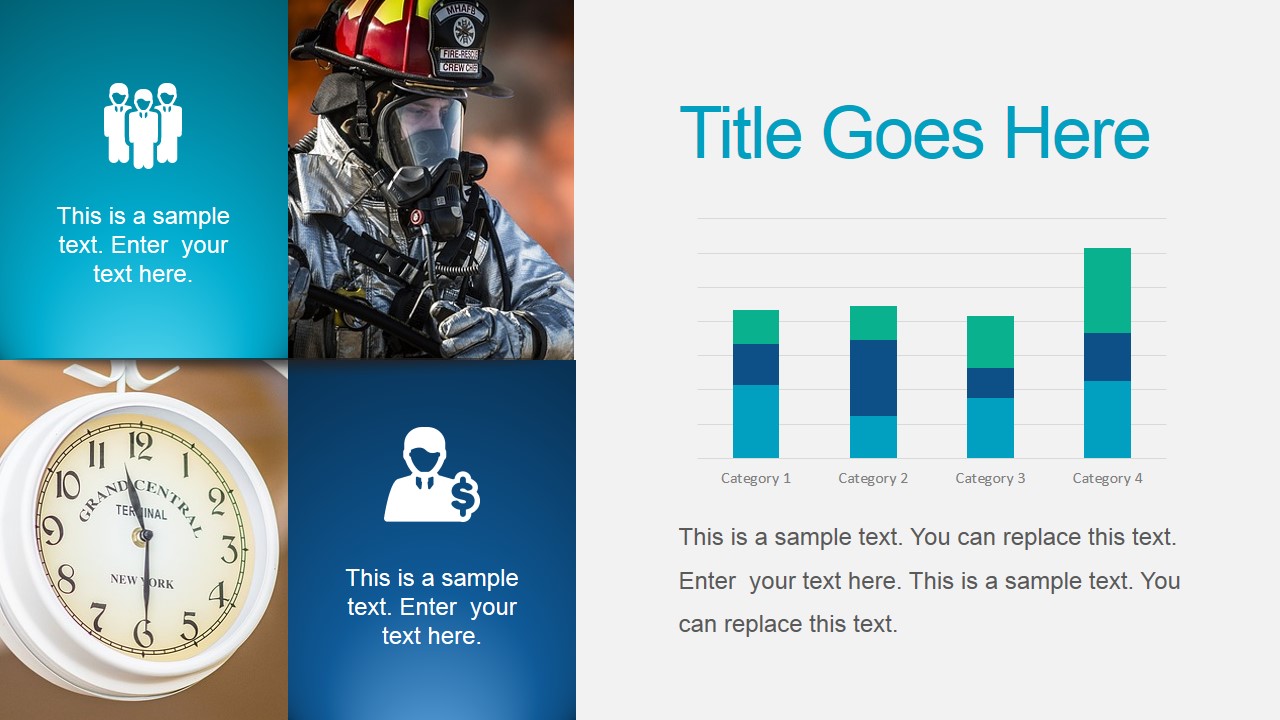
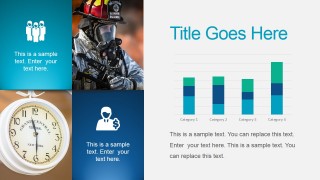
- An operations manager can use the KPI slide and stacked bar chart to report performance highlights while keeping supporting text concise.
Features
- 100% editable presentation template
- Compatible with Microsoft PowerPoint and Google Slides
- 16:9 aspect ratio slides
- Scalable vector shapes, icons and illustrations
- AI-Ready for Microsoft Copilot and Claude
- Instant access and download
Frequently asked questions
Q: How should a presenter organize a message with this template?
A: Start with the title or icon banner slide to frame the business topic, then move into one or two explanatory layouts such as the roadmap or ribbon columns. Use the pricing table, KPI slide, or bar chart only when they answer a specific decision question. Keep each layout focused on one comparison, one process, or one recommendation.
Q: What type of business presentation is this template best suited for?
A: This template fits presenters who need a polished general business deck rather than a strict investor pitch or detailed report. Sales teams can show packages, marketers can map campaign steps, consultants can explain service options, and managers can summarize progress using the KPI, roadmap, and stacked bar chart layouts.
Q: Why do the ribbon, roadmap, and device visuals help communication?
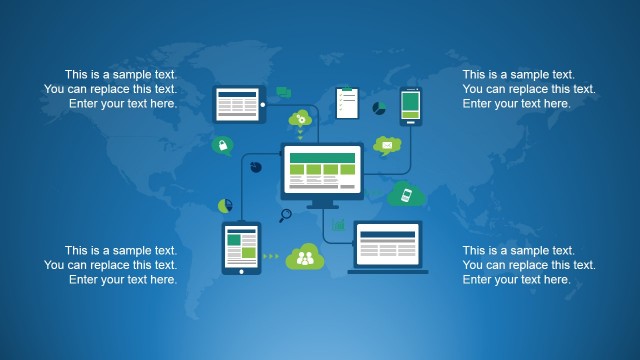
A: The design uses familiar business metaphors: a diagonal path for progress, hanging ribbons for grouped categories, and phones for app or social content. These visual cues reduce explanation time because the audience can quickly read whether the slide is showing a sequence, a comparison, or a product channel.






Office Suite PowerPoint Template
10-slide presentation template with roadmap, pricing table, image callouts, and office-themed vector icons
Office Suite PowerPoint Template is a 10-slide business presentation template with office-style backgrounds, icon ribbons, a four-step roadmap, image callouts, a pricing table, and a stacked bar chart. It suits sales, marketing, and internal business updates in Microsoft PowerPoint and Google Slides, with editable vector shapes and chart data.
- Category
- Template Backgrounds
- Rating


 Loading...
- Aspect ratio
- 16:9
- Item ID
- 4154-01
- Colors
 Microsoft PowerPoint
  Microsoft Copilot
  Claude for PowerPoint
 Other formats supported
Subscribe today and get immediate
access to download our PowerPoint templates.