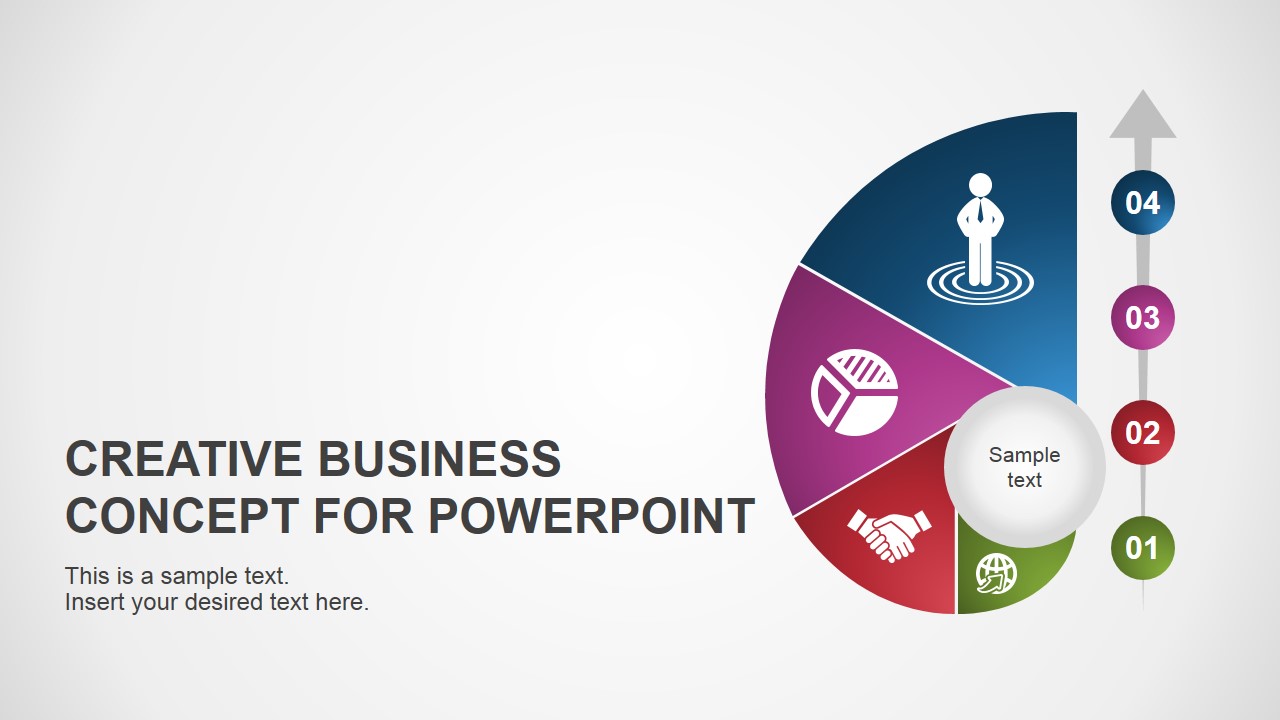
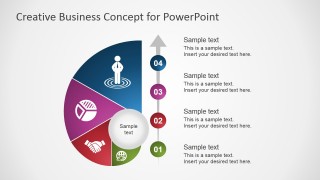
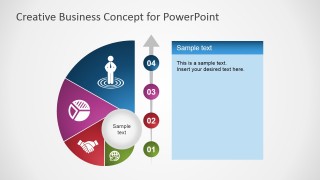
Use the Creative Business Concept for PowerPoint in presenting four essential concepts to a professional audience. The useful color scheme, showing blue, violet, red, and green, helps the presenter distinguish the four concepts found on the presentation.
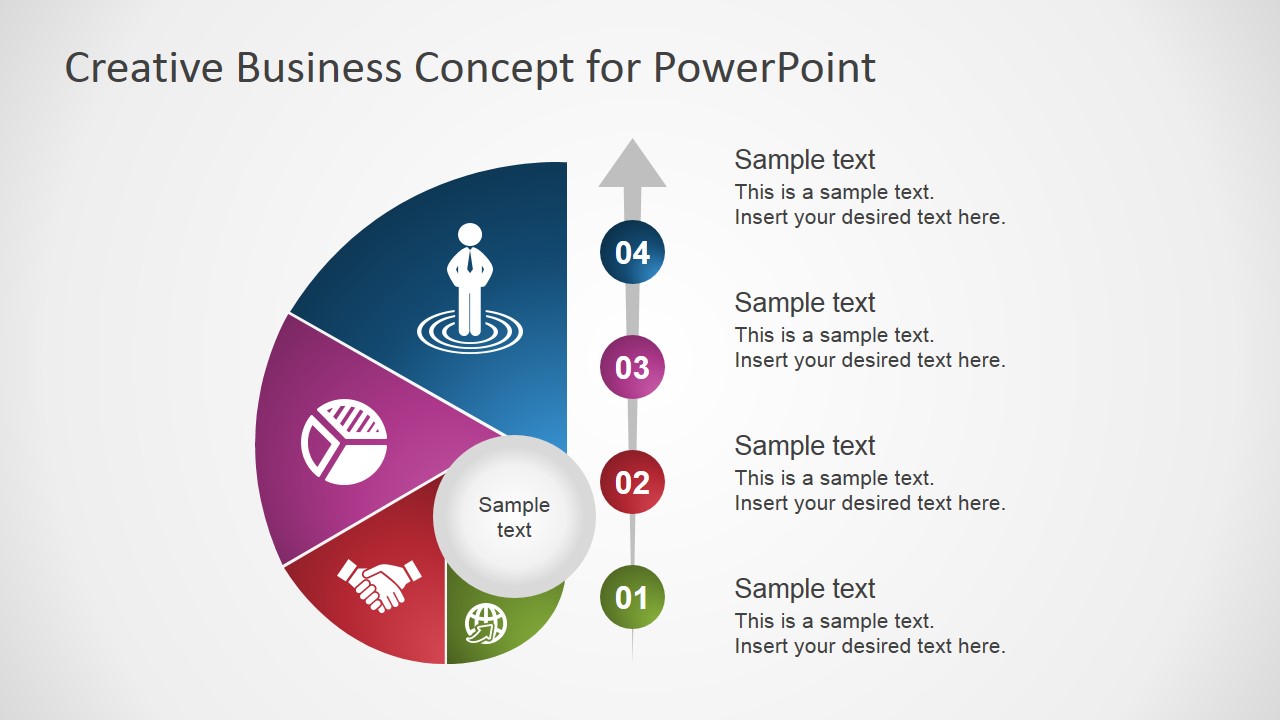
The creative business concept encompasses four elements, such as global communications, business deals, market research, and employee empowerment. These can be used as the foundations of a business plan or model. A firm, solid plan increases the project’s rate of success. By establishing boundaries between these four, the management can properly delegate priorities between its members and employees to ensure that a plan is carried out properly.
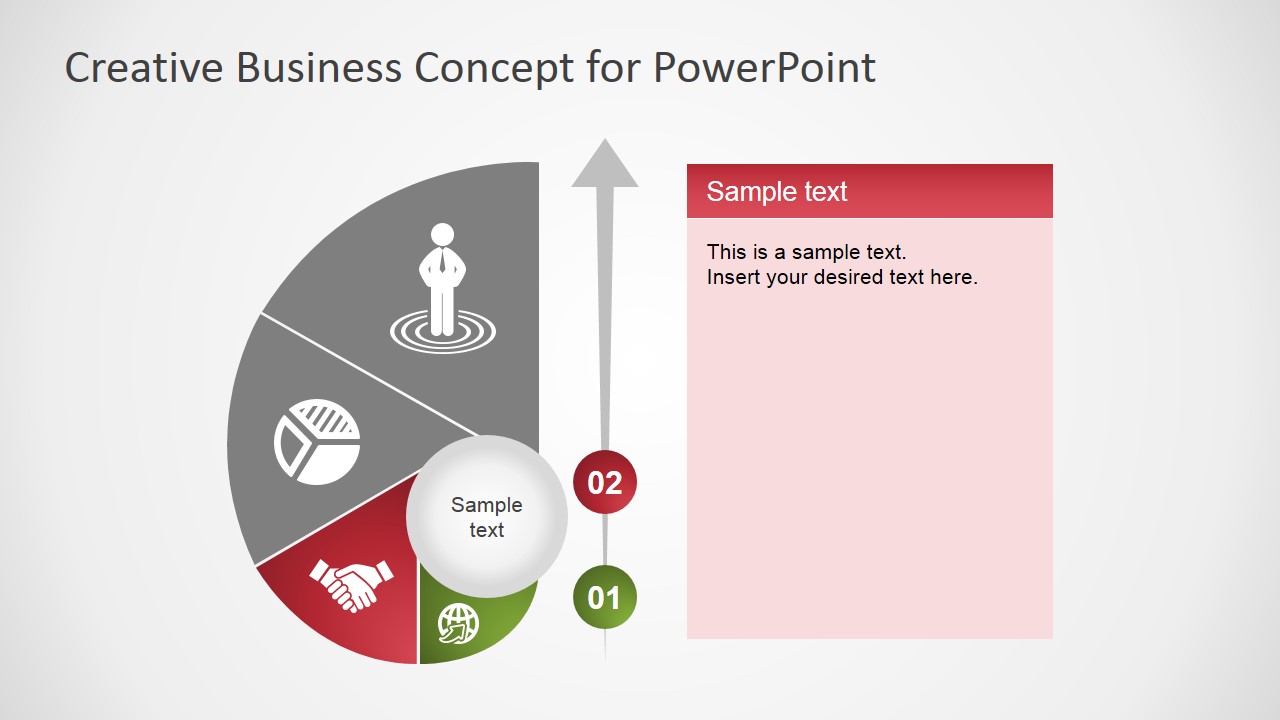
These four elements can be discussed as being important in establishing a successful business strategy. Using the PowerPoint template, the presenter can demonstrate how each element affects the business process. For example, statistical information can be highlighted as one of the major performance indicators for a specific product. The presenter can show the effect of accurate information in the success of a plan. The handshake icon can represent a business deal. The importance of business deals in establishing relations can be presented.
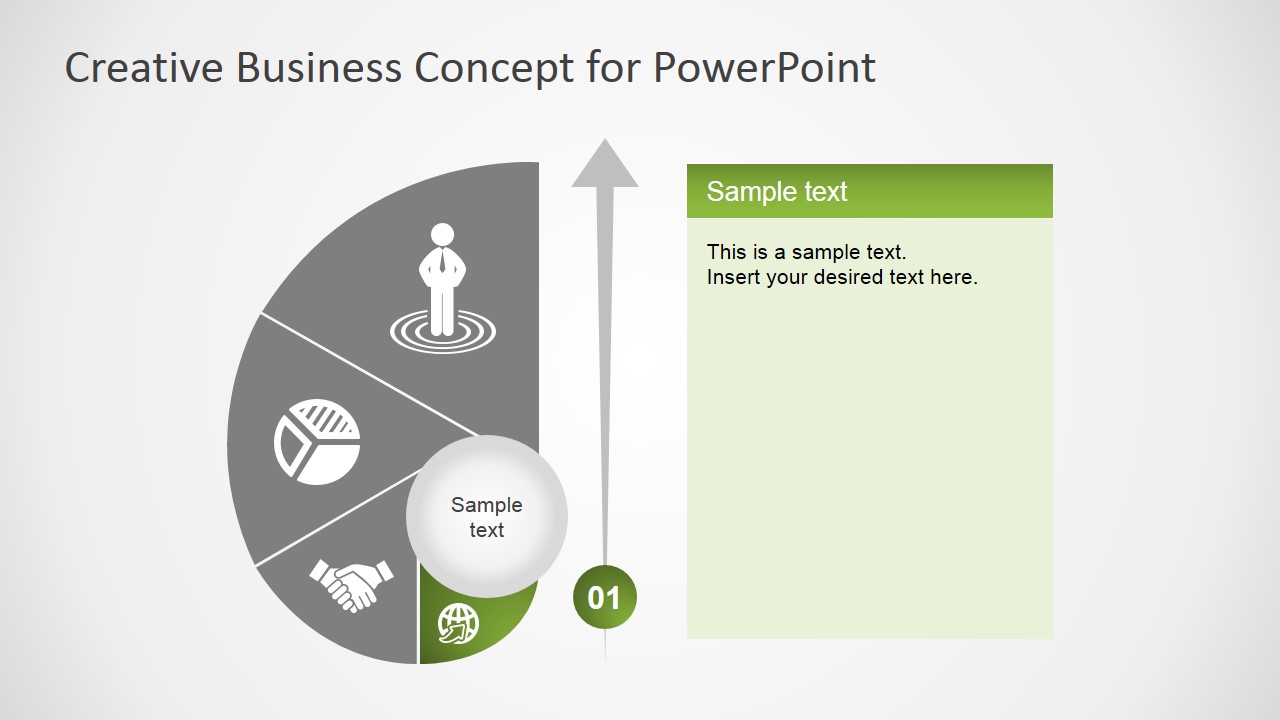
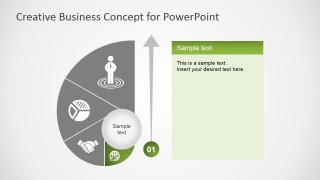
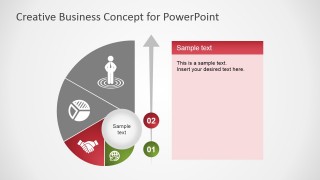
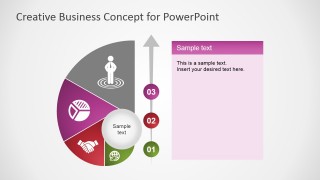
Featured on the slides is a PowerPoint shape that resembles a snail’s shell, shown vertically. The shell is divided into four unequal segments, containing icons such as an employee, a pie chart, a handshake, and a globe. These segments are colored in blue, violet, red, and green, matching the color scheme. An arrow passing through four colored circles can be found next to the flat side of the shell.
Ideal for presentations involving four concepts, the Creative Business Concept for PowerPoint has flexible PowerPoint clipart. These are flexible enough so that the user can insert text or modify their color, size, and arrangement without affecting their image resolution. The presenter can choose to download other Creative PowerPoint Templates from our Gallery.
What’s inside this template
Example presentation scenarios
- A strategy consultant can use the overview diagram to introduce four pillars of a proposed business model before discussing each pillar on its own focused text-panel slide.
- A project manager can present priorities to a leadership team by mapping workstreams to the numbered arrow markers and using the highlighted segment slides for follow-up detail.
- A marketing lead can explain a campaign concept by assigning each shell segment to a major theme, then using the colored panels to clarify goals, evidence, and next steps.
- A founder can brief investors or advisors on a simple operating framework using the cover slide for the concept name and the four-part diagram to keep the story compact.
Features
- 100% editable presentation template
- Compatible with Microsoft PowerPoint and Google Slides
- 16:9 aspect ratio slides
- Scalable vector shapes, icons and illustrations
- AI-Ready for Microsoft Copilot and Claude
- Instant access and download
Frequently asked questions
Q: How should a presenter structure the message with this four-part concept diagram?
A: Start with the full snail shell diagram to name the central idea and all four segments. Then move through the focused slides in numbered order, using each colored text panel for one clear point, supporting evidence, and an action implication. Keep labels parallel so the audience understands the four ideas as one connected framework.
Q: Who is this template best suited for?
A: This template fits presenters who need to explain a compact business framework, such as consultants, project managers, founders, or marketing leaders. It works best when the message has four distinct but related parts, such as market insight, partnership, analysis, and people ownership, rather than a long list of unrelated topics.
Q: Why does the snail shell metaphor help communicate the concept?
A: The shell shape makes the four ideas feel connected around a central theme instead of appearing as separate bullet points. The numbered arrow adds reading order, while the gray-out and highlight treatment on the focus slides reduces distraction. This combination helps the audience see both the whole system and the current point.


Creative Business Concept for PowerPoint
6-slide presentation template with snail shell concept diagram, four-step arrow, and topic panels
Creative Business Concept for PowerPoint is a 6-slide diagram template for presenting four business concepts. It includes a segmented snail shell concept wheel, numbered vertical arrow, icon-based concept slices, and focused text-panel variations. Business presenters can use it in Microsoft PowerPoint or Google Slides.
- Category
- Diagrams
- Rating


 Loading...
- Aspect ratio
- 16:9, 4:3
- Item ID
- 7101-01
- Colors
 Microsoft PowerPoint
  Microsoft Copilot
  Claude for PowerPoint
 Other formats supported
Subscribe today and get immediate
access to download our PowerPoint templates.