Use the Circles Presentation Topic PowerPoint Slides to create an interactive business deck. The PowerPoint template can be used in a variety of business presentations.
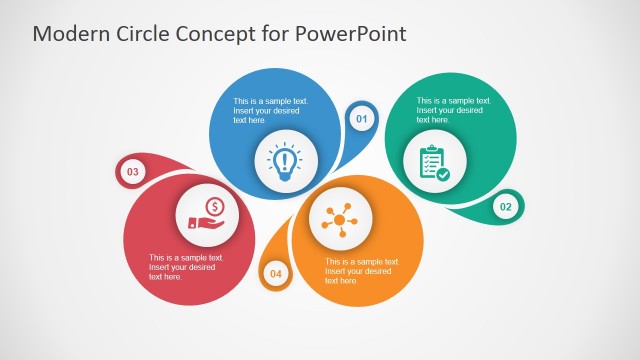
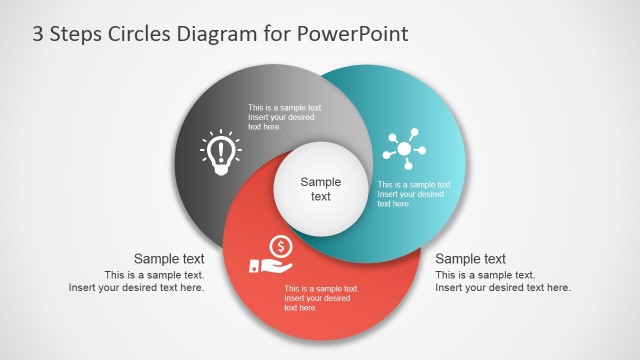
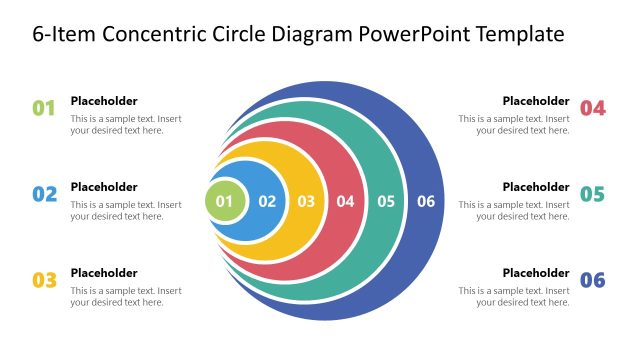
The template can be used to show four different components of varying fields, such as the composition of marketing strategies. The four components can represent multiple stages of the plan. The presenter can utilize the slide to emphasize that the plans are of increasing intensity. For example, the largest of the circles can symbolize the general concept of the plan, such as, markets. From there, the user can specify the goal of the business plan through different levels. This is most useful in brainstorming processes to narrow down corporate or team objectives. In this way, management can better focus its goals, and understand the reasons behind the objectives.
Another use for the template is as an agenda slide for your presentations. The different items in the agenda can be enumerated in the PowerPoint slides, in a creative and colorful manner. It can also be used to stress the relationships between the various items. This can provide an outline of the meeting, for the benefit of the audience.
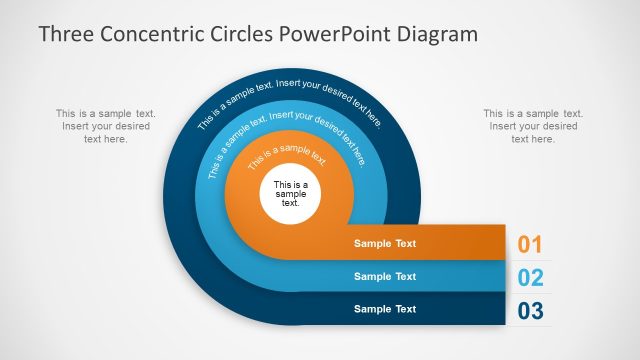
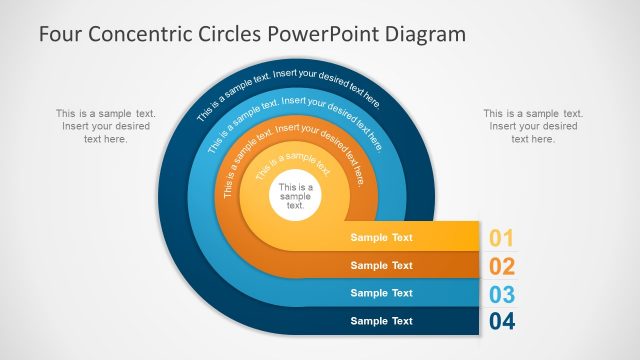
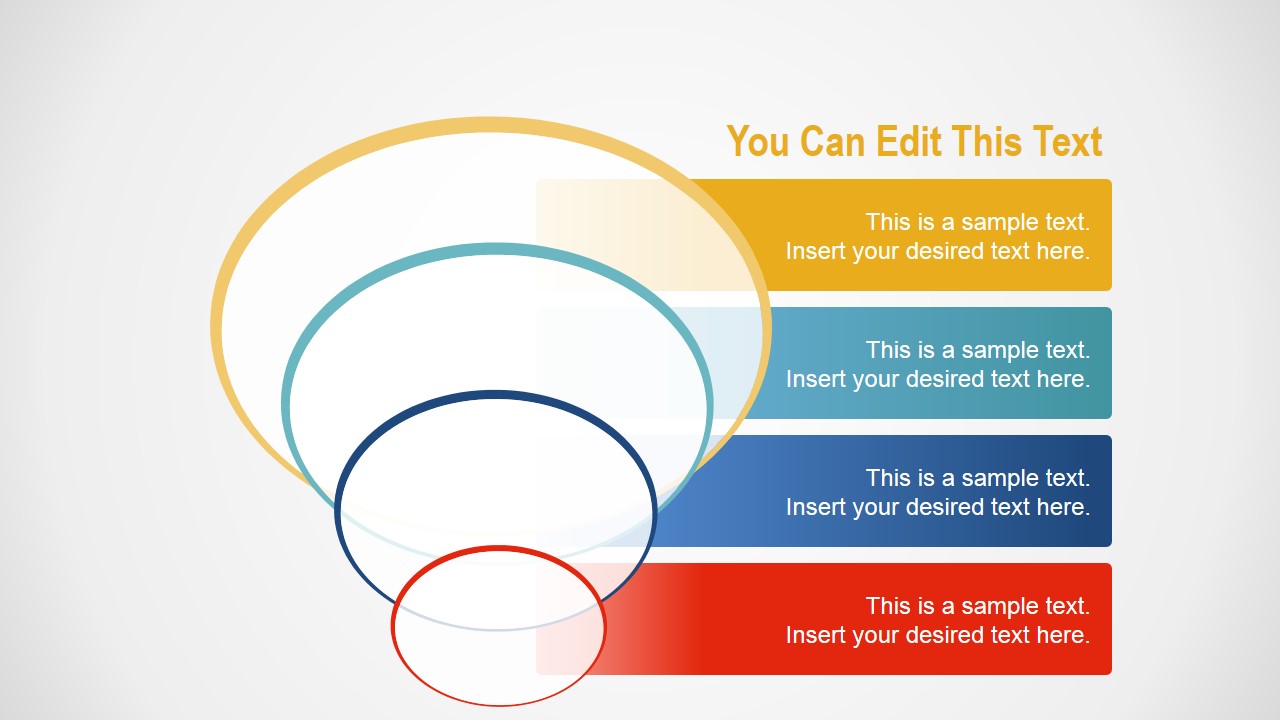
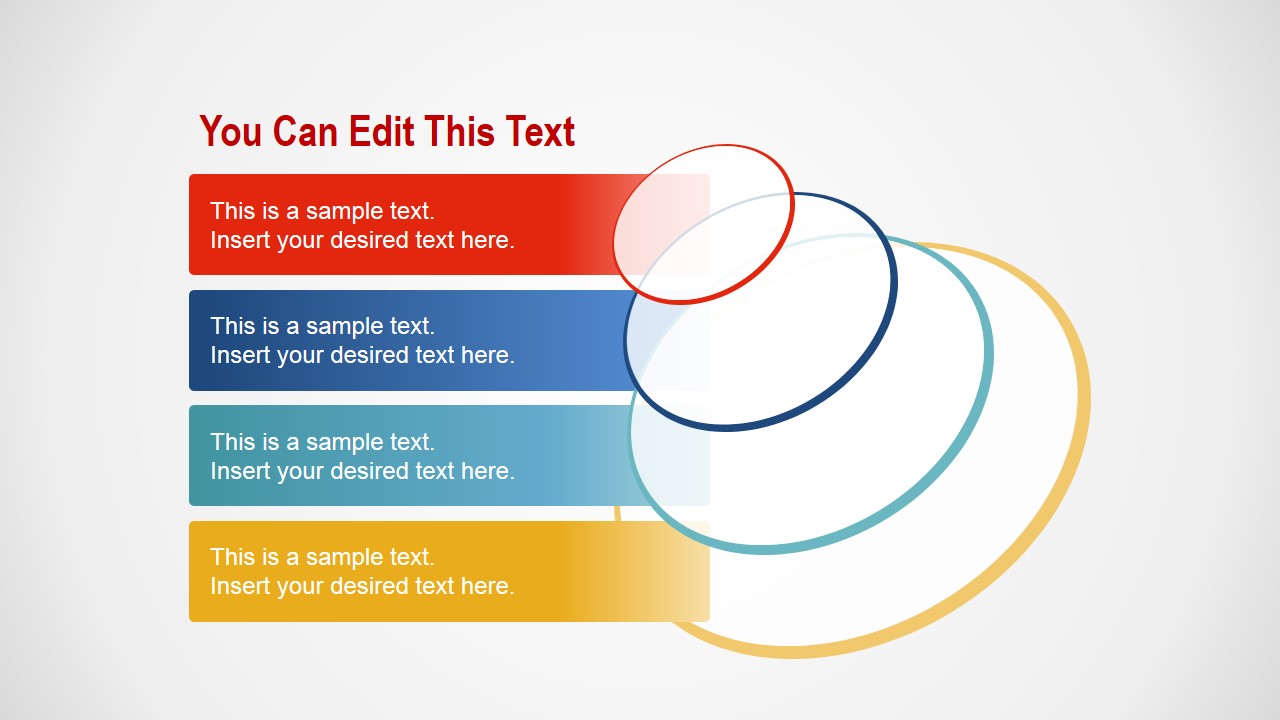
These relationships are demonstrated through four 3D circles. They are found in a concentric arrangement at an angle. The circles have white color fills and are distinguished by the color of their rims. Each of the circles is accompanied by a text box, with a color corresponding to the shape.
The template contains two PowerPoint slides with the same circular shapes and text boxes. However, they are shown in ascending and descending order. The slides can be used accordingly to indicate the flow of the brainstorming process or the meeting.
The Circles Presentation Topic PowerPoint Slides is most ideal for multi-level business or marketing presentations. All shapes and placeholders are created as PowerPoint objects. This design allows the user to easily edit the graphics to suit his/her specifications.
The user can also download other PowerPoint templates from the country, such as the Simple Business PowerPoint Template.
What’s inside this template
Example presentation scenarios
- A marketing manager can introduce a campaign planning meeting by placing four strategy topics in the color-coded text bars and using the concentric circles to show that each topic belongs to the same program.
- A consultant can explain a layered business concept by assigning the largest circle to the broad theme and the smaller circles to narrower objectives, with matching notes in the adjacent bars.
- A team lead can guide a brainstorming session by using the first slide to move from general ideas to a focused action area across the four circle levels.
- A project manager can open a status meeting with the second slide, listing four discussion points on the left while the circle stack visually groups them as one connected agenda.
Features
- 100% editable presentation template
- Compatible with Microsoft PowerPoint and Google Slides
- 16:9 aspect ratio slides
- Scalable vector shapes, icons and illustrations
- AI-Ready for Microsoft Copilot and Claude
- Instant access and download
Frequently asked questions
Q: How should a presenter organize the four text bars so the message is easy to follow?
A: Start by deciding whether the circles represent broad-to-specific thinking or specific-to-broad synthesis. Put the main concept in the largest or most prominent level, then assign the remaining text bars to supporting stages, priorities, or agenda items. Keep each bar to one short label plus one clarifying phrase so the circular structure remains the focus.
Q: Who is this template best suited for in a business presentation?
A: This template fits presenters who need to introduce a compact set of four related topics without building a full process map. Marketing managers, consultants, team leads, and project managers can use it for agendas, planning frameworks, or concept breakdowns where the audience must see related items as part of one connected theme.
Q: Why use overlapping circles instead of a standard bullet list?
A: The circle metaphor signals relationship, containment, and shared context, which a plain list does not show. The stacked text bars keep the labels readable, while the angled concentric rings imply depth and progression. This helps the audience understand that the four points are linked levels or parts of one larger idea.

Circles Presentation Topic PowerPoint Slides
2-slide presentation template with concentric circle agenda diagrams for topics, priorities, and concept levels
This is a 2-slide diagram template for presenting four agenda items, concept layers, or priority levels with angled concentric circles and matching color-coded text bars. It is suited for business, marketing, and team planning presentations in Microsoft PowerPoint and Google Slides.
- Category
- Diagrams
- Rating


 Loading...
- Aspect ratio
- 16:9, 4:3
- Item ID
- 6989-01
- Colors
 Microsoft PowerPoint
  Microsoft Copilot
  Claude for PowerPoint
 Other formats supported
Subscribe today and get immediate
access to download our PowerPoint templates.