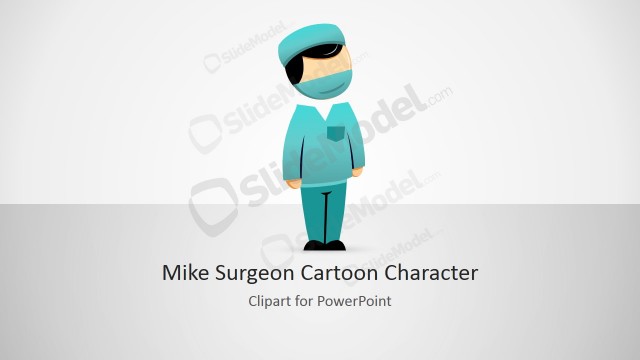
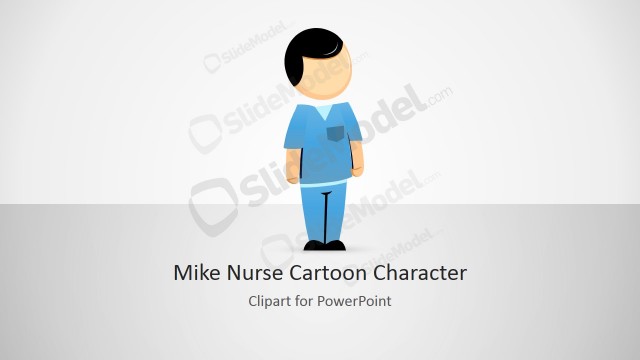
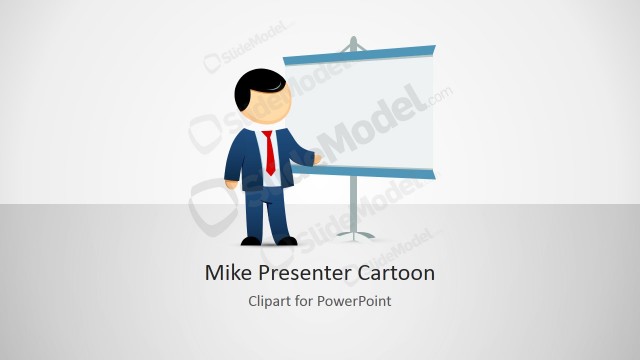
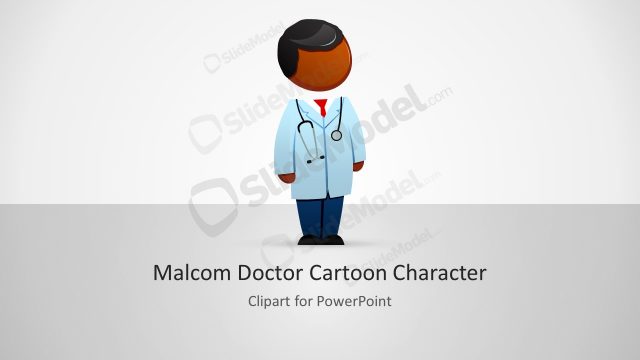
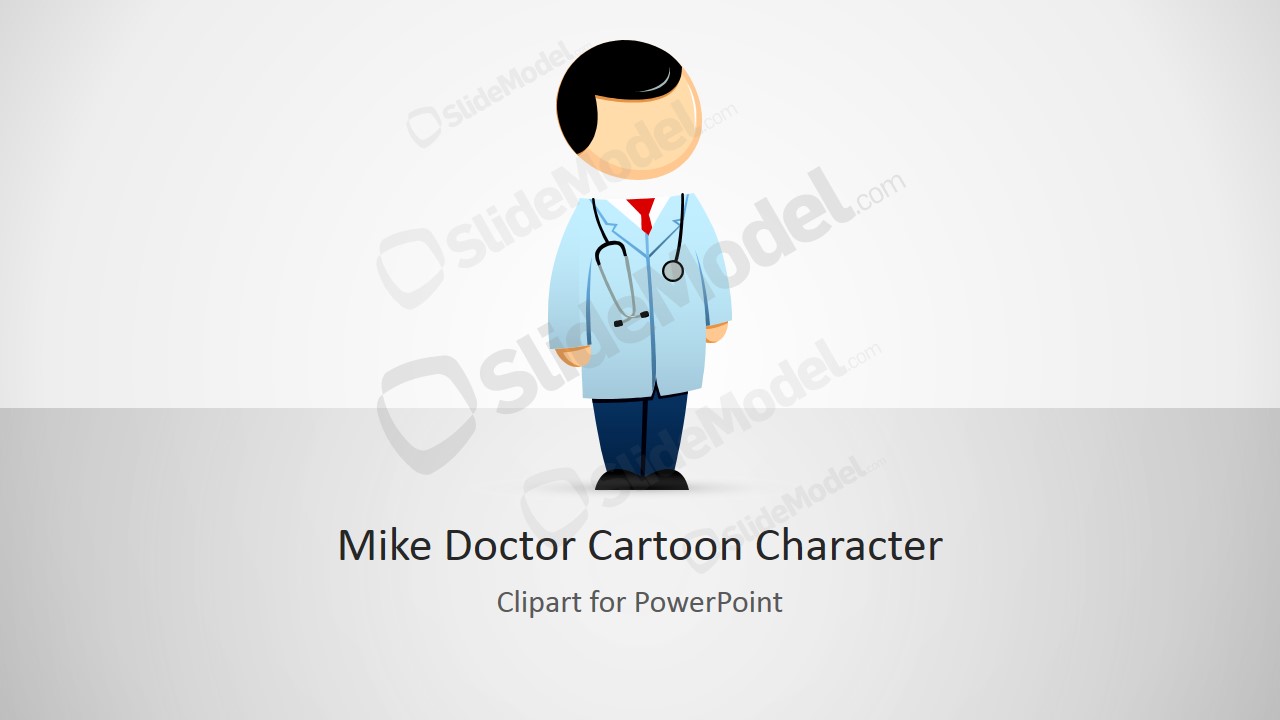
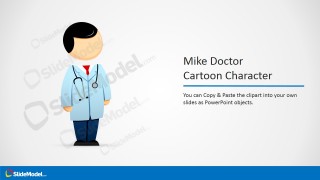
Mike Doctor Clipart for PowerPoint is a creative illustration of a male cartoon character created for PowerPoint that you can use in your healthcare or medicine presentations. This male cartoon character has a stethoscope around his neck and after downloading the PowerPoint clipart you can copy it to your presentations for healthcare industry and medical slide designs.
What’s inside this template
Example presentation scenarios
- A medical educator can use the character showcase slide to introduce a patient-care topic with a friendly doctor figure before moving into clinical guidance.
- A clinic administrator can place the doctor clipart into an existing service overview deck and use the copy-paste instruction slide to keep the visual style consistent.
- A healthcare marketing presenter can recolor the lab coat accents and icon callouts to match a clinic brand while explaining services or appointment steps.
- A patient education team can use the customization checklist slide to prepare a simple visual guide where a doctor character helps reduce the perceived complexity of medical information.
Features
- 100% editable presentation template
- Compatible with Microsoft PowerPoint and Google Slides
- 16:9 aspect ratio slides
- Scalable vector shapes, icons and illustrations
- AI-Ready for Microsoft Copilot and Claude
- Instant access and download
Frequently asked questions
Q: How should a presenter use the doctor character without making a healthcare deck feel too casual?
A: Use the character as a guide or section cue, not as decoration on every slide. Place the Mike Doctor illustration near introductions, patient instructions, or simplified explanations, then keep dense clinical evidence on cleaner content slides. This keeps the tone approachable while still respecting a professional medical audience.
Q: Who is this clipart template best suited for?
A: This template fits presenters who need a friendly medical persona for patient education, clinic service introductions, healthcare training, or internal communications. It is especially useful when the goal is to explain a process, introduce care guidance, or add a recognizable doctor figure to slides that may otherwise feel text-heavy.
Q: Why does the template include instruction slides instead of only the cartoon character?
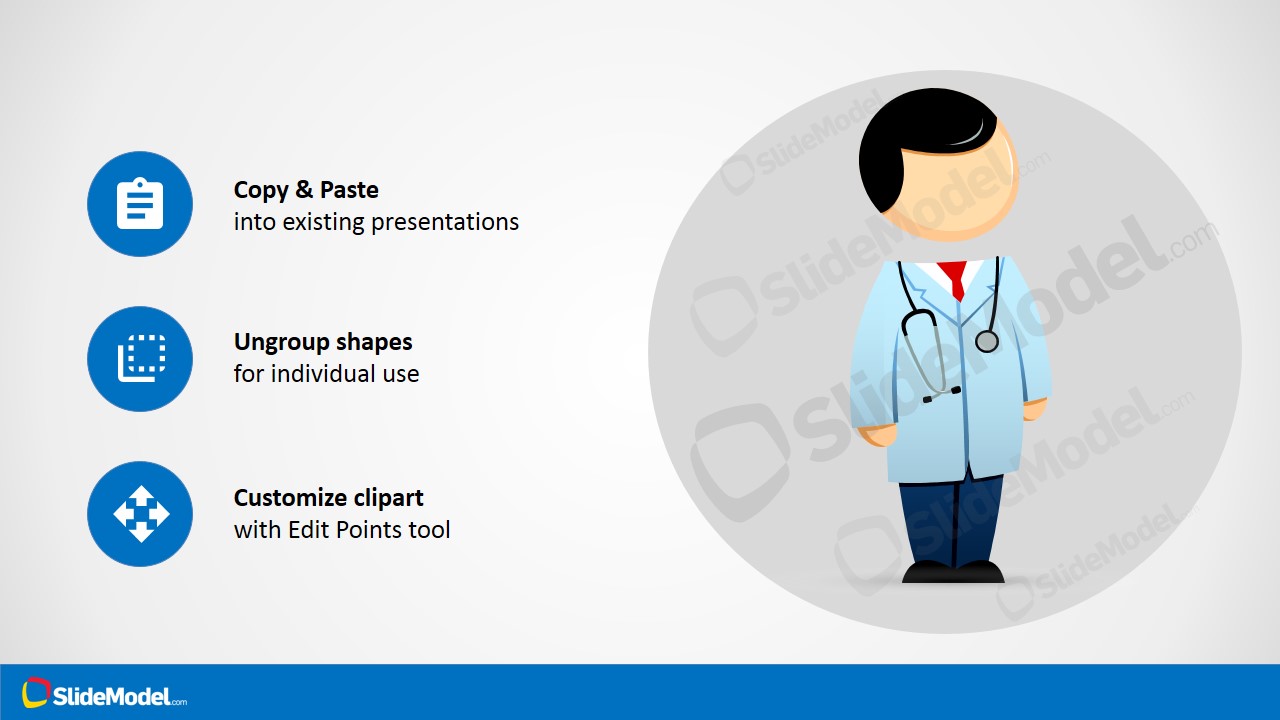
A: The instruction slides make the asset easier to reuse correctly. The resize, customize, copy-paste, ungroup, and edit-point callouts teach the presenter how to adapt the doctor illustration while keeping it clean. This turns the deck into both a visual asset and a short usage guide.



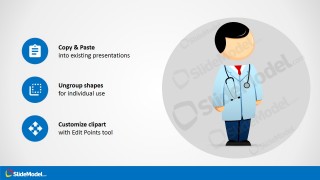
Mike Doctor Cartoon Character Clipart for PowerPoint
4-slide presentation template with editable doctor clipart, healthcare character, and customization notes
Mike Doctor Cartoon Character Clipart for PowerPoint is a 4-slide healthcare illustration template with a title slide, character showcase, customization checklist, and copy-paste instruction layout. It is designed for medical presenters who need an editable cartoon doctor character in Microsoft PowerPoint or Google Slides.
- Rating


 Loading...
- Aspect ratio
- 16:9
- Item ID
- 8141-01
- Colors
 Microsoft PowerPoint
  Microsoft Copilot
  Claude for PowerPoint
 Other formats supported
Subscribe today and get immediate
access to download our PowerPoint templates.