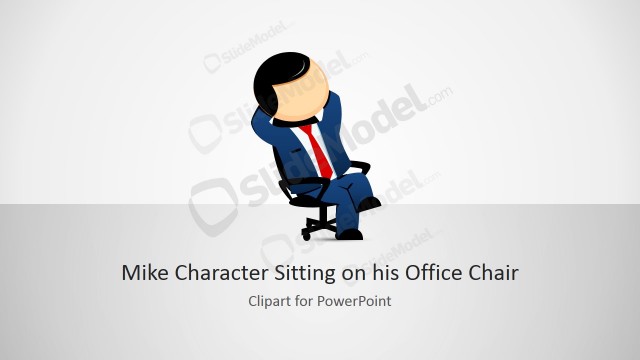
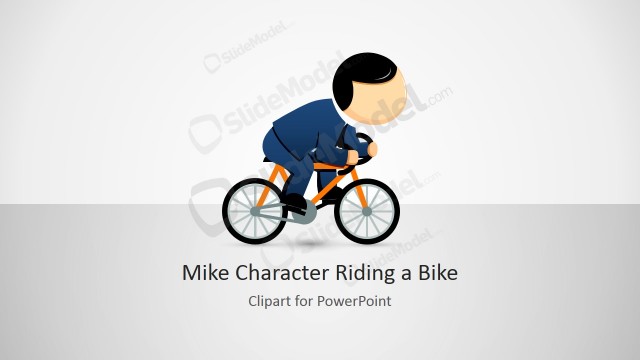
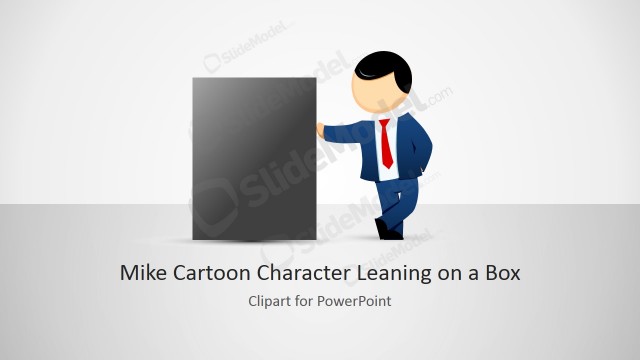
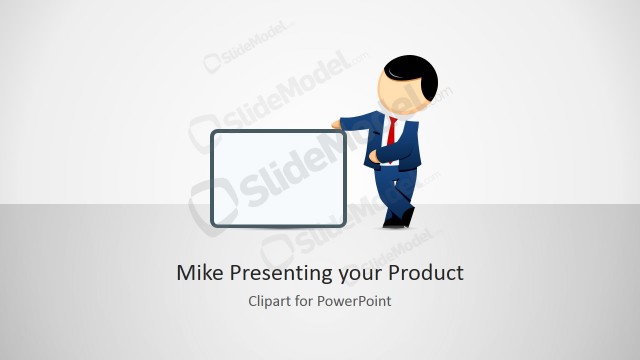
Mike Clipart Sitting on his Office Chair Clipart is a creative illustration of a male cartoon character created in Microsoft PowerPoint using PowerPoint Shapes. You can use this male cartoon character in your own PowerPoint presentations and copy and paste the slides into your existing slides. Then you can customize the size and shape properties using PowerPoint tools.
You can use this nice PowerPoint clipart design of Mike cartoon character along with other templates that you can download from our collection of PowerPoint templates.
What’s inside this template
Example presentation scenarios
- An HR presenter can use the seated Mike character in an onboarding deck to represent an employee persona, then use the icon callout layout to explain how internal users may copy the character into their own slides.
- A training designer can place the office chair character beside scenario text to introduce a workplace role, using the two-column intro slide to keep the character separate from learning points.
- A consultant can use the title cover and character intro layout to soften an internal process presentation where a human office persona helps frame the audience problem.
- An internal communications team can use the copy-paste instruction slide to document how the cartoon asset should be reused across employee-facing presentations.
Features
- 100% editable presentation template
- Compatible with Microsoft PowerPoint and Google Slides
- 16:9 aspect ratio slides
- Scalable vector shapes, icons and illustrations
- AI-Ready for Microsoft Copilot and Claude
- Instant access and download
Frequently asked questions
Q: How should I use the Mike character without making a business presentation feel too informal?
A: Use the character as a supporting visual, not as decoration on every slide. Place Mike beside short scenario text, onboarding tips, or workplace examples, then keep surrounding copy concise. The cover, two-column intro, and icon callout slides work best when the cartoon draws attention to a human situation while the presenter explains the business point.
Q: Who is this clipart template best suited for?
A: This template fits presenters who need one reusable office persona for internal communication, HR, training, or consulting content. It is especially useful when the message involves an employee, manager, learner, or office worker scenario. The seated chair pose suggests reflection, waiting, desk work, or participation in a meeting.
Q: Why does the seated office chair metaphor help communication?
A: A seated office character gives the audience a quick workplace reference without requiring a photo or detailed scene. The chair pose makes Mike feel like a participant in the presentation, while the clean icon callouts explain practical actions. This combination lets presenters introduce a human angle and then show how the asset can be adapted.
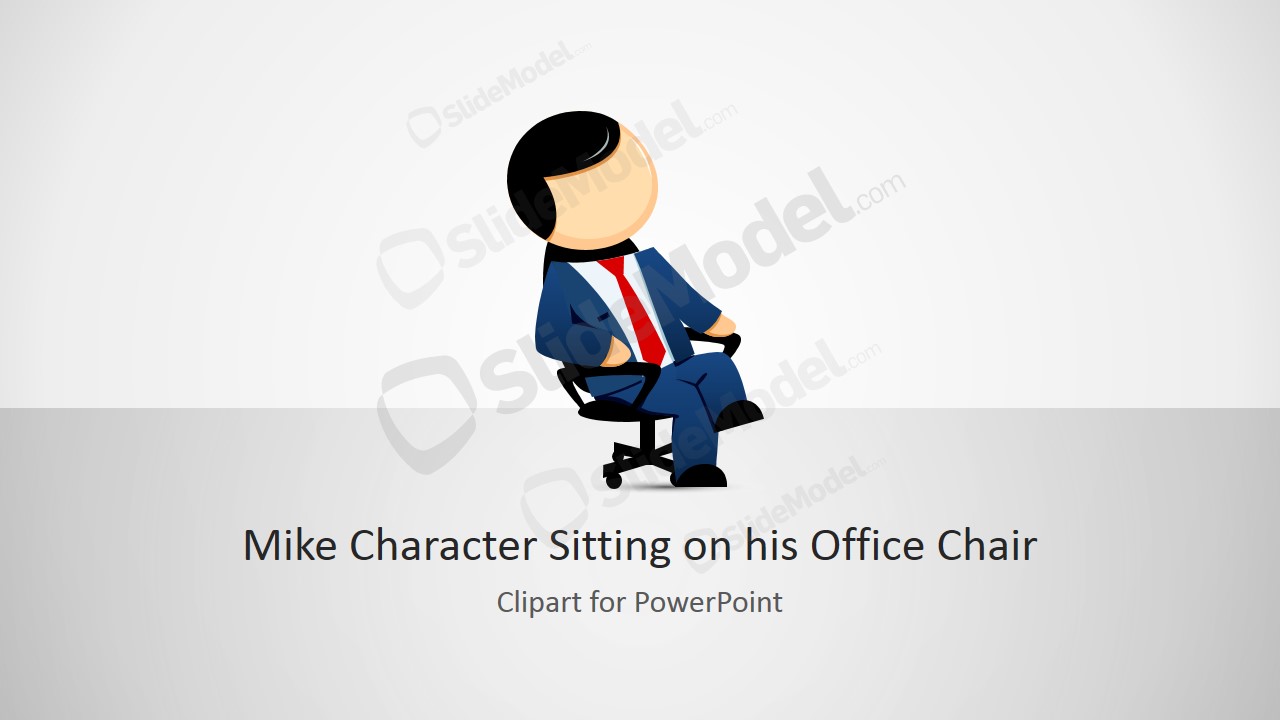
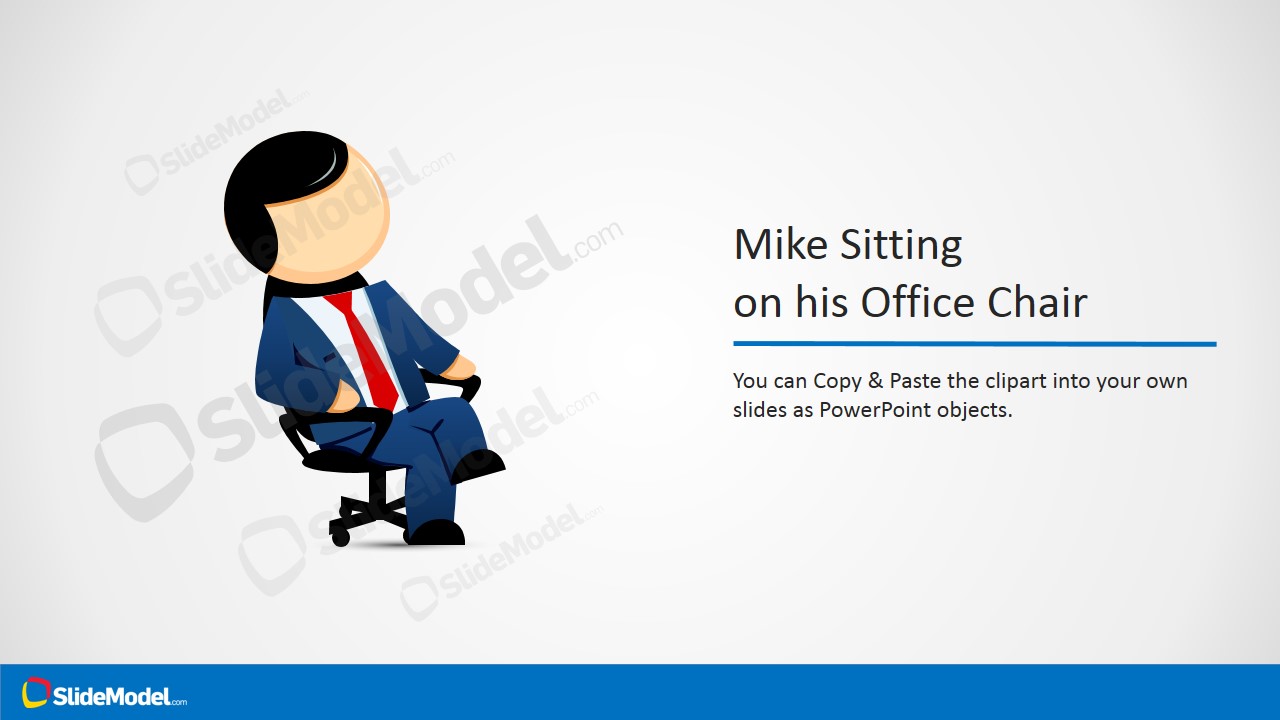


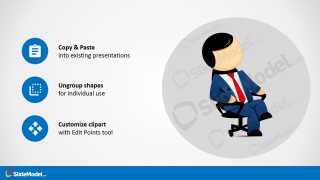
Mike Male Cartoon Sitting on his Office Chair Clipart
4-slide presentation template with editable Mike cartoon office chair clipart for workplace and character slides
Mike Male Cartoon Sitting on his Office Chair Clipart is a 4-slide presentation template for adding an editable seated office worker cartoon to business slides. It includes a title cover, two-column character intro, right-side icon callouts, and copy-paste instruction layout. It is intended for workplace, HR, training, and internal communication decks in Microsoft PowerPoint and Google Slides.
- Rating


 Loading...
- Aspect ratio
- 16:9
- Item ID
- 8123-01
- Colors
 Microsoft PowerPoint
  Microsoft Copilot
  Claude for PowerPoint
 Other formats supported
Subscribe today and get immediate
access to download our PowerPoint templates.