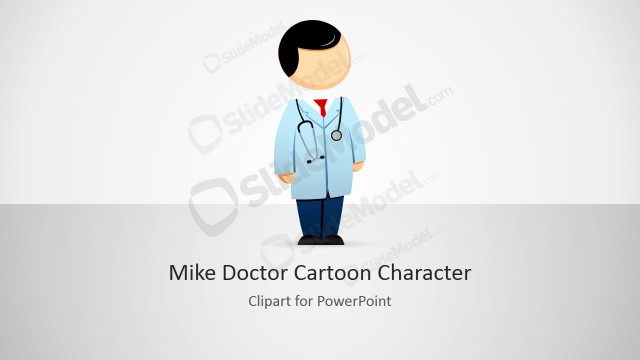
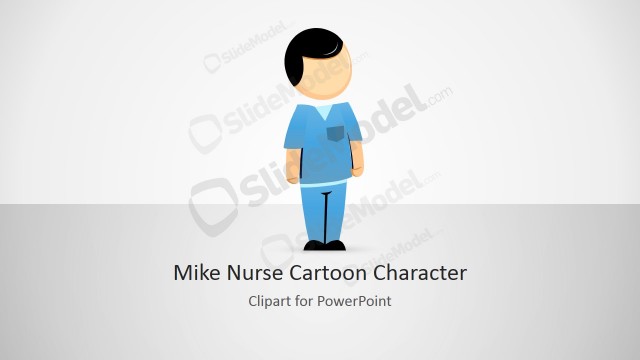
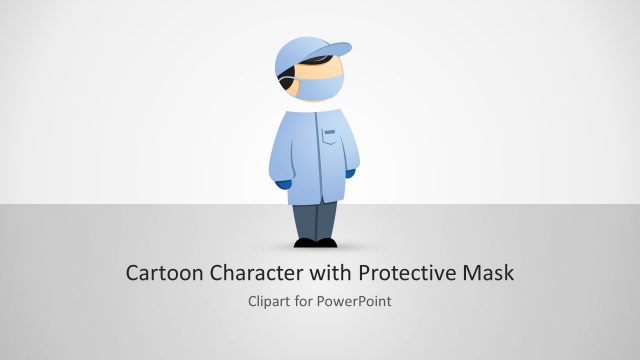
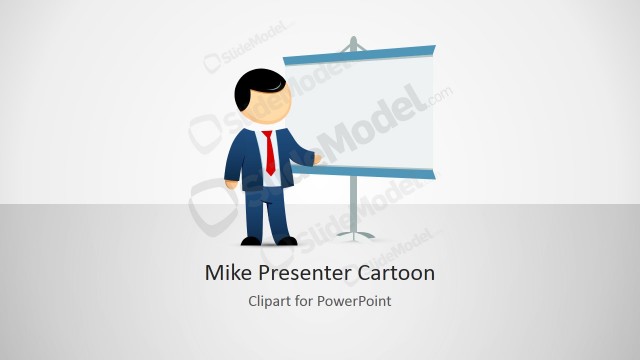
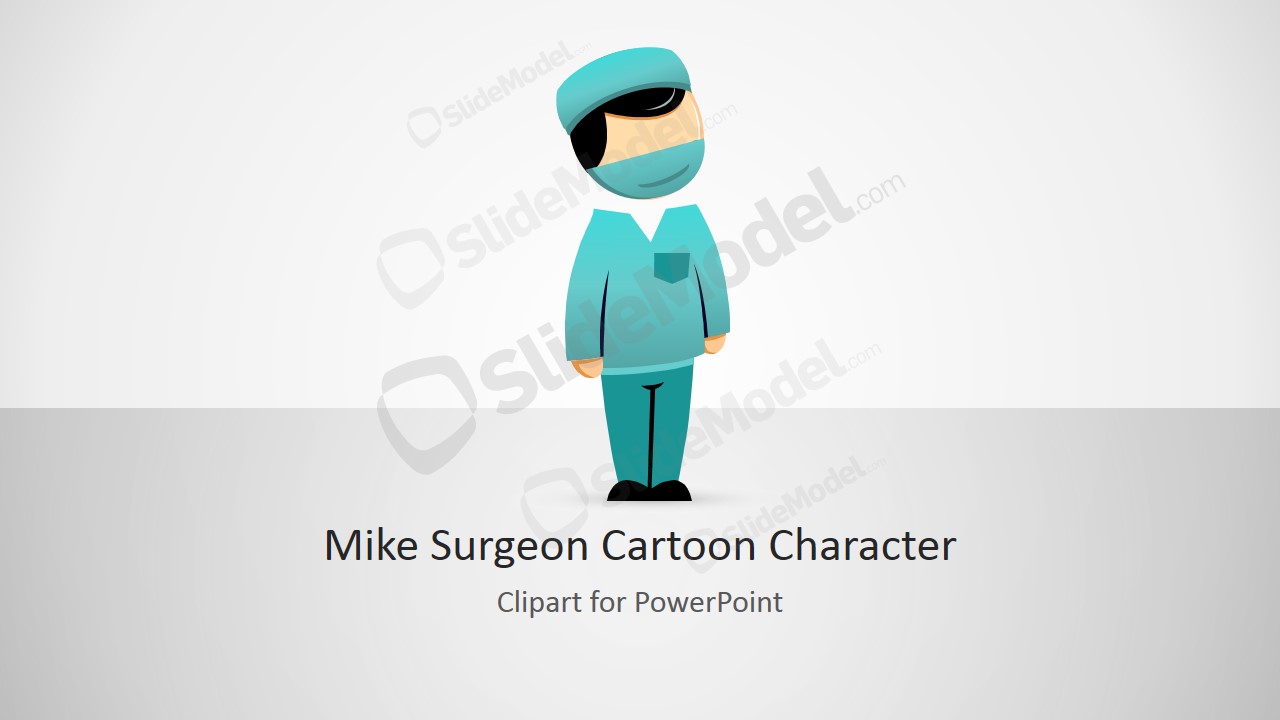
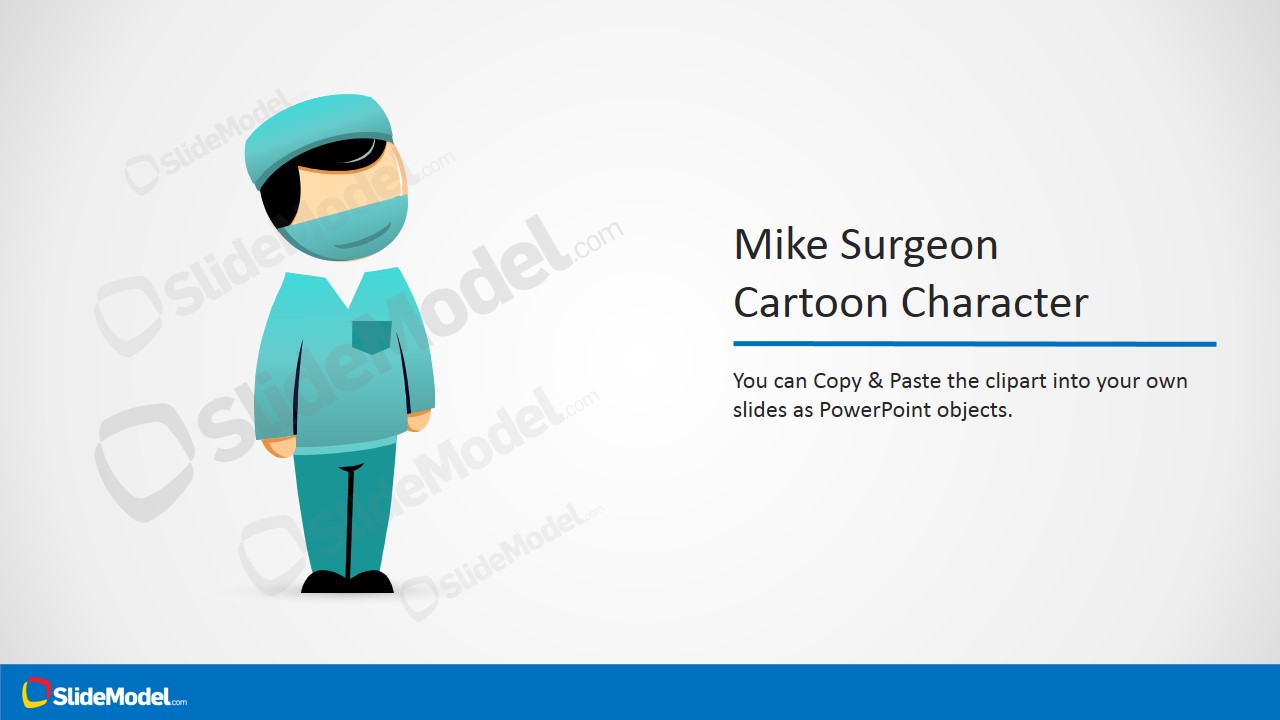
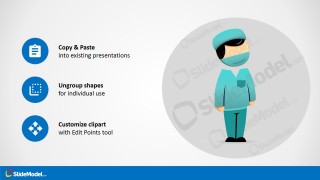
Mike Cartoon Surgeon Clipart for PowerPoint – Professional PowerPoint Cartoon Shapes built to decorate any kind of presentation related to healthcare or medicine. The character is 100% created with vectors, allowing the user to fully customize its appearance. The surgeon character is dressed ready for the operation room (aka OR) with the surgical mask and hat.
What’s inside this template
Example presentation scenarios
- A medical trainer can use the character introduction slide to open a short surgery safety lesson with a friendly visual cue before moving into procedural content.
- A hospital communications team can place the surgeon clipart beside patient instructions to make preoperative guidance feel less intimidating.
- A healthcare startup presenter can use the title cover and icon callout layout to add a medical persona to a service overview or clinic workflow explanation.
- A presentation designer can copy the vector character into an existing deck and use the customization instruction slide as a quick guide for recoloring or resizing it.
Features
- 100% editable presentation template
- Compatible with Microsoft PowerPoint and Google Slides
- 16:9 aspect ratio slides
- Scalable vector shapes, icons and illustrations
- AI-Ready for Microsoft Copilot and Claude
- Instant access and download
Frequently asked questions
Q: How should a presenter use the surgeon character without distracting from medical content?
A: Use the character as a visual anchor, not as decoration on every slide. Place Mike near section openings, patient instructions, or simple explanatory points where a human cue helps attention. Keep clinical details in clear text blocks or diagrams, and use the cartoon mainly to soften transitions, introduce topics, or highlight practical guidance.
Q: Who is this clipart template best suited for?
A: This template fits presenters who need a medical character but do not need a full clinical report deck. It works well for healthcare educators, hospital communication teams, patient education designers, and clinic presenters explaining surgery-related steps, roles, or instructions. The friendly cartoon style is especially useful when the audience may feel anxious about medical topics.
Q: Why does the cartoon surgeon metaphor help communication?
A: The surgeon character gives abstract medical topics a recognizable human role. In the visible slides, Mike appears with a mask, cap, and scrubs, so the audience immediately understands the context before reading details. The icon callouts reinforce simple actions and make the clipart feel like a reusable guide, not just an isolated illustration.



Mike Cartoon Surgeon Clipart for PowerPoint
4-slide presentation template with editable surgeon clipart and medical character callouts
Mike Cartoon Surgeon Clipart for PowerPoint is a 4-slide 16:9 clipart presentation template featuring an editable cartoon surgeon character in surgical mask and cap. Visible layouts include a title cover, a character introduction slide, an icon callout slide, and a copy-paste customization instruction slide for healthcare presenters using Microsoft PowerPoint or Google Slides.
- Rating

 Loading...
- Aspect ratio
- 16:9
- Item ID
- 8354-01
- Colors
 Microsoft PowerPoint
  Microsoft Copilot
  Claude for PowerPoint
 Other formats supported
Subscribe today and get immediate
access to download our PowerPoint templates.