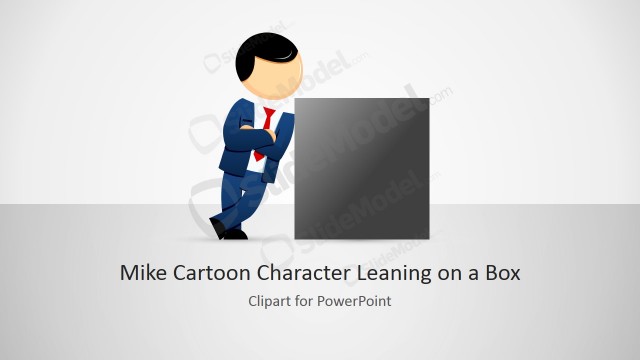
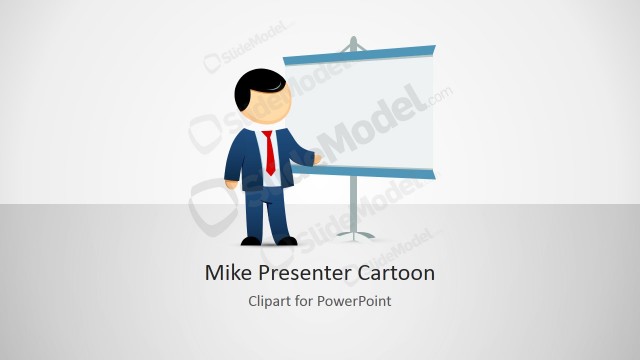
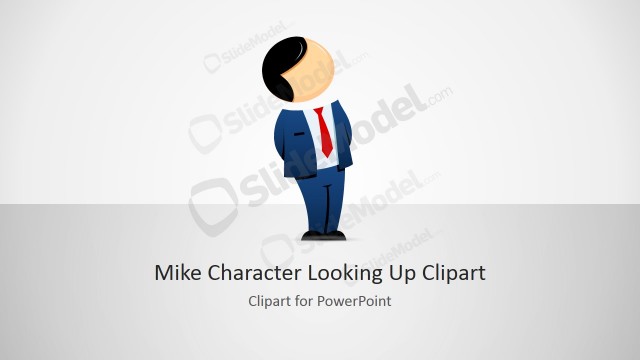
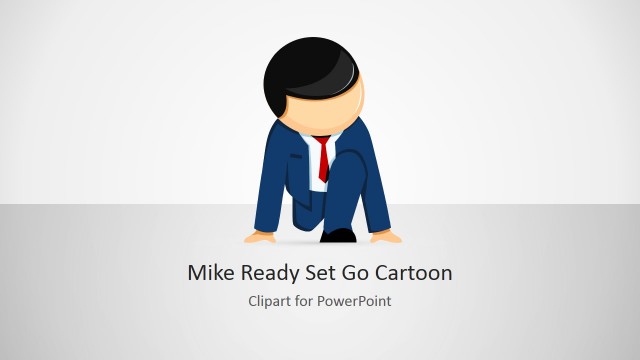
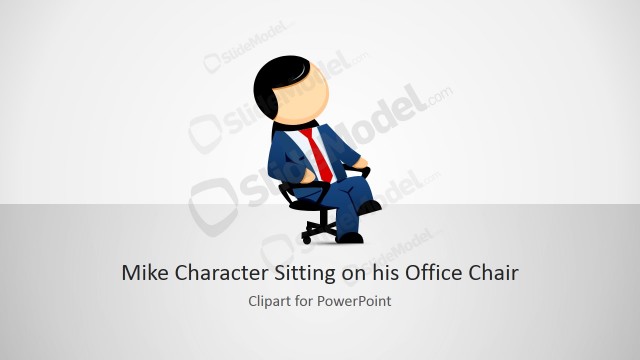
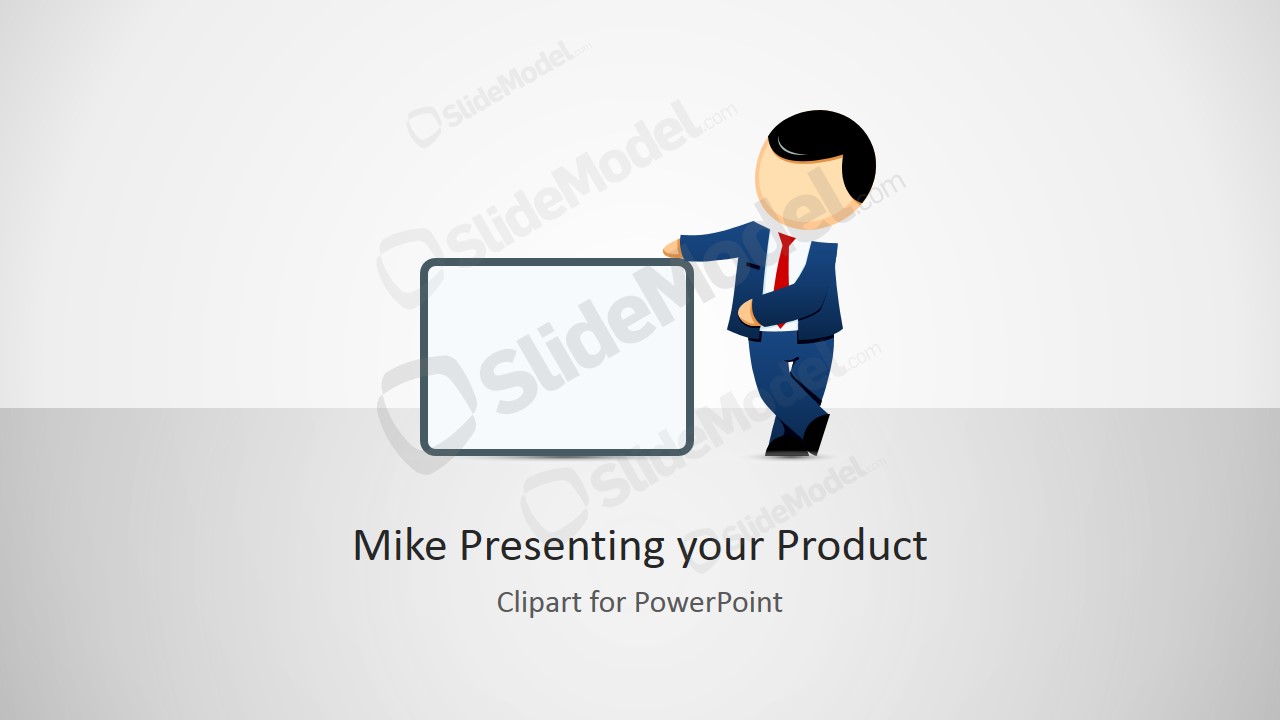
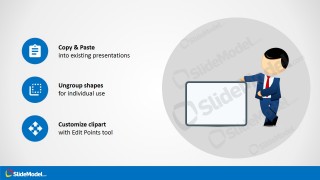
Mike Male Cartoon Clipart design for PowerPoint with a posture like presenting a product or showcasing a product in a banner or display. You can use this editable shape in PowerPoint to make creative slides with male cartoon characters.
The whole business of sales is highly dependent on the way a product is presented to the buyer. When the sales involve some presentation to the clients with some slides, it is better to have a professional sales template. Different techniques and aiding materials are used to attract an audience when there is competition; the one with an extra feather in its cap wins the race. It can be summarized to get the right template to increase sales and excel in the market.
Mike Male Cartoon Clipart Presenting a Product is one amazing option for sales decks to increase their visual appeal. This presenting clipart design and PPT template has a businessman clipart that reflects a salesman showing a product to the audience. All the big sales and exhibitions in the world are kicked off in a similar fashion. The sales or executive manager announces the event and the salespersons show the product to the visitors in detail. Mike is a male character showing a product to the audience in the ppt template.
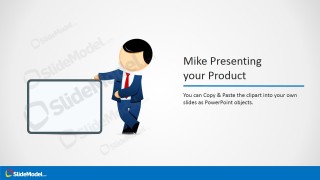
Slides included in the template show the flexibility of this cool PowerPoint template. After introducing the product in the initial slides, Mike tells the presenter about the control offered by this template. The template starts with a little product introduction followed by its features and capabilities. While describing the qualities and comparison, the product and PowerPoint clipart can be resized or customized by changing color, effects, and shapes. The template can also be edited to keep only the required stuff and it can be arranged in any manner desired by ungrouping the shapes and moving them manually to get the design to whatever is required. This cartoon sales template can be downloaded in various color schemes and can be used to sell the product easily at a margin.
What’s inside this template
Example presentation scenarios
- A sales manager can use the product introduction layout to open a client pitch and place a product screenshot, name, or offer inside the blank display board.
- A product marketer can use the feature callout slide to explain why a product or service is easy to resize, customize, or configure for a buyer.
- A presentation designer can use the customization instruction slide to show internal users how to copy, ungroup, and restyle the Mike clipart in existing decks.
- A trade show presenter can use the title cover as a friendly opening visual before moving into a live product demonstration or booth conversation.
Features
- 100% editable presentation template
- Compatible with Microsoft PowerPoint and Google Slides
- 16:9 aspect ratio slides
- Scalable vector shapes, icons and illustrations
- AI-Ready for Microsoft Copilot and Claude
- Instant access and download
Frequently asked questions
Q: How should a presenter use the blank display board effectively?
A: Treat the blank board as the visual anchor, not as a text-heavy container. Place one product image, feature name, offer statement, or simple screenshot inside it. Keep the nearby headline short so the cartoon presenter appears to introduce the message, while the board gives the audience one clear item to remember.
Q: Who is this template best suited for?
A: This template fits sales teams, product marketers, and trainers who need a friendly product showcase visual rather than a dense business report. It works best at the start of a pitch, demo, or onboarding session where the presenter wants to humanize the message and direct attention to a product or capability.
Q: Why does the cartoon presenter metaphor help the message?
A: The Mike character acts like an on-screen salesperson pointing the audience toward the display board. That metaphor makes the slide feel guided and conversational. The icon callouts then turn editing instructions into small, easy-to-scan actions, which reduces visual effort compared with a plain list of text.



Mike Male Cartoon Clipart Presenting a Product
4-slide presentation template with Mike cartoon presenter clipart and product showcase callout layouts.
Mike Male Cartoon Clipart Presenting a Product is a 4-slide presentation template for sales and product communication. It includes a title cover, product introduction layout, feature callout slide, and copy or customize instruction slide. The editable cartoon presenter, blank display board, and vector icons work in Microsoft PowerPoint and Google Slides.
- Category
- Shapes
- Rating


 Loading...
- Aspect ratio
- 16:9
- Item ID
- 8126-01
- Colors
 Microsoft PowerPoint
  Microsoft Copilot
  Claude for PowerPoint
 Other formats supported
Subscribe today and get immediate
access to download our PowerPoint templates.