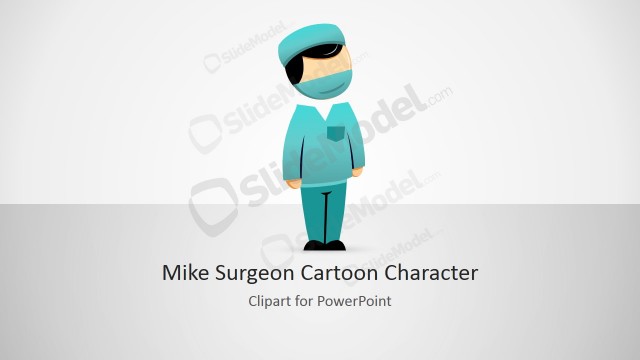
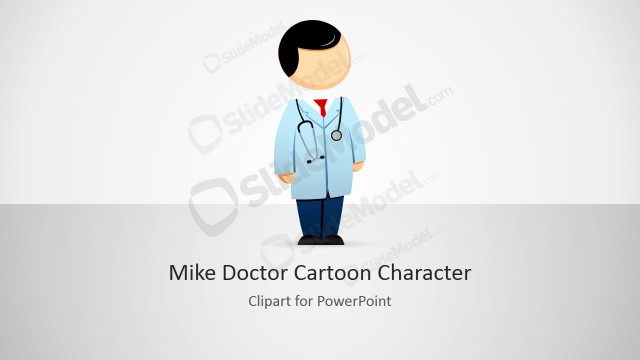
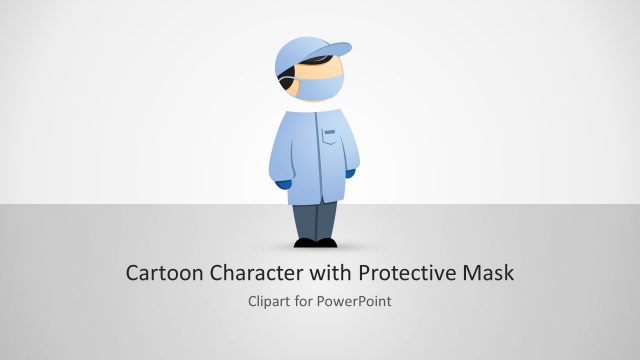
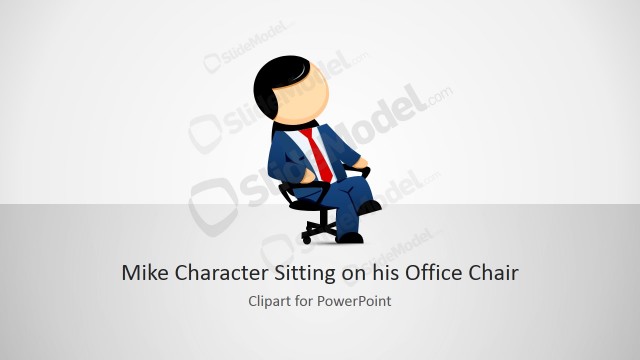
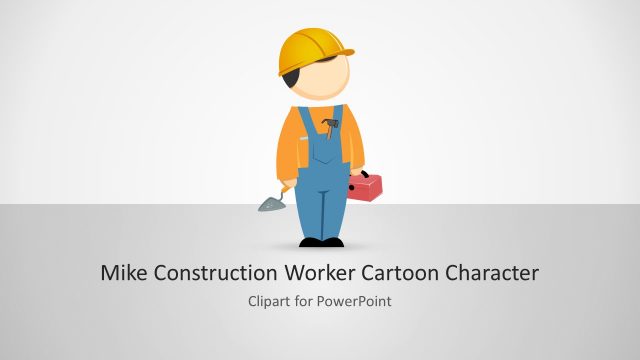
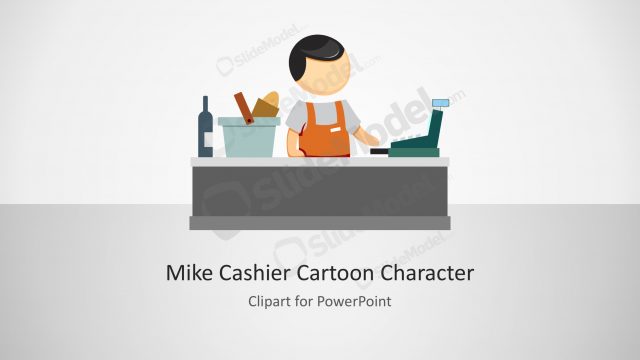
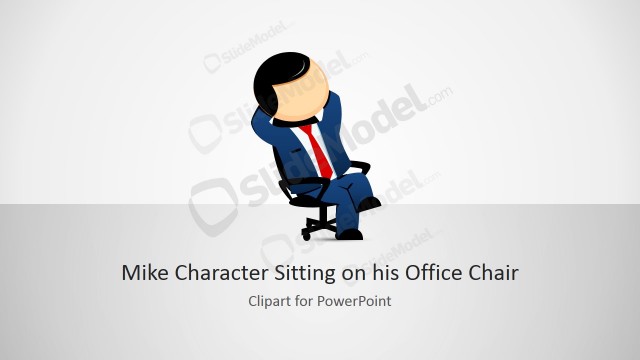
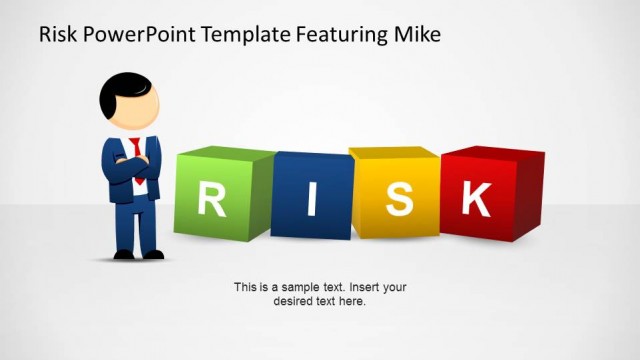
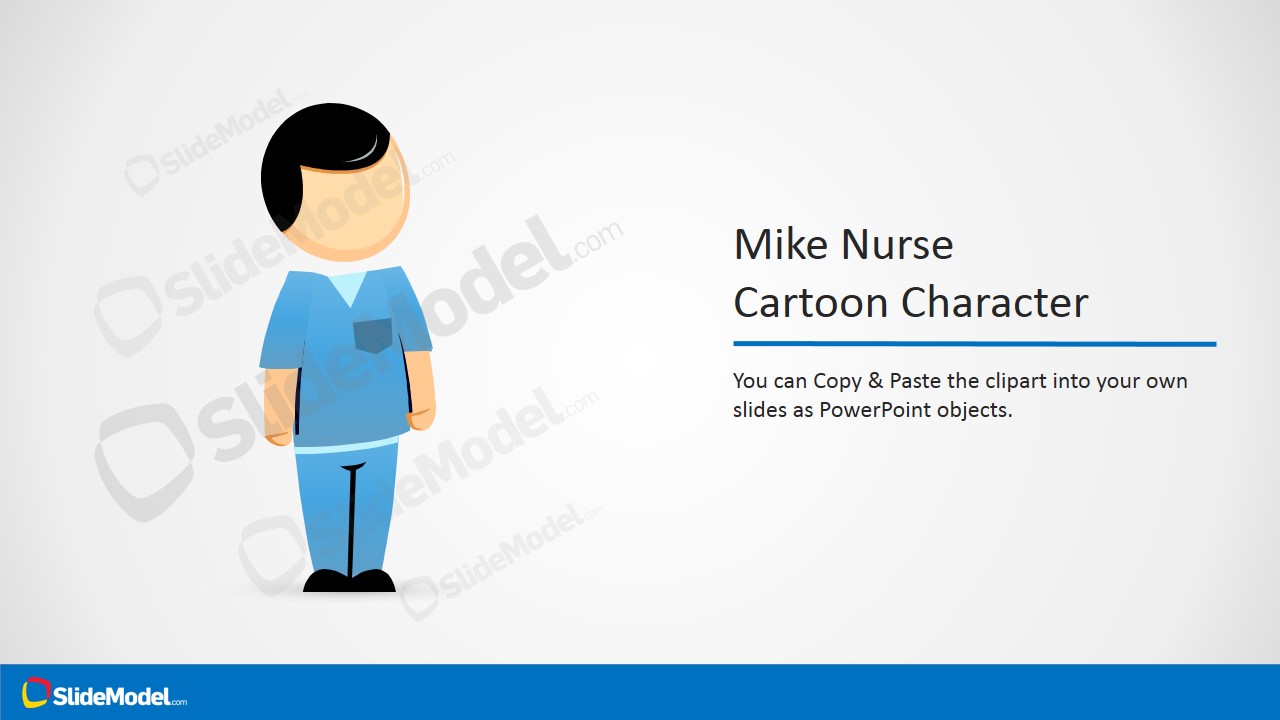
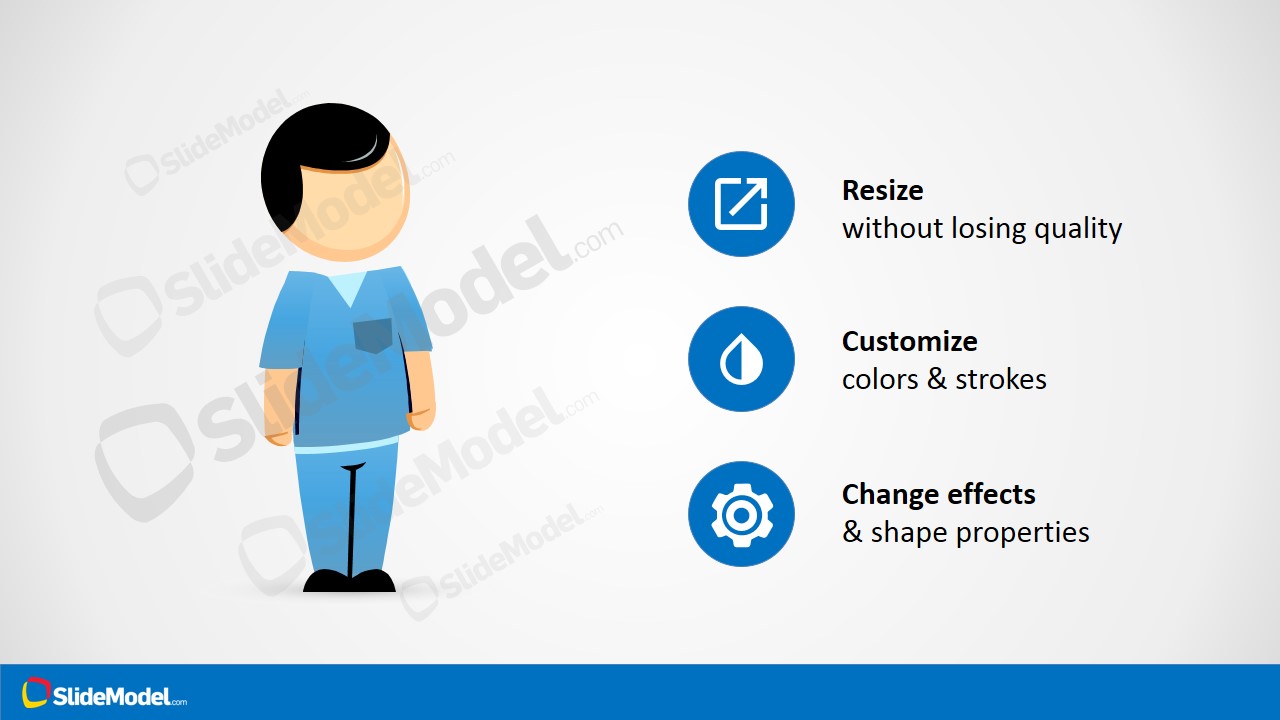
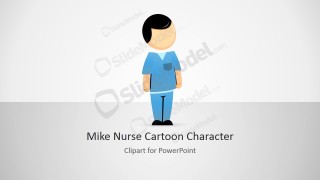
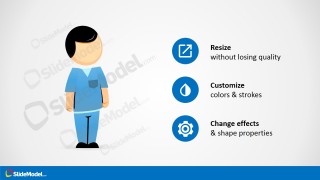
Mike Nurse PowerPoint Clipart – Decorate your health care presentations with professional clipart. The Mike nurse character is SlideModel’s distinctive cartoon character, designed with modern flat aesthetics, themed as a hospital nurse. The character is vectorial, this means that users can resize the character without losing visual quality. The cartoon is build as a composite of PowerPoint shapes, allowing the user to fully customize every aspect of the character as clothes colors.
What’s inside this template
Example presentation scenarios
- A nursing educator can use the character introduction slide to open a training module and give clinical instructions a friendly visual guide.
- A hospital communications team can place the nurse clipart into patient education slides to explain appointment steps, safety reminders, or care instructions.
- A medical service presenter can use the customization feature slide to show stakeholders that the character can match a clinic's visual identity.
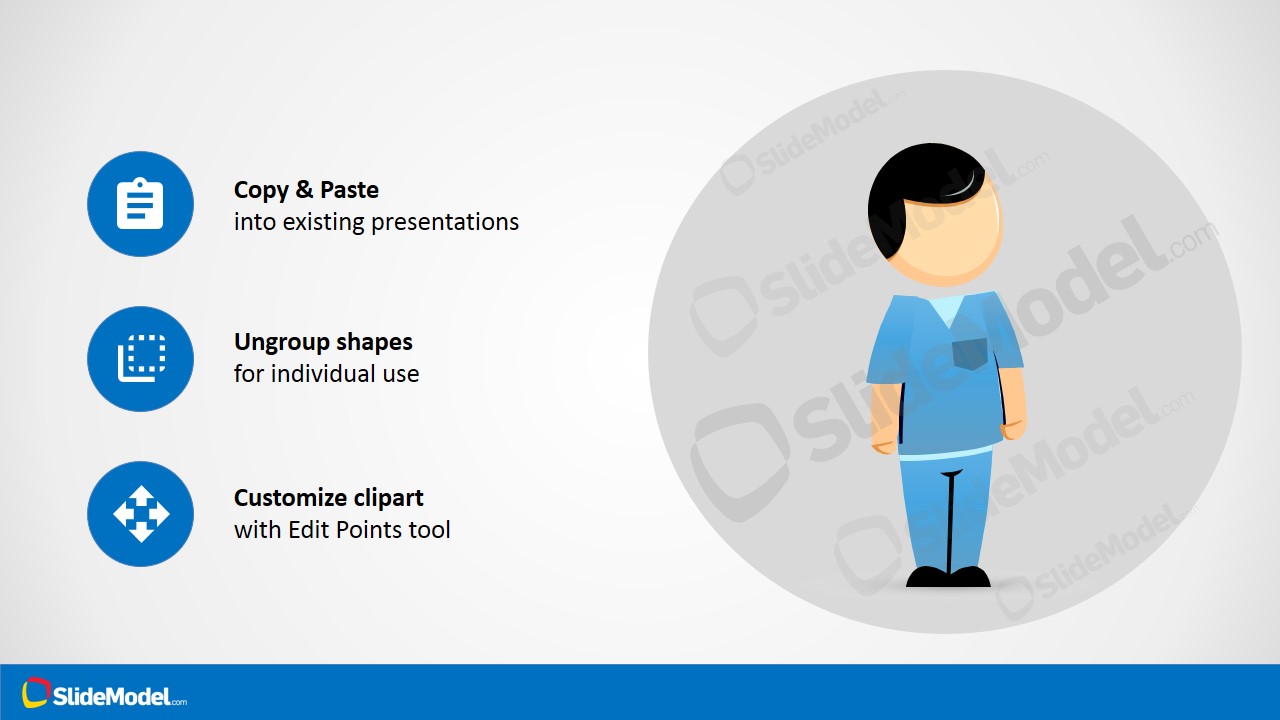
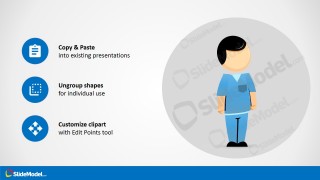
- A healthcare training designer can use the copy-paste instruction layout as a quick internal guide for reusing the character across course materials.
Features
- 100% editable presentation template
- Compatible with Microsoft PowerPoint and Google Slides
- 16:9 aspect ratio slides
- Scalable vector shapes, icons and illustrations
- AI-Ready for Microsoft Copilot and Claude
- Instant access and download
Frequently asked questions
Q: How should a presenter use the Mike Nurse character without distracting from the healthcare message?
A: Use the character as a consistent guide or visual anchor, not as decoration on every slide. Place Mike near instructions, patient steps, safety reminders, or training tips where a human figure can make the content feel more approachable. Keep surrounding text short so the character supports the message instead of competing with it.
Q: Who is this clipart template best suited for in a healthcare presentation?
A: It fits presenters who need a simple nurse figure for education, orientation, or patient-facing explanations. Nursing instructors, clinic administrators, and patient experience teams can use the character to personalize otherwise procedural content. It is less suited for executive reporting, where charts, benchmarks, and evidence visuals should carry the narrative.
Q: Why does the flat cartoon nurse style help healthcare communication?
A: The flat cartoon style creates an approachable human proxy without using a specific real person or clinical photograph. That matters when content must feel clear, neutral, and friendly across audiences. The blue scrubs, simple posture, and icon callouts keep attention on care guidance, training actions, and customization options.
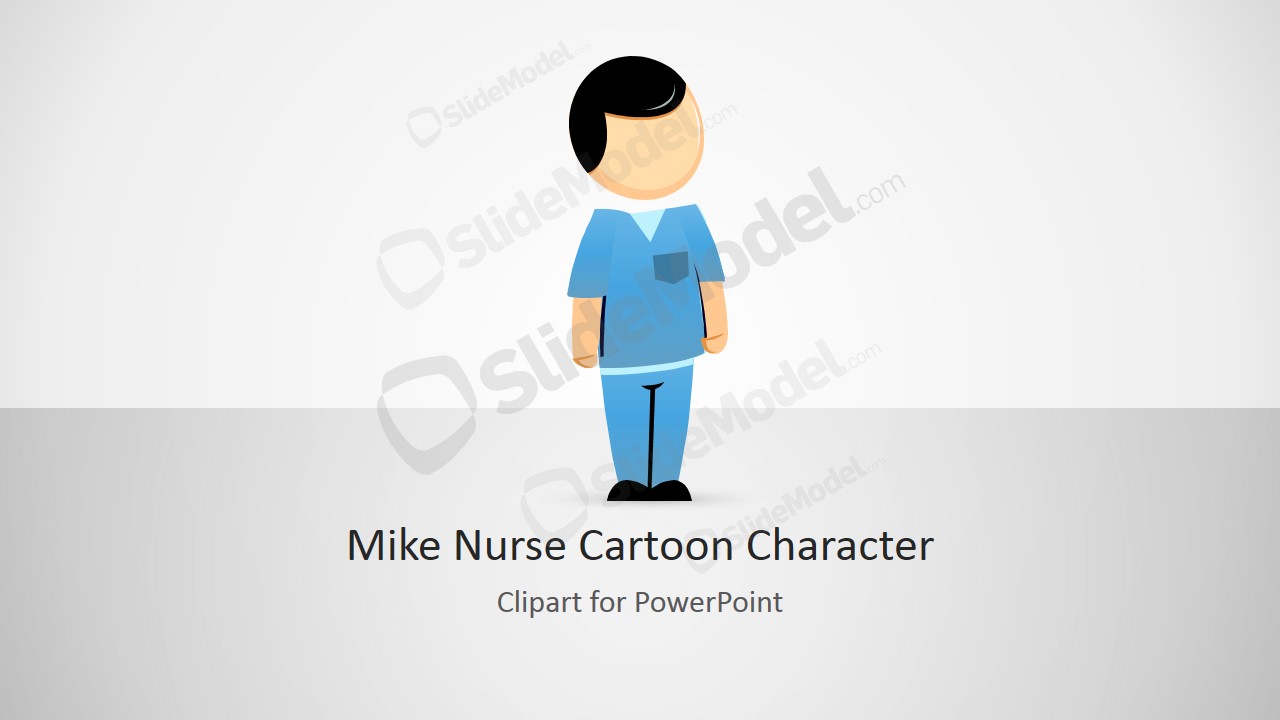

Mike Nurse PowerPoint Clipart
4-slide presentation template with editable nurse clipart, healthcare character visuals, and customization guidance
Mike Nurse PowerPoint Clipart is a 4-slide healthcare presentation template centered on an editable cartoon nurse character. The deck includes a cover layout, character introduction slide, customization feature slide, and copy-paste instruction slide for medical training, patient education, or hospital communications in Microsoft PowerPoint and Google Slides.
- Rating

 Loading...
- Aspect ratio
- 16:9
- Item ID
- 8353-01
- Colors
 Microsoft PowerPoint
  Microsoft Copilot
  Claude for PowerPoint
 Other formats supported
Subscribe today and get immediate
access to download our PowerPoint templates.