Metro Style Flow Chart Template for PowerPoint is a flow chart template design that you can use to make awesome process flow or work flow diagrams in Microsoft PowerPoint 2007, 2010 and 2013.
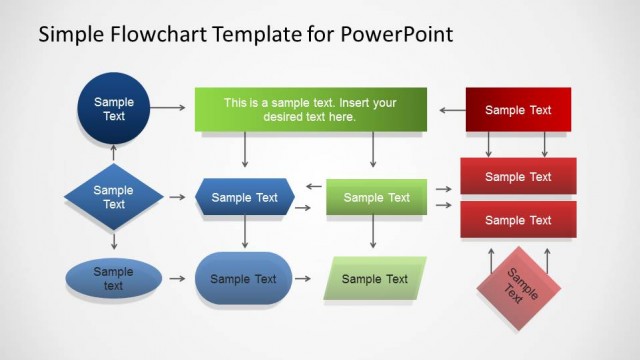
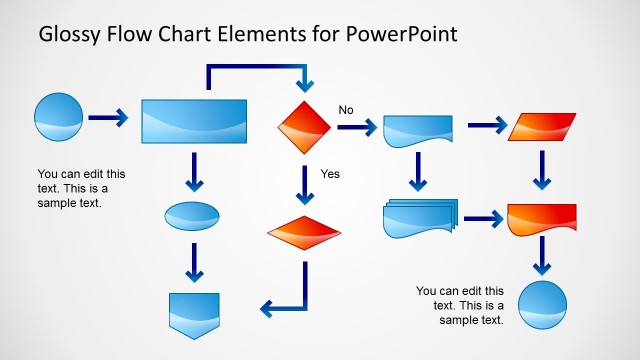
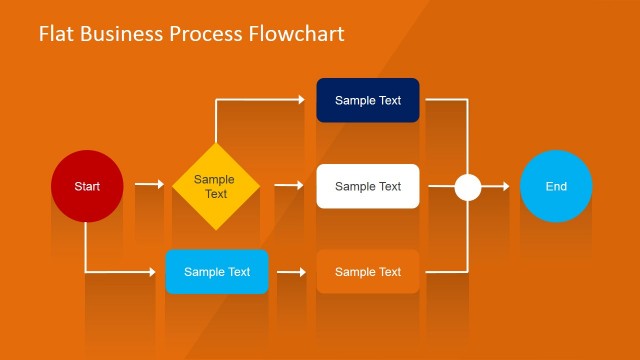
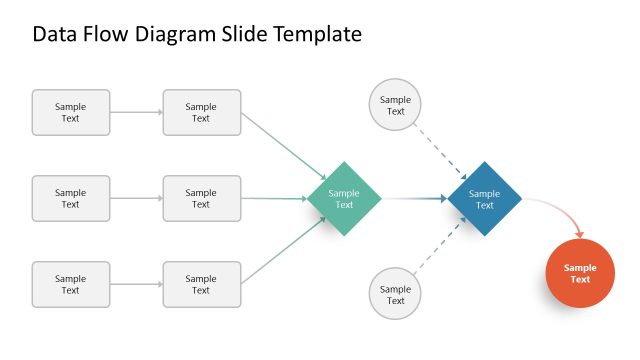
A flowchart is a diagrammatic representation of an an algorithm, a process or workflow that shows boxes of various shapes connected together with arrows. You can use flow charts to model a business process or analyze, design, document a process work flow.
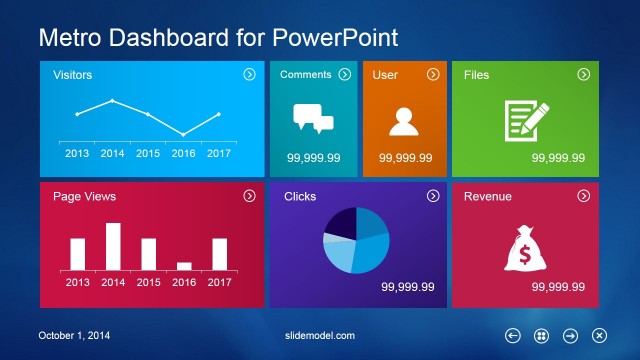
This Metro flow chart design is inspired by Windows Metro interface using flat icons and shapes. You can use this flat flow chart design to prepare modern presentations and impress your audience. Alternatively you can download other nice process flow diagrams and pre-designed PowerPoint diagrams ready to edit.
What’s inside this template
Example presentation scenarios
- A business analyst can use the sample flow chart to explain a current-state workflow, showing steps, decision diamonds, yes/no branches, and document outputs in one process view.
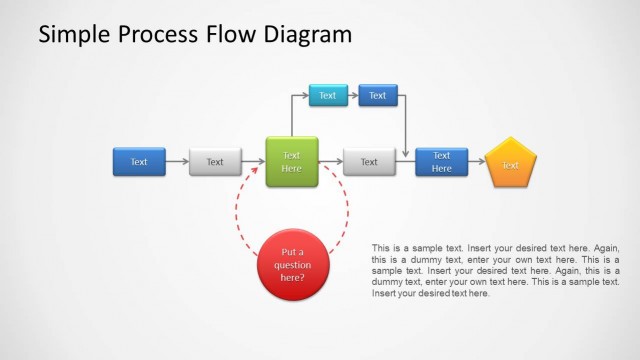
- An operations manager can use the connector library to map handoffs between teams, choosing straight, bent, and looped arrows that match the actual workflow direction.
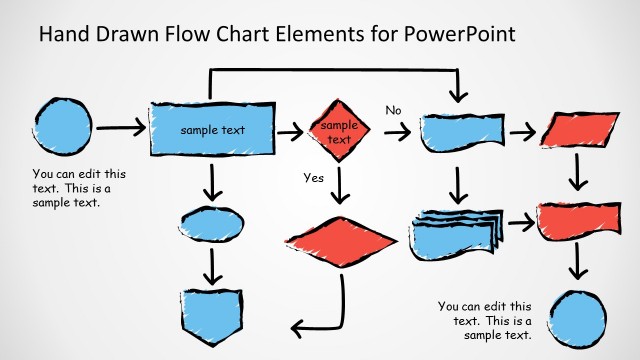
- A trainer can use the blue and red shape library to build a step-by-step procedure diagram for learners, separating required actions from exceptions through color-coded symbols.
- A project manager can use the editable flow chart elements to outline an approval path, combining rectangles, diamonds, callout text, and arrows for stakeholder review.
Features
- 100% editable presentation template
- Compatible with Microsoft PowerPoint and Google Slides
- 16:9 aspect ratio slides
- Scalable vector shapes, icons and illustrations
- AI-Ready for Microsoft Copilot and Claude
- Instant access and download
Frequently asked questions
Q: How should a presenter communicate a process clearly with this template?
A: Start with the sample flow chart structure, then limit each shape to one action, decision, or output. Use diamonds only for decision points and label the branch arrows with short yes/no text. Keep connectors consistent so the audience can follow the path without rereading the whole diagram.
Q: Who is this flow chart template best suited for?
A: It fits business analysts, operations managers, trainers, and project leads who need to explain how work moves from one step to the next. The connector slide helps when the workflow has loops or returns, while the symbol library supports custom maps for approvals, procedures, or service processes.
Q: Why does the Metro-style design help process communication?
A: The flat Metro look reduces visual clutter and keeps attention on the process path. Blue and red shape sets can separate normal steps from exceptions, owners, or risk areas. The large arrows and simple symbols create a visual metaphor of movement, making workflow logic easier to scan.


Metro Style Flow Chart Template for PowerPoint
3-slide presentation template with Metro flow chart elements, connectors, and workflow shapes
Metro Style Flow Chart Template for PowerPoint is a 3-slide diagram presentation template for process and workflow mapping. It includes a sample flow chart, a connector library, and blue/red flow chart shape sets for decisions, documents, inputs, and steps. It is built for business users in Microsoft PowerPoint and Google Slides.
- Category
- Diagrams
- Rating


 Loading...
- Aspect ratio
- 16:9
- Item ID
- 2014-01
- Colors
 Microsoft PowerPoint
 Microsoft Copilot
 Claude for PowerPoint
Other formats supported
Subscribe today and get immediate
access to download our PowerPoint templates.