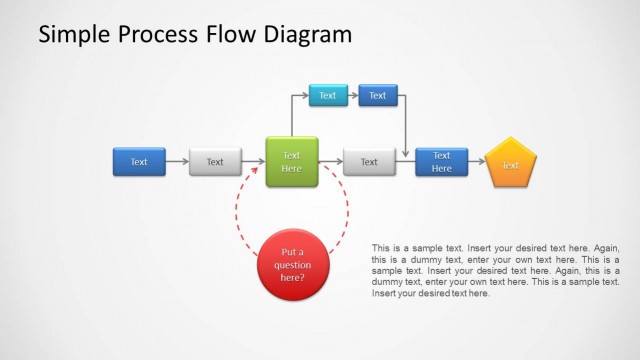
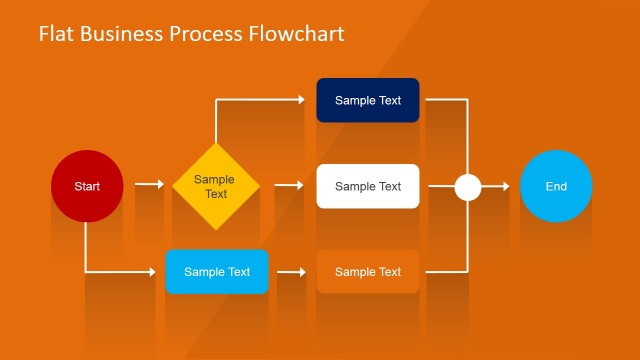
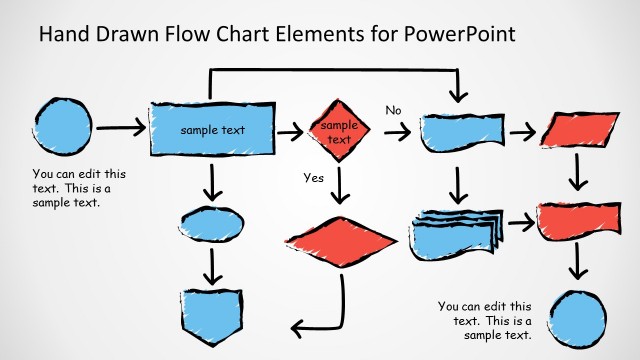
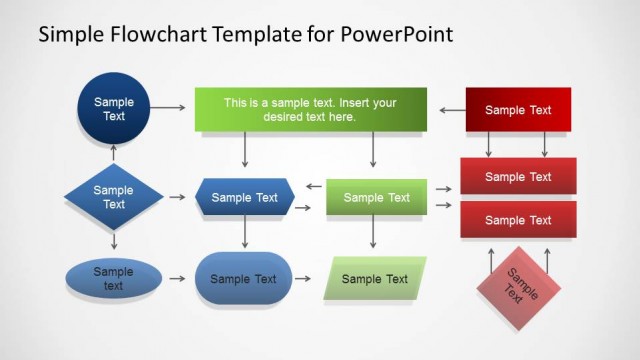
Glossy Flow Chart Template for PowerPoint is a presentation template containing helpful flow chart elements that you can use to make your PowerPoint slides.
A flowchart is a diagram that represents an algorithm, process, or workflow. It shows boxes of various shapes connected with arrows. Many industries widely use flowcharts to analyze, design, document, or manage an entire business process.
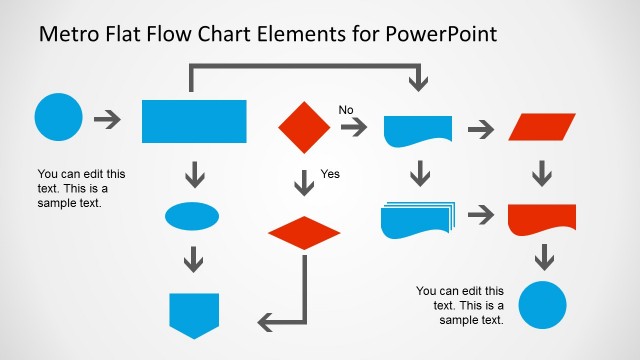
This glossy flow diagram template for PowerPoint contains several flow chart elements created with PowerPoint shapes. It features a friendly glossy style that can help you to prepare excellent process diagrams and process flow chart template in PowerPoint using a pre-designed template ready for edit.
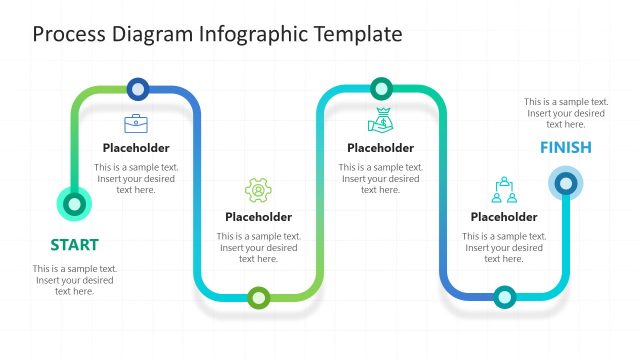
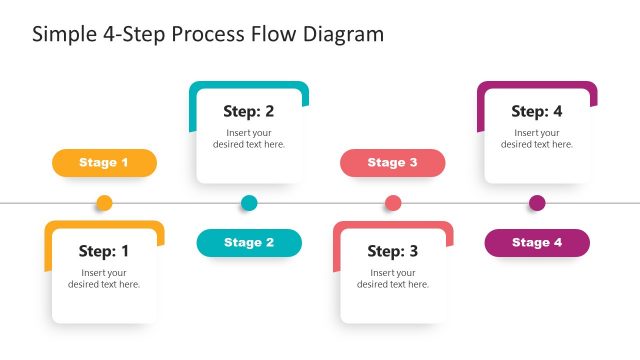
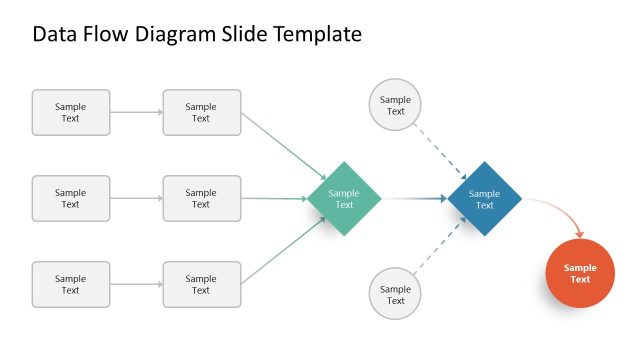
This editable flowchart builder toolkit can be used to prepare slides in PowerPoint or Google Slides describing a process flow using a process flow diagram.
Here are some other possible use cases for a process flow diagram:
- Software Development: Developers often use process flow diagrams to visualize the sequence of actions or data flows in a software program. It can aid in the understanding and optimization of a program’s logic. It can also be used as part of the requirements gathering process, identifying your project’s exact requirements from start to finish.
- Manufacturing Processes: Companies in the manufacturing sector might use this process flow template to build process flow diagrams and present them illustrating the steps involved in manufacturing a product, ensuring that all team members understand the sequence and identifying areas for efficiency improvement.
- Customer Service: Process flow diagrams can depict the steps a customer service representative should follow when addressing different types of customer inquiries or complaints. This ensures consistency and quality in service.
- Event Planning: Event organizers can use process flow template toolkit to outline the sequence of activities leading up to and during an event. This can help in coordination, assigning roles, and ensuring that all tasks are accounted for.
- Healthcare Procedures: In the medical field, this presentation process flow slide template can be beneficial to showcase the procedures for diagnosis, treatment, and follow-up of various medical conditions, ensuring that all healthcare professionals involved are on the same page.
Alternatively, you can download other presentation slides and templates, compatible with PowerPoint and templates for Google Slides presentations.
What’s inside this template
Example presentation scenarios
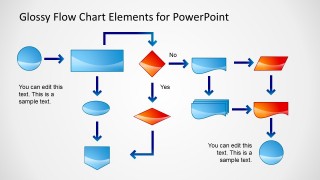
- A business analyst can use the sample flowchart to present a current workflow, show decision points, and identify where handoffs or approvals occur.
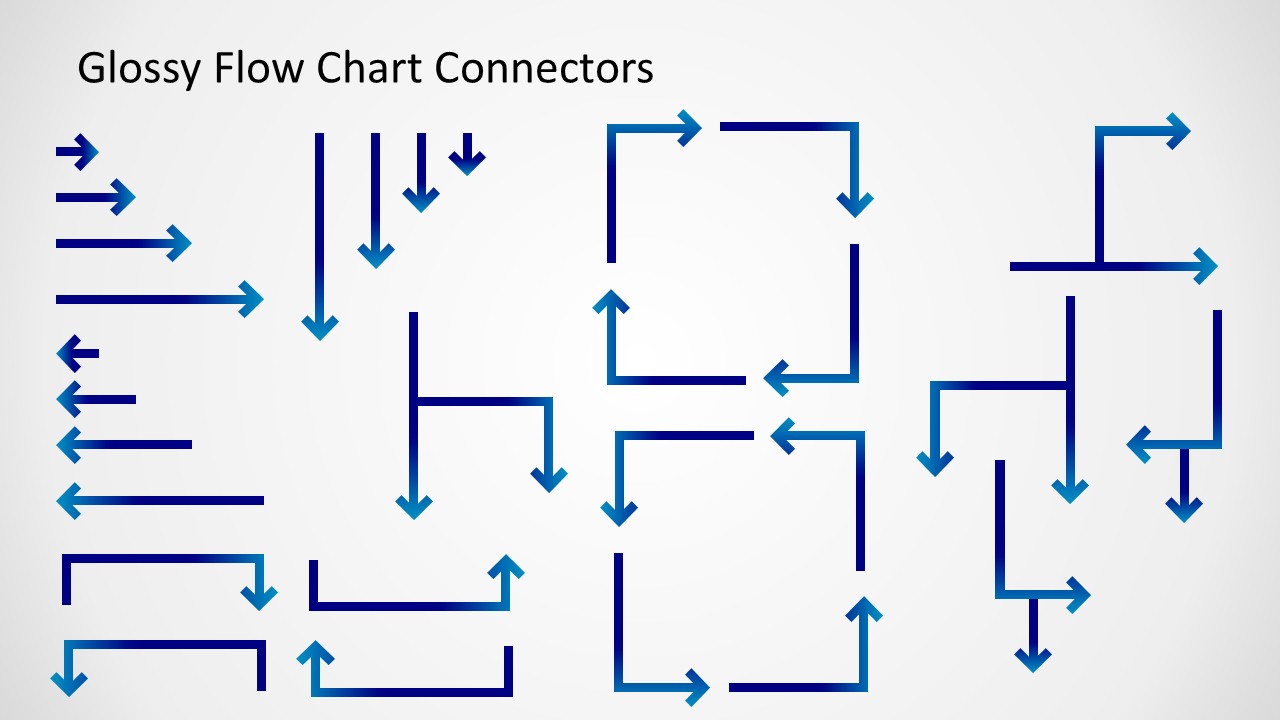
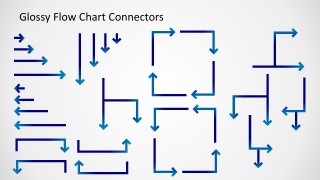
- An operations manager can use the connector arrow library and symbol sheet to build a manufacturing or service process map for a team review.
- A software product owner can use the decision diamonds, process boxes, and directional arrows to explain user logic or application behavior to developers.
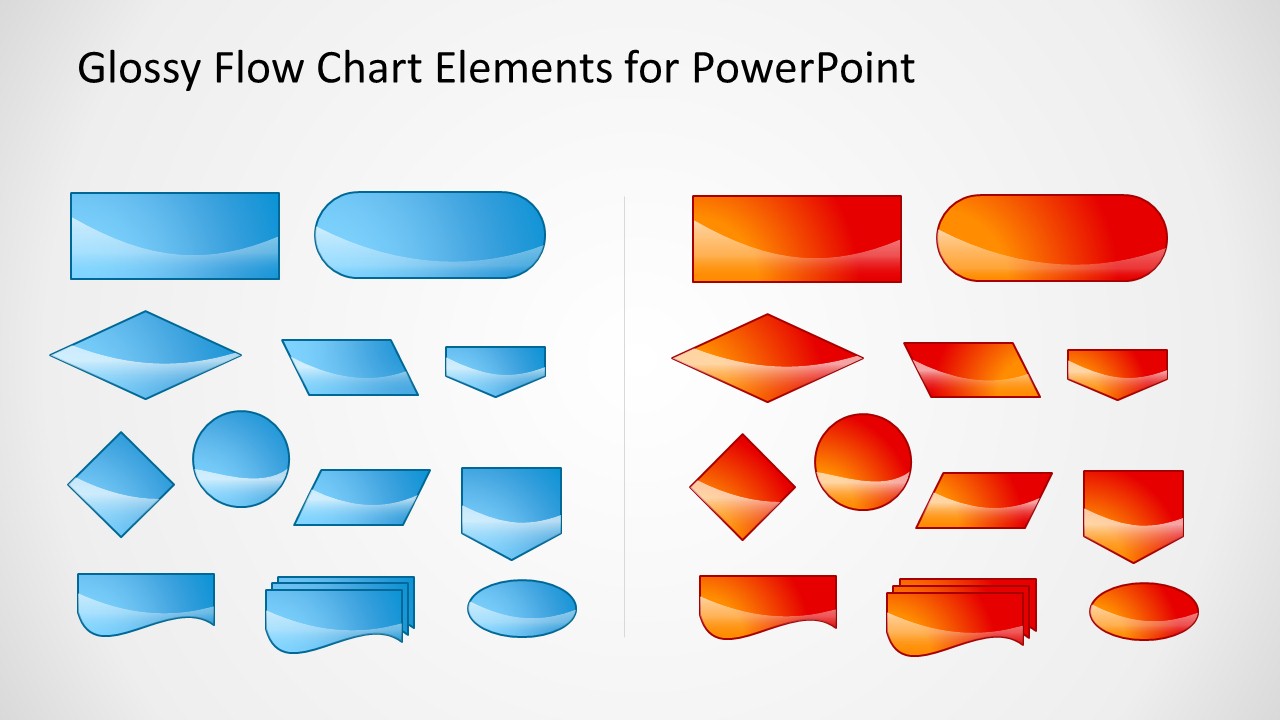
- A trainer can use the blue and orange flowchart elements to create a procedure slide that guides staff through a repeatable customer service or healthcare process.
Features
- 100% editable presentation template
- Compatible with Microsoft PowerPoint and Google Slides
- 16:9 aspect ratio slides
- Scalable vector shapes, icons and illustrations
- AI-Ready for Microsoft Copilot and Claude
- Instant access and download
Frequently asked questions
Q: How should a presenter use this template to explain a workflow clearly?
A: Start with the main path only, then add decision diamonds where the audience must understand a choice or exception. Use the arrow library to keep direction consistent from left to right or top to bottom. Reserve the second color for exceptions, handoffs, or outcomes so the audience can follow the logic without reading every label.
Q: Who is this flow chart template best suited for?
A: This template fits presenters who need to document or teach a process rather than sell a concept. Business analysts, operations managers, trainers, and product owners can use the sample flowchart and symbol library to explain repeatable work, approval logic, service procedures, software behavior, or manufacturing steps to a mixed audience.
Q: Why does the glossy symbol and arrow library help process communication?
A: The design separates the language of the diagram into two parts: shapes for meaning and arrows for movement. Decision diamonds, document shapes, terminators, and process blocks give each step a role, while the connectors show order and dependency. This makes the workflow easier to scan than a paragraph or dense checklist.


Glossy Flow Chart Template for PowerPoint
3-slide flow chart presentation template with glossy connectors, decision diamonds, and process symbols
Glossy Flow Chart Template for PowerPoint is a 3-slide diagram template for building process maps in Microsoft PowerPoint and Google Slides. It includes a sample flowchart, a connector arrow library, and blue and orange glossy flowchart symbols for decisions, documents, terminators, data steps, and process blocks.
- Category
- Diagrams
- Rating


 Loading...
- Aspect ratio
- 16:9
- Item ID
- 2015-01
- Colors
 Microsoft PowerPoint
  Microsoft Copilot
  Claude for PowerPoint
 Other formats supported
Subscribe today and get immediate
access to download our PowerPoint templates.