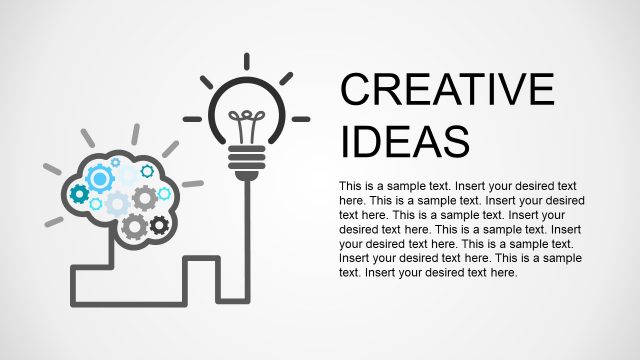
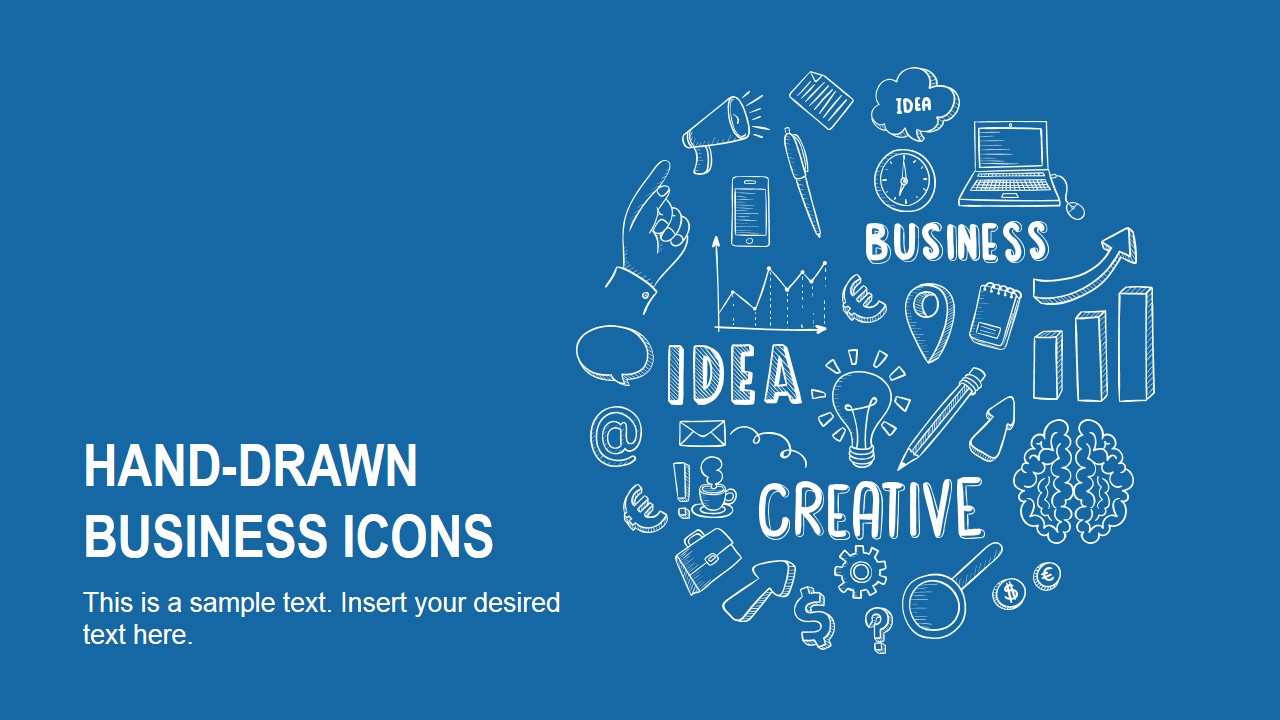
Hand-Drawn Business Icons is a creative presentation template design containing hand-drawn graphics and ready for Microsoft PowerPoint.
This PowerPoint template contains very useful hand-drawn shapes that you can insert into your presentations to decorate your slides with creative designs and hand-drawn styles. Inside the hand-drawn PowerPoint template you can find cool PowerPoint graphics such as a hand-drawn brain shape, hand-drawn computer laptop, hand-drawn light bulb for PowerPoint, etc.
Alternatively you can download other creative hand-drawn PowerPoint templates and slide designs or check out our free PowerPoint templates gallery.
What’s inside this template
Example presentation scenarios
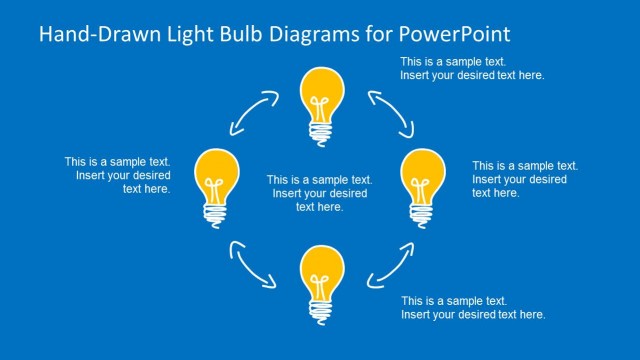
- A startup founder can use the cover collage and light bulb layout to introduce a new business idea and organize the key reasons behind it.
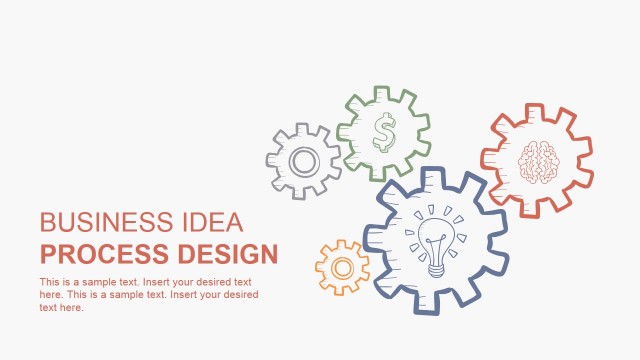
- A consultant can use the gears slide and compass slide to explain an operating model, improvement path, or strategic direction to a client team.
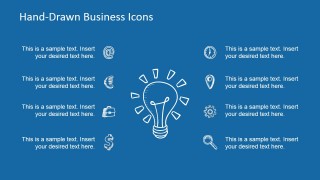
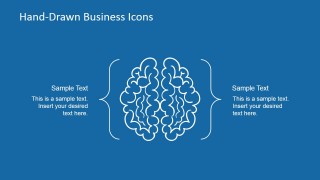
- A workshop facilitator can use the brain slide and two-column light bulb slide to summarize brainstorming themes and convert participant input into visible idea categories.
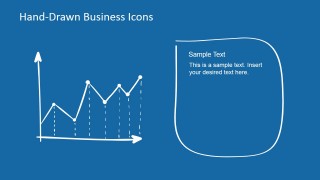
- A marketing presenter can use the laptop slide and line graph slide to frame a digital campaign concept and show expected progress in a simple sketch style.
Features
- 100% editable presentation template
- Compatible with Microsoft PowerPoint and Google Slides
- 16:9 aspect ratio slides
- Scalable vector shapes, icons and illustrations
- AI-Ready for Microsoft Copilot and Claude
- Instant access and download
Frequently asked questions
Q: How should a presenter structure a message with these hand-drawn icon slides?
A: Start with the cover collage to set a creative business theme, then assign one metaphor per point. Use the light bulb for the core idea, gears for how work gets done, the line graph for progress, and the compass for direction. Keep text brief because the sketch icons are meant to carry the concept visually.
Q: Who is this template best suited for in a business presentation?
A: This template fits presenters who need a more approachable tone for abstract business topics. Founders, consultants, innovation leads, trainers, and facilitators can use the icon slides to explain early ideas, workshop outcomes, or process concepts without making the deck feel like a formal financial report.
Q: Why does the sketch metaphor style help communication?
A: The hand-drawn style makes familiar business metaphors feel less rigid. A light bulb quickly signals ideas, gears imply process, a compass suggests direction, and a brain supports thinking or creativity. These visual shortcuts help the audience understand the role of each section before reading the supporting text.



Hand-Drawn Business Icons PowerPoint Template
10-slide presentation template with hand-drawn business icons, light bulb metaphors, and sketch-style concept layouts
Hand-Drawn Business Icons PowerPoint Template is a 10-slide icon and concept presentation template for business storytelling. It includes a cover collage, light bulb idea layout, laptop, gears, line graph, compass, brain diagram, and thank-you bubbles. Designed for Microsoft PowerPoint and Google Slides, the deck uses editable sketch-style vector shapes.
- Category
- Shapes
- Rating


 Loading...
- Aspect ratio
- 16:9, 4:3
- Item ID
- 6836-01
- Colors
 Microsoft PowerPoint
  Microsoft Copilot
  Claude for PowerPoint
 Other formats supported
Subscribe today and get immediate
access to download our PowerPoint templates.