Impress audiences with the modern professional graphics included in the GPS Navigator Roadmap PowerPoint Template. The roadmap presentation template provides professional PowerPoint shapes that feature a roadmap path. The GPS navigation can act as a metaphor through the different map themes.
Navigation, in a business aspect, generally refers to guidance, or coaching. Coaching and mentoring are crucial to the success of business entrepreneurs. Usually, employees are guided through the company’s mission and vision. With the slides, the user can provide a visual aid for the company’s future goals. Through this, management can ensure that all employees understand the company goals.
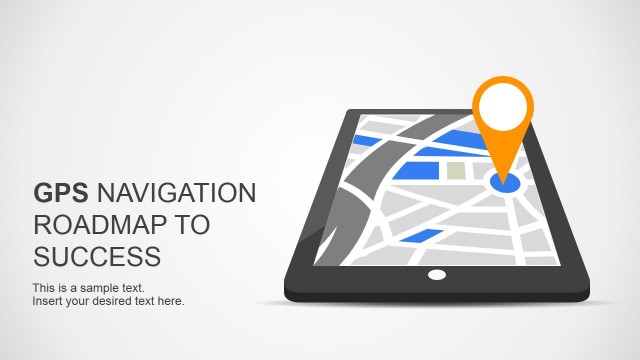
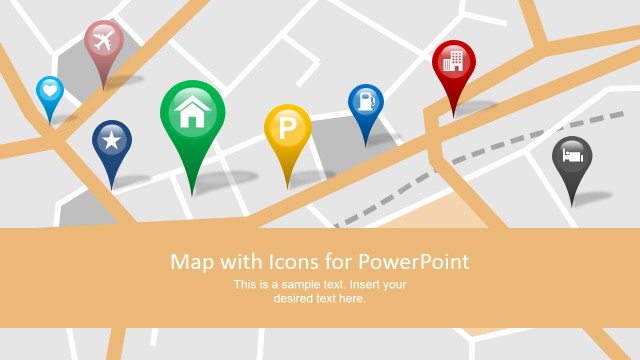
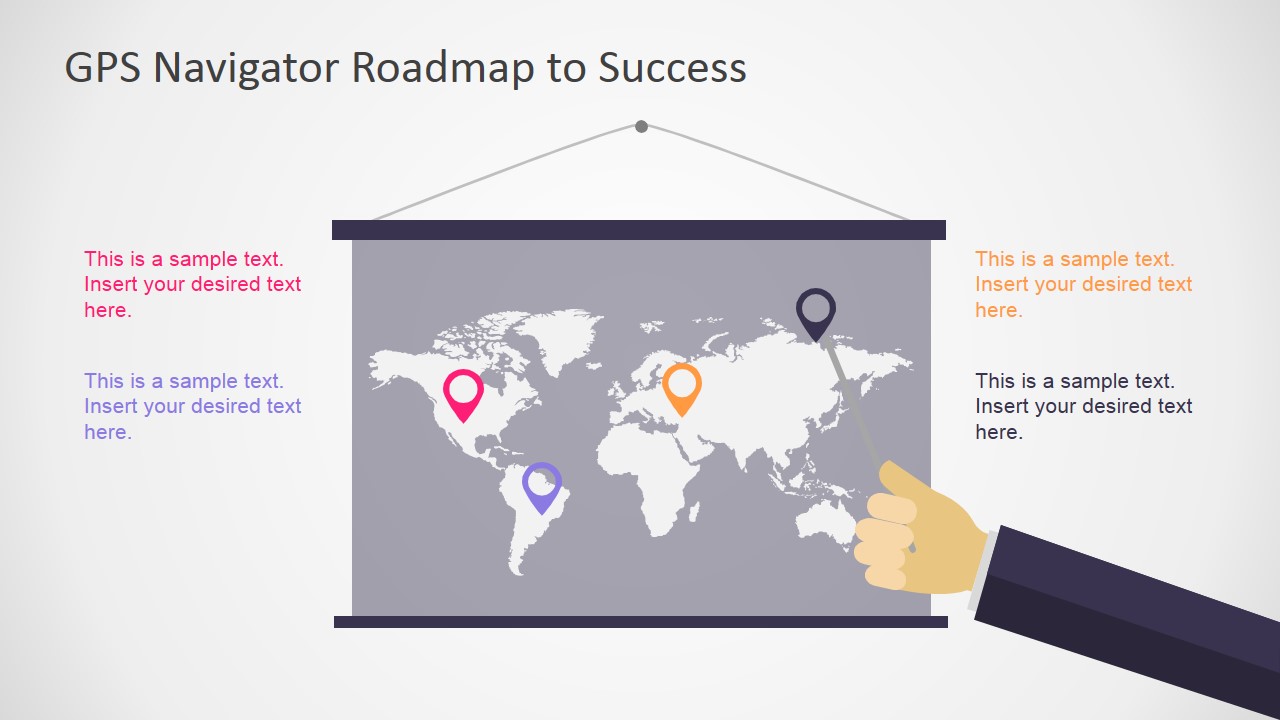
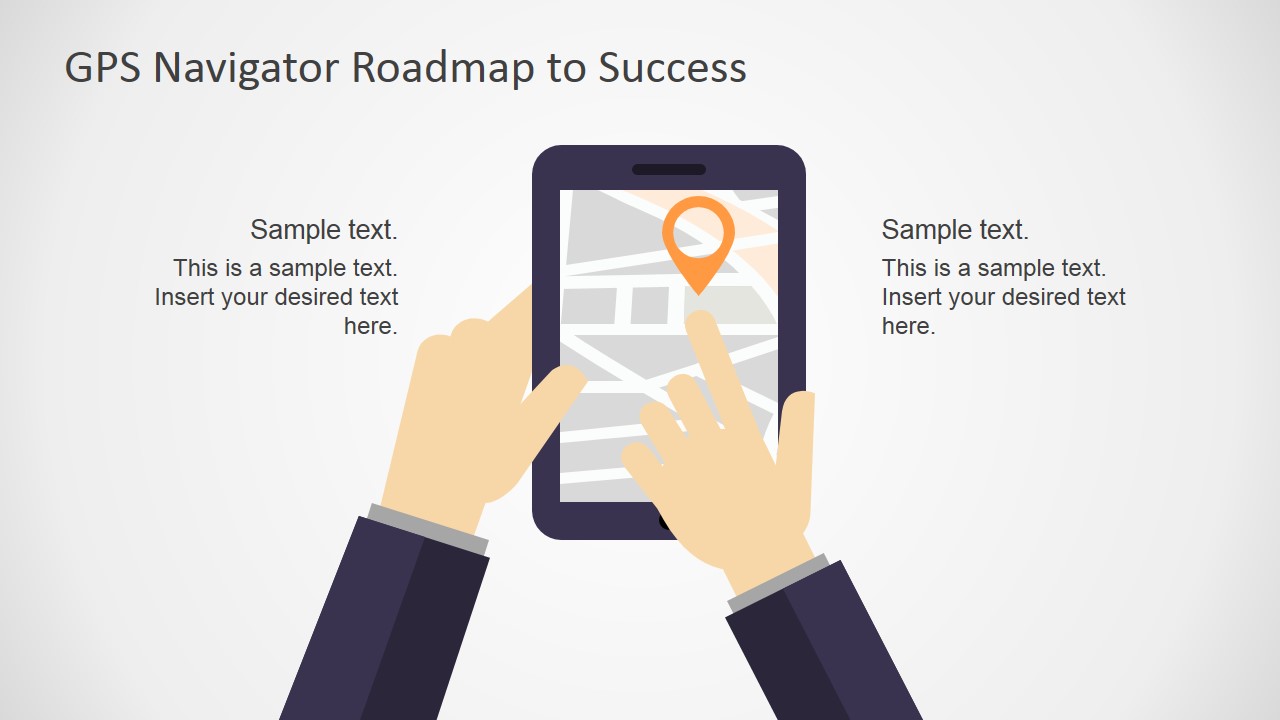
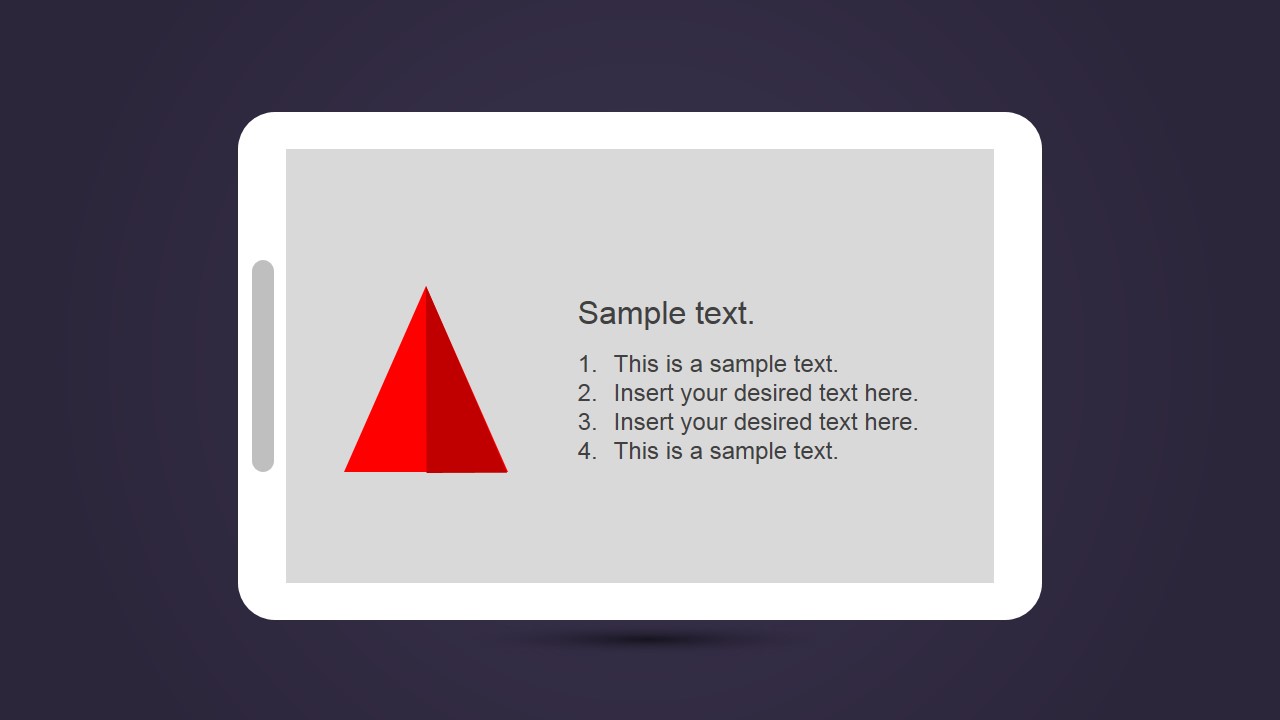
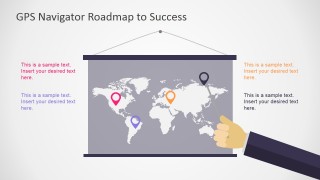
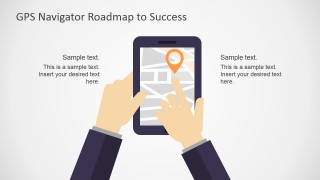
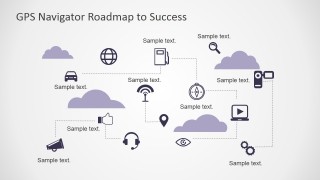
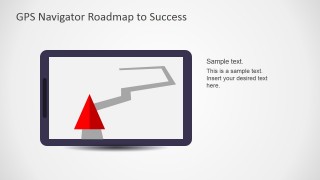
The PowerPoint template provides a scene where tablets display a roadmap, with hands tracing a path. This scene can be applied to the coaching metaphor. It shows a specific strategy that the company can take. For globalization plans, the PowerPoint template provides a world map. It contains a GPS location marker and PowerPoint icons displayed across the map. It is useful for highlighting locations where the plan is to be implemented.
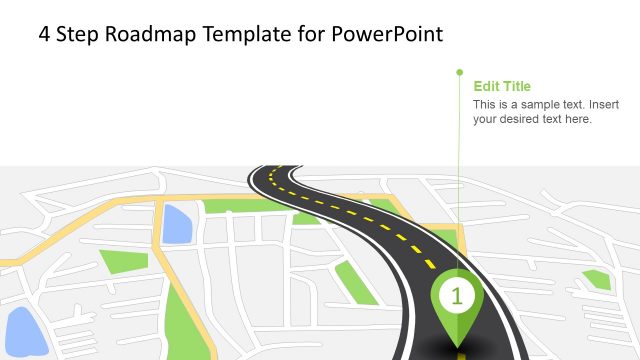
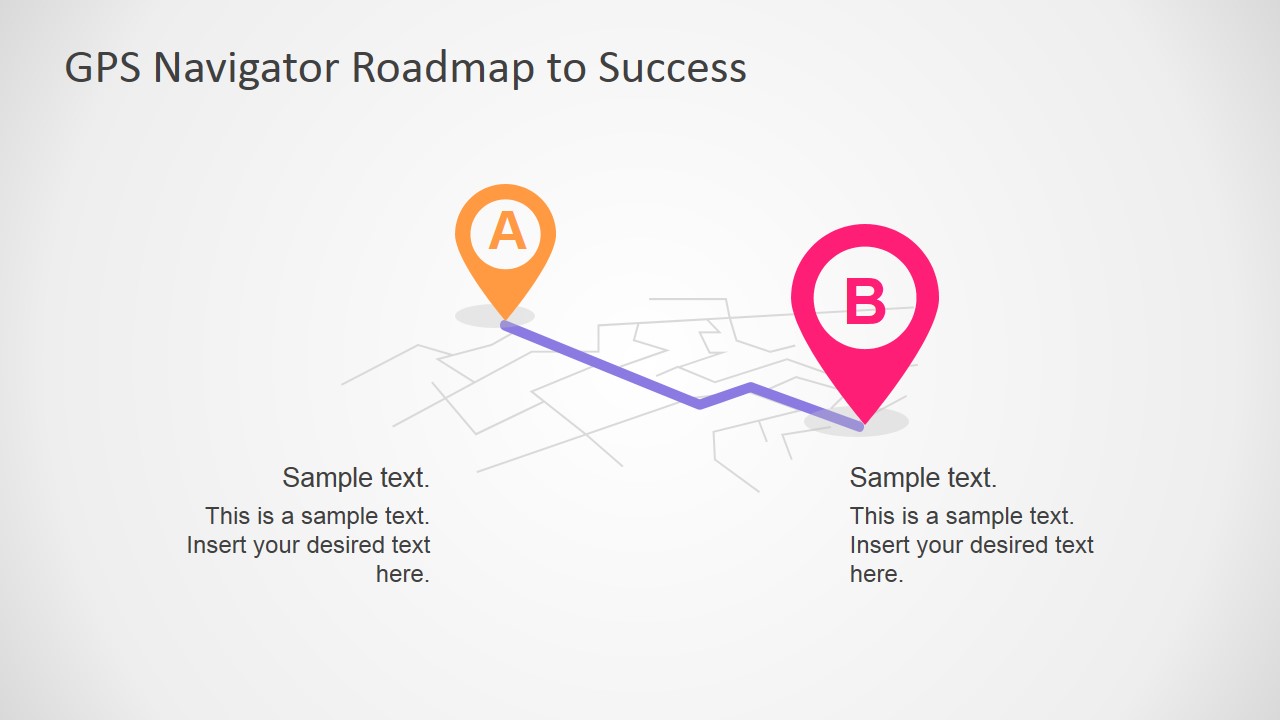
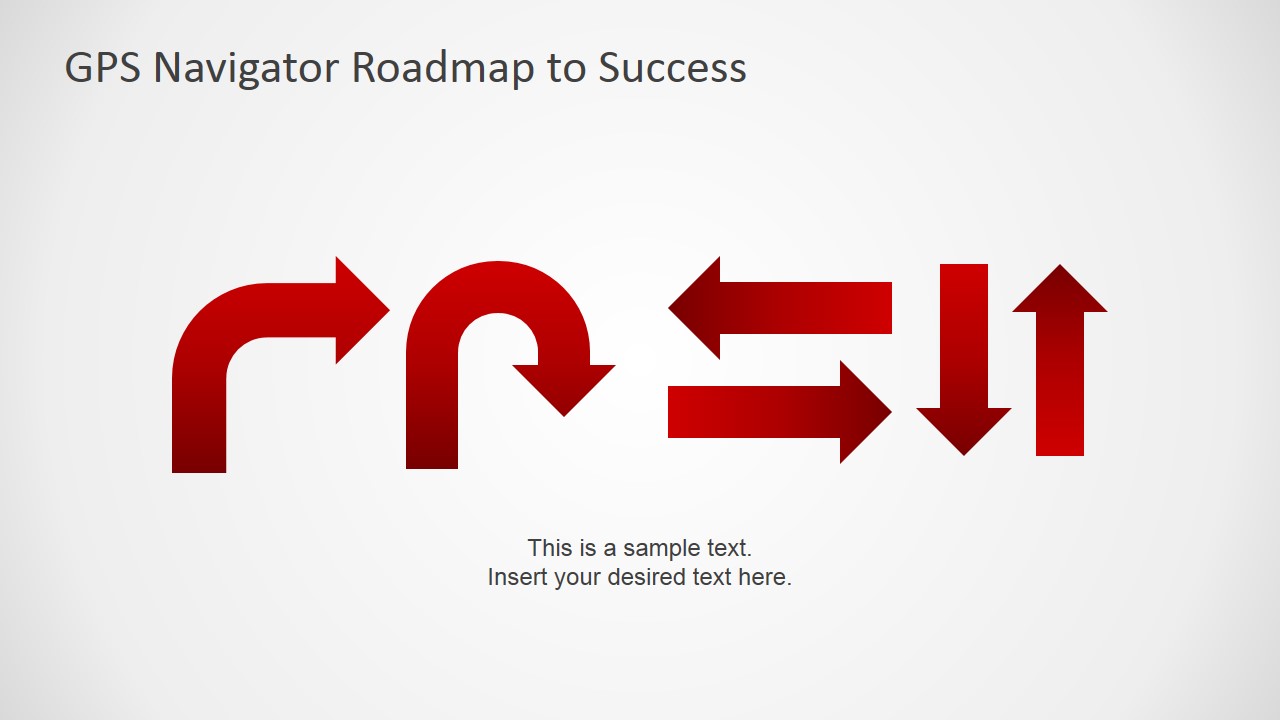
The main PowerPoint scene described in the cover slide is a flat 3D material folded map. The map has two GPS markers icons representing the start and end of the point. The slide can be mapped to the goal-setting and strategic planning. The roadmap template includes slides that show A to B paths, a world map, and directional arrows. The A to B path displays the nearest path from a current situation to a better one. The arrows can be reused in the PowerPoint slides to provide shapes for easier discussion.
The GPS Navigator Roadmap PowerPoint Template is perfect for company briefings. The slides can contain guide questions and protocols for a marketing team. All PowerPoint objects in the template can be edited using their fully customizable features.
What’s inside this template
Example presentation scenarios
- A strategy leader can use the A-to-B route slide to explain how the organization will move from its current position to a defined business objective.
- A marketing manager can use the world map board to present regional rollout locations, target markets, or geographic priorities to executives.
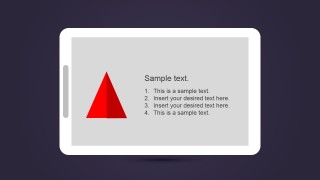
- A project manager can use the tablet route slide and numbered list to summarize next steps, checkpoints, and decision points during a kickoff meeting.
- A corporate trainer can use the mobile GPS mockup and direction arrow slide to teach employees a new workflow, protocol, or guided decision process.
Features
- 100% editable presentation template
- Compatible with Microsoft PowerPoint and Google Slides
- 16:9 aspect ratio slides
- Scalable vector shapes, icons and illustrations
- AI-Ready for Microsoft Copilot and Claude
- Instant access and download
Frequently asked questions
Q: How should I communicate a strategic roadmap with this GPS-themed deck?
A: Start with the A-to-B route to define the current state and destination in plain terms. Use the world map only if geography matters, then move to the tablet or mobile slides for practical next steps. Keep each pin or arrow tied to one decision, milestone, or action so the route metaphor stays easy to follow.
Q: Who is this template best suited for?
A: This template fits presenters who need to explain direction, guidance, or movement toward a goal without showing a dense schedule. Strategy teams, consultants, trainers, and project managers can use the GPS path, direction arrows, and device mockups to make plans feel concrete during briefings, workshops, or kickoff meetings.
Q: Why use navigation and map metaphors for a business plan?
A: The GPS metaphor gives the audience an immediate mental model: start point, route, checkpoints, and destination. The map pins focus attention on key decisions, while the arrows and device screens turn abstract strategy into a visible path. This helps presenters show progress and direction without relying only on bullet lists.




GPS Navigator Roadmap PowerPoint Template
8-slide presentation template for GPS roadmap, navigation paths, world maps, and direction icons
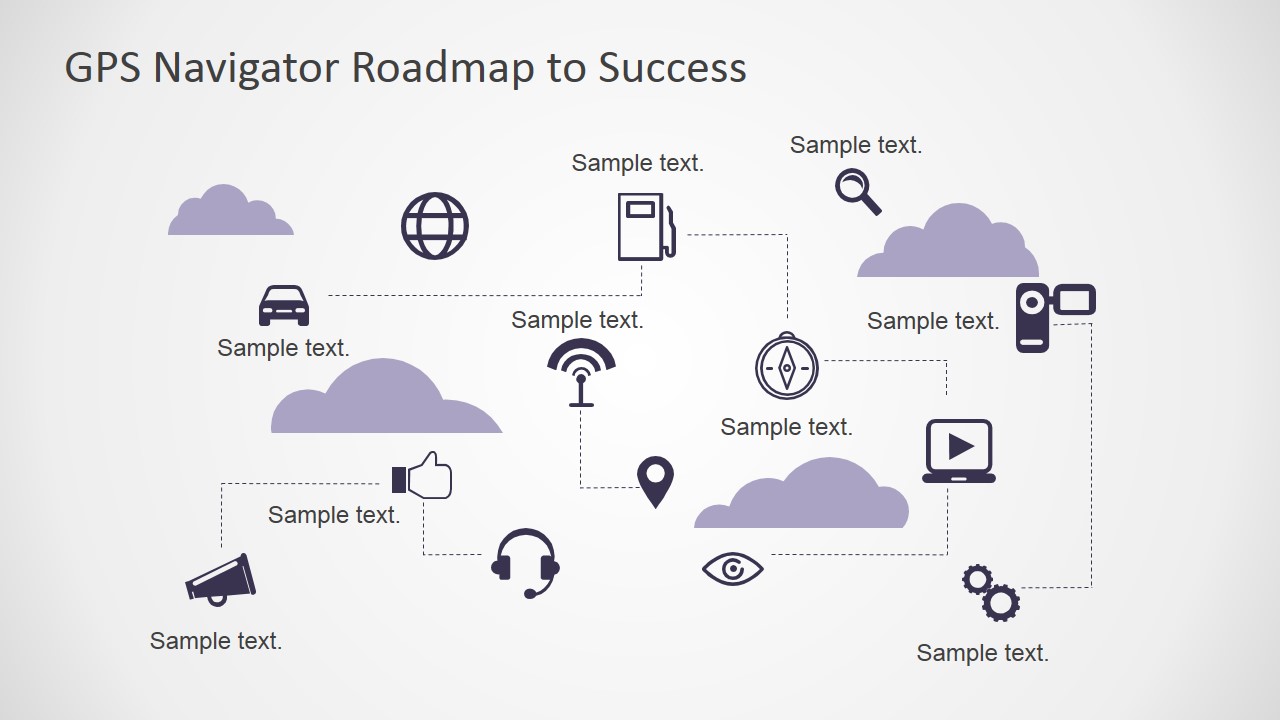
The GPS Navigator Roadmap PowerPoint Template is an 8-slide presentation template for planning, coaching, and route-to-goal messaging. It includes an A-to-B GPS path, world map location board, mobile map mockup, connected navigation icon map, tablet route screen, and direction arrow slide for Microsoft PowerPoint and Google Slides.
- Category
- Shapes
- Rating


 Loading...
- Aspect ratio
- 16:9, 4:3
- Item ID
- 6959-02
- Colors
 Microsoft PowerPoint
  Microsoft Copilot
  Claude for PowerPoint
 Other formats supported
Subscribe today and get immediate
access to download our PowerPoint templates.