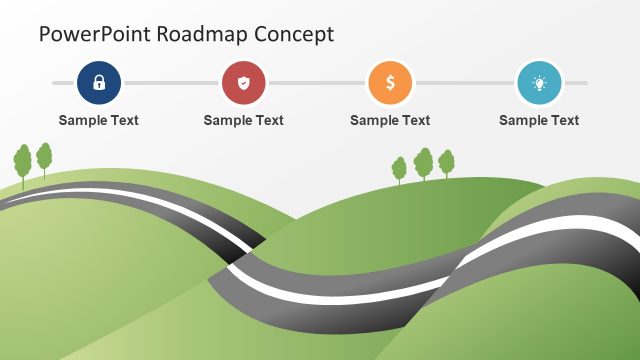
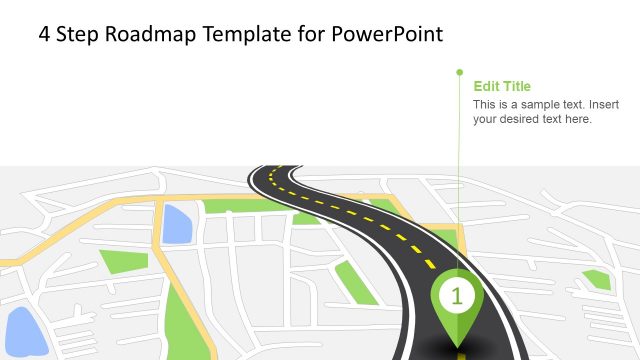
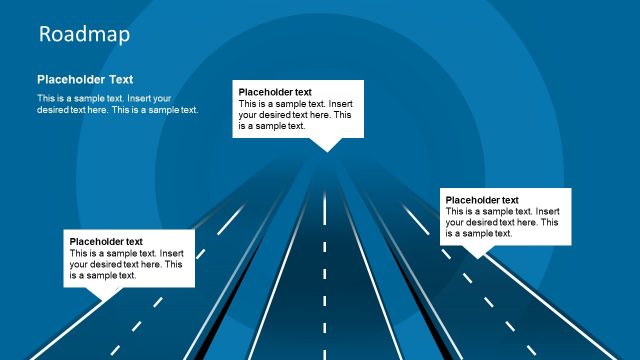
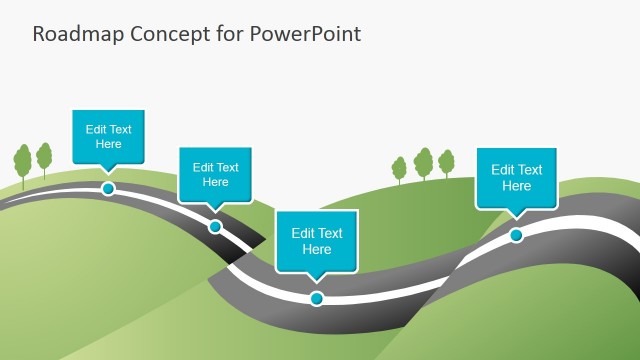
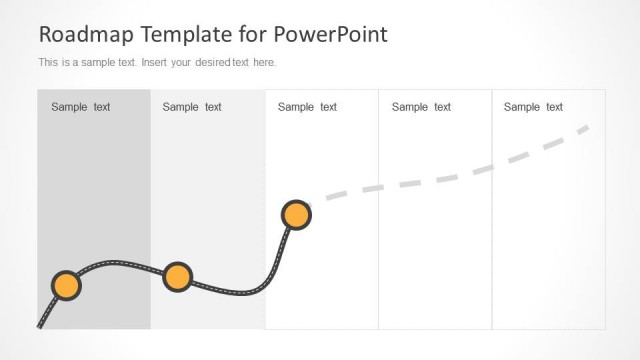
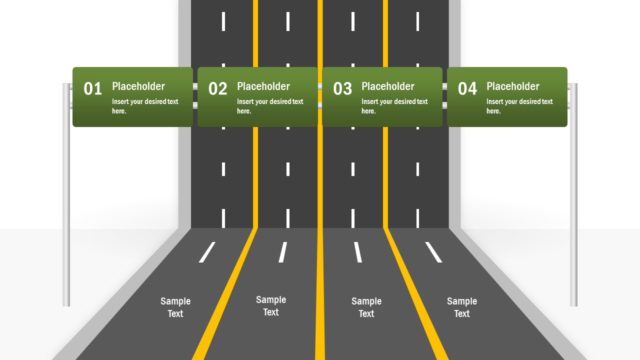
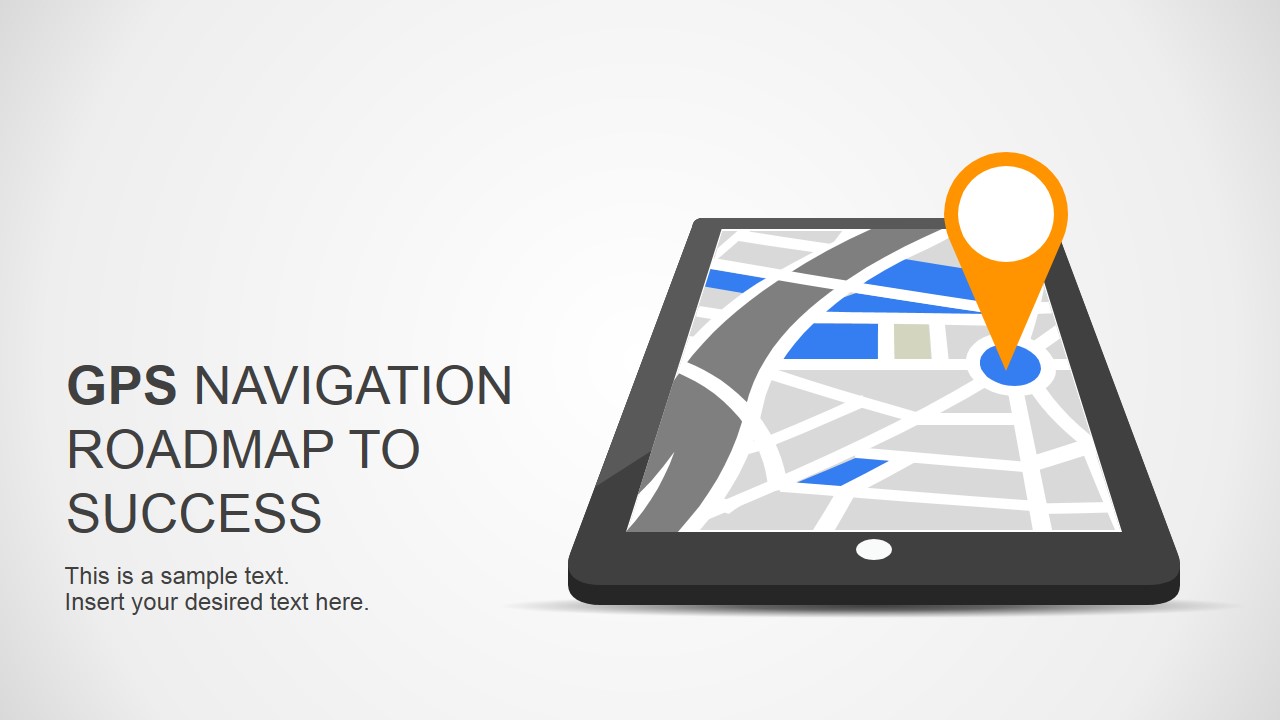
Roadmap To Success Slides for PowerPoint with GPS Navigation Design is a presentation design featuring a nice GPS Navigation device that you can use as a metaphor of roadmap to success presentations, multiple ways or directions or to present a plan or strategy.
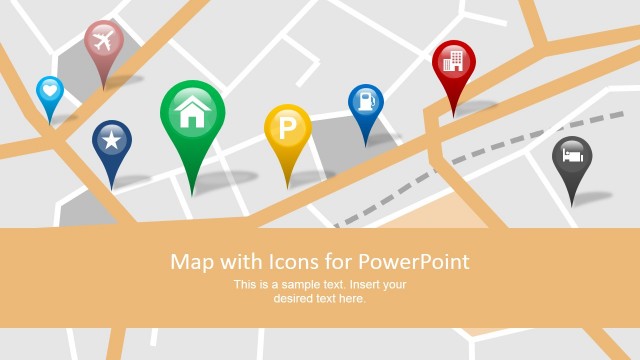
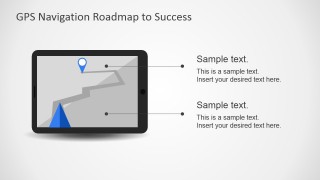
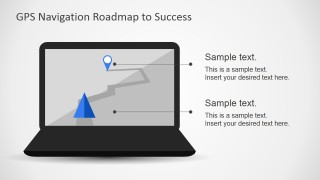
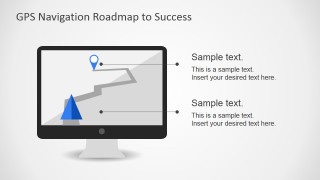
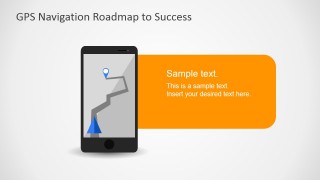
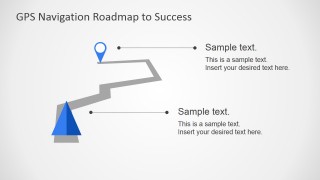
This presentation design comes with nine unique slides including GPS apps on multiple devices such as a laptop or computer, mobile devices like tablets or smartphones as well as a standalone GPS device. Additionally, we have created other concept slide designs including map shapes and illustrations with location marker pictures that you can use to represent the roadmap template in PowerPoint or you can download the free PowerPoint templates for evaluation purposes.
What’s inside this template
Example presentation scenarios
- A project manager can use the GPS route diagram to introduce the desired destination, major milestones, and the next decision point in a kickoff meeting.
- A consultant can use the smartphone and tablet callout slides to compare two strategic directions and explain which route the client should choose.
- A product manager can use the laptop and desktop monitor layouts to present a digital product roadmap, with callout lines tied to planned feature releases.
- A sales presenter can use the orange message panel slide to summarize a proposed path forward and make the next step easy for the buyer to remember.
Features
- 100% editable presentation template
- Compatible with Microsoft PowerPoint and Google Slides
- 16:9 aspect ratio slides
- Scalable vector shapes, icons and illustrations
- AI-Ready for Microsoft Copilot and Claude
- Instant access and download
Frequently asked questions
Q: How should a presenter structure a roadmap message with this GPS navigation design?
A: Start by defining the destination on the cover, then use the route marker slide to name the main objective. Use the device callout slides for route conditions, risks, choices, or milestones. Keep each callout short so the audience reads the path as a guided journey rather than a list of unrelated points.
Q: Who benefits most from using this template instead of a standard roadmap timeline?
A: This template fits presenters who need to explain direction, choices, and movement rather than exact dates. Project managers, consultants, product leads, and technology teams can use the GPS metaphor when the audience must understand where the plan is going, why a route was selected, and what the next turn should be.
Q: Why does the GPS metaphor help communicate a strategy or plan?
A: GPS visuals make abstract planning feel familiar: there is a starting point, a route, markers, turns, and a destination. The phone, tablet, laptop, and monitor layouts also imply that the plan can be seen from different operating contexts, which helps audiences connect strategy to daily execution.



Roadmap To Success Slides for PowerPoint with GPS Navigation Design
9-slide presentation template with GPS roadmap, device mockups, route markers, and navigation metaphors
Roadmap To Success Slides for PowerPoint with GPS Navigation Design is a 9-slide presentation template for planning and strategy messages. It includes a title cover, GPS route marker diagram, smartphone callout slides, tablet, laptop, desktop monitor layouts, and a mobile devices slide for PowerPoint and Google Slides.
- Category
- Shapes
- Rating


 Loading...
- Aspect ratio
- 16:9
- Item ID
- 6959-01
- Colors
 Microsoft PowerPoint
  Microsoft Copilot
  Claude for PowerPoint
 Other formats supported
Subscribe today and get immediate
access to download our PowerPoint templates.