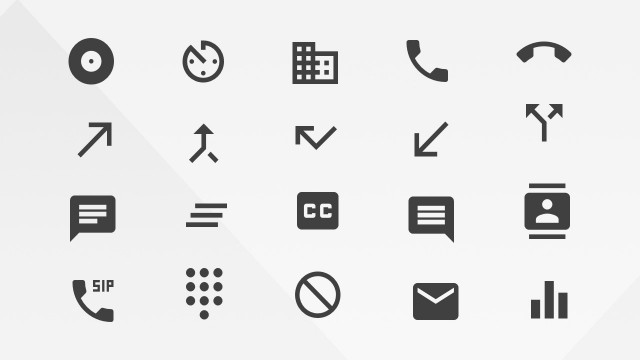
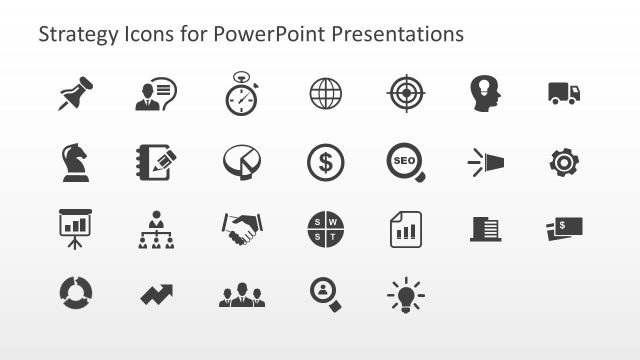
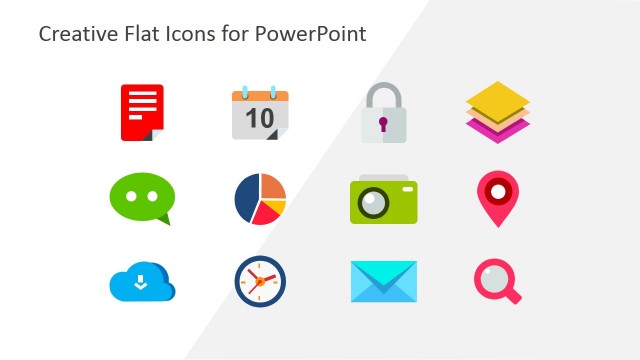
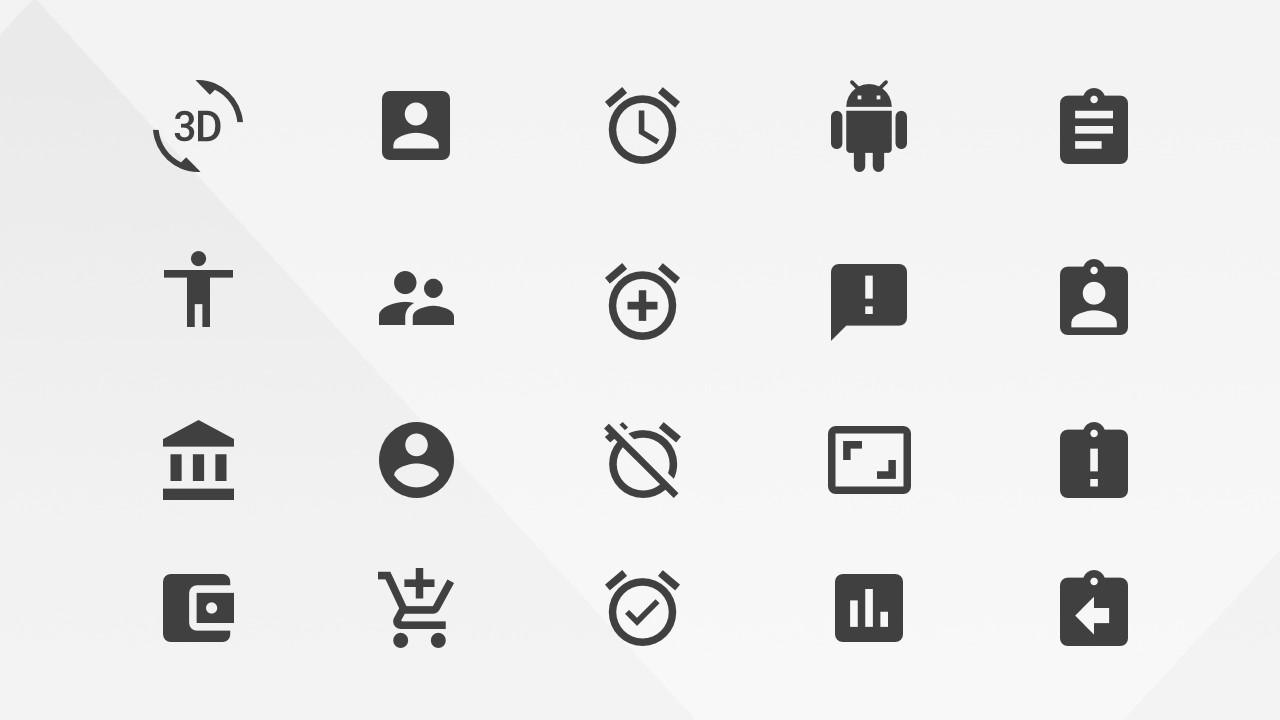
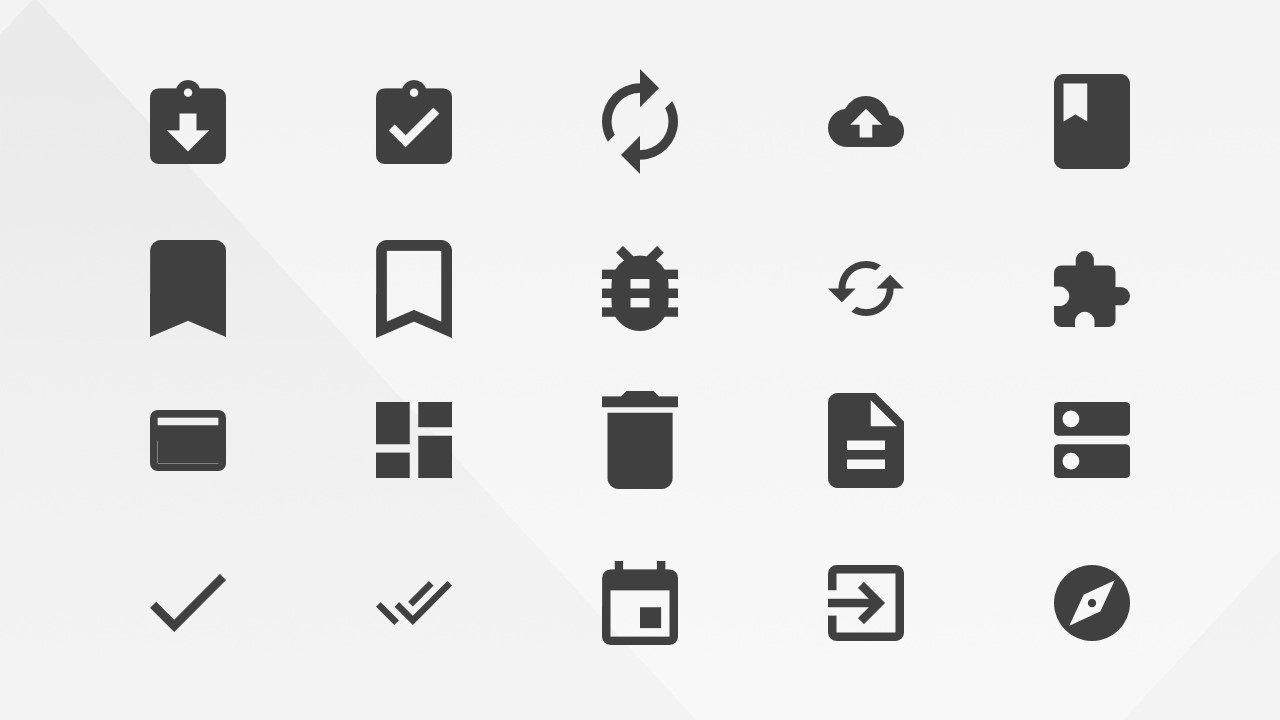
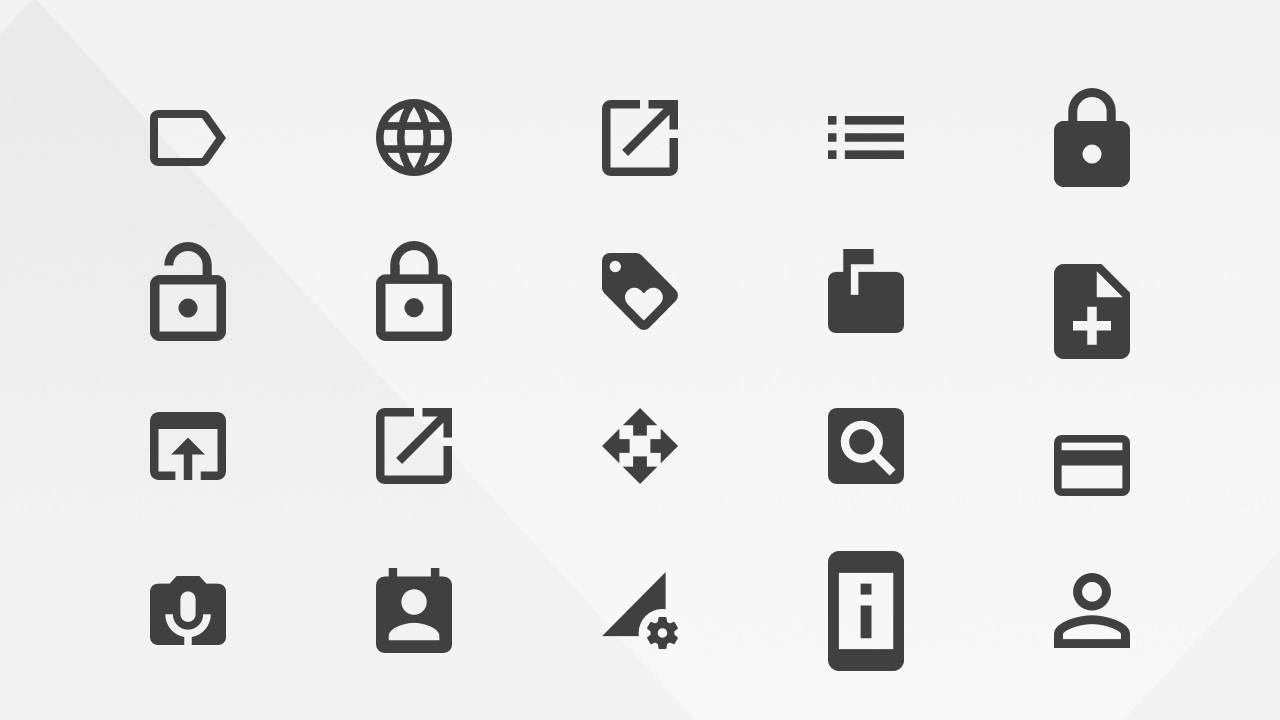
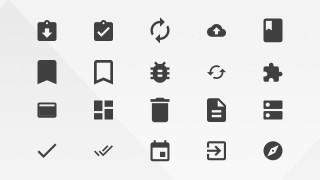
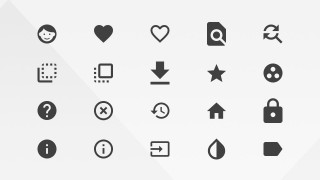
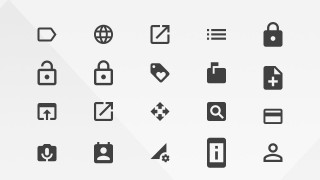
Google Materials Actions Icons for PowerPoint is a comprehensive collection of Google’s Icons Library, specifically the Materials Design Guidelines and Resources Action Icons. This Icons were converted to PowerPoint Icons from the vectorial library provided by Google, allowing the user to fully customize the icons properties (size, color, effect, etc.)
The Actions Icons library provides representation for the most common Web and Mobile actions, allowing the user to decorate their presentations with modern flat design icons, easily recognizable by every audience familiar with Android and Google’s Web applications.
Impress your audience with this customizable Icon library, and create appealing presentations targeted to Global audiences.
What’s inside this template
Example presentation scenarios
- A UX designer can use the icon grid sheets to explain common interface actions during a mobile app design review.
- A product manager can place the search, lock, download, and bookmark icons into a feature roadmap to label user-facing functions.
- A web design consultant can use the Material action symbols to build a visual legend for navigation, account, upload, and settings behaviors.
- A training presenter can use the profile, help, home, and information icons to create clear signposts in a digital product onboarding deck.
Features
- 100% editable presentation template
- Compatible with Microsoft PowerPoint and Google Slides
- 16:9 aspect ratio slides
- Scalable vector shapes, icons and illustrations
- AI-Ready for Microsoft Copilot and Claude
- Instant access and download
Frequently asked questions
Q: How should a presenter use these icon grids without making slides feel crowded?
A: Treat the grid slides as a source library, not as finished message slides. Select only the icons that support the point on each slide, such as search for discovery, lock for access, or download for acquisition. Pair each selected icon with a short label so the audience reads the icon as a signal, not decoration.
Q: Who is this icon template best suited for?
A: This template fits UX designers, product managers, web teams, and mobile app presenters who need common action symbols for interface-related content. It works well when explaining app features, onboarding flows, navigation rules, or product controls where familiar icons like home, profile, bookmark, sync, and help reduce explanation time.
Q: Why does the Material action icon style help communication?
A: The flat, monochrome Material icon style creates a shared visual language for common digital behaviors. Because the icons are simple silhouettes, the viewer recognizes functions quickly across web and mobile contexts. The repeated grid structure also keeps the library organized, making it easier to choose consistent symbols throughout a presentation.

Google Materials Actions Icons for PowerPoint
4-slide icon presentation template with Material action icons for mobile UX and web interface cues
Google Materials Actions Icons for PowerPoint is a 4-slide icon library for Microsoft PowerPoint and Google Slides. The template shows editable grid sheets of Material action icons, including profile, download, lock, search, bookmark, sync, help, and navigation symbols for UX, mobile app, and web interface presentations.
- Category
- Shapes
- Rating


 Loading...
- Aspect ratio
- 16:9, 4:3
- Item ID
- 8121-01
- Colors
 Microsoft PowerPoint
  Microsoft Copilot
  Claude for PowerPoint
 Other formats supported
Subscribe today and get immediate
access to download our PowerPoint templates.