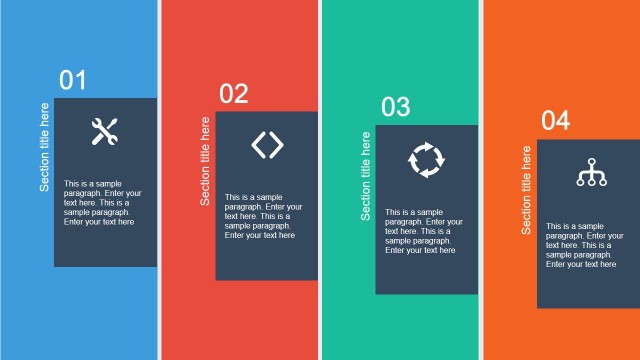
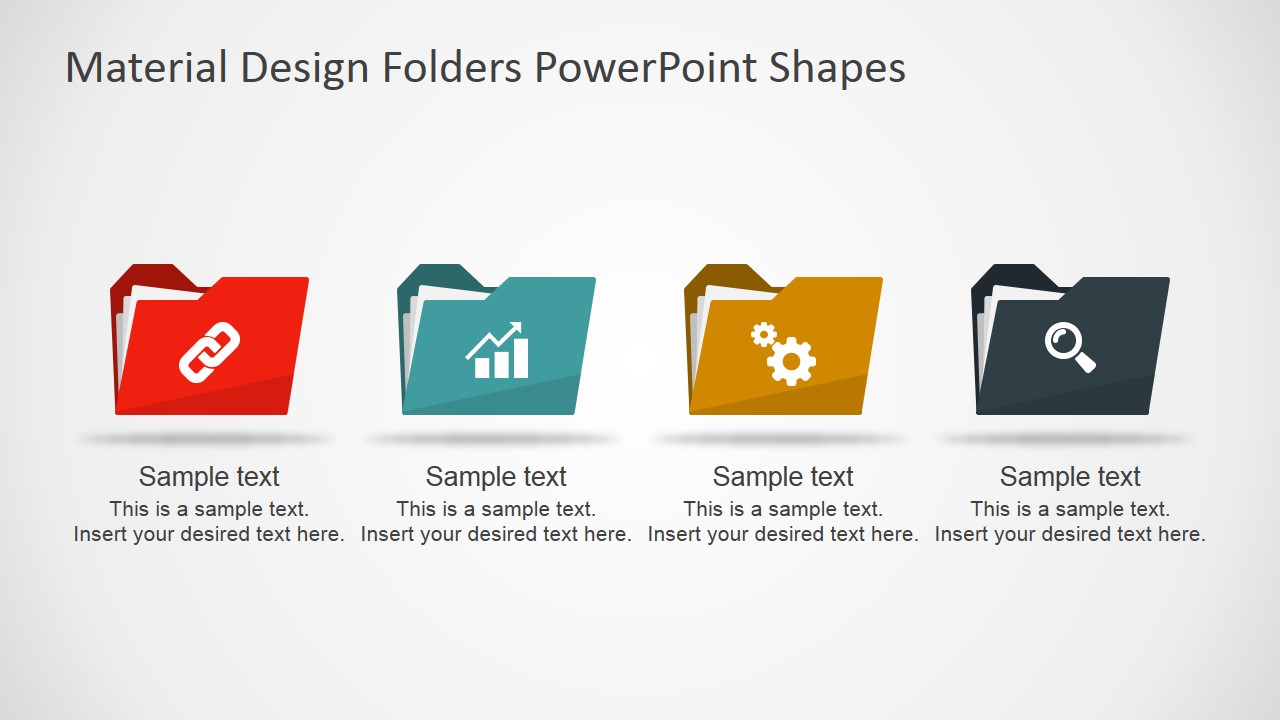
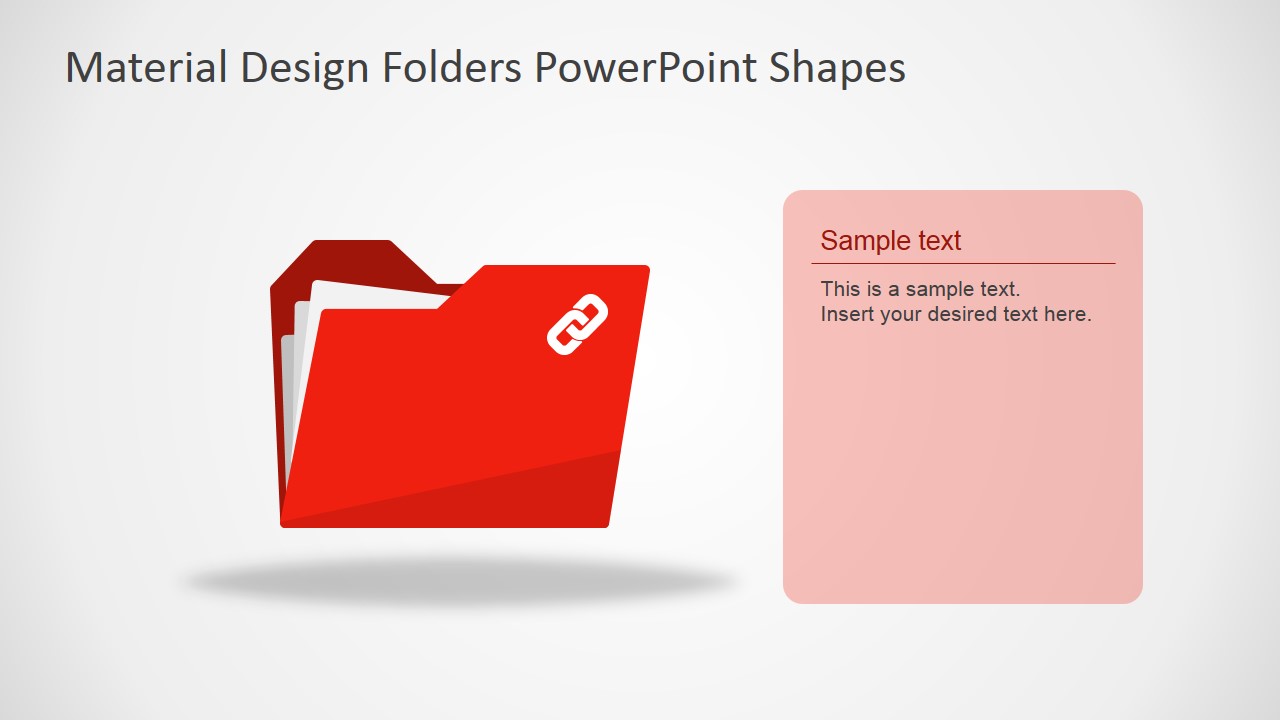
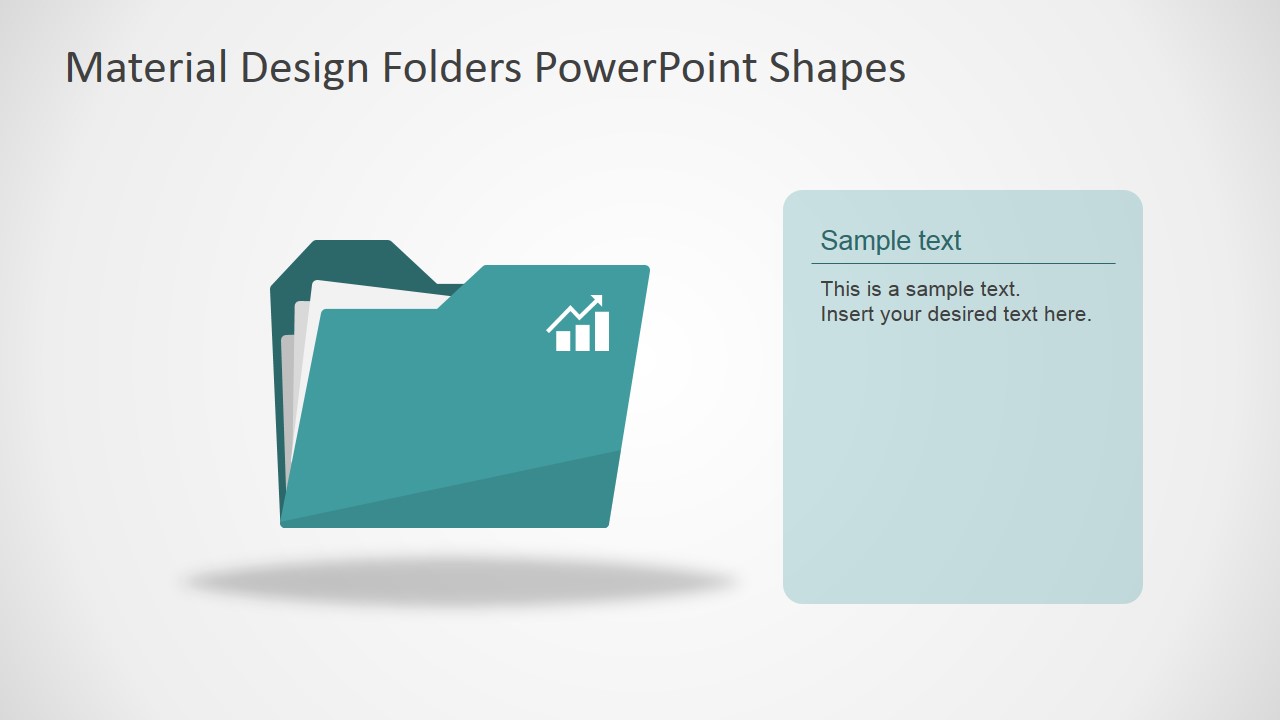
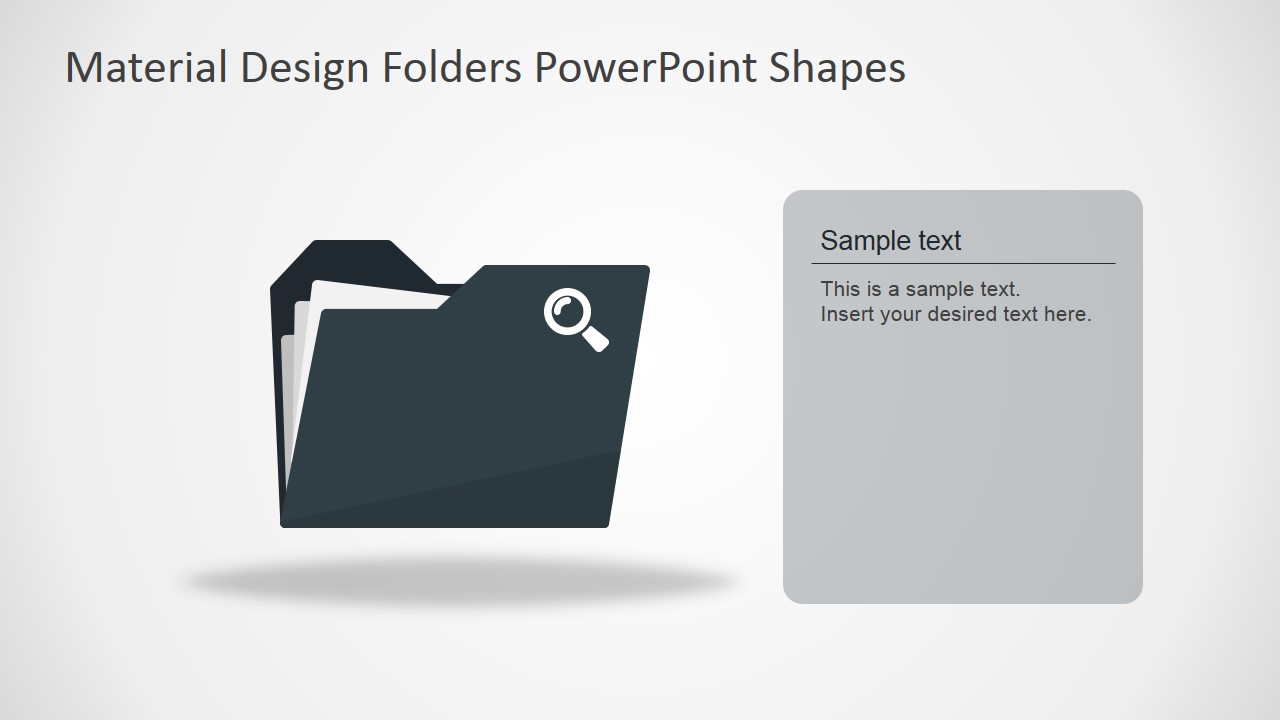
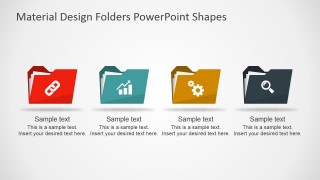
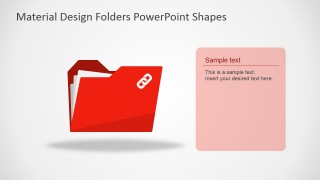
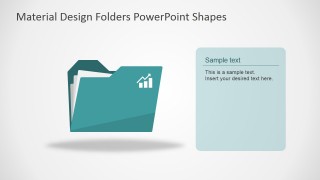
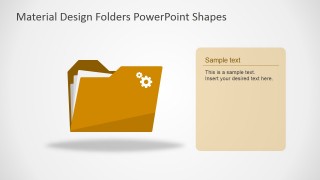
Material Design Folders PowerPoint Shapes – The PowerPoint Template provides different folder shapes, created with a modern material flat design. Each document folder is decorated with PowerPoint Icons to describe their content with a visual metaphor. The main slide displays an array of four different document folder shapes. The remaining slides of the PowerPoint Template, displays a primary document folder shape, and a colored textbox at the right side, in order to provide the user a placeholder for the topic description. The document folders are created as a composite of flat PowerPoint shapes, allowing the user to fully customize their appearance. The shapes are compatible with all major PowerPoint versions as well as Google Slides.
What’s inside this template
Example presentation scenarios
- A project manager can introduce document groups by using the four-folder overview to separate links, metrics, settings, and search-related resources.
- A training presenter can explain a resource library by assigning each module to a single-folder detail slide with a right-side text panel.
- A consultant can show service categories by replacing the folder icons and using the overview slide as a menu for the discussion.
- An operations lead can present internal file ownership by using the folder metaphor to make categories easier to scan during a process briefing.
Features
- 100% editable presentation template
- Compatible with Microsoft PowerPoint and Google Slides
- 16:9 aspect ratio slides
- Scalable vector shapes, icons and illustrations
- AI-Ready for Microsoft Copilot and Claude
- Instant access and download
Frequently asked questions
Q: How should a presenter structure the message with these folder slides?
A: Start with the four-folder overview as a visual table of contents, then move into the matching single-folder detail slides. Keep each folder tied to one category, not a mixed topic. The right-side text panel should state the category purpose, what belongs inside it, and the next action for the audience.
Q: Who is this template best suited for in a business presentation?
A: This template fits presenters who need to make grouped information feel orderly, such as project managers explaining document sets, trainers introducing resource libraries, or consultants summarizing service categories. It works best when the audience needs quick recognition of topic groups before hearing detail.
Q: Why use folder metaphors instead of plain bullets?
A: The folder metaphor signals storage, access, and organization before the presenter reads any text. Icons such as link, analytics, settings, and search add a second visual cue, so the audience can distinguish categories faster than with repeated bullet lists. The detail slides then give each category breathing room.

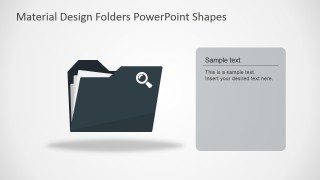
Material Design Folders PowerPoint Shapes
5-slide presentation template with material folder icons and text panels for file categories
Material Design Folders PowerPoint Shapes is a 5-slide shape template for Microsoft PowerPoint and Google Slides. It includes a four-folder overview, single-folder detail slides, right-side text panels, and icon-labeled folder metaphors for links, analytics, settings, and search. The folder illustrations use editable PowerPoint shapes and vector icons.
- Category
- Shapes
- Rating


 Loading...
- Aspect ratio
- 16:9, 4:3
- Item ID
- 7040-01
- Colors
 Microsoft PowerPoint
  Microsoft Copilot
  Claude for PowerPoint
 Other formats supported
Subscribe today and get immediate
access to download our PowerPoint templates.