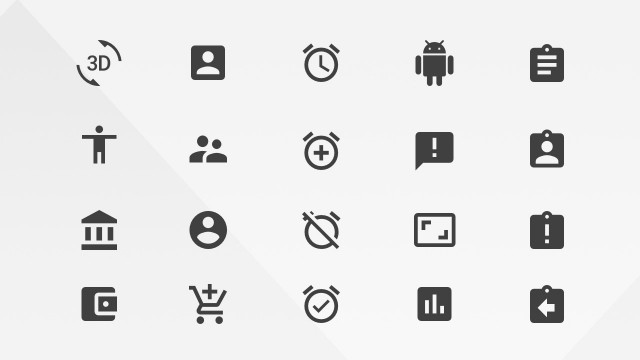
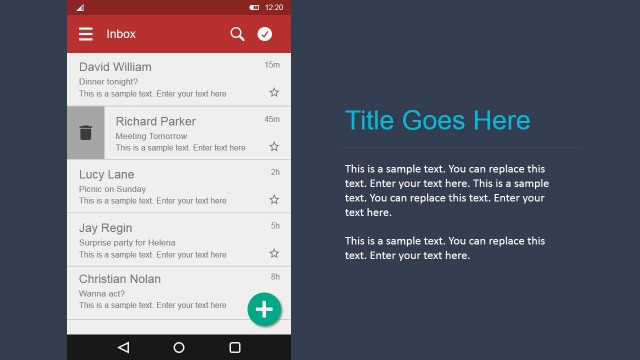
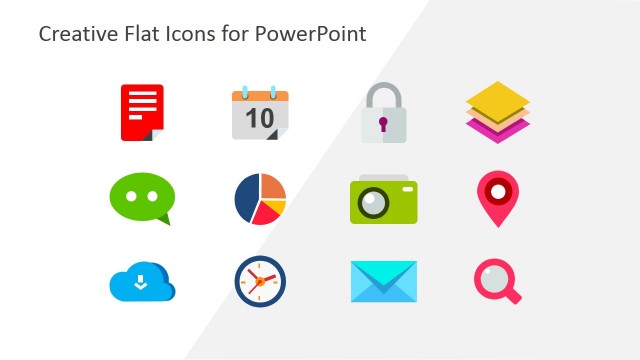
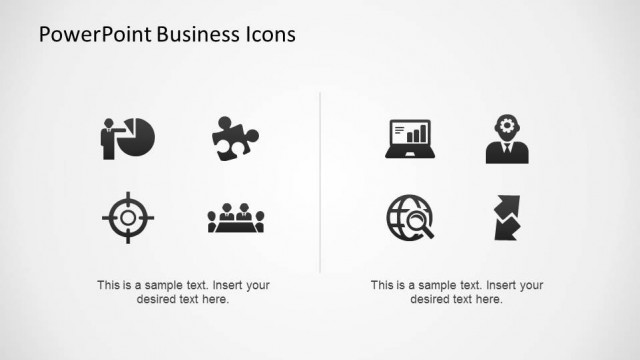
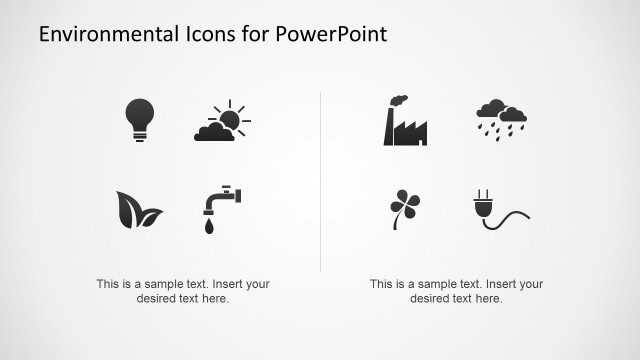
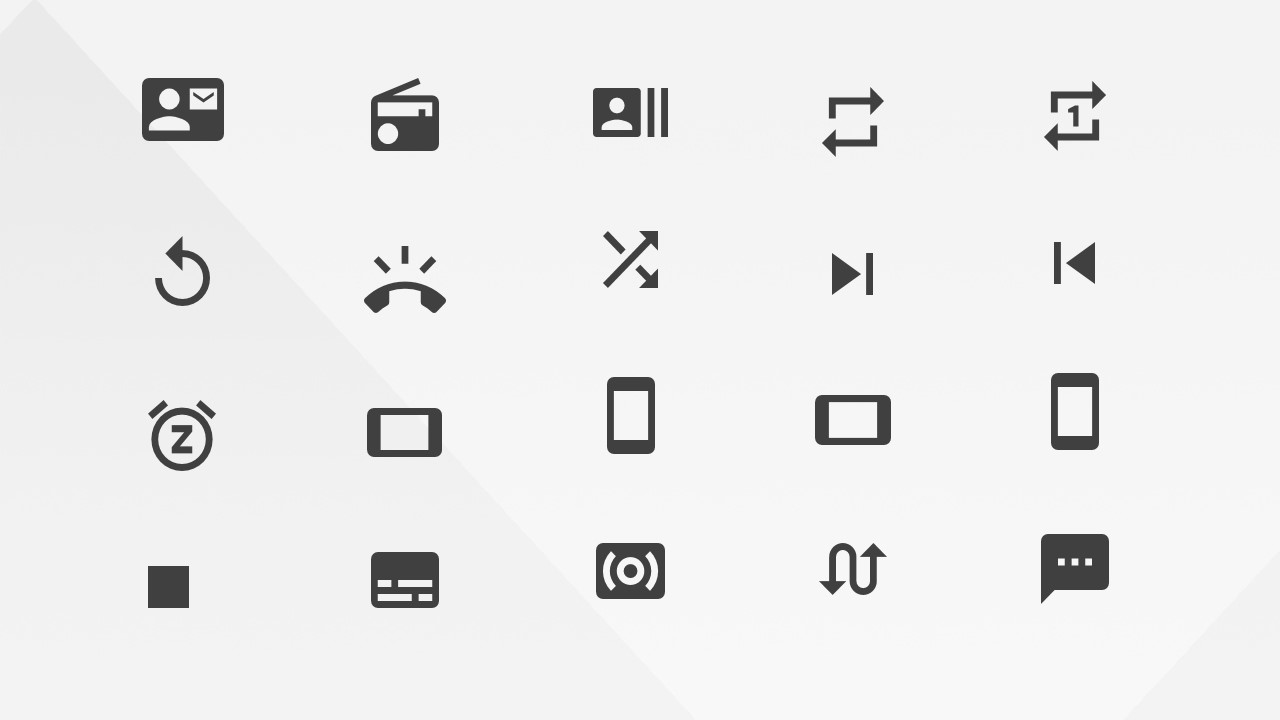
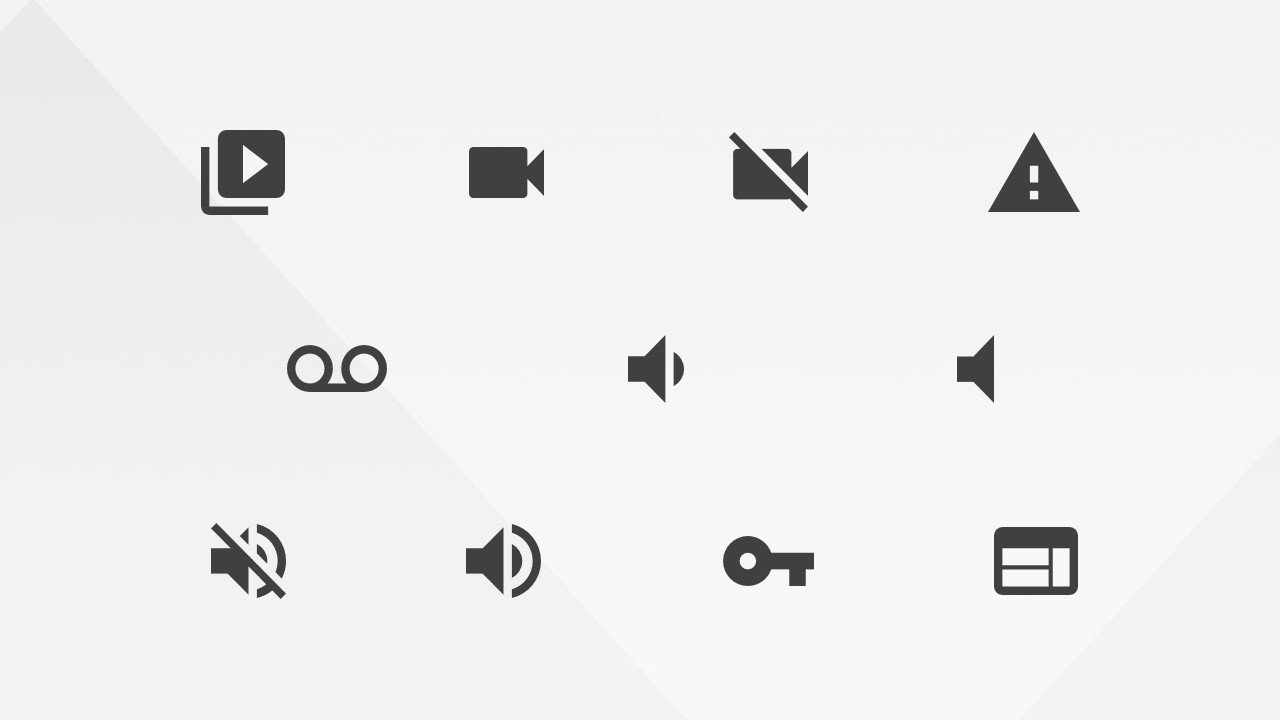
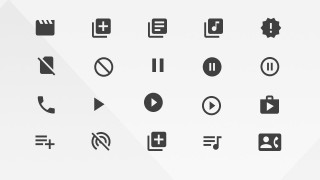
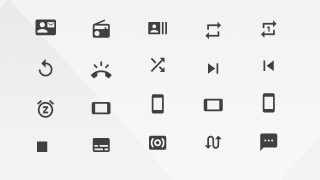
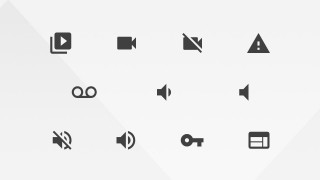
Google Materials Alerts Communications and AV Icons for PowerPoint is a set of professional PowerPoint Icons created from Google’s Materials Design Guidelines and Resources icon library. In this presentation the libraries included are Alerts , Communications and Audio/Video. This library provides the standardized icons for mobile and the web, usually found in any android application (compliant with modern design standards) and Google web applications.
Each of the icons is created using PowerPoint shapes, allowing the user to customize the icon appearance (size,color, effects, etc). Ideal for decorating existing presentations to enhance it look and feel, or to create modern flat design presentations, where icons are an ideal design practice for avoiding verbosity.
Impress your audience with this professional Google Materials Alerts Communications and AV Icons for PowerPoint
What’s inside this template
Example presentation scenarios
- A product manager can use the communication icon grid to explain in-app messaging, call handling, and notification features during a mobile product roadmap presentation.
- A UX designer can use the media control icon grid to label playback, mute, pause, and video states in an app flow or interface behavior review.
- A marketing presenter can use the alert and status icons to clarify feature benefits, support flows, or user prompts in a software launch deck.
- A technical trainer can use the device, microphone, and speaker icons to explain audio/video settings, permissions, or troubleshooting steps in an internal training presentation.
Features
- 100% editable presentation template
- Compatible with Microsoft PowerPoint and Google Slides
- 16:9 aspect ratio slides
- Scalable vector shapes, icons and illustrations
- AI-Ready for Microsoft Copilot and Claude
- Instant access and download
Frequently asked questions
Q: How should a presenter use these icon sheets without making slides look crowded?
A: Use one icon per idea and keep labels short. The grids include many related symbols, but the best presentation use is selective: pick a call icon for support, a play icon for media, or a warning icon for risk. Keep icons aligned to a single visual system so the audience reads them as navigation aids, not decoration.
Q: Who is this icon template best suited for?
A: This template fits product, UX, software, marketing, and technical teams that need to explain digital interactions. The visible icon sheets cover calls, messages, audio, video, warnings, devices, and playback states, so they work well for mobile app concepts, platform walkthroughs, feature documentation, and support process presentations.
Q: Why does the Material style make these icons effective in a business presentation?
A: The flat Material style uses simple silhouettes and consistent stroke weight, which helps icons read quickly on dense slides. Since the set groups related concepts such as alerts, communications, and media controls, presenters can build a familiar visual vocabulary across sections instead of changing icon styles from slide to slide.
Google Materials Alerts Communications and AV Icons for PowerPoint
4-slide presentation template with Material alert, communication, audio, and video icon grids
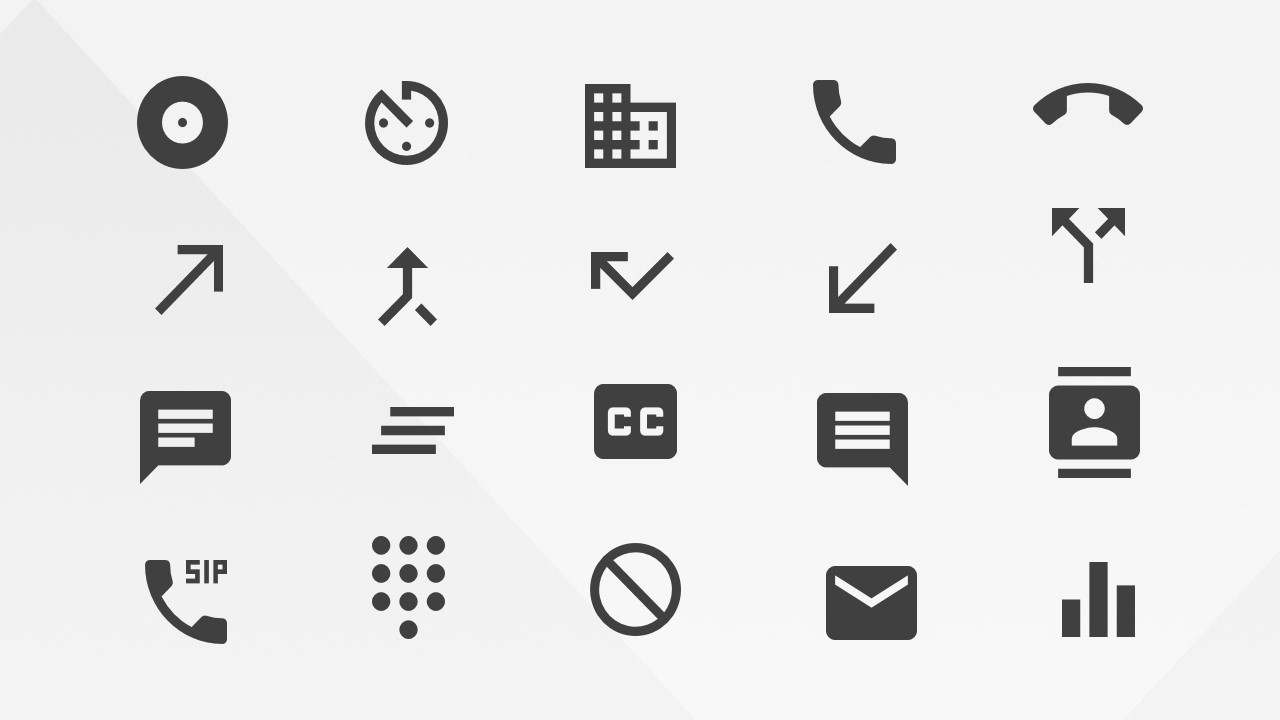
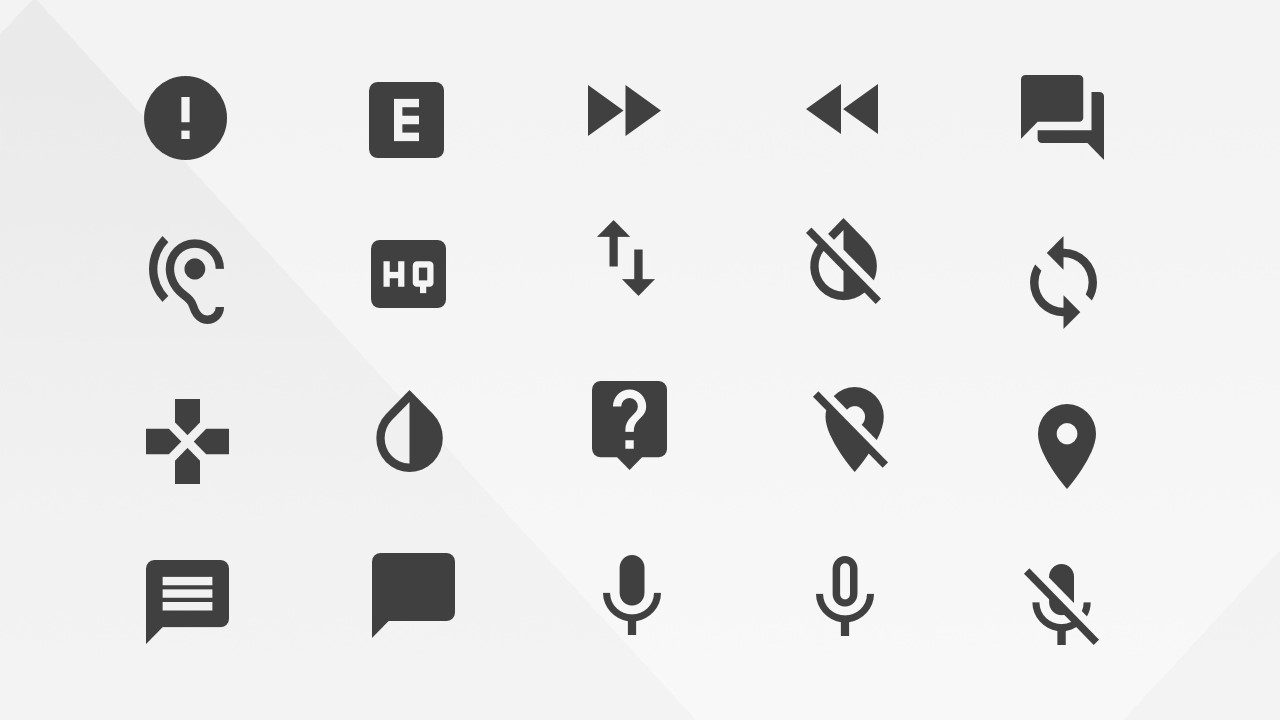
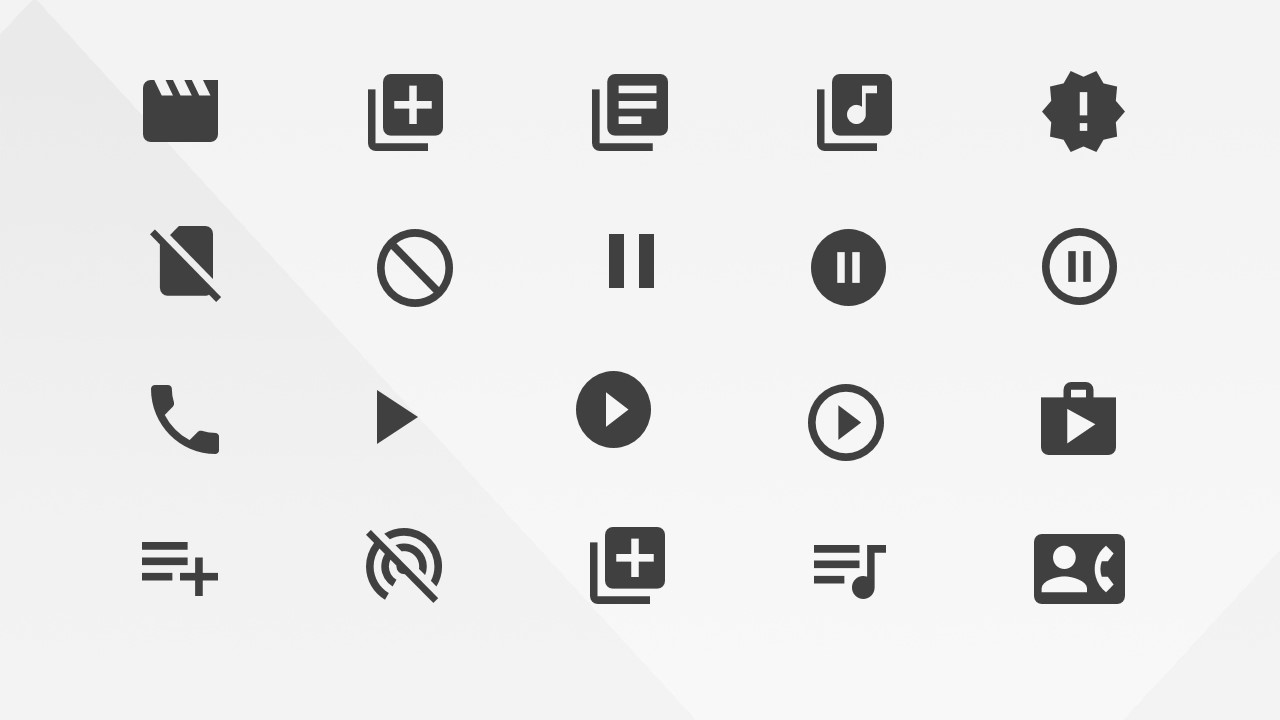
Google Materials Alerts Communications and AV Icons for PowerPoint is a 4-slide icon presentation template for Microsoft PowerPoint and Google Slides. It provides editable Google Material style alert, communication, audio, and video icon grids, including phone controls, chat symbols, media playback controls, status alerts, location markers, and device icons for product, mobile, and web presentations.
- Category
- Shapes
- Rating


 Loading...
- Aspect ratio
- 16:9
- Item ID
- 8122-01
- Colors
 Microsoft PowerPoint
  Microsoft Copilot
  Claude for PowerPoint
 Other formats supported
Subscribe today and get immediate
access to download our PowerPoint templates.